On May 11, Apple released iOS 26.5 — a long-awaited update that was tested for over six weeks through four betas and two Release Candidates. This is the last major update for iOS 26 — from here, Apple shifts its focus to iOS 27, which will be unveiled at WWDC on June 8. The update is available for all compatible iPhones and can be installed through standard settings. Here’s what’s new in iOS 26.5, which bugs were finally fixed, and how to install it.
iOS 26.5 is out. What’s new? What problems were fixed?
New Features in iOS 26.5
The new version of iOS 26 turned out to be compact — Apple didn’t pack any breakthrough features here, instead focusing on refinements and preparing the infrastructure for future services. Not much has changed since the first beta version of iOS 26.5. Here’s what to expect:
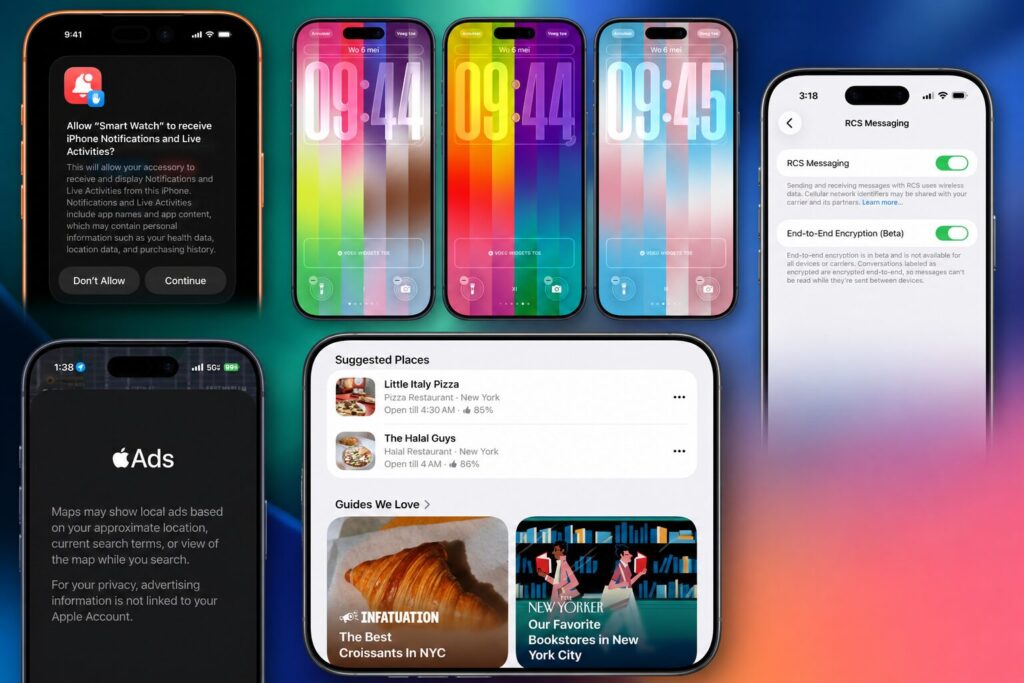
There are many new features, but not all will be useful in Russia
- End-to-end RCS encryption — messaging between iPhone and Android via the RCS protocol now has iMessage-level protection. The feature works in beta mode and is active by default. It can be managed in Settings — Messages — RCS. Not relevant for Russia: local carriers don’t support RCS.
- Suggested Places in Apple Maps — Maps recommends interesting places nearby based on trends and search history.
- Preparation for ads in Maps — Apple has laid the groundwork for paid business recommendations in Maps. Launch is planned for summer 2026 in the US and Canada.
- Monthly subscription with annual commitment — a new format in the App Store: monthly billing with a discount for a 12-month contract.
- Live Activities for third-party accessories — in the EU, smart watches and headphones from non-Apple brands will get dynamic iPhone notifications.
- Auto-pairing for Magic accessories — Magic Keyboard, Mouse, and Trackpad stay connected via Bluetooth after disconnecting the USB-C cable.
- Flexible export when switching to Android — you can choose the period for message attachments: 30 days, one year, or everything.
- Dynamic wallpapers — dynamic wallpapers with customizable colors.
Bug Fixes in iOS 26.5
Over six weeks of beta testing, Apple addressed a whole list of issues that had accumulated since iOS 26.4. First, they fixed some Liquid Glass display errors. Reports say that such issues were no longer present during the beta test. Here’s what else was fixed in iOS 26.5:
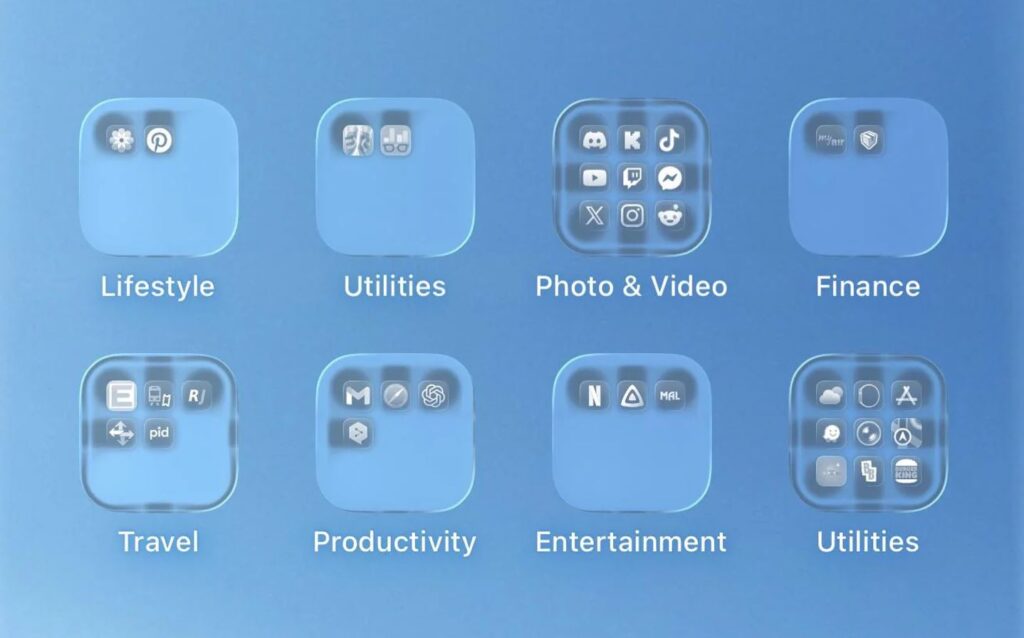
Liquid Glass issues have been fixed
- Bluetooth — fixed unstable accessory behavior: connection drops, issues with reconnecting headphones and speakers.
- Battery — background processes optimized, unexpected battery drain in standby mode reduced. Charging stability was also improved separately — the “Charging Paused” notification due to heat appears less frequently.
- Animations — eliminated stuttering when swiping to the home screen and icon flickering during unlock, which had appeared back in iOS 26.4.
- Keyboard — fixed password input errors on non-English layouts, repaired KeyboardNotification dispatch.
- Wi-Fi and VPN — resolved connection drops and VPN reconnection failures.
- Control Center and Lock Screen — fixed visual glitches and interface element responsiveness issues.
- Wallpapers — fixed bugs with setting and removing wallpapers, as well as color palette issues, which is why iOS 26.5 RC 2 was released.
- Cellular on iPad — restored mobile connection stability that was affected in iOS 26.4.
- Safari — stabilized extension performance on iPad, reduced crash frequency.
- CarPlay — reduced stuttering during music playback and navigation.
- Security — patched kernel and WebKit vulnerabilities, updated trusted certificates.
Let’s hope this time there won’t be any battery life issues, as usually happens. If you notice anything strange after updating, don’t hesitate to reach out for help.
How iOS 26.5 Holds Battery Charge
It’s premature to talk about iOS 26.5 battery drain. Results should be evaluated a week after release. In iOS 26.5, Apple claims to have optimized background tasks and reduced standby drain. There aren’t many reviews yet, but here’s what we found.
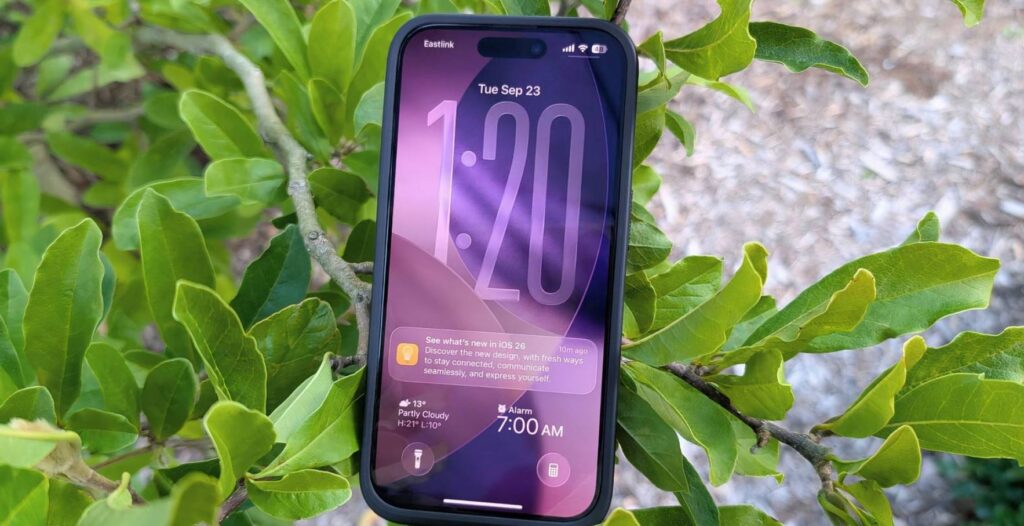
What forums say about battery drain
- Older models (iPhone 11, 13, 14) — according to iDeviceHelp, these received the most noticeable improvement. Standby battery drain decreased: iPhone 13, which lost 15–18% overnight on iOS 26.4, now stays within 5–8% on iOS 26.5 RC builds. On the MacRumors forum, an iPhone 13 user noted that iOS 26.5 betas worked “noticeably better” than 26.4.2 in terms of battery life.
- iPhone 16 series — the picture is mixed. Some iPhone 16 Pro Max owners on MacRumors wrote that battery life on the public beta “was amazing” and they were afraid to update further. Others noted that iOS 26.4.2 still held charge better than any of the 26.5 betas. Apple Intelligence remains the main resource consumer — Reddit users advise disabling it in settings if battery life is critical.
- iPhone 17 Pro Max — Geeky Gadgets notes optimized power consumption and stable performance even under heavy load. However, on Apple Community, one 17 Pro Max owner complained that the battery drained by lunchtime — though this is a typical situation in the first days after an update, when the system re-indexes files and the photo library.
- Charging overheating issue — in iOS 26.5, Apple improved temperature management. The “Charging Paused” notification, which annoyed users in warm weather, now appears less frequently. According to MacRumors reviews, the recent RC build behaved “noticeably better than 26.4.2” in this regard.
What should you do if your iPhone drains quickly after the update? Don’t panic. For the first 24–48 hours after installing iOS 26.5, the battery will drain faster than usual — this is normal. The iPhone re-indexes photos, notes, and files in the background, optimizing the system for the new build. Leave your phone charging overnight and draw conclusions after two to three days.
When Will the Next iOS Update Be Released
iOS 26.5 is the final major update in the iOS 26 lineup. Going forward, Apple will most likely release iOS 26.5.1 with minor fixes, and in the summer — a small iOS 26.6 update. But the main event is WWDC on June 8, where iOS 27 with an updated Siri and new Apple Intelligence capabilities will be unveiled.


