If you’ve already updated your phone to Android 17, then looked at the list of installed apps and spotted an unfamiliar Android Developer Verifier, you’re not alone. Over the past week, many users have reported this, and some have already rushed to delete the app. The app installed itself, without asking, and that’s alarming — but there’s no need to panic. Below, we’ll break down what it is, why it’s on your phone, and what you should actually do about it.
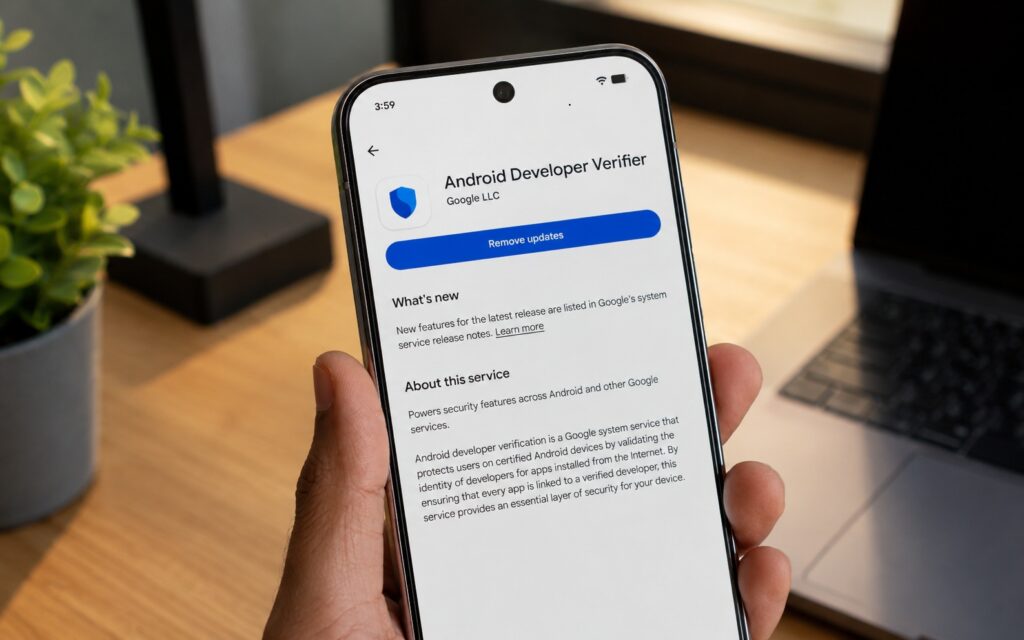
Uncovering the truth behind the mysterious Android app
What Is Android Developer Verifier and Where Did It Come From
Android Developer Verifier (technical package name com.google.android.verifier) is a Google system service that checks whether an app being installed outside the store is linked to a verified developer account. The app has become one of the key elements of Google’s upcoming restrictions on installing apps outside of Google Play.
The idea behind the restrictions is to protect regular users. Scammers often use phone calls and pressure tactics — claiming legal trouble or a family emergency — to convince victims to disable security protections and install malicious apps. Android’s existing warnings aren’t enough in such situations; they’re easy to ignore under pressure, and the new rules are designed to break this scenario.
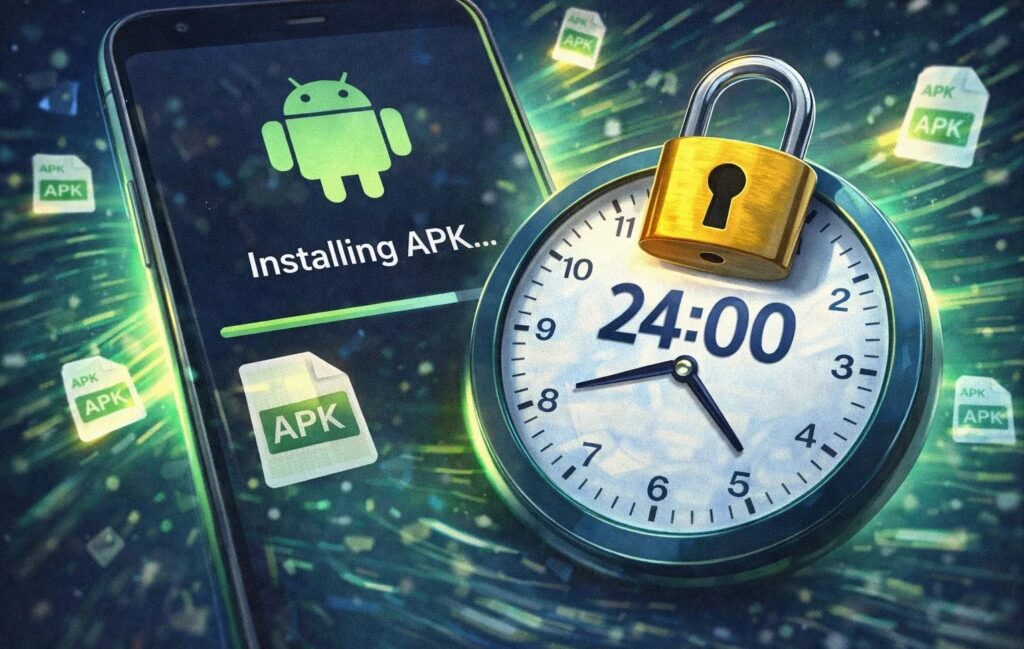
You could say Google introduced a cooling-off period for APKs
Now about the “verified developer account.” This is a developer profile that has undergone identity verification and basic Google screening. The point is to ensure that any app on certified Android devices can be linked to a specific person or company responsible for it. This doesn’t automatically make the app safe, but it helps reduce the number of anonymous bad actors on the platform.
The groundwork for this app has existed in the system since Android 16 QPR2, and information about it has been available since October 2025. An Android Authority author notes seeing Android Developer Verifier on a Pixel 9 Pro XL with Android 17 and on a Galaxy S26 Ultra with One UI 9 Beta 4, but not yet on a Xiaomi 17 Ultra with HyperOS 3 based on Android 16. An important detail: the app is installed and updated via Google System Updates, so there’s no standard way to opt out of its installation.
What Android Developer Verifier Does Right Now
For now, Android Developer Verifier quietly sits on your phone but doesn’t perform any function yet. It’s simply a placeholder for the future. According to Google’s published timeline, the app registration requirement will take effect for users in Brazil, Indonesia, Singapore, and Thailand starting September 30. Developer verification will expand to other countries in 2027 and beyond. Simply put, if you’re not in the first wave, you have at least several months before any real impact.
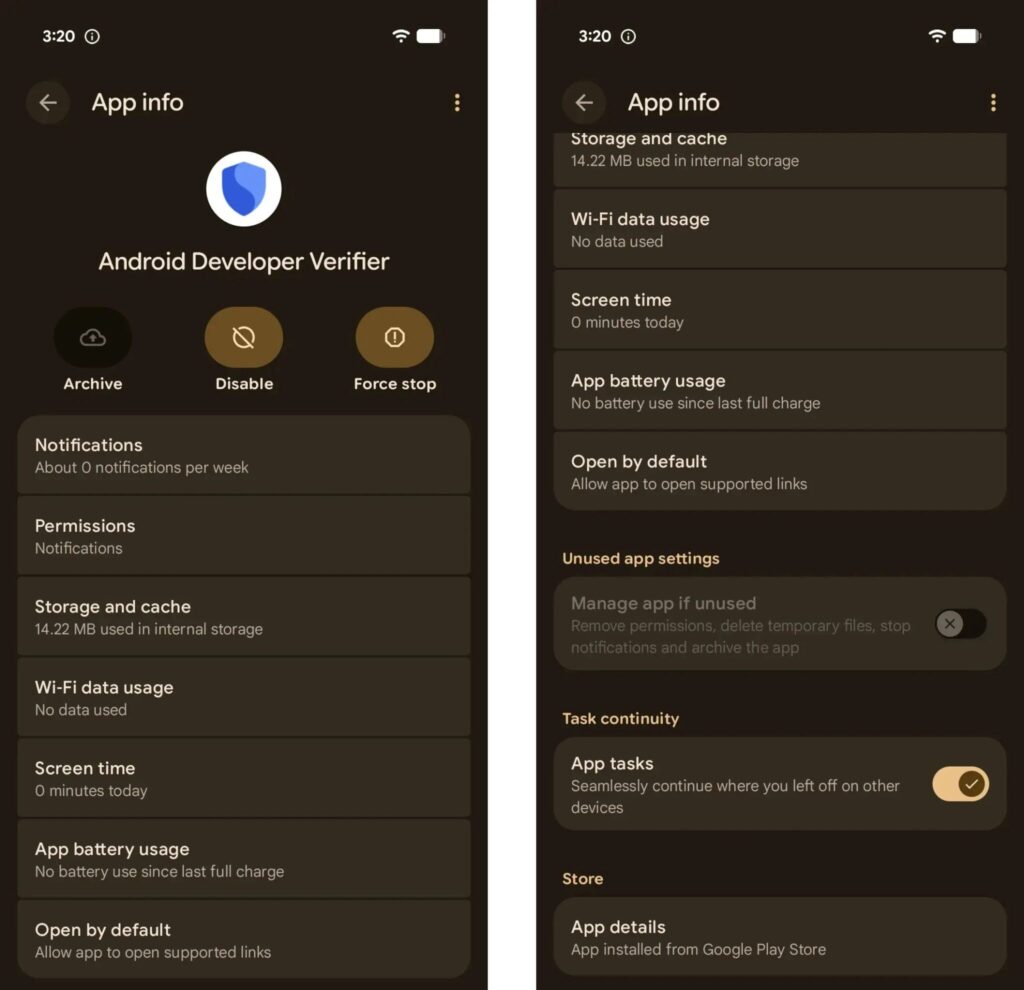
For now, the app is simply there
It’s also worth noting a gap in knowledge: it’s unclear whether deleting the app will prevent its reinstallation in the future or disable developer verification. Google has almost certainly anticipated that scammers will immediately target this app and built in protections. Testing any workarounds right now is also impossible because the restrictions themselves haven’t launched yet.
Installing Apps Without Google Play on Android 17 — How It Works
The new process for sideloading apps will consist of several steps:
- Enable developer mode.
- Confirm that no one is forcing you to do this.
- Restart your phone.
- Wait 24 hours — this is a one-time protective pause.
- Re-confirm your identity with biometrics or a PIN code.
- Install the app file itself.
The logic here is the same — to disrupt the scammer’s playbook. The reboot breaks contact with the attacker who is guiding the victim through the installation over the phone, and the mandatory 24-hour wait eliminates the artificial sense of urgency. At first glance, there are many steps, but popular workarounds via Magisk, Shizuku, and similar tools will require no fewer actions. If you don’t want to wait a full day, there’s a simpler path for experienced users.
Installing Apps via ADB — Are There Restrictions?
The key exception: installing apps via ADB is not subject to the new restrictions and doesn’t require the 24-hour wait. ADB is a mode for connecting your phone to a computer for debugging and installing apps directly. In other words, anyone who knows how to install apps via a computer completely bypasses the one-day pause.
A separate matter is custom ROMs like LineageOS, which, according to sources, will not implement Google’s developer verification system. So enthusiasts of alternative firmware still have their own path.
Should You Delete Android Developer Verifier?
There’s no point in deleting the app right now. It doesn’t do anything, and removing it, rolling back updates, or disabling it today is a premature step that, according to sources, accomplishes nothing.

There’s no reason to delete the new app for now
If you’re not in the first wave of countries, this doesn’t affect you yet — you can continue living your life. If you’re in Brazil, Indonesia, Singapore, or Thailand, it’s easier to wait for the new installation process and go through it once than to play cat and mouse with the system right now. And for those who regularly install apps outside Google Play, it’s worth remembering two backup routes: installation via ADB and custom ROMs without Google verification. It’s wiser to wait for the actual launch of the restrictions and then assess their impact and working workarounds.


