On July 16, MAX was removed from Google Play along with VKontakte and Odnoklassniki, and now users are encouraged to install and update the app through RuStore. Many people immediately had a question: is this really the same MAX or some stripped-down version? Let’s figure out what actually changes if you download the messenger not from Google Play but from the Russian app store.
Let’s figure out what happens if you download MAX from RuStore
MAX from RuStore — How It Differs from MAX on Google Play
First, about why this happened: Google removed a whole batch of VK apps from its store, and MAX got caught in the same wave due to sanctions restrictions. But this only affects the store itself. The messenger continues to work, and the key point for us right now: this is exactly the same MAX for Android that was distributed on Google Play.
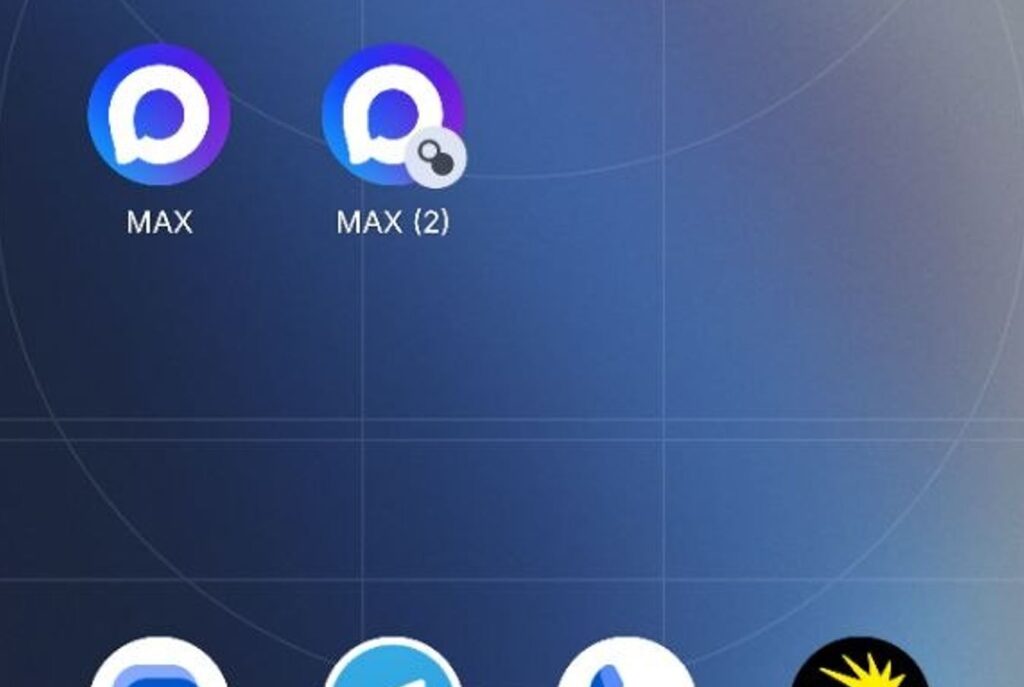
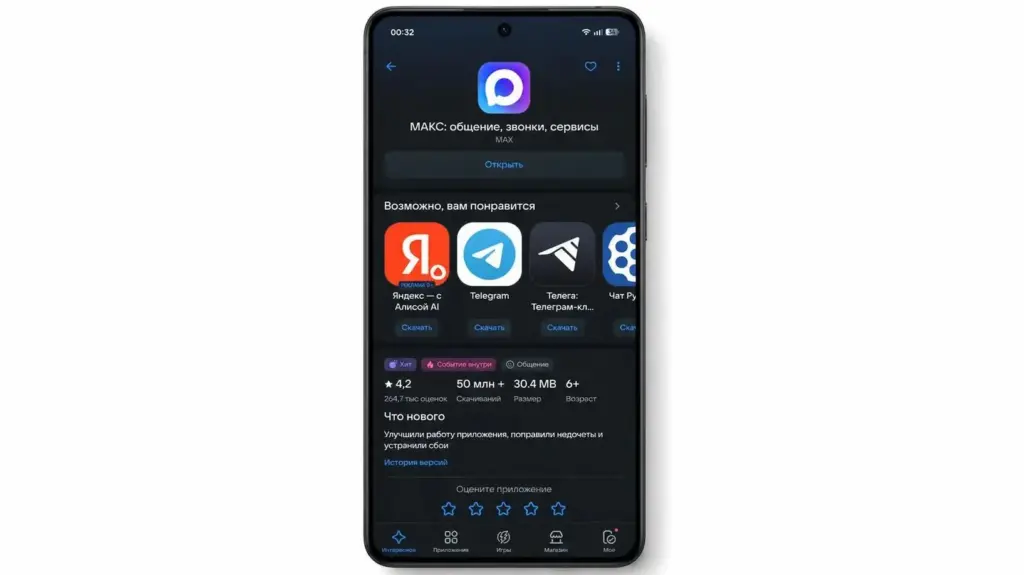
If you download MAX from RuStore, the old version from Google Play will be replaced. There won’t be two apps
Same icon, same interface, same developer — VK holding company. Moreover, it’s literally the same build: the version number in the app info matches what was on Google Play. RuStore doesn’t rebuild the messenger in its own way and doesn’t cut anything from it — it simply distributes the same installation file from a different store.
Does MAX from RuStore Differ in Features
Short answer: no. MAX features from RuStore are exactly the same — there’s no stripped-down version. Everything you use every day is still there:
- Chats, calls, and video calls;
- Channels and bots;
- QR code payments;
- Access to government services.
Nothing disappears or gets blocked because you installed MAX from RuStore instead of Google Play. The messenger’s latest features also work: for example, Stories recently appeared in the app, and in the RuStore version they’re there just like everywhere else. Push notifications also arrive normally: they go through Google services and manufacturers’ own channels, and the installation method doesn’t affect their delivery. Visually and functionally, you won’t notice any difference at all.
Do You Need to Delete the Old Version of MAX
Another common concern: do you need to delete MAX from Google Play to install it from RuStore? In most cases, no: RuStore recognizes the already installed MAX and simply updates it to its version on top, without losing your conversations and settings.
While we’re on the topic: installing two different copies of MAX — one from Google Play and one from RuStore — won’t work. For Android, this is the same application with one identifier, so it won’t install as a second copy: the RuStore version will simply replace the one that was installed from Google Play.
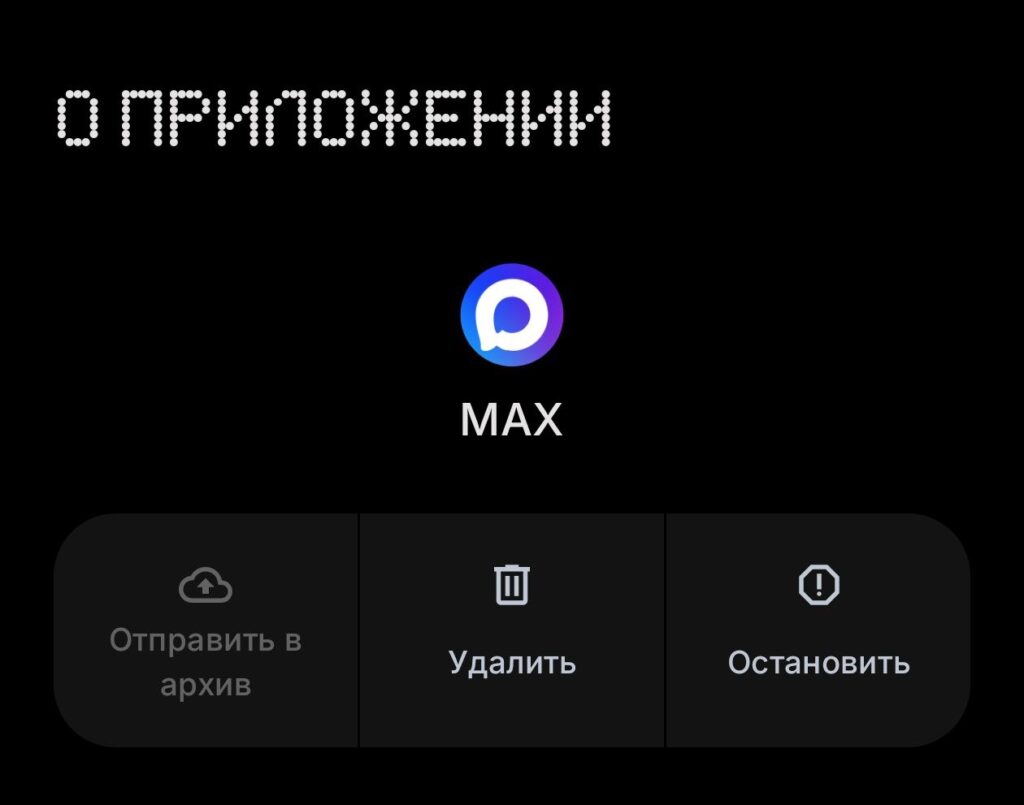
You don’t need to delete MAX: RuStore will seamlessly reinstall it on its own
Two identical messengers won’t appear on your screen, and that’s normal. If for some reason the installation on top doesn’t work, you can delete the app and install it again, but this is rarely necessary. Before reinstalling, make sure you remember your phone number and login credentials: after installation, just log in again and your conversations will sync up.
How to Update MAX Through RuStore If You Have the Google Play Version
This is where the main practical nuance lies. The MAX app installed from Google Play will no longer update on its own: there are simply no new versions there anymore. To start receiving updates again, you need to reinstall MAX from RuStore. It’s easy to do:
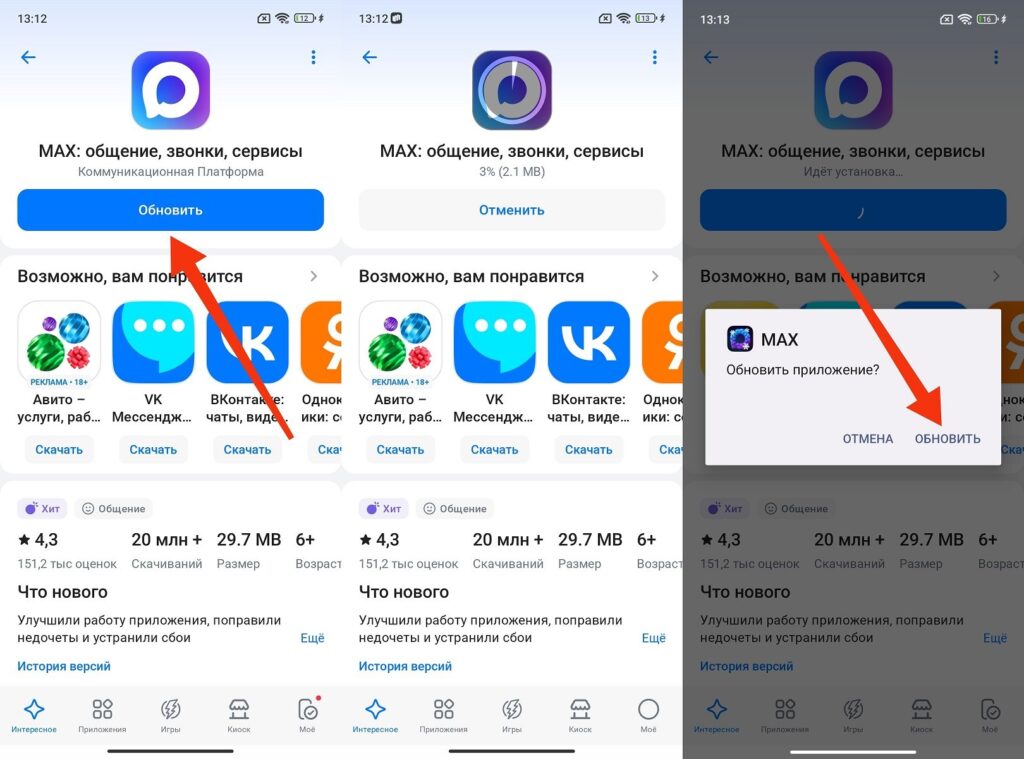
Updating the app is also quite easy
- Open RuStore on your smartphone.
- Type MAX in the search bar.
- Tap “Install” and wait for the download to complete.
After that, MAX updates will start arriving automatically through RuStore, and you won’t need to do anything manually. Essentially, you download the RuStore version once, and the system picks up new builds on its own from there. For those who don’t want to wait for the store, the official build can be downloaded directly from the max.ru website: there’s a direct link to the APK. The important thing is not to download the installation file from third-party aggregators, where you can easily end up with a fake.
On HUAWEI smartphones, the situation is slightly different: there the MAX app is downloaded through AppGallery, and for Russian accounts it has remained available.
What Happens If You Download MAX from RuStore
So should you worry? No. You have the same application with the same features and the same build — only the store it comes from changes. The only thing you might actually notice: MAX updates through RuStore sometimes take a bit longer to arrive because RuStore and Google Play have different approaches to rolling out new versions. However, MAX updates on RuStore often come out more frequently, so in the end you’re more likely to benefit than lose out.
Overall, downloading MAX from RuStore is even slightly more convenient than from Google Play


