Russia is gradually transitioning to digital documents, and the MAX messenger has become arguably the main tool for this. Now you can verify your age when purchasing alcohol or cigarettes without a passport — simply showing a QR code on your smartphone screen is enough. If you haven’t figured out what Digital ID in MAX is yet — now is the time to do so. It sounds convenient, but in practice, things turned out to be not so smooth. I tested the system personally and am ready to share how it works and what you should be prepared for.
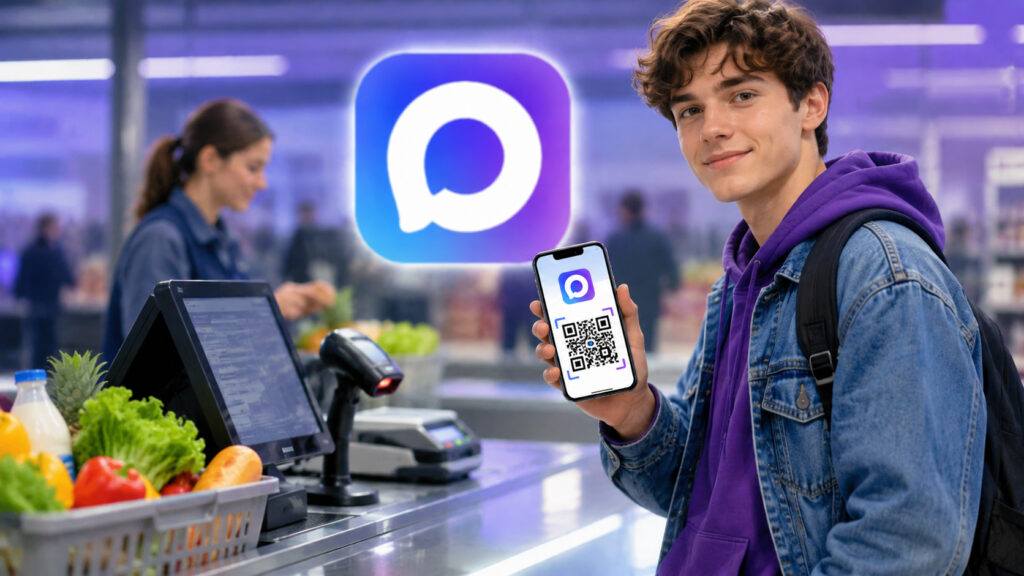
You can verify your age with the MAX messenger
Digital ID in MAX: What It Is and What It’s For
Digital ID is an electronic equivalent of your paper documents stored right in the MAX messenger. Essentially, it’s a verified profile with a dynamic QR code linked to your data on Gosuslugi (Government Services portal). The code refreshes every 30 seconds, so taking a screenshot and passing it to someone won’t work — the app blocks screen captures.
The main purpose of Digital ID is age verification when purchasing 18+ products. You come to a store for a bottle of wine, the checkout requests age confirmation — instead of pulling out your passport, you open MAX and scan the QR code. The cashier or the system doesn’t see your personal data: no full name, no date of birth. Only the status is displayed — “Of legal age.”
Besides age, Digital ID can be used to confirm student, pensioner, or large family parent status. This is useful for getting discounts at retail chains. But the most common use case is, of course, buying alcohol and tobacco at self-checkout registers. That’s why most people create their Digital ID.
As of today, the feature works in more than 70,000 stores across Russia. Among them are Magnit, Pyaterochka, Perekrestok, VkusVill, Lenta, Dixy, Monetka, Maria-Ra, and Auchan. Plus the Ozon marketplace at pickup points. And starting September 1, 2026, all stores are required to accept age verification through MAX — this is established by a government decree. So it makes sense to set up your Digital ID now.
How to Create a Digital ID on iPhone
First, make sure you have the latest versions of the MAX and Gosuslugi apps installed on your iPhone. The phone number in MAX must match the number in your Gosuslugi account — this is important, otherwise the linking won’t work. Then follow these steps.
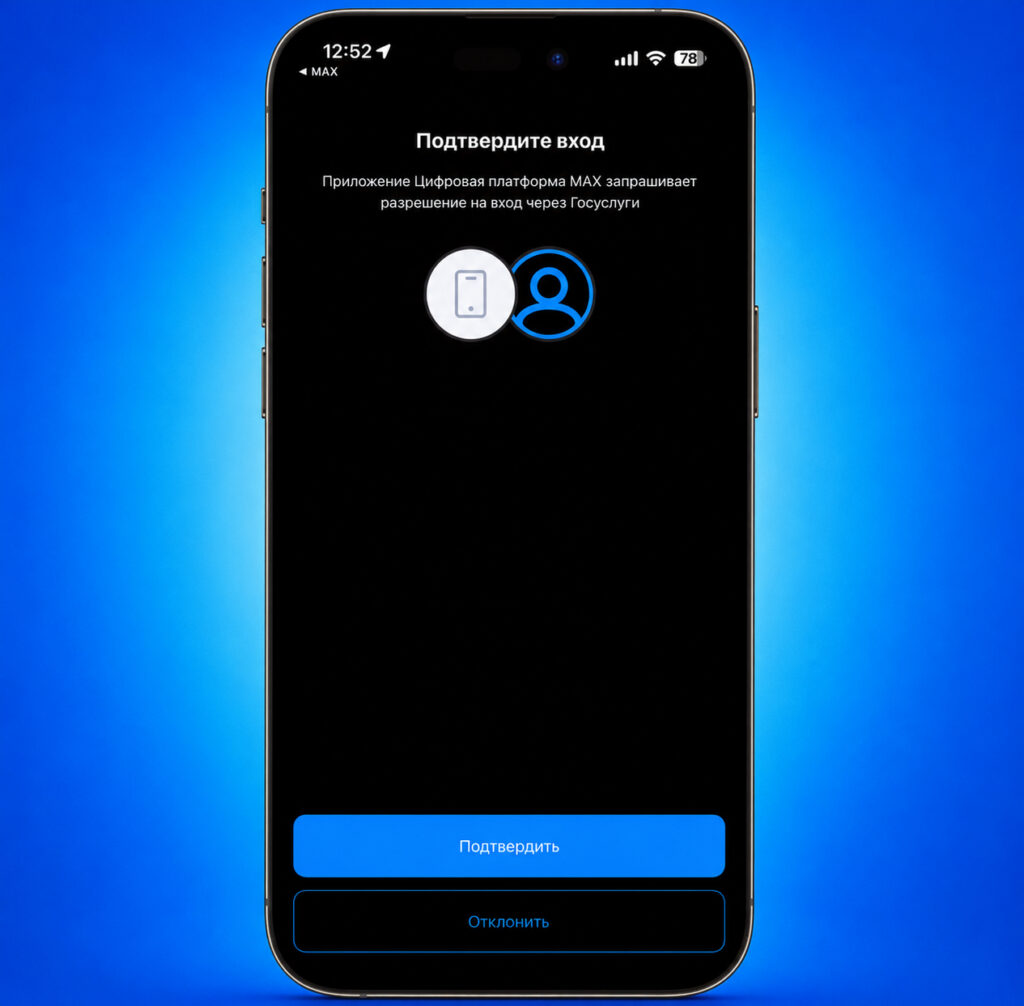
You link MAX with your Gosuslugi, and the digital ID is created
Open MAX and go to the “Profile” section. There you’ll see the “Digital ID” icon — tap on it, then tap the “Create” button. The app will redirect you to Gosuslugi, where you need to grant MAX messenger access to Gosuslugi. After that, the Digital ID will be created. The interesting thing is that you no longer need to take a selfie or link biometric data. A simple Gosuslugi authorization is enough.
Important note: Digital ID works on only one device. If you’re switching iPhones — first delete the old ID, then create a new one on the new phone. Access to the QR code is protected by Face ID or fingerprint, so others won’t be able to use your Digital ID.
How Age Verification Through MAX Works in a Store
Let’s say you’ve set everything up and arrived at a store. You’ve picked up items, including a bottle of wine or a pack of cigarettes. At the self-checkout, you scan all items, and at some point the terminal requests age verification. Usually, the screen displays an option to choose a verification method — through MAX or through a cashier with a passport.
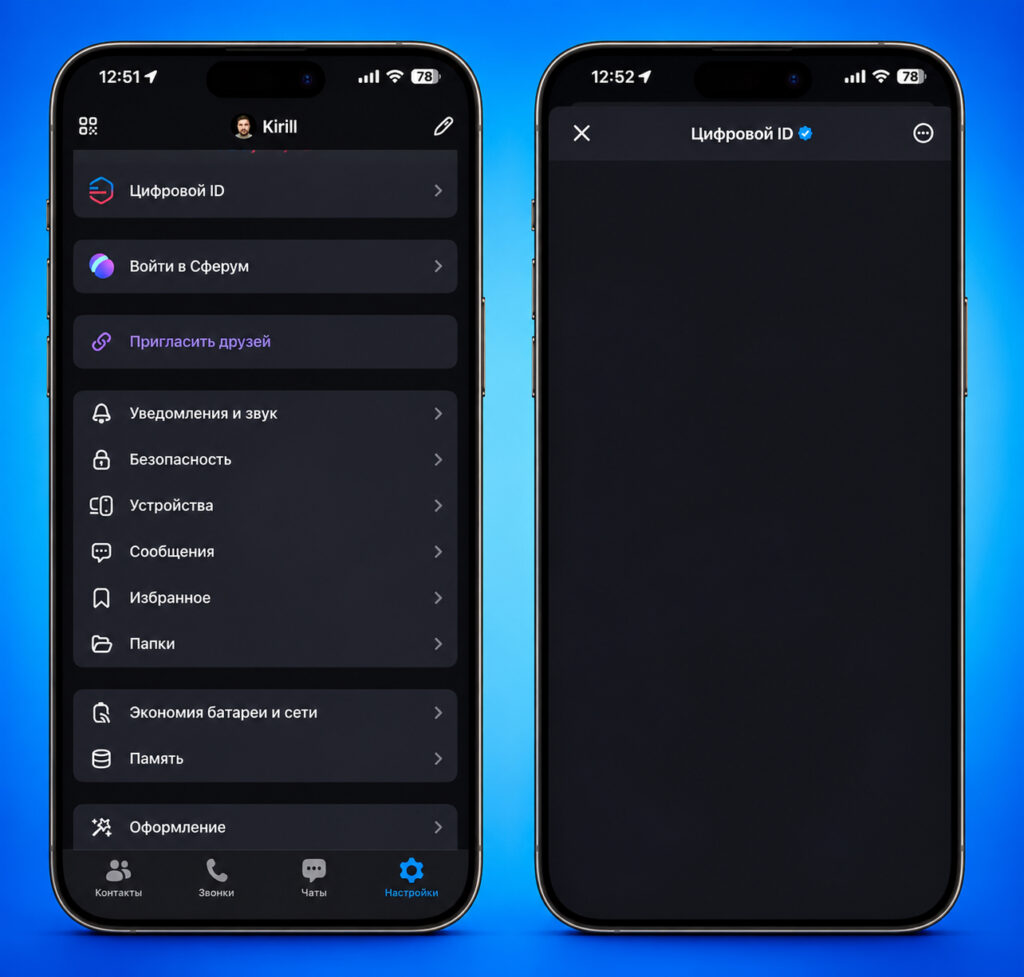
Instead of the gray screen, there will be a QR code. Unfortunately, MAX doesn’t allow screenshots
You choose MAX, pick up your phone, and open the messenger. Go to “Profile,” then “Digital ID,” and a dynamic QR code immediately appears on screen. You hold your phone up to the scanner at the register — the code is read, the system confirms your age, and you continue with payment. In theory, it’s all simple and takes about twenty seconds. But there’s a catch. Not every register handles this procedure as smoothly as you’d like. And that’s where things get interesting.
What to Do If the MAX QR Code Won’t Scan at Checkout
I decided to test age verification through MAX at Lenta — this chain is on the list of supported stores. I set up Digital ID in advance, went to the self-checkout, scanned my items. The terminal asked to verify my age. I opened MAX, displayed the QR code on screen — everything by the book.
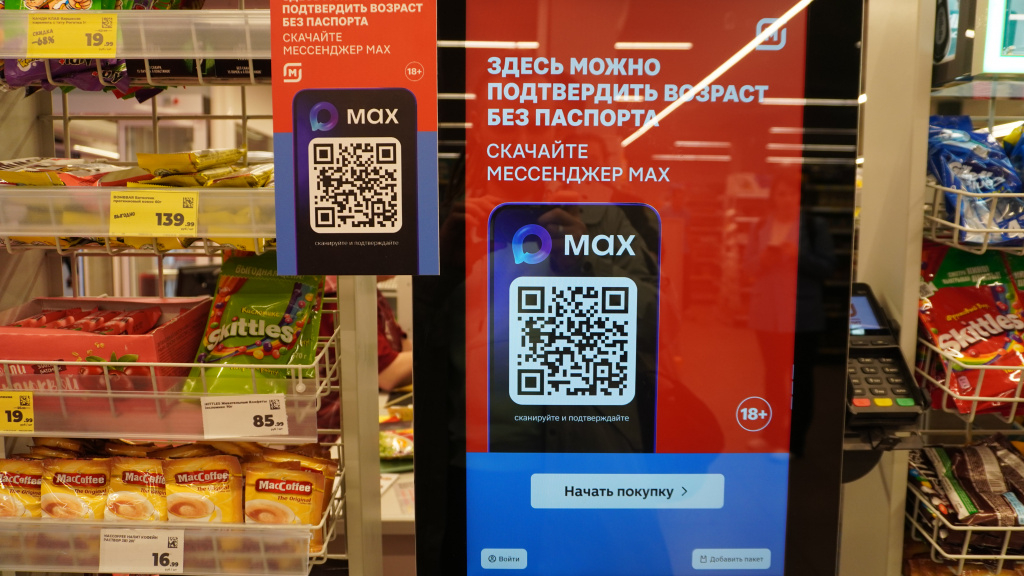
It seems simple — just scan the QR code from your smartphone at the register. Image: iguides.ru
And then the difficulties began. The built-in scanner refused to read the QR code from the phone screen. I held my iPhone this way and that — changed the angle, cranked the screen brightness to maximum, turned off auto-brightness. Nothing. The scanner that reads barcodes from packaging without any issues simply couldn’t recognize the QR code on a smartphone display.
But then I noticed that the register also had a handheld wired scanner. It’s usually used for large items so you don’t have to take them out of the cart. Only with this scanner was I able to successfully scan the QR code. And there were no problems or delays: I pointed it at the iPhone screen, pressed the button, and age was confirmed. Quick and reliable.
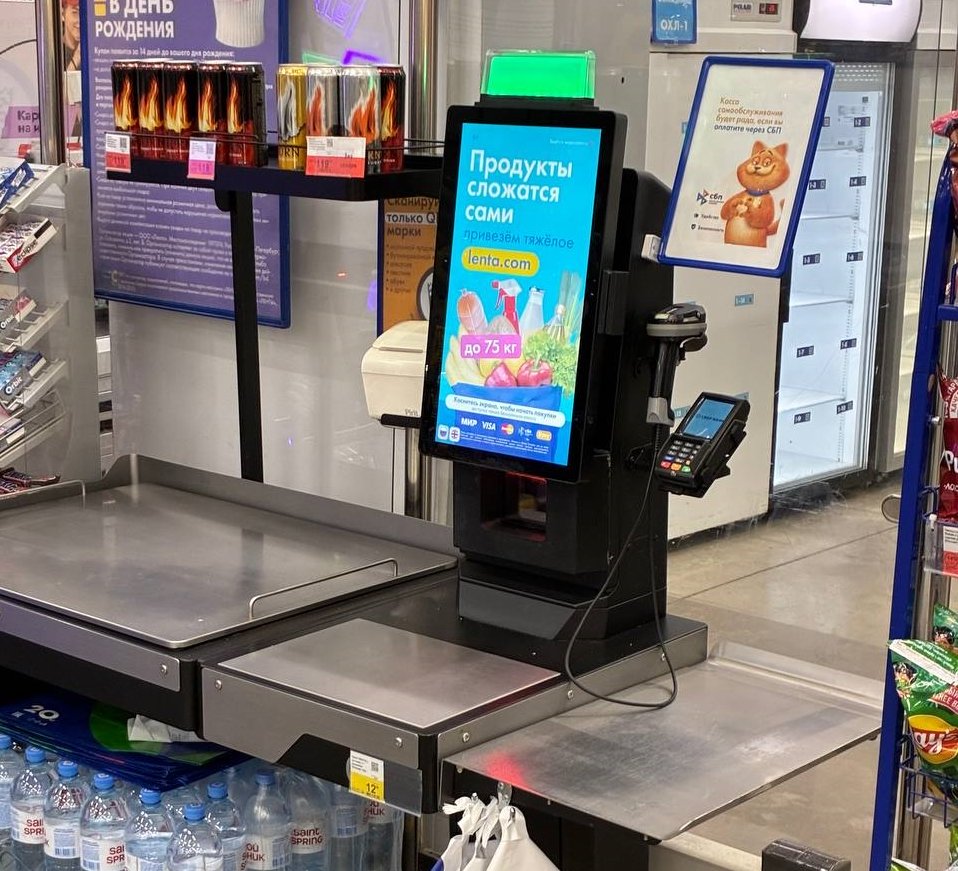
Handheld scanners usually hang on the side, like on this register, but they’re not available everywhere. Image: retail.ru
In the end, the whole procedure, which was supposed to take 20 seconds, stretched to about five to seven minutes. By that time, a line had already formed behind me. Honestly, it would have been easier to just call a store employee and be done with it. Interestingly, with this experience under my belt, the next time I spent significantly less time on the whole process. Also keep in mind that your smartphone needs to be connected to the internet to load the Digital ID QR code. If the store has poor reception, problems may arise.
This is something you definitely need to keep in mind if you plan to use Digital ID in practice. Not all scanners can read QR codes from a smartphone screen. In some places, everything will go smoothly, while in others you’ll have to use a handheld scanner. This is especially critical during peak hours, when every extra minute at the register means frayed nerves and sideways glances from the queue.
When Will All Stores Accept Digital ID from MAX
Despite the scanning issues, I would still recommend creating a Digital ID now. There are several reasons for this.
First, starting September 1, 2026, stores will be required to provide the technical capability for age verification through MAX. This means that by fall, the equipment situation should improve — retailers will have to update their checkout software and possibly replace scanners. Second, creating it takes just a few minutes, and you’ll be able to use it for years. Third, this is a real step forward.


