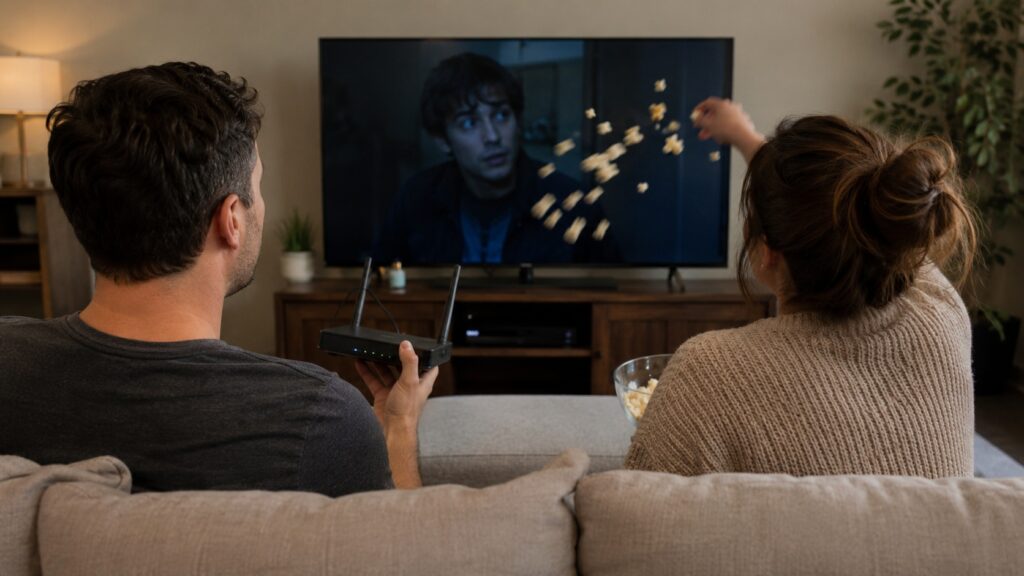
Many people experience slow Wi-Fi in the evening, and there can be several reasons for this
You sit down in the evening to watch a TV show, but the video takes five seconds to load, lags, and frustrates you. It seems like nobody at home is downloading anything, yet the speed has still dropped. This is not a glitch or a provider conspiracy. The reason is that network load changes in the evening, and it’s not just about your apartment. We figured out why internet speed drops and how it’s related to your neighbors and equipment settings.
Why the Internet Is Slow in the Evening
Evening internet speed drops are a very common occurrence. The mistake most users make is looking at their smartphone screen, seeing full signal bars, and thinking the connection is perfect. In reality, those bars only show the signal strength from your device to the router, but they don’t reflect channel congestion at all.
A wireless network works on the principle of a walkie-talkie. A device first checks whether the airwaves are clear and only then begins transmitting packets. If at that moment someone else’s TV is streaming a show, your phone has to wait. During the day this goes unnoticed, but by evening people return home, and neighbors’ routers flood the radio spectrum, creating a huge invisible queue of devices.
This problem is especially acute in the popular 2.4 GHz band. The signal at this frequency penetrates walls very well, which causes your router to “hear” not only its own devices but also equipment from the entire building entrance. That’s why perfect reception on your smartphone screen in the evening doesn’t guarantee normal page loading.
Who Uses the Internet Without Our Knowledge
Users often complain to their provider, insisting that nobody in the apartment is downloading anything. However, modern technologies are designed in such a way that our direct permission is no longer needed by devices. Your home internet is actively used even when smartphones and TVs are turned off.
Things that typically use the internet without our knowledge:
- backup of photos and videos from smartphones to the cloud;
- background updates of operating systems and large games on consoles;
- smart TVs and streaming boxes in standby mode;
- robot vacuums and security cameras constantly sending status updates to their servers.
The worst scenario is when massive data uploads happen in the background. If your phone starts uploading gigabytes of fresh videos to the cloud in the evening, the upload channel gets completely clogged. Because of this, service responses from websites start arriving with huge delays, creating a persistent feeling that the internet has frozen.
When the Router or Provider Is to Blame
It’s also important to understand that the internet is a complex chain of cables and network nodes. Often the problem lies far beyond the boundaries of your apartment. When thousands of subscribers in the same area simultaneously launch streams, online cinemas, and demanding games in the evening, the ISP’s equipment may simply be unable to handle the data flow.
Additionally, the culprit is frequently your own router. Cheap or old router models are equipped with a weak processor and limited memory. When the network load increases in the evening, an outdated router can no longer handle processing hundreds of small packets. The device overheats and begins to lag noticeably.
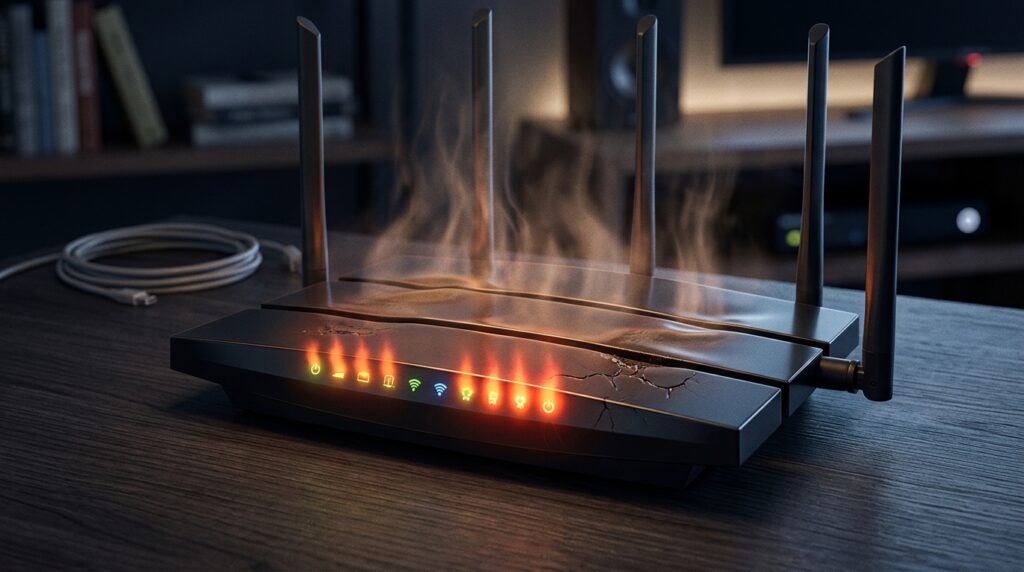
A weak or overheating router often becomes the main bottleneck of home internet
How to Find the Cause of Slow Internet
To stop guessing, you need to pinpoint the exact cause of the speed drop. This requires running a few simple tests and changing the basic settings of your wireless network.
Network equipment specialists recommend using the process of elimination:
- Measure the speed via cable. Connect a laptop directly to the router. If the speed is stable and high, the problem is definitely in Wi-Fi. If the wired internet is also slow, the provider or the router itself is to blame;
- Compare morning and evening. Take speed measurements at different times of the day. A morning figure of 300 Mbps and evening 50 Mbps over cable clearly indicate an overloaded ISP line;
- Switch to the 5 GHz frequency. This band works much faster and is freer from neighbor interference, although it doesn’t penetrate solid concrete walls as well;
- Move the router closer to the center of the apartment. A transmitter hidden behind a TV or left on the floor in a hallway is physically unable to provide proper coverage.
You should also remember that serious stationary equipment is always better connected via cables. If you connect your TV, computer, and gaming console via Ethernet, it will instantly free up the radio spectrum, leaving it available for smartphones, tablets, and smart home systems.