While we’re waiting for iOS 27 with new features, Apple has released the first beta version of iOS 26.6 for developers. The update looks minor, but it includes two notable changes for security and contact management: new protection for Apple Maps and a notification about exceeding the blocked number limit.
Exploring the new features of iOS 26.6
iOS 26.6 Beta 1: What Features Apple Added
The public iOS 26.5 is already out, and Apple continues refining the iOS 26 lineup in parallel with preparing iOS 27 for its WWDC showcase. The build number of iOS 26.6 beta 1 is 23G5028e versus 23F77 for iOS 26.5. The release itself isn’t rich in new features but includes two significant changes: a protective mechanism for Maps and a warning in Contacts.
Nothing fundamentally new in this build. Apple focused on stability
Essentially, these are the final touches before iOS 26 transitions to security-only updates. If you’re not a developer and don’t run betas — there’s no rush: both features will be waiting for you in the public release.
How Many Numbers Can You Block on iPhone
The main everyday news of the beta is the appearance of a notification about the maximum number of blocked numbers. The limit is 20,000 contacts per iPhone or iPad. When you hit the ceiling, the system will display a “Blocked Contacts Limit Reached” message and suggest deleting someone from the list first before blocking a new number.
Now we know the limit for blocked contacts. You’ll never reach it
To clean up the list, go to Settings — Apps — Phone — Blocked Contacts. The Phone and Contacts apps also highlight duplicates and offer to remove repeats.
Who does this actually matter to? The honest answer is almost nobody. 20,000 numbers in a block list is the level of someone who has been manually blocking spam calls for years, or a corporate device scenario. The average user is better off using unknown caller filtering and third-party caller ID apps rather than manually building up a block list. But if you’re one of those people who truly accumulates blocks by the thousands, now at least you know where the boundary is.
Apple Maps Blastdoor: What It Is and What It Protects Against
The second change is more interesting. In iOS 26.6, a new system component called Maps Blastdoor was discovered. Comparing the iOS 26.5 and iOS 26.6 beta 1 firmware revealed that a separate framework appeared in the system — essentially, an isolated module for processing Maps data.
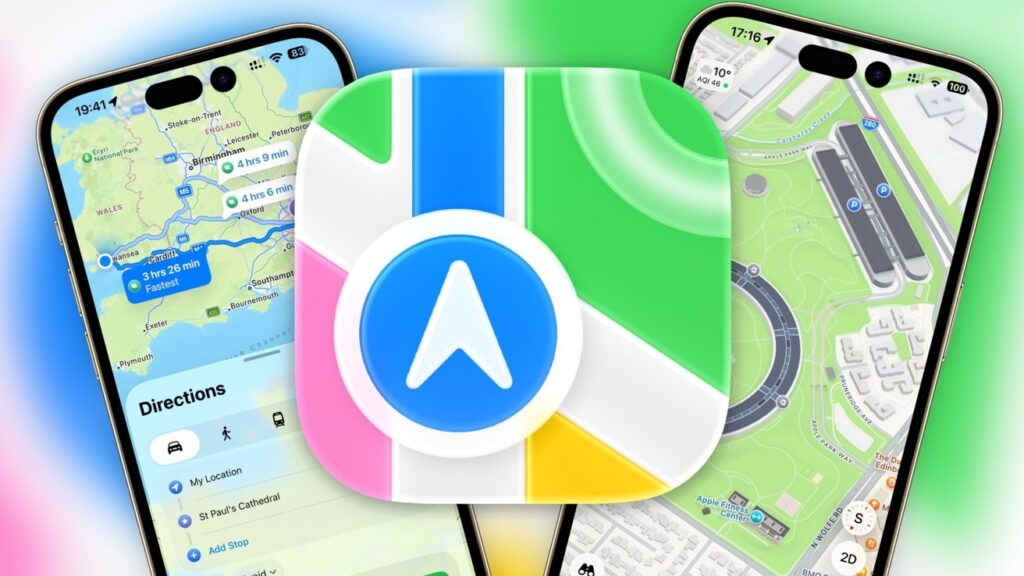
Apple Maps on iPhone — data is now processed in an isolated environment
Blastdoor technology isn’t new. Apple introduced it back in iOS 14 for iMessage to protect against so-called zero-click attacks — vulnerabilities where an attacker only needs to send you a specially crafted message, and the device can be compromised without a single click from the victim. Blastdoor works as a “quarantine”: incoming data is parsed and verified in an isolated environment with limited privileges, and only then passed to the main system.
Details about Maps Blastdoor are scarce so far, but the logic is the same: isolate the processing of data coming into Maps from outside — routes, points, links, shared locations. This is a sensible step: Maps exchanges an ever-growing volume of information with servers and other users, and any error in parsing that data potentially becomes a security vulnerability.
Should You Install iOS 26.6 Beta 1 Right Now
The short answer is no, if it’s your primary iPhone. The developer beta is unstable, can drain your battery, and may break certain apps. Both features work invisibly for the user: you’ll most likely never see the limit notification, and Maps Blastdoor is a background protective layer. Additionally, Apple Maps is extremely outdated in Russia, so the feature will clearly pass by 99% of iPhone users in that country.
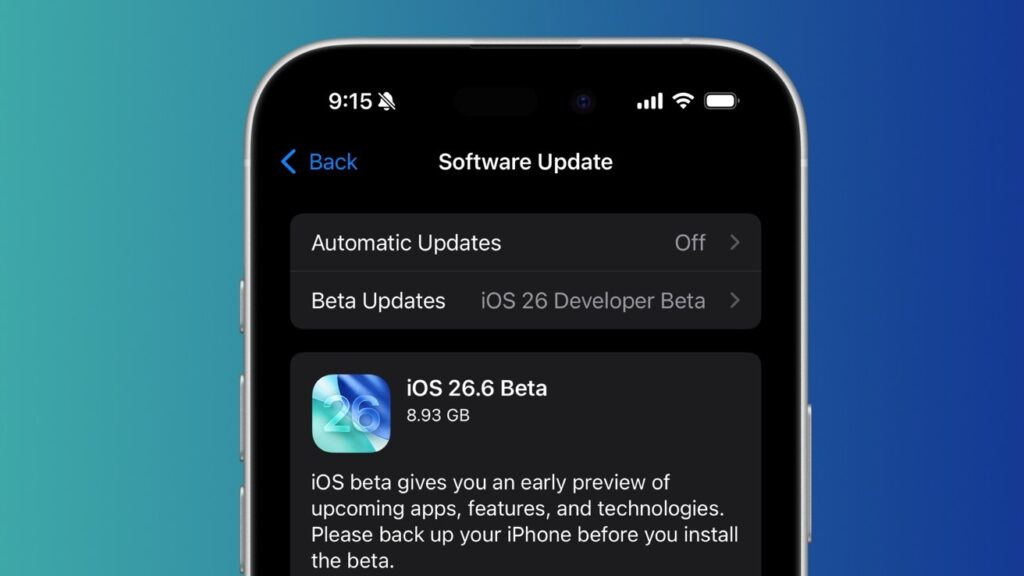
What’s new in iOS 26.6 beta 1: Apple Maps security improvements and blocked contacts notifications
If you want to try new things before everyone else — wait for the public beta or go straight for the final version of iOS 26.6.
Apple has saved the major changes for iOS 27. The presentation will take place on June 8, 2026 at WWDC. Among the expected features are a revamped Siri, better support for third-party AI services, and stability improvements. This is still a forecast based on rumors, so the list should be treated as a guideline rather than an official announcement.


