For several months now, internet white lists have been in effect in Russia, complicating access to familiar services, and recently the country has been experiencing problems with gasoline: long lines, fuel shortages, and inflated prices. Fortunately, you can find a gas station with the fuel grade you need right from your smartphone, without driving extra circles around the city. Several familiar Android apps can show whether a specific gas station has fuel right now, saving time and stress on the road. We’ll look at several safe options and explain how to tell a working service from a scammer’s trap.
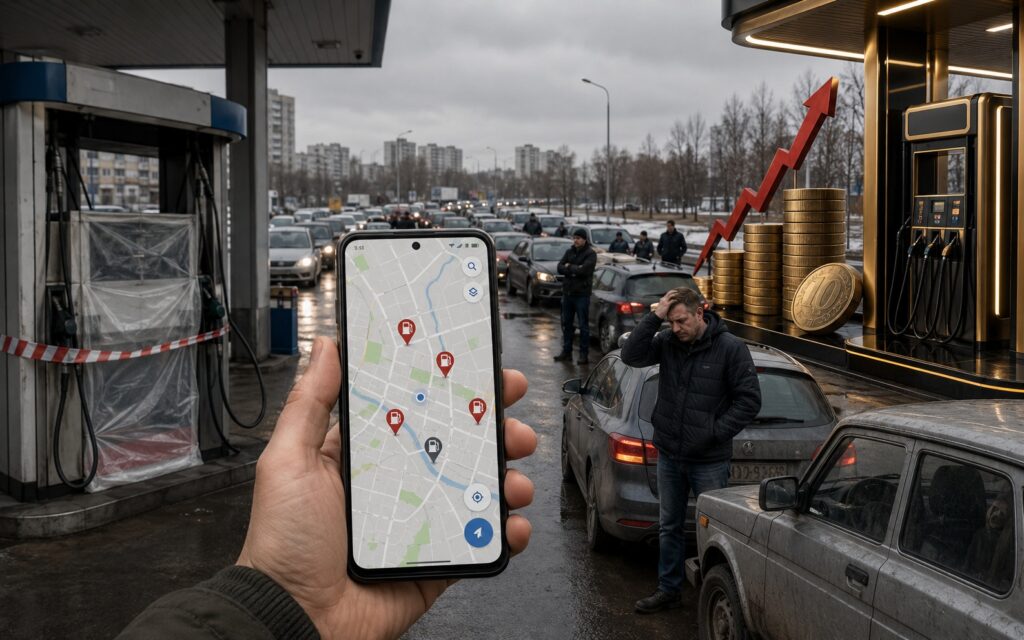
Finding fuel despite the difficulties
Why You Need to Search for Fuel via Smartphone
When fuel supply is stable, such checks seem unnecessary. But during shortages, the situation changes quickly: one station has a long line, another doesn’t have the grade you need, and at a third the payment terminal is down. Driving up and turning around means wasted time and burned fuel that’s already in short supply.
The main benefit of apps is that they show fuel availability before you turn toward the gas station, and this lets you check not just one service but several. The logic is almost the same everywhere: if the needed grade is available, you can select it and proceed to payment, but if the tank is empty, the button grays out or disappears entirely. That’s your signal there’s no point going there.
2GIS: Finding Fuel Through the Navigator
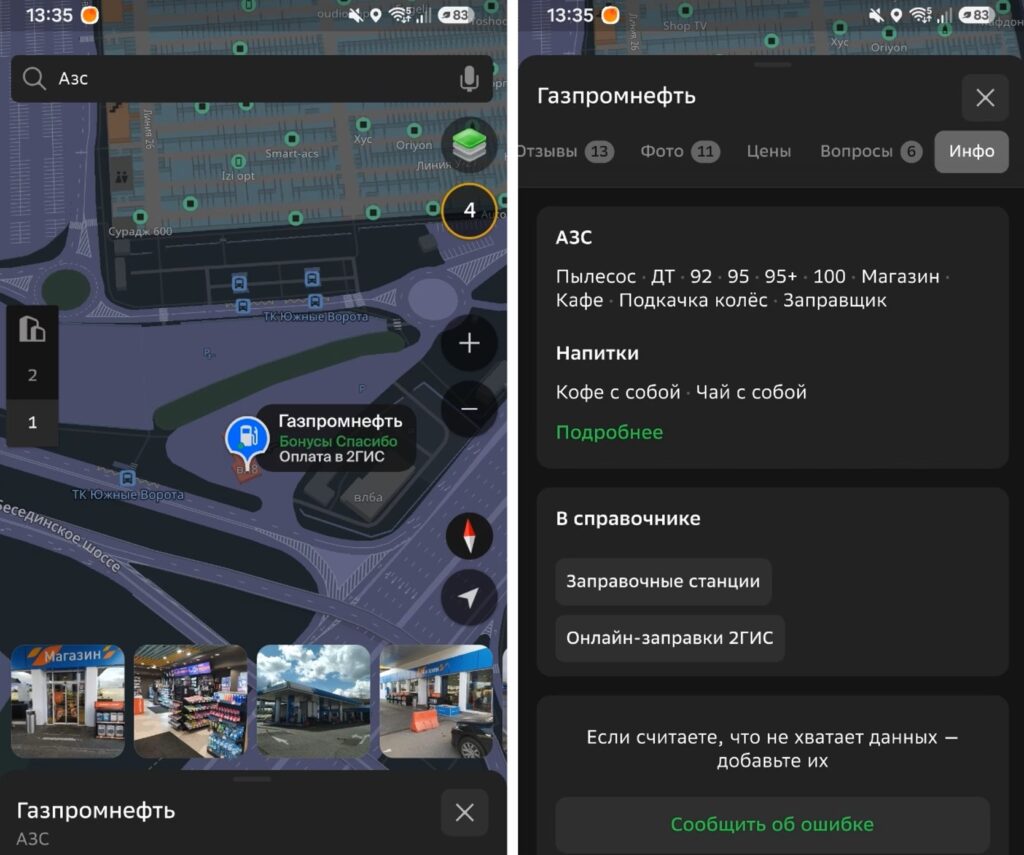
You can find a gas station with fuel right in 2GIS
2GIS is installed by millions of drivers as a regular navigator and directory, and that’s a plus here — you don’t need to download a separate app. In addition to paying for fuel without leaving your car, the service works as a fuel availability indicator: if the needed grade has run out, you simply won’t be able to select it — the button becomes inactive.
Another strong point is the comments section. Other drivers post current conditions there: whether there’s a line, whether the terminal is working, and whether fuel dispensing is limited. Essentially, it’s a crowd-sourced real-time report that official maps don’t have.
Sberbank Online and T-Bank: Fuel in a Banking App
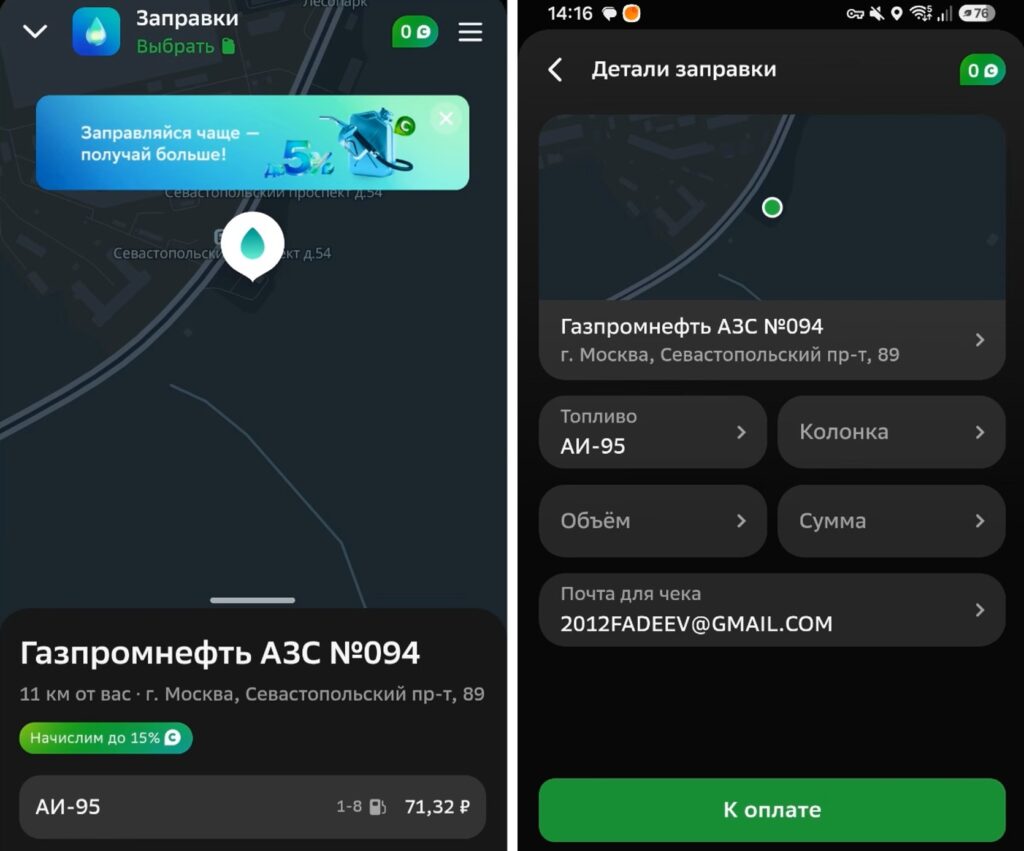
Searching for fuel is now available in banking apps too
If you don’t want to install separate programs, banking apps that almost everyone already has can help. In Sberbank Online, go to the “Auto” section, select “Gas Stations,” and a map of partner gas stations will open. However, you’ll first need to figure out how to install Sberbank on Android, since the app isn’t available in the usual Google Play Store.
Once you download it, you’ll see the standard logic: select a station, tap on the pump, and check the grades. If AI-95 or diesel is active and payment is offered — fuel is available; if the button is grayed out or gone — there’s nothing to find at that station.
T-Bank has a similar “Fuel” section with a database of partner gas stations. And it’s not just a map — the app constantly requests current data from gas station networks, and if there’s no fuel, you simply won’t be able to proceed to the payment screen. A convenient option for those who prefer to handle road-related issues in one familiar app.
Finding Fuel Through the Yandex Refueling App
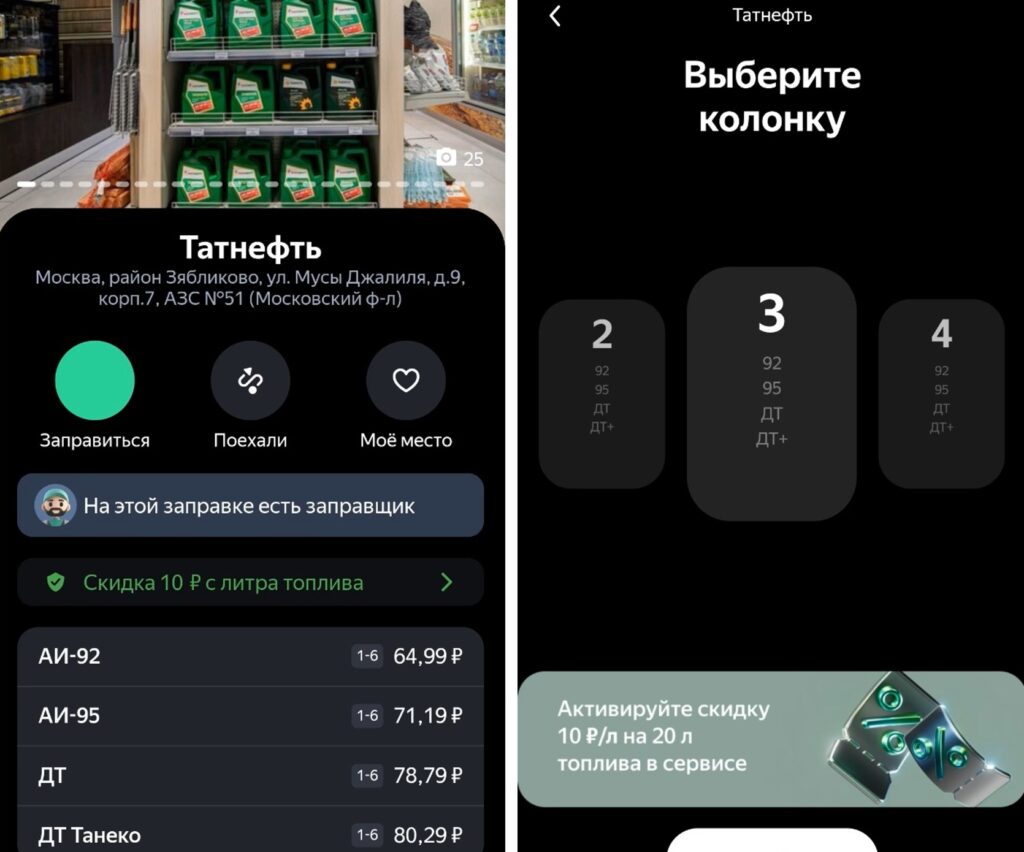
A service through which you can not only find but also buy fuel
Yandex has the widest coverage: thousands of stations across the country are connected to the service, from large federal chains to small private outlets. Open the map, select the green gas station icon, and look at the pumps: if a grade is displayed in faded gray and doesn’t allow you to select a volume, the tank is empty.
The main advantage is the speed of updates. The service is directly connected to the gas stations’ POS equipment, so data is pulled almost instantly. Plus, there’s a social factor: drivers write reviews in real time about problems at specific locations.
Benzuber: An Independent Fuel Aggregator
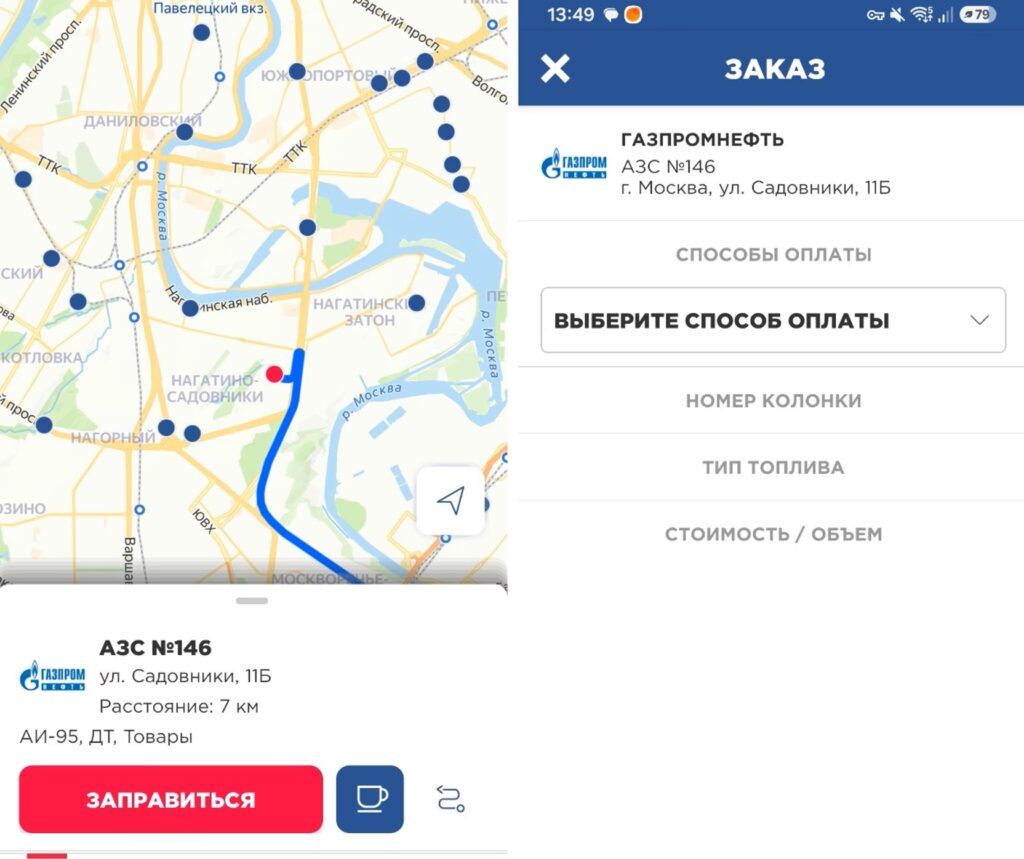
You can search for fuel through independent fuel aggregators
Benzuber stands apart because it’s not tied to banks or large IT corporations — for drivers, this means the most independent information. The developers created a clear color system: an operating station is marked with a blue marker, while a closed one or one temporarily not dispensing fuel is marked gray. By tapping on an active station, you can immediately check the availability of specific grades.
For those who mainly refuel at Rosneft, the official “Rosneft Gas Stations” app is a good fit. There are no intermediaries or delays in data transmission here: information comes directly from the company’s internal systems. If in the online order it says “Out of stock” next to the fuel grade or the grade has disappeared from the list, that station has no fuel.
Finding Fuel Through Regional Portals
In some regions, local authorities have launched local online maps. They work right in the smartphone browser — no downloads needed. For example, in Crimea there’s a portal from the relevant ministry where you can filter all gas stations on the peninsula by a specific fuel grade, and only the locations that actually have fuel will remain on the map.


