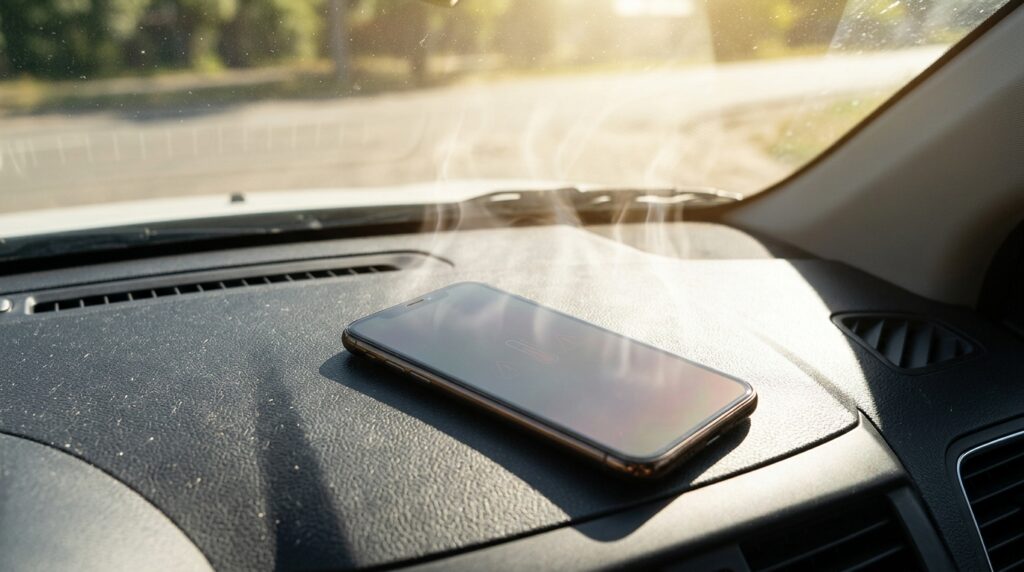
In hot weather, your smartphone can quickly break down and require a battery replacement
Have you also noticed that on hot days your smartphone’s charge seems to melt right before your eyes? You might think it’s related to the battery heating up, because cold also drains the charge significantly. This is partly true, but battery drain is also affected by how we use our smartphones on hot days.
How Heat Affects Your Smartphone
During operation, a smartphone generates heat, and this happens all the time. Heat is produced by the processor, graphics chip, modem, screen, as well as the battery during charging and the camera during video recording. Under normal conditions, this heat easily dissipates through the case into the surrounding air, and the phone doesn’t heat up significantly.
But in hot weather, the difference between the phone’s temperature and the air temperature becomes smaller, making it harder for the device to cool down. Imagine trying to cool down hot tea in a room that’s already stuffy. It will cool much more slowly than in a cool environment. The same thing happens with your phone.
A smartphone heats up fastest in direct sunlight, in a car, near a window, or during active use outdoors. According to Samsung, gaming, streaming, and video calls in hot weather cause additional device heating. The more the phone heats up, the worse it dissipates heat, and the more actively the system begins to throttle itself.
Why Your Smartphone Dies Quickly in the Sun
One of the main reasons for fast battery drain in summer is high screen brightness. Outdoors, the smartphone often cranks brightness to maximum on its own so that the image remains readable in sunlight. And the brighter the screen, the more energy it consumes.
This creates a vicious cycle where the bright screen both drains the charge faster and additionally heats up the case. That’s why Samsung advises reducing brightness when overheating, and Google recommends lowering screen brightness if the phone starts heating up. This is one of the simplest ways to immediately start saving your smartphone’s charge.
How GPS and Mobile Data Drain the Battery
In hot weather, people often use their phones outdoors, on the road, at the countryside, or in the car — places where mobile internet signal is weak. In such locations, the phone spends more energy searching for a network, switching between towers, and maintaining a connection. The weaker the signal, the harder the device has to work.
Additionally, GPS, Bluetooth, mobile internet, and hotspot mode all consume charge. Google recommends using Wi-Fi instead of mobile data whenever possible to keep the device from overheating.
It’s worth mentioning navigation in a car separately. This is the most power-hungry scenario of all, because GPS, mobile internet, a bright screen, sometimes Bluetooth, and charging are all working simultaneously. And if the phone is sitting under the windshield in the sun, the heating becomes even more intense.
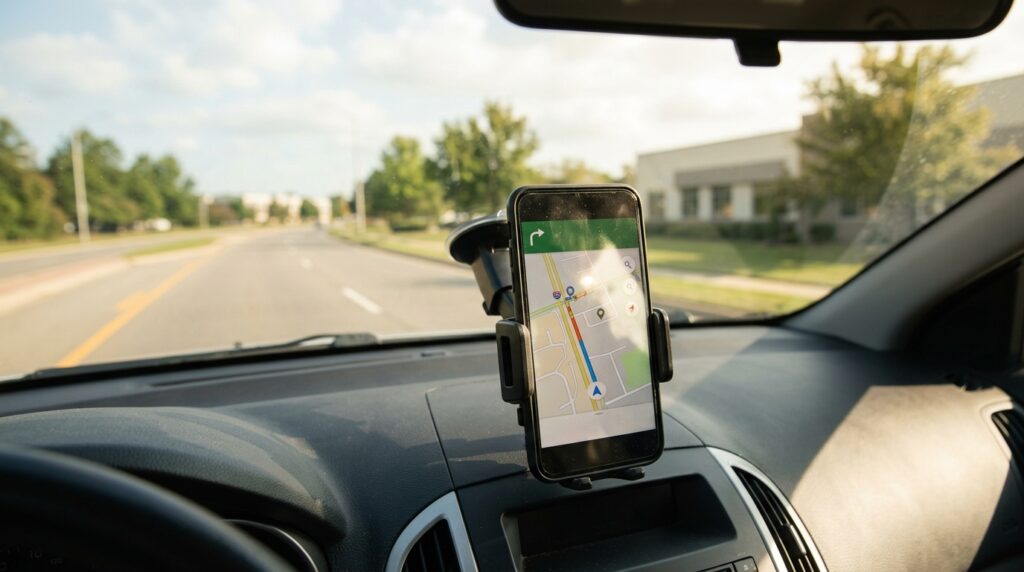
Navigation in a car makes the screen, GPS, internet, and charging all work at once
Why Your Smartphone Lags in Hot Weather
When a device overheats, it starts working more slowly. This is normal and intentional. The system may reduce processor and graphics performance, limit charging, disable the flash, camera, mobile data, Wi-Fi, or 5G. In extreme cases, the smartphone goes into power saving mode or shuts down entirely.
However, reduced performance doesn’t always immediately decrease battery drain. If you continue actively using the phone, tasks simply take longer to complete, while the screen, connectivity, and other components still hungrily consume energy. In other words, the phone lags, but the battery keeps draining.
Can Heat Damage a Smartphone Battery?
Lithium-ion batteries in smartphones don’t handle high temperatures well, especially if the device remains hot for a long time and at a high charge level. The authors of Battery University state directly that heat at full charge is the most harmful thing for a battery.
The thing is, there’s a thin protective film on the battery’s electrode. At high temperatures, this film breaks down rapidly, causing the battery to lose capacity. That’s why Apple states on its website that using or charging a device at temperatures above 35 degrees Celsius can irreversibly shorten the battery’s lifespan.
Why Your Smartphone Suddenly Dies in Hot Weather
Sometimes it seems like in hot weather the smartphone’s charge runs out not gradually but in jumps. There are several explanations for this:
- A worn battery handles load worse — it has higher internal resistance, heats up more, and loses charge faster;
- When overheating, the battery management system recalculates the remaining charge, so the percentage can change abruptly;
- Self-discharge increases at high temperatures, so the battery gradually drains even without use.
Why Charging Your Phone in Hot Weather Is Dangerous
A smartphone heats up during charging — this always happens, and it’s normal. If the phone is already hot, connecting it to a charger only increases overheating, and this especially applies to fast and wireless charging, which generate more heat.
In Apple smartphones, the power management system specifically limits charging current to reduce the impact of heat and protect the battery. And in Android smartphones, when overheating, the phone may slow down charging or stop it altogether. So if your smartphone charges slowly in summer, it’s not a malfunction — it’s protection.
What to Do If Your Smartphone Overheats
The battery drains fastest when several power-hungry factors work together. The biggest impact on charge comes from:
- Active GPS navigation in the sun;
- Video recording, especially in high resolution;
- Mobile games;
- Video calls;
- Mobile internet with a weak signal;
- Hotspot mode;
- Maximum screen brightness;
- Charging during active use;
- A thick case that prevents heat dissipation.
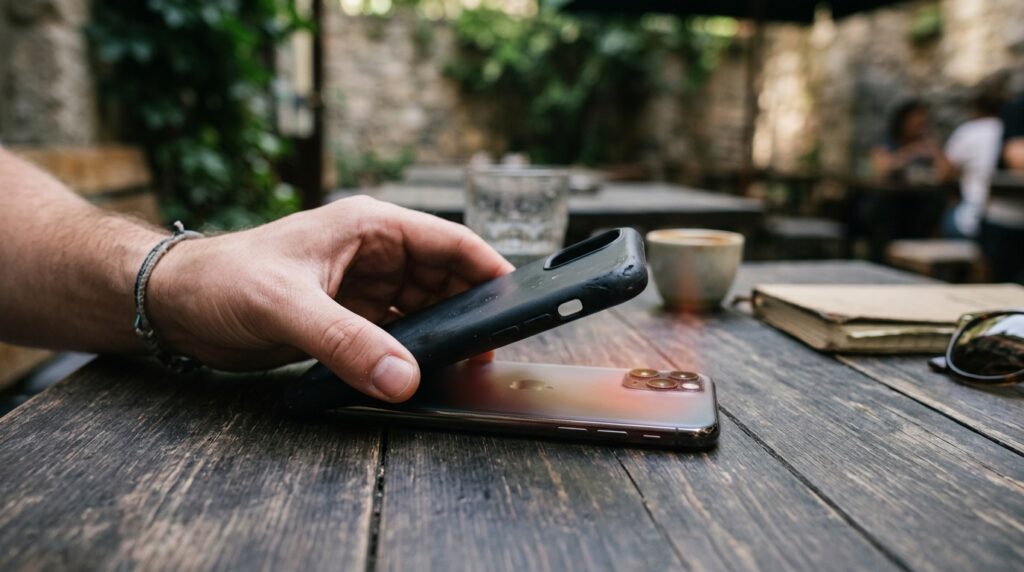
Removing the case and placing the phone in the shade is the first thing to do when it overheats
If your smartphone has gotten very hot, follow these steps:
- Move the phone out of direct sunlight into the shade;
- Remove the case so the body can release heat faster;
- Close heavy apps and turn off the camera, navigation, and hotspot;
- Lower the screen brightness and enable power saving mode;
- Let the device cool down calmly and only then connect the charger.
Don’t cool a hot phone with a stream of very cold air from an air conditioner. The thing is, a sudden temperature change can cause moisture to form inside the case. In a car, it’s better not to keep your smartphone under the windshield, but to choose a cooler spot. And don’t leave your phone in a closed car in the sun even briefly, because the temperature inside rises very quickly.
In hot weather, a smartphone drains faster due to high air temperature, bright screen, mobile connectivity, and so on. Unlike cold weather, heat doesn’t always immediately reduce available capacity, but it accelerates battery wear and creates conditions where the charge runs out noticeably faster. That’s why in summer you should protect your phone from direct sunlight, avoid charging it when it’s hot, and remember that a scorching car is the worst place for a smartphone.