I usually only turn off my smartphone on a plane or at a service center. The rest of the time, the phone just lives turned on for months, and I suspect most of you do exactly the same. Sometimes we don’t even think about when we last pressed the power button. And as it turns out, that’s a problem. Turning off the phone or simply leaving it unused — we’ve already covered that. Now the situation is different: what happens if you never turn off your phone, and why restarting once a week isn’t a whim but a real necessity.
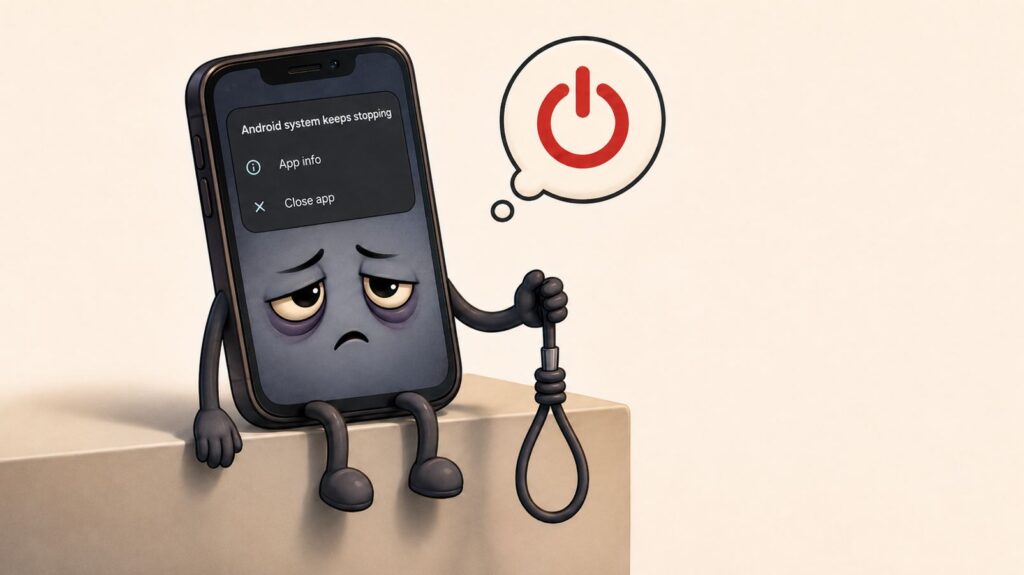
Let’s figure out what happens if you never turn off your phone
Why Your Smartphone Starts Glitching
This is the most noticeable consequence that everyone encounters. Our reader, an owner of that very OnePlus 15, recently noticed that it started lagging for no apparent reason: apps open and close with a delay, the keyboard responds late, and switching between messengers happens with a pause. The result: sooner or later you’ll have to resort to the engineering menu to find the problem.
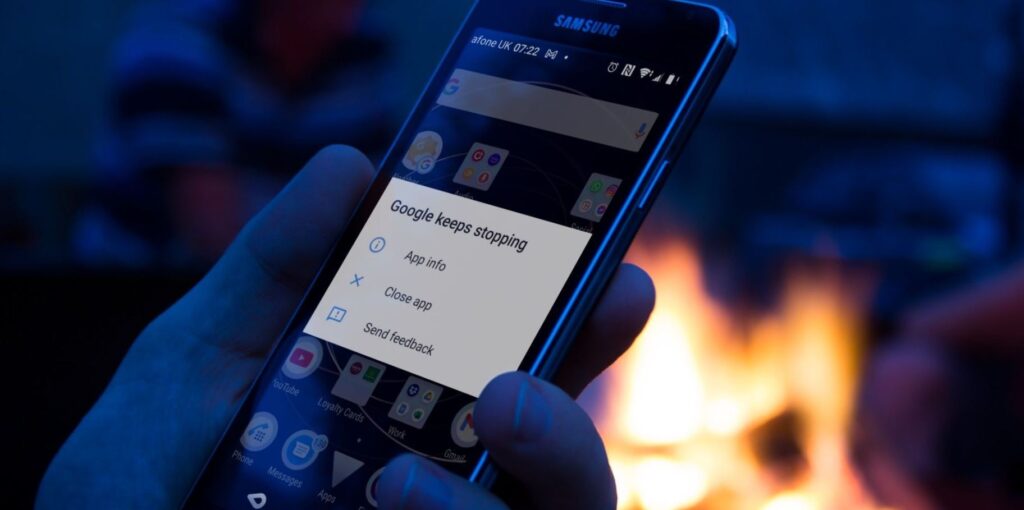
Do you often see the app crash message? It looks like it’s time to turn off your phone
It’s all about RAM. Every launched app leaves behind background processes — even after you swipe it away from the recent apps list. Some of those background processes are memory leaks from specific apps that stay in RAM and don’t release it back. If you don’t restart your phone for a couple of weeks, so much junk accumulates in the background that new apps simply don’t have enough RAM.
We’ve already discussed how useful a reboot can be. Here’s what happens when you restart:
- RAM is completely freed up;
- Frozen background processes are forcefully closed;
- System services start from scratch and run without accumulated errors;
- Updates and security patches that were waiting for a reboot are applied.
This is the very reason why tech support at any company in the world first asks you to restart your phone and only then discusses the problem. In half of all cases, the conversation ends right there.
What Happens to the Battery If You Don’t Turn Off Your Phone
The second symptom that builds up unnoticed. Over time, even a smartphone-powerbank from realme will start needing a charge by evening, even though it shouldn’t. Most people at this point think the battery has “worn out” and start googling how to replace it. But the problem is often not the battery — it’s that the phone was never restarted.
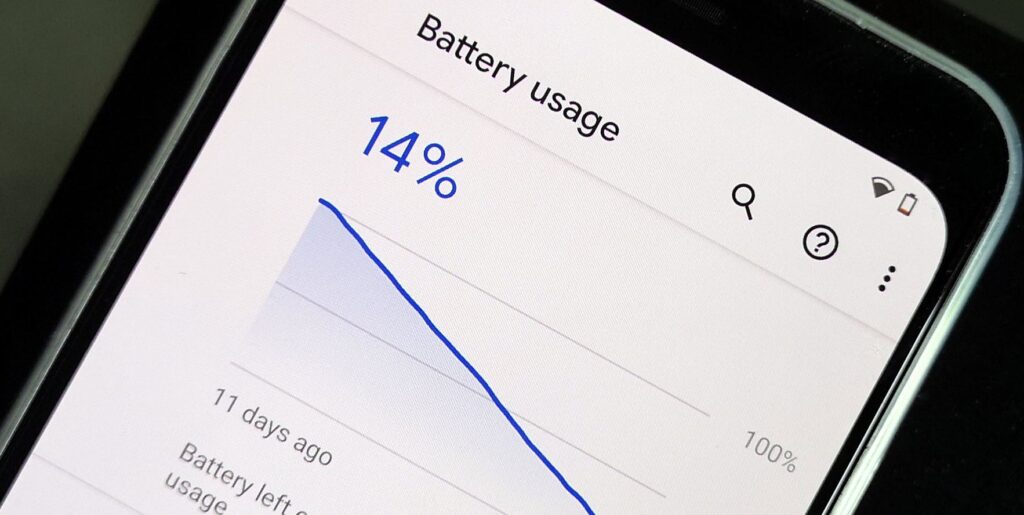
Even smartphones with powerful batteries eventually start draining quickly
Here’s what happens. Because of those very memory leaks and frozen background processes, the smartphone constantly burdens the processor with extra work. The processor heats up and consumes more energy, plus some app might get stuck in an empty loop and drain the battery in the background for no visible reason. On the surface, it looks like “the battery drains fast,” but in reality — the system is just choking on its own junk. How to tell if your smartphone is draining fast because of a lack of restarts:
- The phone heats up even when idle, with the screen off;
- The charge drops 10–15% even without active use;
- In the battery stats, system processes or apps you haven’t used in a long time are at the top;
A single reboot often brings back a full day of battery life — for free and in just a minute.
Why It’s Dangerous Not to Restart Your Phone
Here’s the most interesting part, and very few people know about it. The U.S. National Security Agency (NSA) in its official mobile security recommendations explicitly advises restarting your smartphone once a week. And not for performance reasons, but for protection against malware.
A reboot almost always fixes the lag issue
The logic is this. Some modern attacks on smartphones are so-called zero-day vulnerabilities, where malicious code gets onto the device without your involvement: a single incoming message or an incoming call through a messenger is enough. The most advanced versions of such software live not in permanent storage but only in RAM — so that they’re harder to detect with antivirus software. And this is where a reboot clears the phone’s RAM and the malware disappears along with it.
Intelligence agencies state that this isn’t a cure-all — against installed spyware or physical access to the phone, a reboot won’t help. But against an entire class of attacks that reside in memory, a weekly phone reboot is a genuinely effective measure. And this, mind you, is a recommendation from an intelligence agency, not “advice from a forum.”
Why Wi-Fi and Bluetooth Glitch on Your Phone
Another common complaint that surfaces after a long period without restarting is connectivity issues on the phone. At home, Wi-Fi periodically drops, outside the carrier network shows four bars but the internet doesn’t work, Bluetooth headphones don’t connect on the first try. And sometimes they even become vulnerable to eavesdropping.
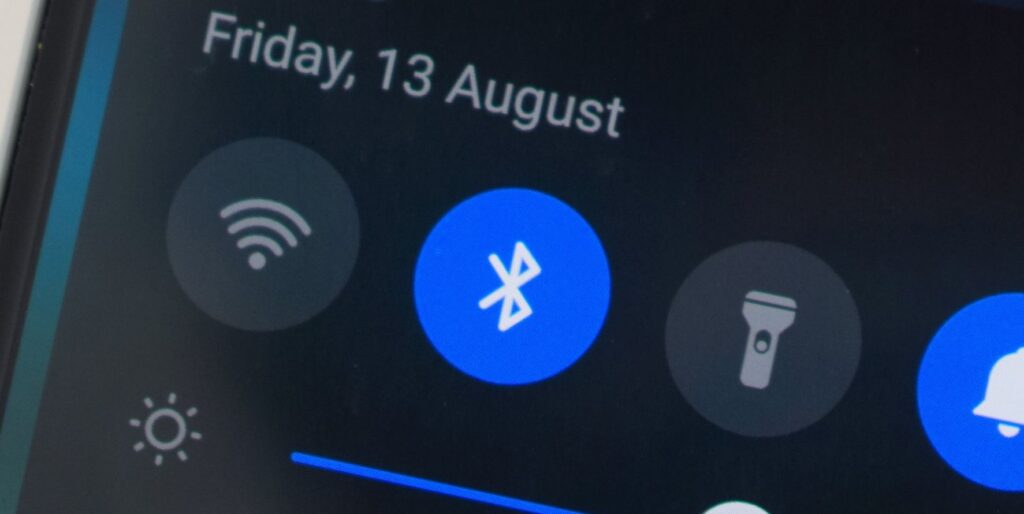
Connectivity on the phone also becomes unstable if you never turn it off
The phone’s radio modules remember which networks are nearby, which cell tower they’re connected to, and which Bluetooth devices are in range. Over time, the memory fills up: old access points that no longer exist, disconnected towers, and incorrect connection parameters get stored there. The phone may stubbornly cling to a weak cell tower because in its “memory” it’s marked as a priority, even though a better one is already nearby.
When you reboot, everything resets and the system reconnects. The smartphone scans available networks from scratch, selects the best signal, and re-registers with the carrier. So if you regularly have “strange” connectivity issues that seem to come from nowhere — this is the first thing worth trying.


