The same website sent a code via SMS yesterday, today it came through Telegram, and tomorrow it might land in MAX. Many people are sure there’s a toggle somewhere in iPhone settings that controls all of this. Well, there isn’t one. And that’s perhaps the most important thing to understand about verification codes: you don’t choose the delivery channel.
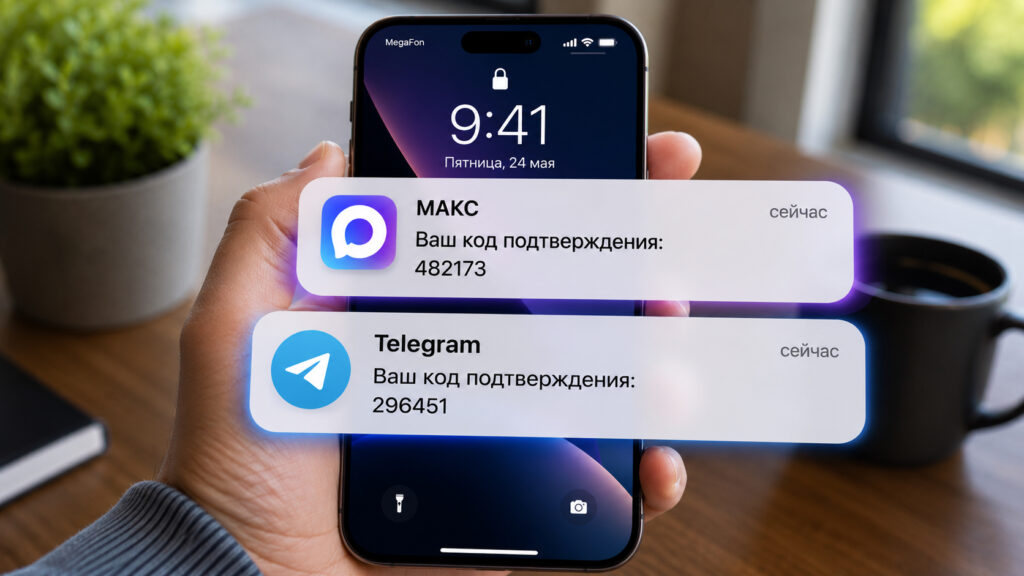
You’ve surely received notifications like these more than once
Why Codes Arrive in Telegram Instead of SMS
Several years ago, Telegram launched a service called Telegram Gateway. It’s a tool for companies that allows them to send one-time passwords not through a mobile carrier but directly into the messenger. The code doesn’t land in a DM from some random bot — it goes into a system chat called Verification Codes. The sender is always an official channel, and it can’t be spoofed.
This only works under one condition: the phone number you’re requesting the code for must be linked to a Telegram account. Neither Premium nor having your number visible in your profile matters. Even if you hide your number from everyone, code delivery won’t break — the service checks the link, not your privacy settings.
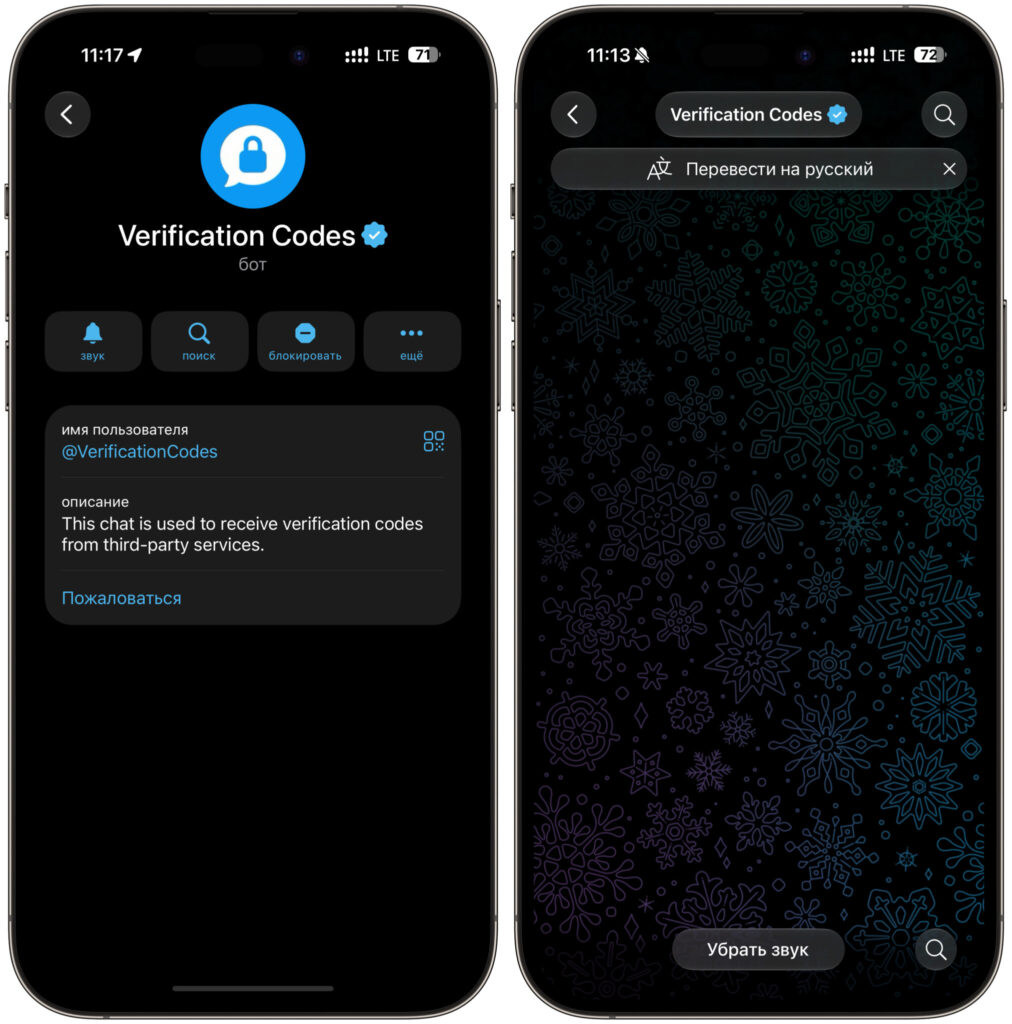
Telegram doesn’t even let you take screenshots of the chat
And now the key point. Telegram’s FAQ states it directly: the delivery method is determined by the service itself. The messenger can’t change this and doesn’t know what you want. The scheme is simple: if a website has connected Gateway, the code goes to Telegram; if it hasn’t, a regular SMS is sent. Some companies even decide on the fly, depending on the country, carrier, and sending costs.
The reason Gateway is popular with businesses is frustratingly simple — money. Sending a code through Telegram costs less than SMS and delivers faster.
Verification Code in MAX: How Delivery Works
The story with the national messenger is very similar but with Russian specifics. MAX provides companies with an API for sending authorization messages, and codes arrive in an official chatbot called “Verification Codes.” It’s marked with a verification badge, so it’s hard to confuse it with a fake.
In May 2026, all four major carriers — MTS, MegaFon, Beeline, and t2 — signed agreements with MAX for delivering authorization, service, and transactional messages. Two protected folders were created in the messenger for these: “Verification Codes” and “Useful Notifications.” However, in practice, this is already fully working only for some: MAX’s help section lists Beeline and MegaFon as connected carriers.
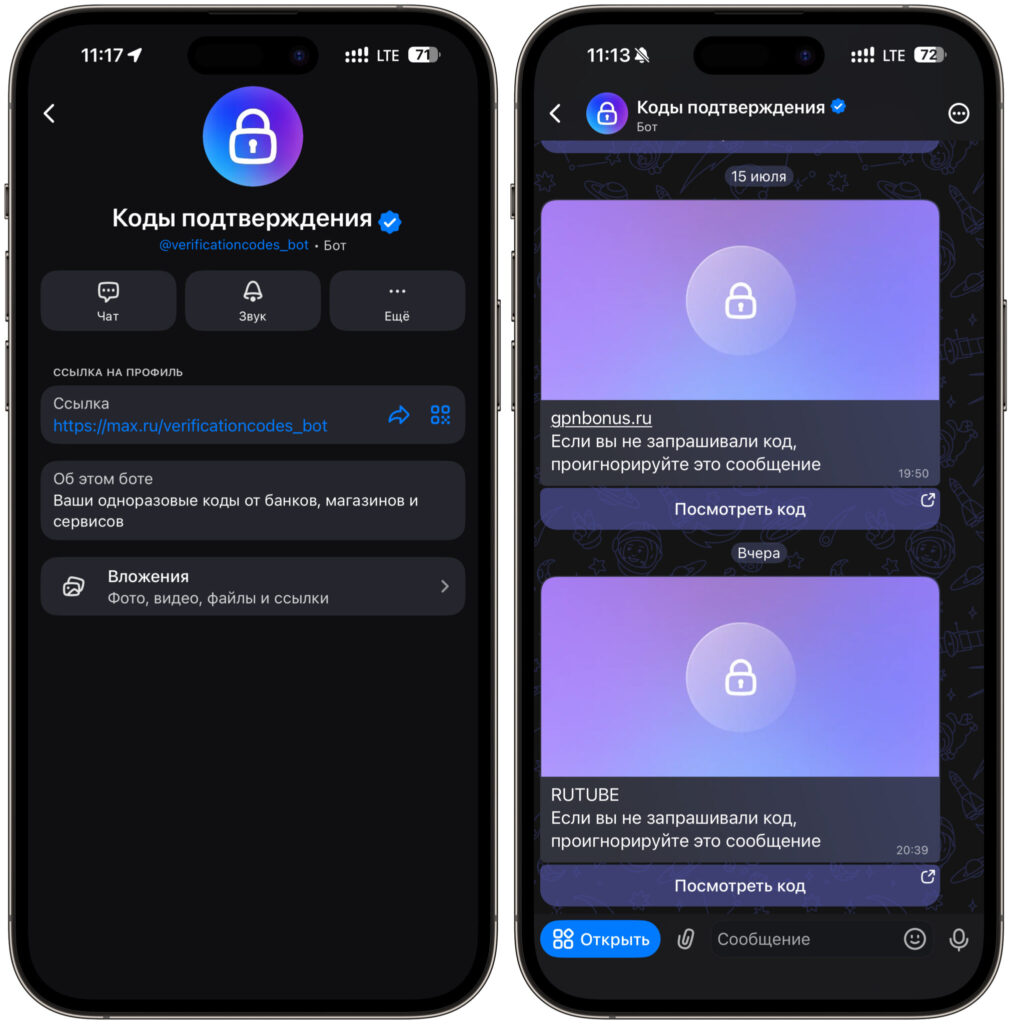
To view the code, you need to follow a link in the chat
There’s an important detail that Telegram doesn’t have. Especially important codes are delivered only to a trusted device, and this is something you actually choose yourself. On first entry into the chatbot, you need to tap “Choose this device,” after which the code will appear on screen. But even here, you’re only choosing the device, not the delivery channel itself. If the message can’t be delivered via the messenger, the carrier will send a regular SMS for free. Government services (Gosuslugi) have been working on a similar principle for a long time.
I should separately note an obvious risk of this scheme. MAX requires internet, while SMS arrives via the cellular network. No connection or the messenger goes down — and you’re left without codes from multiple services at once.
Can You Disable Receiving Codes in Telegram and MAX
Short answer — almost never. You can scroll through Telegram, MAX, and website account settings all you want: there’s simply no such toggle. Neither in the messenger nor in your bank or marketplace profile will you find an option saying “send codes here.” The decision is made on the service’s side, in its authorization system, long before you press the “Get code” button.
Exceptions exist but are few. Some websites offer a choice right in the login form: SMS, email, sometimes WhatsApp. Gosuslugi (Government Services) lets you designate MAX as a trusted verification channel, but this only works with Gosuslugi, not with every website in the country. Everything else is the internal logic of each specific company: delivery cost, speed, region, and security requirements.
This explains the oddities you observe. The same bank sent a code via Telegram in the morning and via SMS in the evening — that means it has cascading delivery set up. The system first tries the cheaper channel, and if it doesn’t work, it activates the backup. You have no influence over this choice whatsoever: the decision is entirely up to the service, even though everyone usually blames the phone or the messenger.
What to Do If a Verification Code Doesn’t Arrive
Yet another reason to keep MAX and Telegram on the same iPhone
First, check where it might have landed. Open Telegram and look in the Verification Codes chat, then open MAX and check the codes bot. In nine out of ten cases, the message is sitting right there — you just didn’t notice it.
The second reason is even simpler — disabled notifications. System chats are easy to mute accidentally, and then the code arrives silently. If you see a crossed-out icon next to the chat name, figure out what it means. Also check “Settings — Notifications” on your iPhone and make sure sound and banners are enabled for the messenger.
Next on the list: verify your phone number. If an old number is linked to Telegram but you’re requesting a code for a new one, Gateway simply won’t find the recipient and the service will fall back to SMS. The same logic applies to MAX, plus the requirement to select a trusted device — without this step, you won’t see codes from carriers.
The practical takeaway is simple. Keep both messengers with the same number on your iPhone — this way you’ll cover all possible delivery channels. And don’t look for a magic setting in messengers or account dashboards: the channel is chosen by the service.


