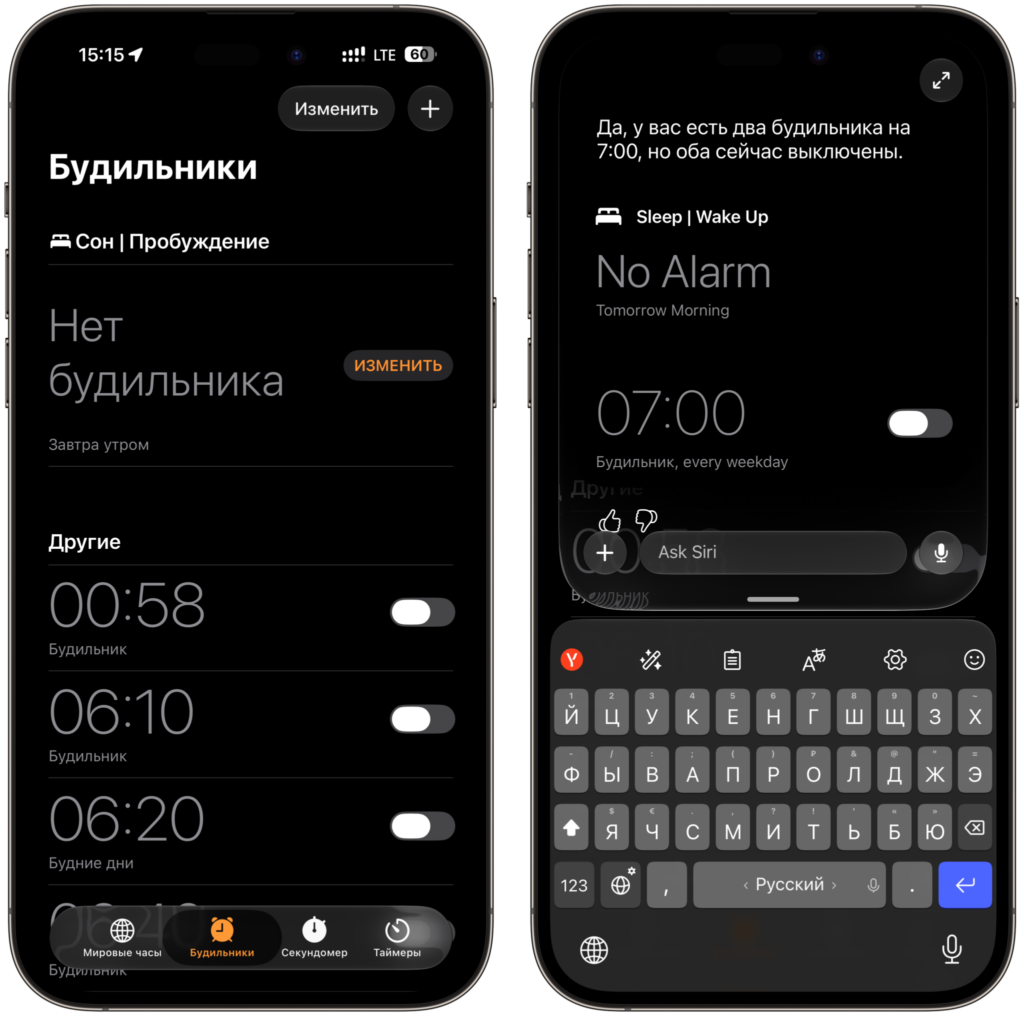
I’ve been running the iOS 27 beta for several weeks now, and in short, the system is surprisingly good for its status. It’s fast, polished, and doesn’t drain the battery the way early builds usually do. But there are four things that are frustrating every day. Not critical bugs that turn the phone into a brick, but rather minor annoying glitches that come up ten times a day and ruin the mood every time. Before installing the public beta of iOS 27, make sure to read about the problems I’ve encountered.
There are several glitches that are frankly annoying
Why App Icons Don’t Display in iPhone Search
The most frequent glitch. I swipe down on the home screen, the Search or Ask bar opens, and below it instead of the usual grid of recommendations — emptiness. More precisely, not quite emptiness: the spaces for icons are laid out, they’re clickable, but there are no images. And no names either. You see gray rectangles and have to guess where to tap.
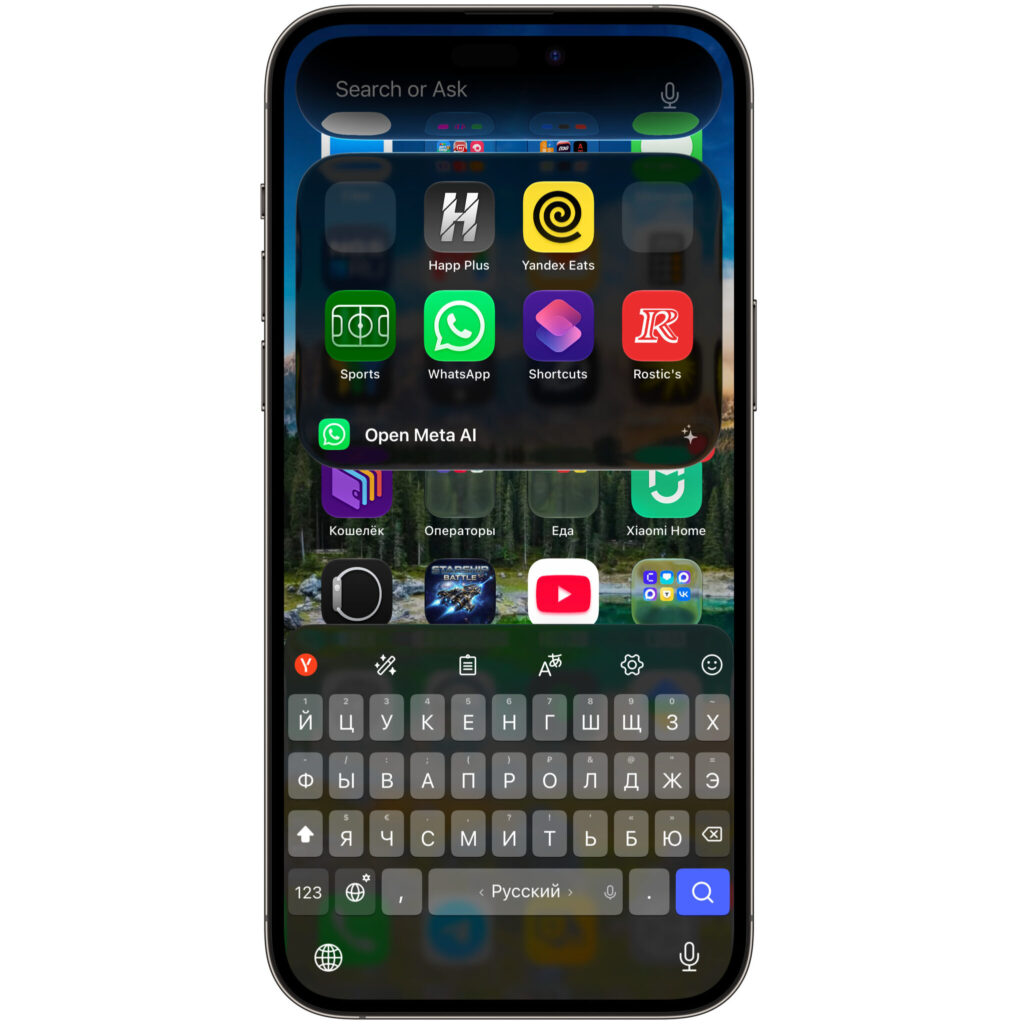
Telegram is on the left and Chrome is on the right, but guessing without tapping is impossible
Sometimes the system loads half of them. That is, Happp Plus and Yandex Eats have their icons in place, Sports, WhatsApp, and Shortcuts too, but the first column is simply missing, even though I know for sure that Telegram and Chrome are there. You can tap blindly, the app will open, but it’s not pleasant.
Only one thing helps: close the search, wait a couple of seconds, and open it again. Usually on the second try everything renders properly. Restarting the iPhone also fixes it, but the effect doesn’t last long — by evening the glitch comes back. Apparently, this is an icon cache issue that was rewritten along with the camera interface and other apps in the new system.
Spotlight Recommendations Stopped Working in iOS 27
The second glitch stems from the first, but is more annoying. Even when the icons are in place, the list of apps in search barely changes. It froze somewhere during the first week of the beta and has been living its own life since.
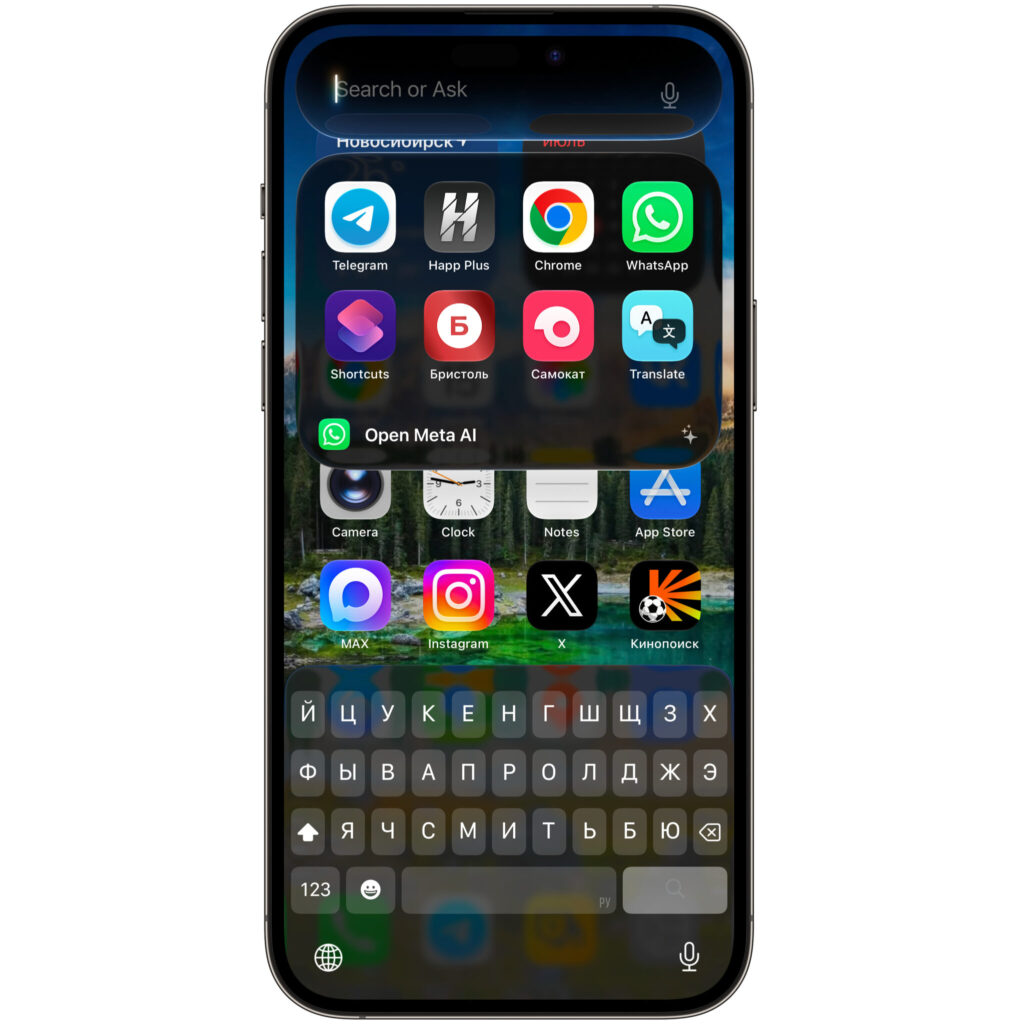
I barely use 5 out of 8 of these apps, but the system stubbornly keeps suggesting them
I have Bristol, Samokat, Translate, and Kinopoisk sitting there. I open Bristol once a month at best, Samokat about the same. Kinopoisk is installed just for the sake of it, and I don’t use Apple’s translator at all. Meanwhile, apps that I use daily never show up in the recommendations. Not once. The system seemingly doesn’t collect launch statistics, or collects them but doesn’t apply them.
Previously, this block was genuinely useful: iOS would suggest what you open at that time of day. In the morning — mail and news, in the evening — messengers, delivery, and buying transit tickets. Now there’s no discernible logic. This is a case where the feature technically works, but provides zero benefit. If you’re already deciding whether to update your iPhone this fall, keep in mind: this will definitely be fixed by release, but living with it on the beta is inconvenient.
Apps Freeze After Long Press in iOS 27
This one is no longer cosmetic. In some apps, a long press completely freezes the interface. For me, it consistently happens in MAKS: I try to bring up the context menu on a post to add a reaction, and the app just freezes. It doesn’t crash, doesn’t kick me to the home screen — it just hangs. Scrolling doesn’t work, taps don’t register, and only force-closing helps.
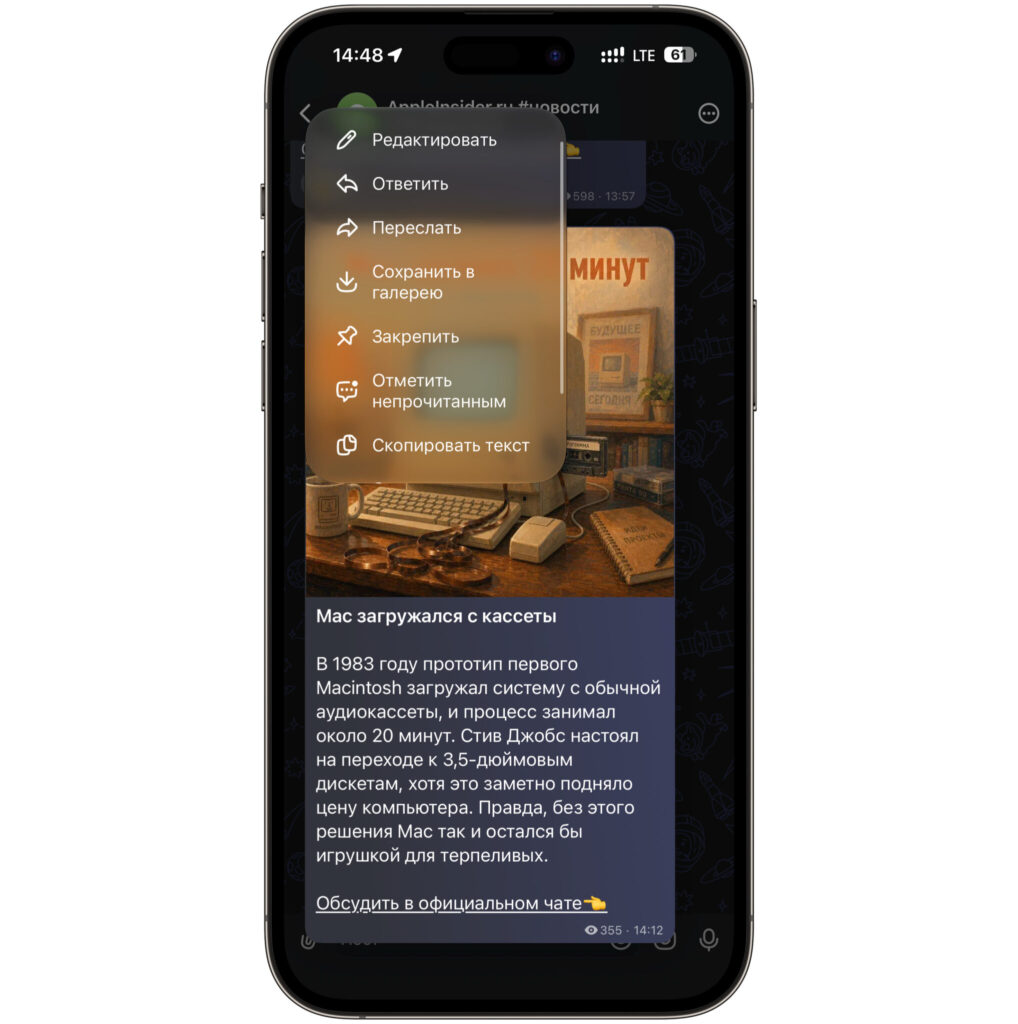
The context menu appears, and the app freezes completely
There are two workarounds. First — double-tap on the message, then the reaction is applied without any menu. Second — open the web version in a browser, where long press works normally. Both options work, but every time you catch yourself thinking you’re making unnecessary extra steps over nothing.
In Telegram, this has never happened to me, and system apps are fine too. It seems like the issue lies in specific gesture implementations by third-party developers who haven’t yet updated their builds for the new system, and in the case of MAKS, won’t be able to do so at all.
Why Siri AI Turns Off in Russian Language
The most frustrating story. Siri AI understands Russian perfectly, except for voice control. It sees that Russian is selected in the app, navigates the interface calmly, reads content, and responds appropriately. All of this works.
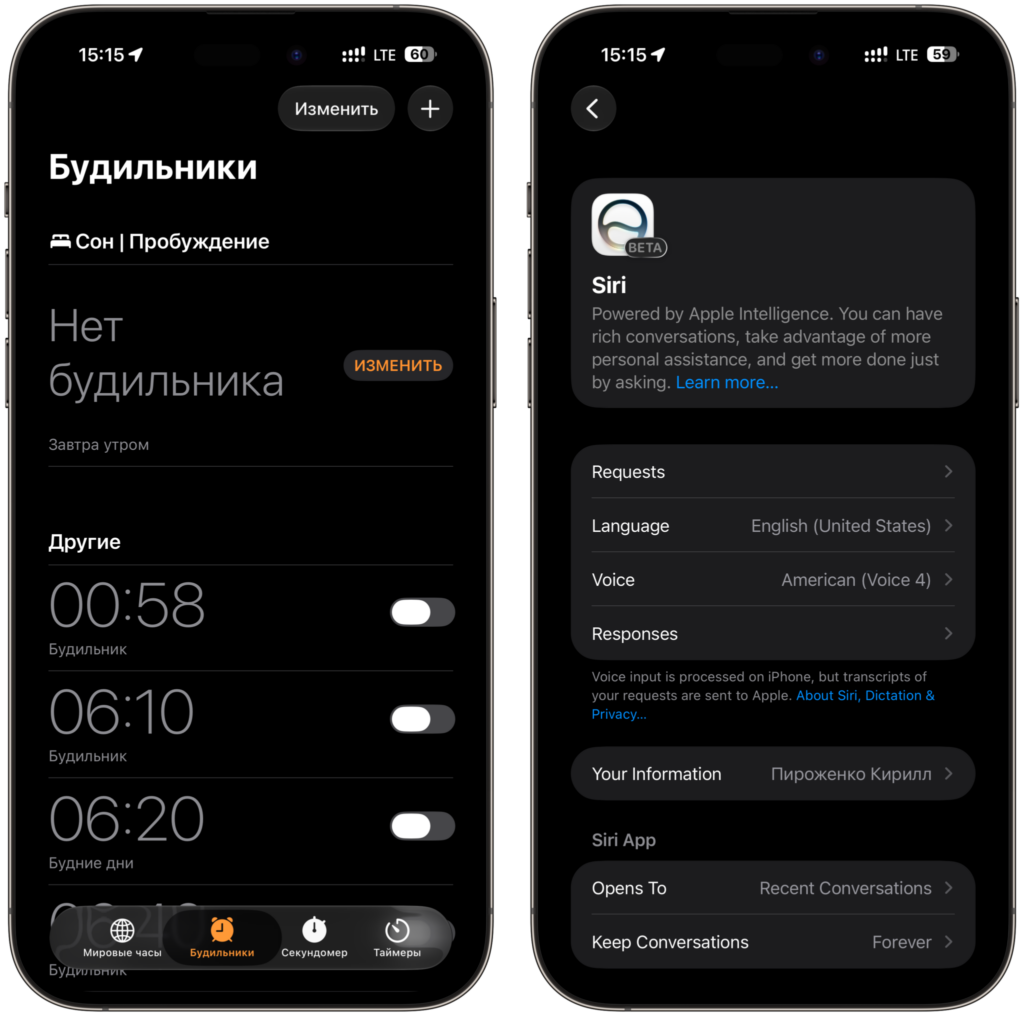
You have to keep apps in Russian while the system stays in English
But as soon as you switch the entire system to Russian, Siri AI simply turns off. It doesn’t work worse, it doesn’t glitch — it disappears. That’s why I currently have the system set to English, with the language in each app set individually through settings. You open the settings for a specific app, find the language option, set it to Russian. And repeat for each one. It takes about twenty minutes if you have a lot of apps.