Samsung appears to be preparing a Galaxy feature that drains the battery on purpose. Code found in the One UI 9.5 test build points to a mode called Safe Shipping. It would lower a phone’s charge to a set level before the device is handed to a courier, for example when it is being sent for repair. The reason is shipping rules: lithium-ion batteries are subject to transport requirements, especially above 20 Wh. Samsung has not officially announced the feature, and it could not be activated on a Galaxy S26 Ultra.
What you need to know
- Android Authority found a Safe Shipping mode in the code of the Device Care app in One UI 9.5. The mode deliberately discharges a Galaxy phone, apparently by loading the processor even when the screen is off.
- The code sets a target of 89% charge or lower and a battery voltage of no more than 4320 mV. Both conditions must be met at the same time.
- While the mode is active, charging is capped at 80%, and that limit cannot be changed manually or through automations.
- The mode did not work on a Galaxy S26 Ultra. Samsung has not announced the feature or named any supported models.
A new feature for Samsung smartphones
A battery mode that works in reverse
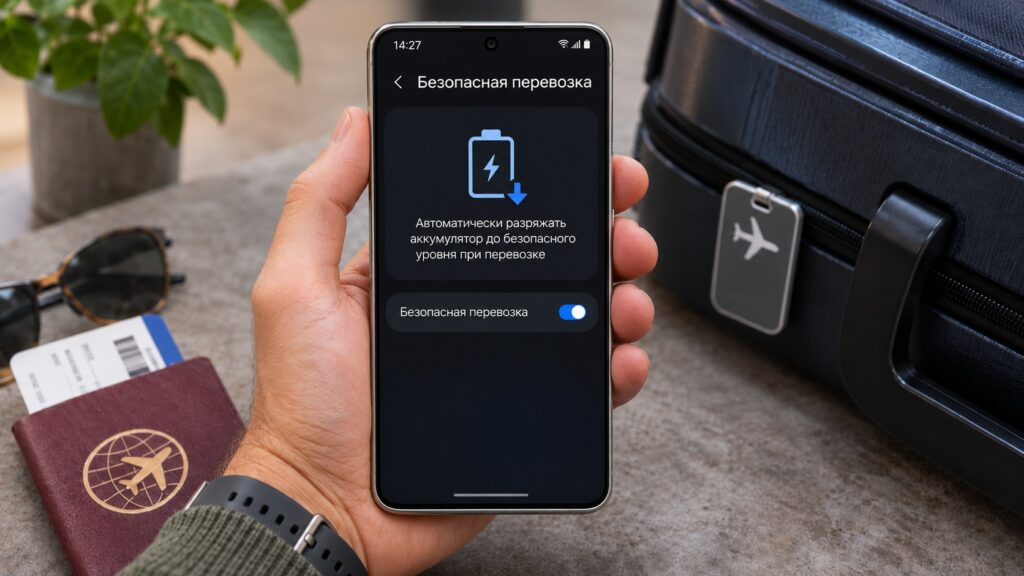
Samsung phones already offer a battery protection feature. It limits charging to help reduce battery wear. The newly discovered mode in the One UI 9.5 test build has the opposite goal. It is called Safe Shipping, and it makes the phone deliberately use up energy.
The finding was reported by Android Authority, whose journalists examined the code of the Device Care app. Based on that code, a Galaxy phone would be able to load its processor with computations even with the screen off. This would speed up discharging, but it could also make the device warm up.
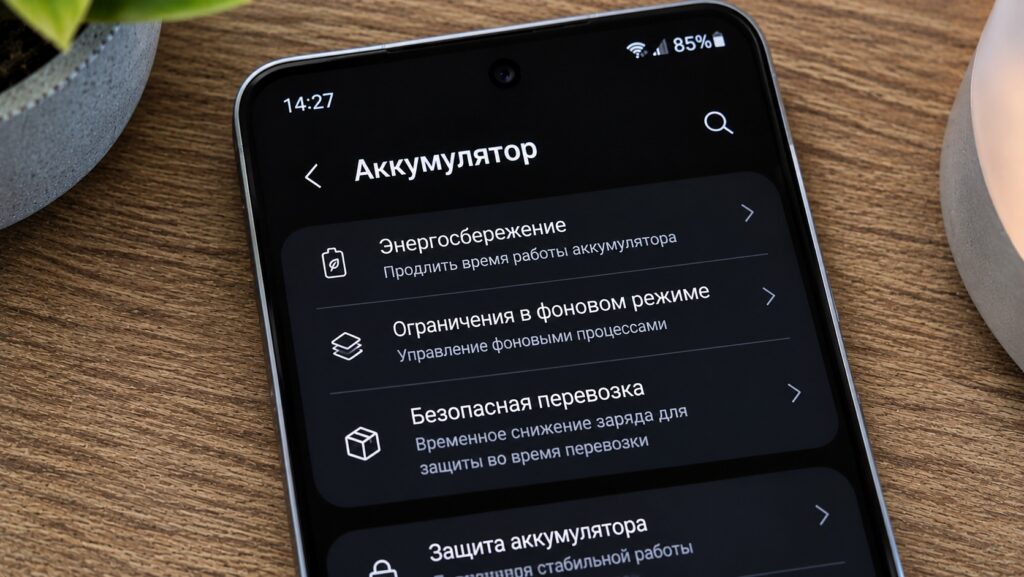
Safe Shipping in the battery settings of a Samsung smartphone
How the process is expected to work
According to the reported code, the sequence would be:
- the phone drains its own battery;
- the system shows a notification with the progress of the discharge;
- the process stops once the required level is reached;
- the owner receives a message saying the device is ready.
The process is designed to run automatically, so the user would not need to monitor it. They would only have to wait for the notification.

The target: 89% charge and no more than 4320 mV
The code sets specific conditions for Safe Shipping. The charge must drop to 89% or lower, and the battery voltage must be no more than 4320 mV. Both requirements must be met at the same time. If the battery already meets them, no forced discharge is needed.
The system would also apply an 80% charging limit automatically. While the mode is active, that limit cannot be changed manually or through automation routines. Once the feature is switched off, the previous settings should be restored. The code also includes an option to cancel the preparation.
It is still unknown how long the discharge would take. That would depend on the starting charge level and how quickly the phone can bring it down.
Why a phone would need draining before shipping
The main purpose of the feature is the safe transport of the smartphone. Lithium-ion batteries are subject to specific shipping rules, particularly when their energy capacity exceeds 20 Wh. Some categories of these batteries face additional restrictions.
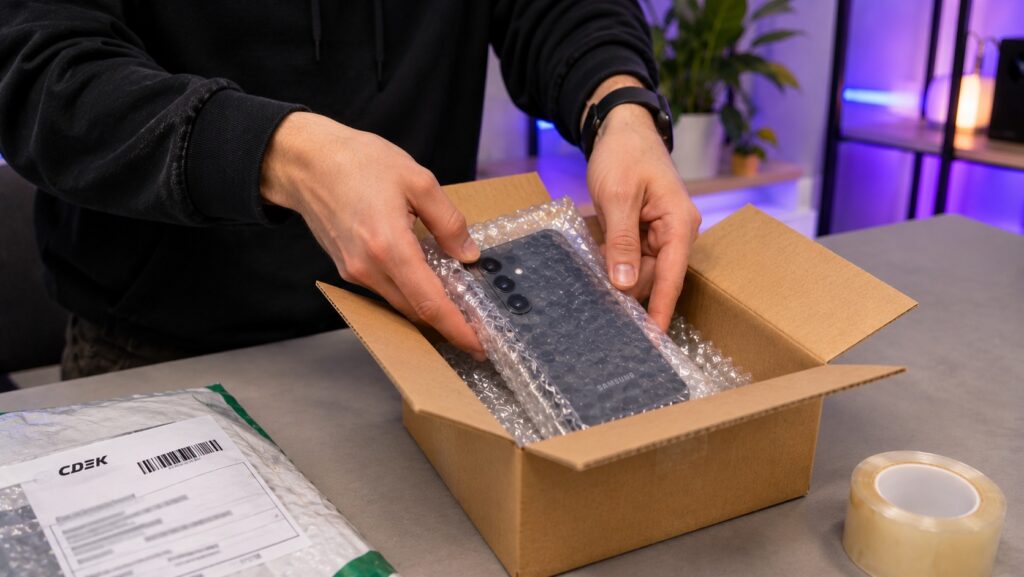
Packing a smartphone before sending it for repair
Consider a broken Galaxy that has to go to a service centre by courier. Instead of the owner running down the battery manually, Samsung could offer automatic preparation. The phone would lower its stored energy to the set level, and it could then be handed to the carrier in line with the applicable requirements.

Preparing a phone for repair in the meantime
Until the feature is available, the source article suggests these steps when sending a phone in for repair:
- Ask the service centre what battery charge level it requires.
- Back up your photos, contacts and other important data.
- If needed, run the battery down through normal use to the specified level.
- Turn on Samsung’s maintenance mode, if it is available, to limit access to your personal data.
There is no need to drain the battery to zero. If the battery is swollen, damaged or getting very hot, the source warns that draining it yourself is dangerous. In that case, the handover of the phone should be arranged with the service centre.
Not every Galaxy is likely to get it
For now, Safe Shipping exists only in the One UI 9.5 code. The Android Authority journalists tried to launch it on a Galaxy S26 Ultra without success. The likely explanation is that the mode requires hardware support from the battery, but this has not been confirmed.

Galaxy S27 smartphones, which are expected to run One UI 9.5
The upcoming Galaxy S27 Ultra is named as one candidate for the feature. According to preliminary information, it will have a 5,700 mAh battery with an energy capacity of about 21.37 Wh. That is above the 20 Wh threshold, which is why automatic shipping preparation could be especially useful on that model. These specifications are unconfirmed.
Samsung has not officially presented the feature or listed supported models. It is possible that it will only be offered when a repair is booked through Samsung’s own service app. Owners of current Galaxy phones should not expect to find the toggle yet.
The mode is not meant for everyday use, and phones do not need to be fully discharged during normal use. Its role is limited to preparing a device for shipment. If Samsung brings it to release, owners of compatible Galaxy phones would no longer have to manage the charge level themselves before sending a phone in for service.