Apple’s laptop lineup in 2026 has grown so much that the choice is no longer obvious: alongside the familiar Air and Pro, there’s now the budget MacBook Neo, and more people are opting for a Mac mini at home instead of a laptop. If you’ve already tried to figure out which Apple laptop to choose in 2026, you know how tricky it can be. Let’s break down which Mac a student actually needs — and when the “Pro” label is just extra money wasted.

Choosing a MacBook for school
MacBook Air for School: Who Can Get By with the Base Model
The 13-inch MacBook Air with the M5 chip is what will suit most students: it’s light, lasts all day on a single charge, and handles both schoolwork and light creative tasks with room to spare. An interesting detail: the base MacBook Pro has the exact same M5 chip, so for everyday tasks you simply won’t see a difference from the Air. The Pro gains an edge thanks to active cooling, extra ports, and a more impressive display — but none of that is likely to matter to someone writing essays and browsing the web.
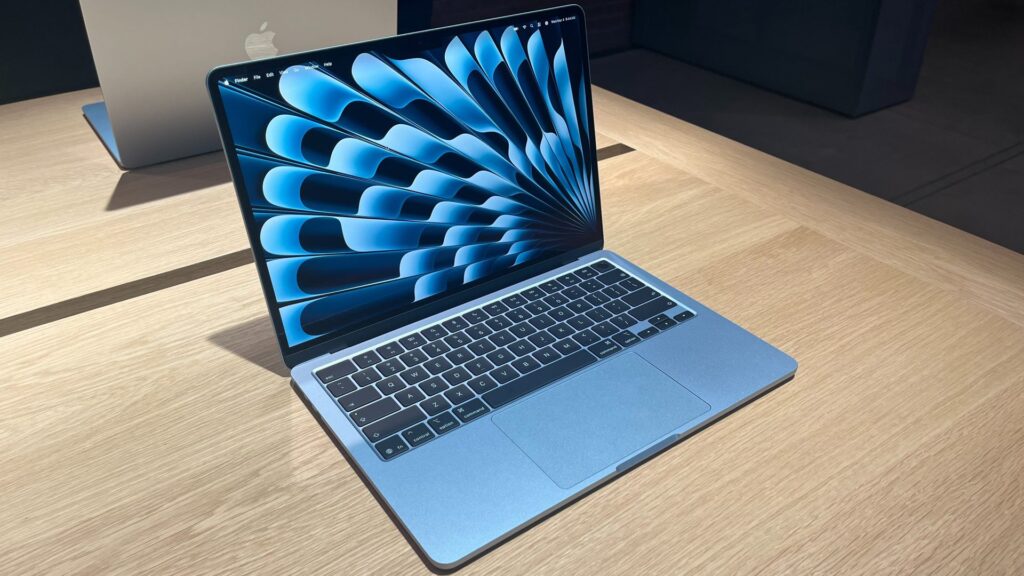
The 13-inch Air will cover most people’s needs
- Weighs just 1.23 kg — easy to carry in a backpack all day between classes
- Fanless — silent even under light load
- Up to 18 hours of battery life — you can often leave the charger at home
- Liquid Retina display, 500 nits brightness
- Since 2024, the base configuration includes at least 16 GB of RAM
- With the M5, the base storage has been doubled to 512 GB
The price in the US starts at $1,099, which is roughly 100,000 rubles in Russia including shipping and customs duties. Where the Air falls short compared to the Pro: the screen is only 60 Hz (no 120 Hz ProMotion), no HDR or extreme brightness, the 13-inch version has four speakers versus six on the 15-inch and Pro models, and there are fewer ports as well.
The Cheapest MacBook for School and College Students
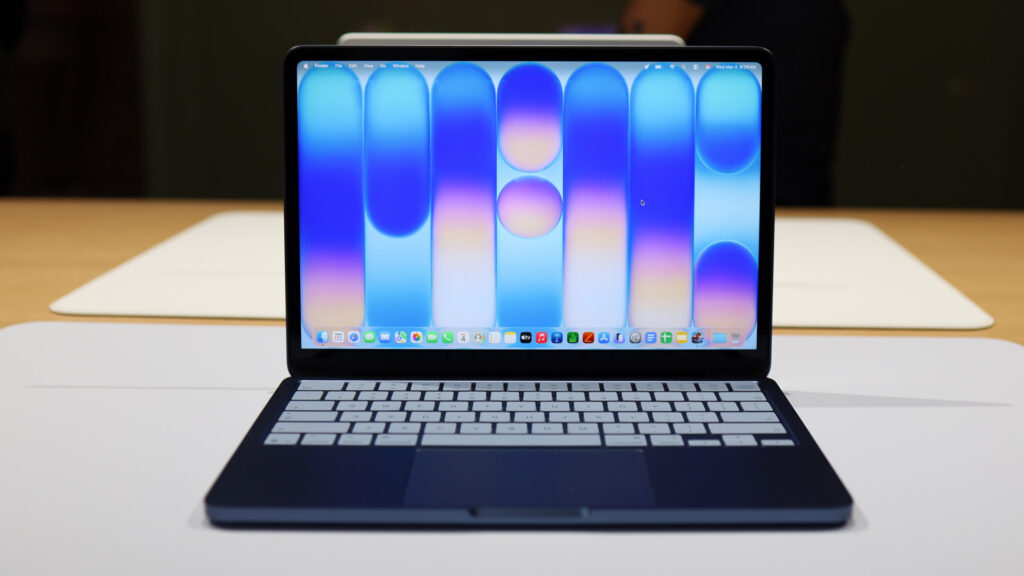
The Neo turned out cool, but due to limited RAM it won’t suit everyone
The MacBook Neo launched in March 2026 and is aimed at the education market — it competes with Chromebooks and budget Windows laptops. It’s the most affordable Mac in the lineup, yet it still features an aluminum body and runs macOS.
Key specs:
- A18 Pro chip — the same class as the iPhone 16 Pro
- 8 GB of RAM with no option to upgrade
- 256 or 512 GB storage
- 13-inch Liquid Retina display with 500 nits brightness
- 1080p webcam
- Up to 16 hours of video playback
- Colors: silver, indigo, blush, citrus
The price starts at $599 (though with an education discount it’s possible to grab one for $499), which is roughly 53,500 rubles in Russia.
What was cut to achieve the low price — it’s worth knowing upfront. The Neo has only two USB-C ports, one of which runs at USB 2.0 speed, and there’s no Thunderbolt. The display doesn’t support wide P3 color gamut or True Tone, so the laptop isn’t suitable for color-critical work. There’s no MagSafe, no backlit keyboard, and the base model lacks Touch ID. Only one external monitor can be connected.
Who the Neo is for: schoolchildren, freshmen on a tight budget, anyone already in the Apple ecosystem who wants macOS for the least amount of money. Who it’s not for: students doing development, video editing, or 3D work — they’re better off with an Air or Pro.
MacBook Pro for Programming, Design, and Video Editing
The 14-inch MacBook Pro with M5 makes sense when your tasks genuinely demand a performance reserve. Its main advantage is sustained performance under load: active cooling saves the day, and the machine doesn’t throttle after ten minutes of rendering.
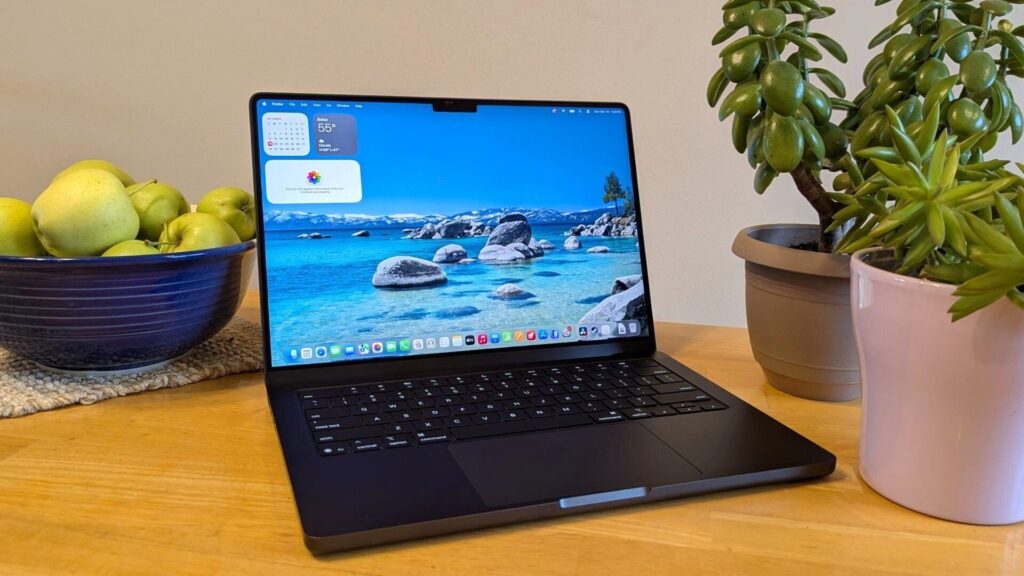
The MacBook Pro is the cream of the crop in power, but do you need it for school?
What a student gets:
- M5, M5 Pro, or M5 Max chips, up to a 40-core GPU at the top end
- Liquid Retina XDR with 120 Hz ProMotion and peak HDR brightness up to 1,600 nits
- Up to 24 hours of battery life
- HDMI, SDXC slot, MagSafe — most tasks are covered without dongles
- RAM from 16 GB, up to 128 GB in the maxed-out configuration
- Storage from 512 GB on the base M5, from 1 TB on the M5 Pro
- Thunderbolt 4 on the M5, Thunderbolt 5 on M5 Pro/Max
The base M5 model costs $1,699, roughly 150,000 rubles in Russia. Models with M5 Pro start at $2,199. Who actually needs the Pro: developers whose compilation takes minutes, 4K video editors, those working with 3D and data analysis, designers who need accurate color and ProMotion. For essays, lectures, and Office, it’s overkill — you’re paying for features you won’t use.
Mac mini for Studying at Home: When It’s Better Than a Laptop
If a student mostly works at home at a desk, and an iPad or an old laptop for taking notes is enough for classes, the Mac mini is a perfectly reasonable alternative. It started at $599, and for that money you get full desktop M4 performance. Or more precisely, it used to start there. Just this past weekend, Apple discontinued the minimum 256 GB configuration and replaced it with a 512 GB version at $799, but you can still find the Mac mini M4 with 256 GB — though remaining stock is almost nothing, and the price has risen to nearly 58,000 rubles.
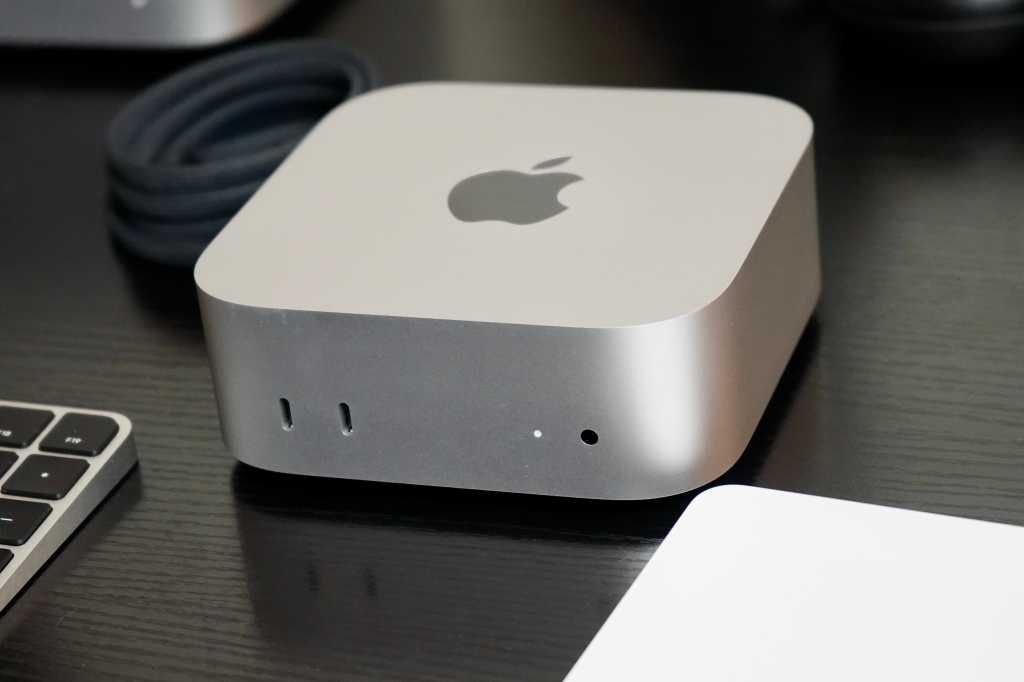
The mini is an option, but base configs sell out fast


