In addition to releasing the Android 17 operating system, Google presented new protection against phone scams at The Android Show. The OS will learn to automatically end calls that masquerade as banks and financial organizations. The feature works in conjunction with banking apps and doesn’t require user intervention. It will appear on devices starting from Android 11 and will begin rolling out in the coming weeks.

Android will protect grandmas from new scam schemes
Scam Protection on Android
Scammers have long learned to spoof numbers so that the bank’s name appears on the phone screen. This is called spoofing — faking the caller ID. According to Google, this method is used to steal nearly a billion dollars a year from people around the world.
The new feature works like this: when a call supposedly from a bank comes in, Android’s protection contacts the installed banking app and checks whether an official call is actually taking place. If the app reports that the bank is not calling you, the system automatically drops the call. Additionally, Android will block calls from numbers that the bank has marked as “inbound only” — numbers from which no one should be calling you.
Which Banks Protect Against Scammers on Android
At launch, the scam protection feature on Android will work with three banks: Revolut, Itaú, and Nubank. Google promises to add support for other financial organizations throughout the year. An important condition: the corresponding bank’s app must be installed on the phone. Without it, verification is impossible, and the protection won’t work.
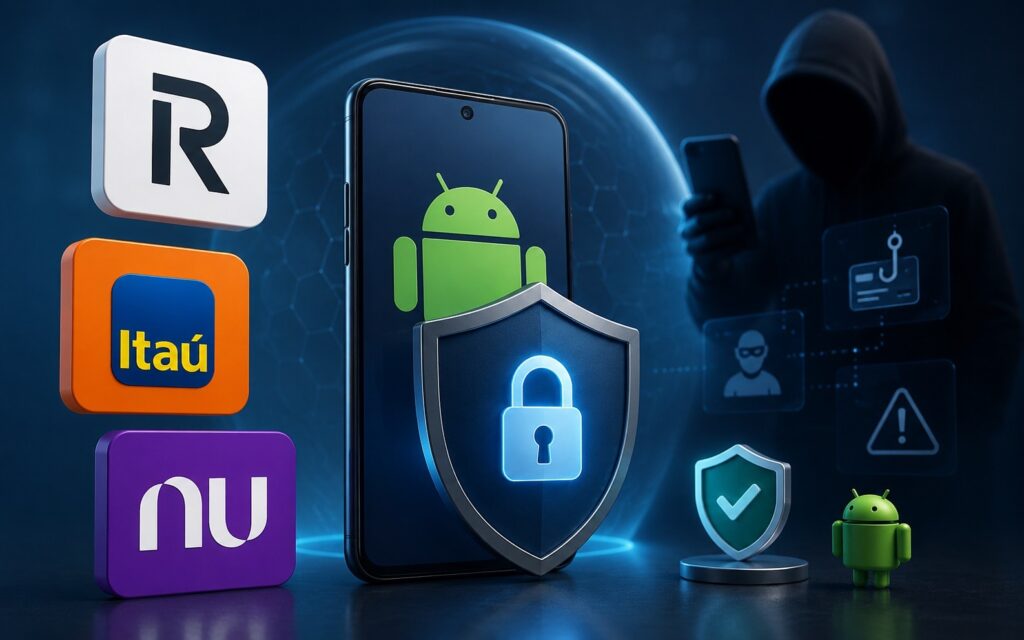
The feature doesn’t cover Russian banks yet
In terms of compatibility, the barrier to entry is low: the feature is announced for devices running Android 11 and newer. This means that even smartphones from 2020–2021 will be able to receive it. The rollout will begin in the coming weeks. For Russian users, there is currently no confirmed information about support for local banks. Given that the initial list is limited to three international services, the feature will be more relevant in the near term for those who use Revolut or other foreign fintech apps.
Android Theft Protection
In addition to combating scam calls, Google announced updates for data protection in case of device theft. The “Mark as Lost” feature in Find Hub now allows setting biometric unlock instead of just a PIN code or pattern lock. Furthermore, quick settings will be hidden on a locked device, and connections to new Wi-Fi networks and mobile data will be blocked so that a thief cannot bypass the protection.
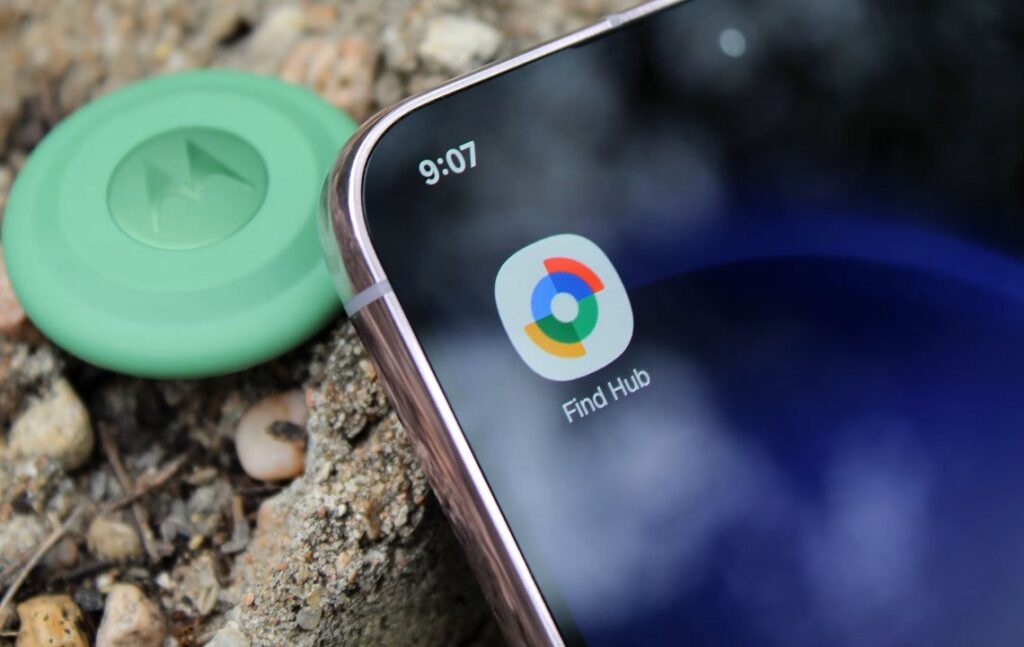
Google also updated the phone finder feature. Image: androidpolice.com
These features will appear on all new devices with Android 17, as well as on smartphones with Android 10 and above in several countries: Argentina, Chile, Colombia, Mexico, and the United Kingdom.
Other Android Protection Features
Google is also adding a new type of Android location access permission. You can now allow an app to see your location only when you are actively using the function that requires it. Previously, the choice was simpler: always, only when using the app, or never. The new option provides more precise control.
Another innovation is dynamic app monitoring at the operating system level, in addition to the already existing Google Play Protect. Android will monitor whether an installed app is behaving suspiciously — for example, whether it’s trying to covertly collect data. If the system detects an anomaly, the user will be prompted to delete the app.
What Scam Blocking on Android Will Give Users
Automatic scam blocking is perhaps the most notable of the announced features. It removes the human factor: you don’t need to decide for yourself whether a call from the bank is real. The system checks it for you and hangs up if the call is fake.
Now even on Android you can feel safe
The main limitation is the dependency on the banking app. If your bank is not on the supported list, the protection doesn’t work. At launch, it’s only three fintech services, and Google doesn’t specify exactly when other banks will join — only promising expansion “throughout the year.” For those who use an Android smartphone as their primary device, it’s worth keeping an eye on Google Play Services updates. That’s typically how security features like these are delivered, without needing to update the entire firmware.


