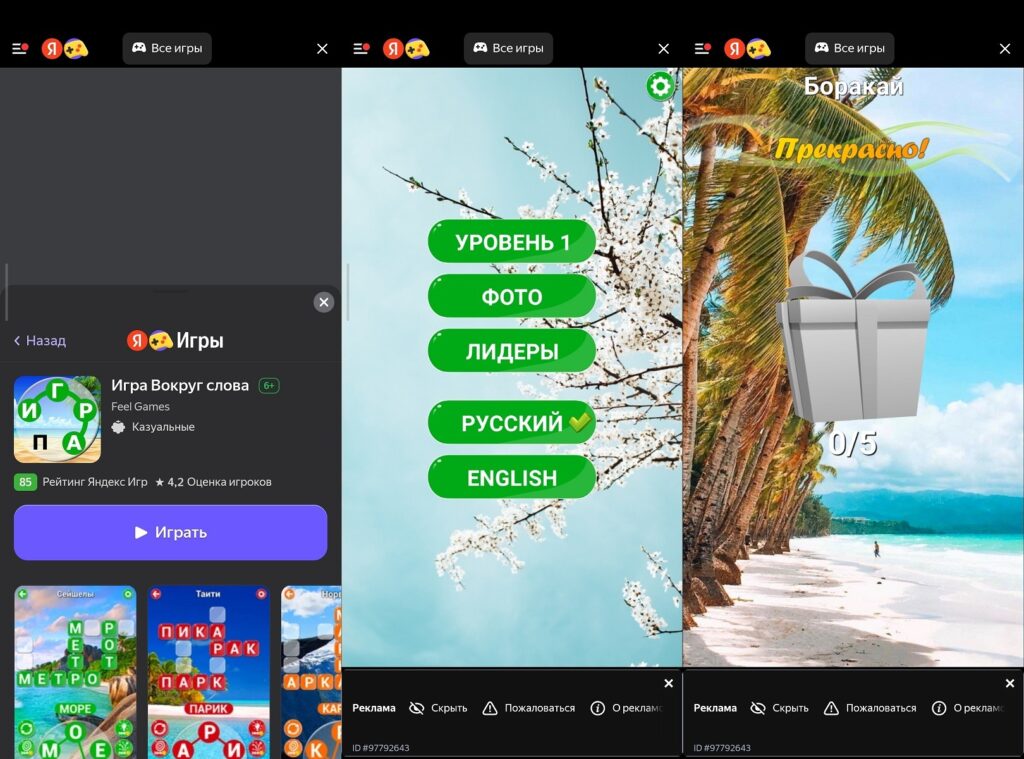
Yandex Games on Android is a browser-based gaming platform from Yandex that works right in the app without requiring separate downloads for each game. You just open it, pick a game, and play. The catalog includes hundreds of free Yandex games: puzzles, arcades, strategies, casual games, and much more. The platform works in Russian, doesn’t require a foreign account, and is accessible without a VPN, which in 2026 is already an argument in itself.
Exploring Yandex Games on Android
What Are Yandex Games and Why Do You Need Them on Android
The Yandex Games app is not a store where you need to download each game separately. It’s a unified platform that runs browser-based HTML5 games. The concept is similar to how VKontakte games work, but with a more modern catalog and better optimization for mobile devices.

The platform offers thousands of games for every taste
Key advantages over regular mobile games:
- no need to use phone storage (games are not installed);
- progress is saved in your Yandex account and accessible from any device;
- no intrusive notifications or home screen icons from each game;
- the entire catalog is free (monetization is only through optional in-game purchases);
- the interface is entirely in Russian.
The main downside worth mentioning: most games require a stable internet connection. There is an offline mode, but it’s limited. We’ll cover this in more detail in a separate section.
How to Download and Install Yandex Games on Android
You can download Yandex Games in three ways: via Google Play and RuStore. The first option is the simplest if Google Play is available. The second works if it’s not.
Yandex Games can be found in almost any app store on Android.
Via Google Play:
- Open Google Play on your smartphone.
- Type “Yandex Games” in the search bar.
- Select the app by Yandex.
- Tap “Install” and wait for the download to complete.
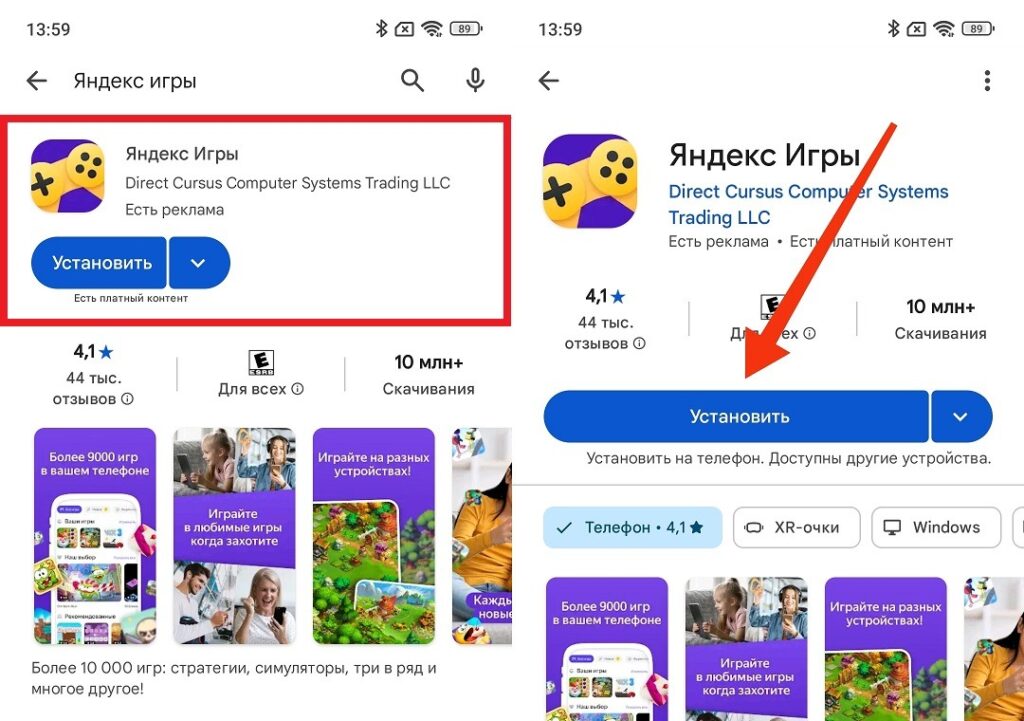
Installation via Google Play is standard
Yandex Games on RuStore — an alternative for those without access to Google Play:
- Install RuStore if you don’t have it — download the APK from the official rustore.ru website.
- Open RuStore and log into your account.
- Type “Yandex Games” in the search.
- Tap “Install.”
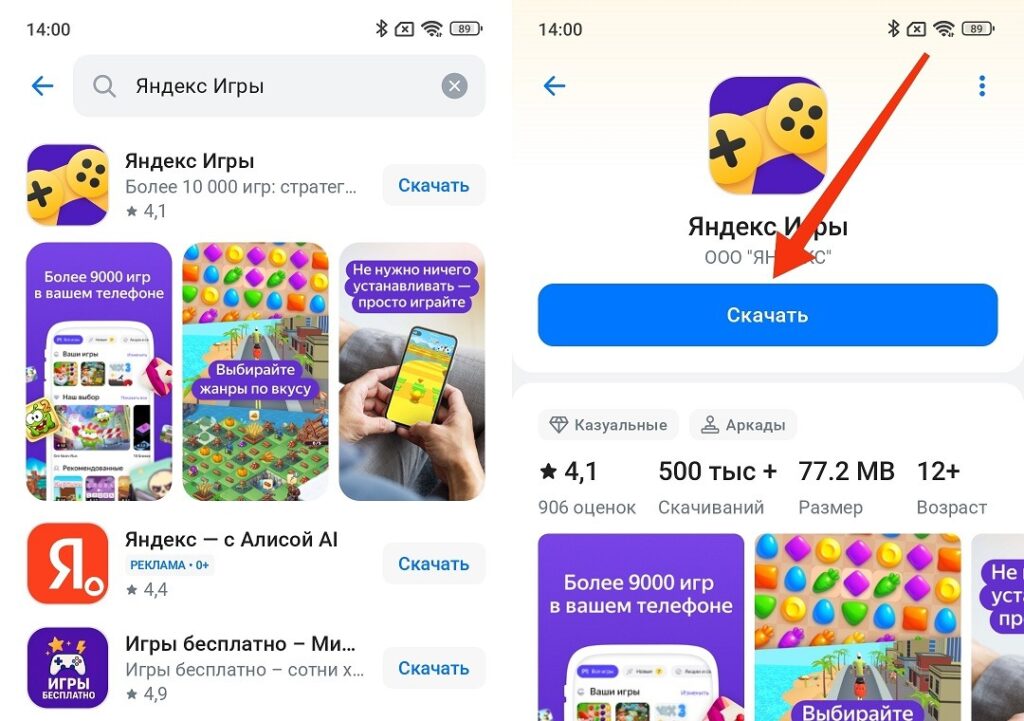
Installing Yandex Games via RuStore is also easy
You can also download the Yandex Games APK file.
To install Yandex Games on Android is fundamentally no harder than any other app. The only difference is that when downloading an APK file, you need to act slightly differently than with app stores:
- After downloading the APK file, open it.
- Allow installation from unknown sources.
- Tap “Install.”
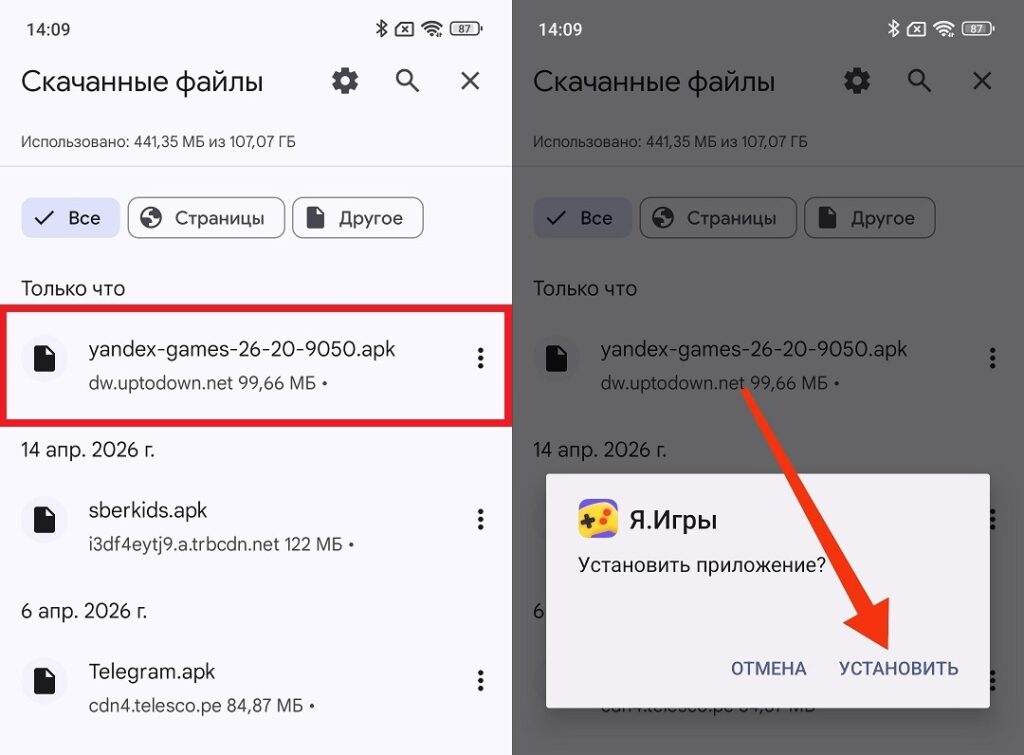
Installing Yandex Games via APK is done the standard way
After installation, log into your Yandex account — without it, game progress won’t be saved. If you don’t have an account, you can create one for free right in the app.
Best Games in the Yandex Games Catalog for Android
Yandex Games online features several hundred games across different genres. Among them are both frankly weak casual games and full-fledged projects with solid mechanics. Here’s what’s worth trying first.
Puzzles and logic:
- “Sudoku”: a classic, well-implemented, with several difficulty levels;
- “2048”: an addictive number puzzle;
- “Mahjong”: a tile-matching solitaire with several themed sets.
Arcades and casual games:
- “Shooter”: a simple arcade with increasing difficulty;
- “Zombies vs Plants”: clones of the popular mechanic, several variants;
- “Bubble Shooter”: a classic bubble-popping game.
Strategies:
- “Farm”: a basic farming strategy without aggressive monetization;
- “Towers”: tower defense with several difficulty levels.
Words and trivia:
- “Slovodel”: a Scrabble-like game where you can play against AI or with friends;
- “Crosswords”: a large archive of crosswords in Russian.
The Yandex Games catalog is regularly updated, so fresh projects appear frequently in the “New” section. Filters by genre, rating, and recency help you avoid getting lost in the overall list.
Yandex Games Without Internet — Which Ones Work Offline
Most games on the platform require an internet connection (they load content in real time). Nevertheless, Yandex Games without internet isn’t complete fiction. Some games are cached after the first launch and remain available in offline mode.