The fuel shortage of 2026 has turned a regular trip to the gas station into a lottery: some are empty, some have half-hour lines, and prices in some places have already been hiked up. Finding a working gas station isn’t enough — you also need to actually refuel and pay for the fuel. This is where the Yandex Fuel app comes in, allowing you to pay for gas right from your car without going to the register. Let’s figure out how to set it up on iPhone, where to find discounts, and whether there are any hidden pitfalls.
Understanding how Yandex Fuel works on iPhone
Yandex Fuel for iPhone — What It Is and How It Works
Yandex Fuel is a service that lets you find a gas station and pay for fuel right from your car, without going to the register or interacting with station staff. Everything revolves around the app: prices at connected stations and available discounts are visible in advance, and once you arrive, you select the pump, specify the volume, and pay with the card linked to the service.
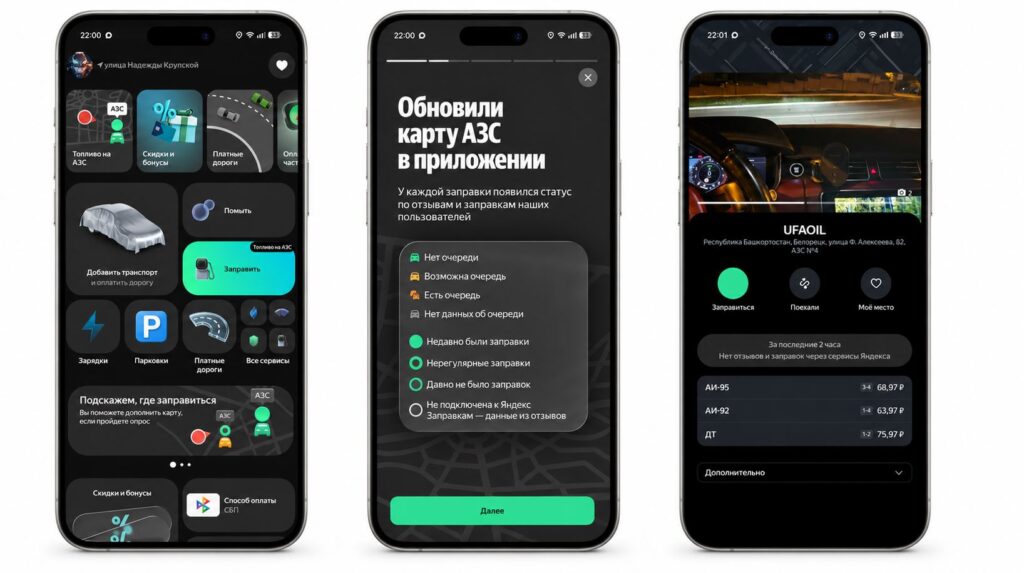
The service works very simply, and recently it also shows fuel availability
The difference from fuel availability maps is fundamental. While services that show you where to find gas nearby only indicate fuel availability, Yandex Fuel goes further and also handles payment.
The service has over 10,000 gas stations connected, so the app essentially gives you a gas station map of Russia with prices and statuses. This includes major chains like Rosneft, Bashneft, Tatneft, and NNK, as well as smaller companies — about 170 brands in total. If you regularly drive along routes served by one network, there’s a good chance it’s already on the list.
A nice bonus: if you buy gas through the app, you’re insured against risks. For example, if something happens to your car because of it, partner insurance companies will compensate the damage. Given the transition to Euro-3 standard gasoline, it’s a small but useful detail.
How to Install Yandex Fuel on iPhone
Here iPhone has it even easier than Android with its workarounds for installing outside the store: the Yandex Fuel app is available in the App Store, installs in a couple of taps, and there’s no need for workaround methods. Updating it is also simpler than on Android: you won’t have to choose between RuStore and Google Play.
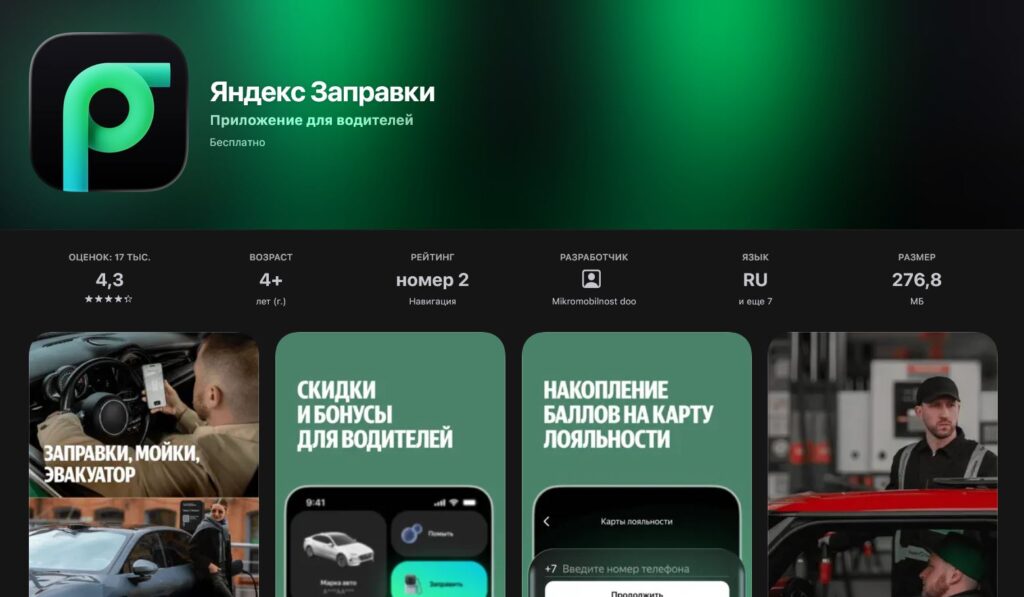
The app is available in the App Store. Better download it now, in case it gets removed
Interestingly, there are actually no workaround options left on iPhone in Russia: neither RuStore nor third-party stores have appeared, even though Apple has already opened them in other countries. So the only option remains — and it’s a working one — through the official store.
Initial setup on iOS looks like this:
- Open the App Store, find the Yandex Fuel app and install it.
- Launch the app and sign in with your Yandex ID account.
- Allow location access so the gas station map can show nearby stations. If you made the wrong choice, you can fix it in Settings under “Privacy & Security.”
- Tap on the desired gas station to view prices and claim a promo code.
- Link a bank card once — otherwise you won’t be able to pay for fuel.
You can also use the service without a separate app, through other Yandex services where you’re already signed in with Yandex ID. But on iPhone, installing the dedicated app is simpler: fewer extra steps and your entire refueling history is at hand.
How to Refuel and Pay for Fuel Through Yandex Fuel
The refueling process itself takes a couple of minutes. You drive up to a connected gas station, and with location enabled, the app automatically detects where you are, pulls up the right station, and shows whether the gas station is currently operating. Then you select the pump and fuel type by tapping on the screen or using voice commands through Alice.
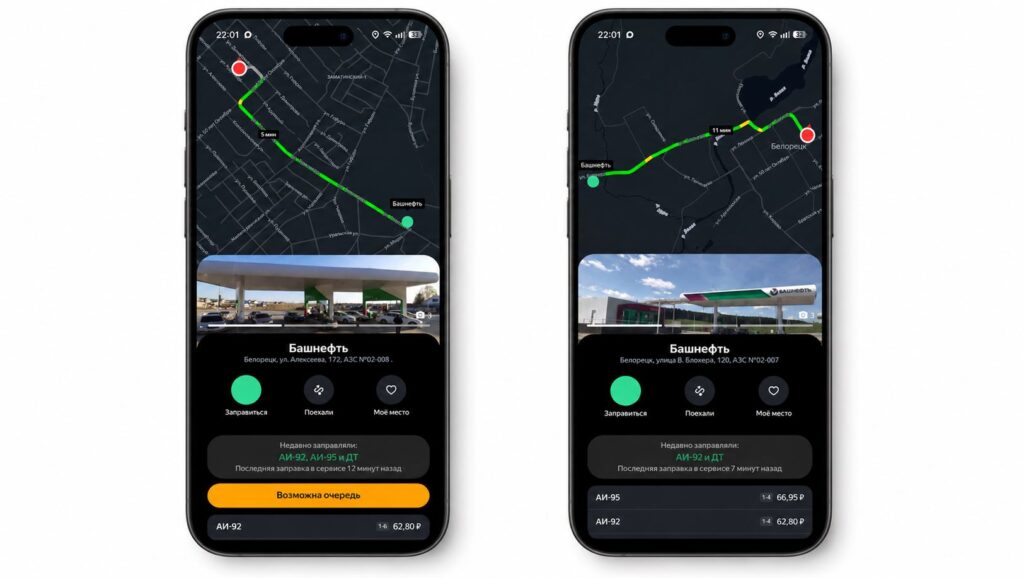
Simply select a gas station. But keep in mind that not all may be on the map
This is how you refuel without lines: money is automatically charged from your card, and the station attendant comes and fills your tank. There are no paper receipts — everything is stored in the app electronically, which for an iPhone owner is more of a plus: no need to figure out where to put another receipt.
If you need to fill up a full tank, after selecting the pump, press the corresponding button and specify the volume. The range is wide — from 5 to 600 liters, with 60 liters as the default. An important payment detail: only cards from Russian banks are accepted; the service won’t take foreign ones.
Plus Points and Loyalty Cards in Yandex Fuel
Don’t forget about promo codes and discounts in Yandex Fuel. They usually pop up when you tap on a specific gas station. Different chains have their own promotions, and some discounts apply to all orders, such as a discount on your first refueling.
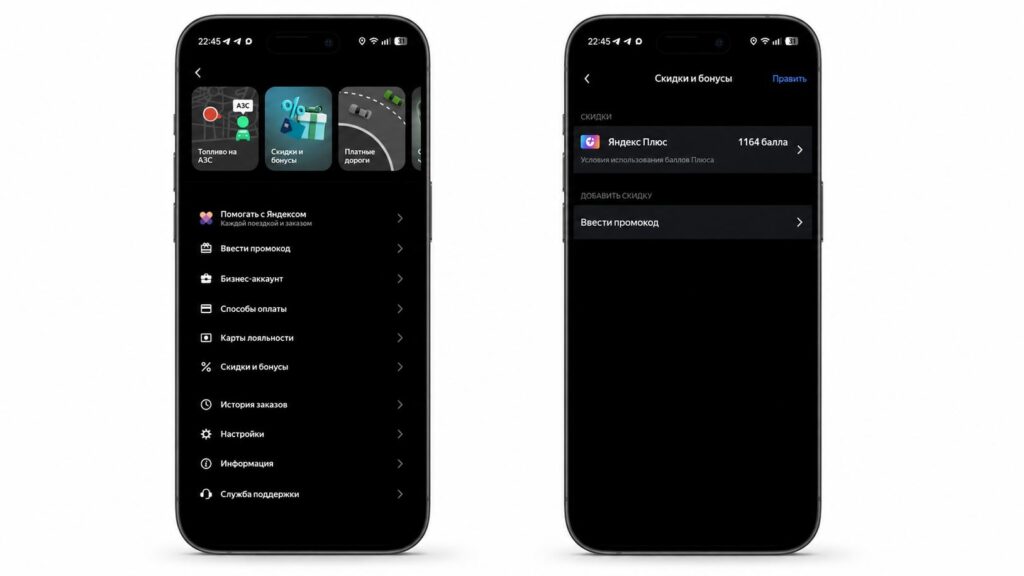
Yandex Fuel usually generously hands out promo codes for fuel
All current offers are collected in the “Discounts and Bonuses” section. The service itself also occasionally sends out promo codes.


