Xiaomi has acknowledged a list of HyperOS 4 bugs on four phones: the Xiaomi 17, Xiaomi 17 Pro, Xiaomi 17 Pro Max and REDMI K90. The reported problems include photos with incorrect sharpness on the standard Xiaomi 17 and a Gallery app that can crash during photo editing on the Xiaomi 17 Pro Max. The browser, the app store, search and several built-in apps are also affected. The issues were confirmed on specific Chinese firmware builds, so not every phone running HyperOS 4 will necessarily experience them. Xiaomi says it is working on fixes and will release them gradually.
What you need to know
- On 6 November, Xiaomi published a HyperOS 4 problem report in its Chinese community. The report covers the Xiaomi 17, 17 Pro, 17 Pro Max and REDMI K90.
- On the Xiaomi 17 running HyperOS 4.0.5.0, the main camera can produce photos with incorrect sharpness under certain conditions. Xiaomi has not said what those conditions are.
- The Xiaomi 17 Pro Max has the most listed issues. They include Gallery crashes, video display problems in landscape orientation, missing line breaks in Notes and WeChat freezes.
- The bugs were confirmed on specific Chinese builds. Xiaomi plans gradual fixes, with timing that varies by model and app version.
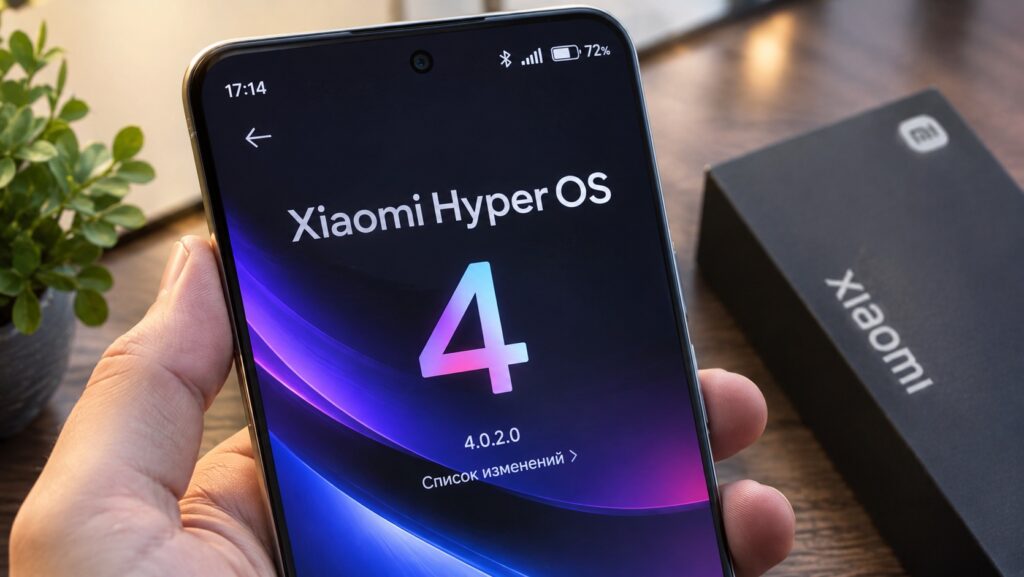
The HyperOS 4 update on a Xiaomi smartphone
Which Xiaomi phones are affected
On 6 November, Xiaomi posted its latest HyperOS 4 problem report in its Chinese community. The report lists issues its developers are working on and names the specific firmware versions involved. Four smartphones appear in it:
- Xiaomi 17
- Xiaomi 17 Pro
- Xiaomi 17 Pro Max
- REDMI K90
The most expensive member of the family, the Xiaomi 17 Pro Max, has the largest number of listed bugs. The problems were recorded on particular Chinese builds and will not necessarily appear on every device running HyperOS 4.
Camera sharpness and Gallery crashes
One of the most noticeable problems affects the standard Xiaomi 17. On firmware 4.0.5.0, the main camera can take photos with incorrect sharpness under certain conditions. Users may only spot the problem after they have taken the shot. Xiaomi has not yet said what circumstances trigger the bug.
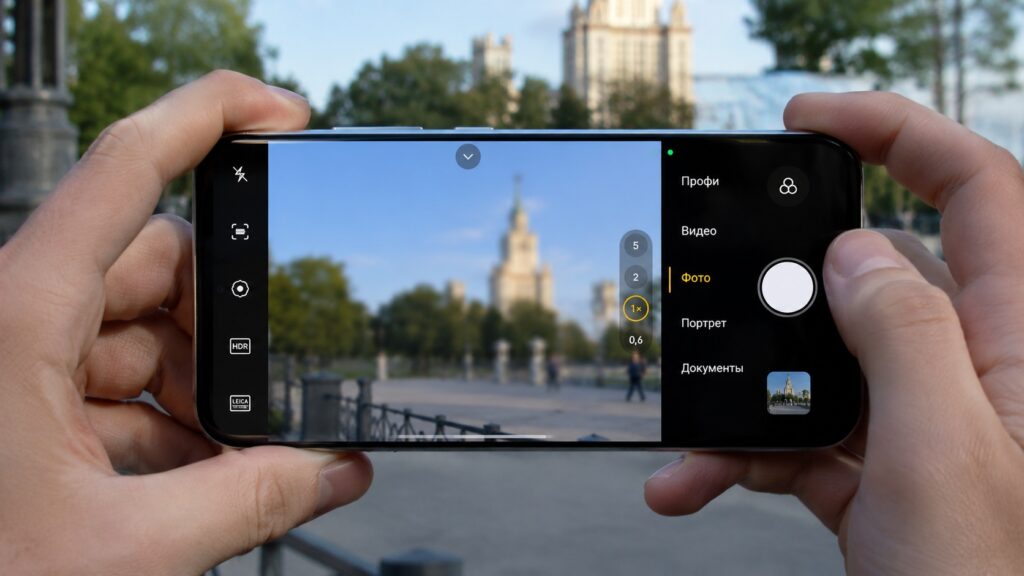
An illustration of incorrect sharpness when shooting on a Xiaomi phone
The Xiaomi 17 Pro Max has a different problem. Its Gallery app can close unexpectedly while photos are being edited. This issue was recorded on HyperOS 4.0.4.0.

The two problems should not be confused. On the Xiaomi 17, the quality of some photos suffers. On the Pro Max, the app used to edit those photos is unstable.
Other confirmed HyperOS 4 bugs
The camera is far from the only issue. Xiaomi also listed problems with the browser, the app store, search and several built-in apps. These are the bugs confirmed for specific models:
| Smartphone | HyperOS version | Problems |
|---|---|---|
| Xiaomi 17 | 4.0.4.0 / 4.0.5.0 | Photo sharpness; opening global search |
| Xiaomi 17 Pro | 4.0.5.0 | App store freezes; browser crashes; calculator errors |
| Xiaomi 17 Pro Max | 4.0.4.0 / 4.0.5.0 | Gallery, video, search, keyboard, Notes and automated task failures; WeChat freezes |
| REDMI K90 | 4.0.4.0 | Xiaomi store displays incorrectly |
The Xiaomi 17 Pro Max is hit hardest. Its built-in video player can display images incorrectly in landscape orientation, and line breaks sometimes disappear in Notes.
On the Xiaomi 17 Pro, the app store can freeze and the browser can close suddenly. A separate bug affects the calculator’s history of calculations.
The REDMI K90’s issue is less serious: the interface of Xiaomi’s own store displays incorrectly.
Xiaomi stresses that these models are examples of devices on which the bugs were confirmed. If the same faults turn up on other smartphones, the company plans to fix them as well.

How to check whether the report applies to your phone
If your phone is on the list, first find out which HyperOS version it is running. That tells you whether the published report is relevant to your device:
- Open the phone’s Settings.
- Go to About phone.
- Tap the HyperOS tile.
- Check the installed firmware version number.
- Check for available updates.
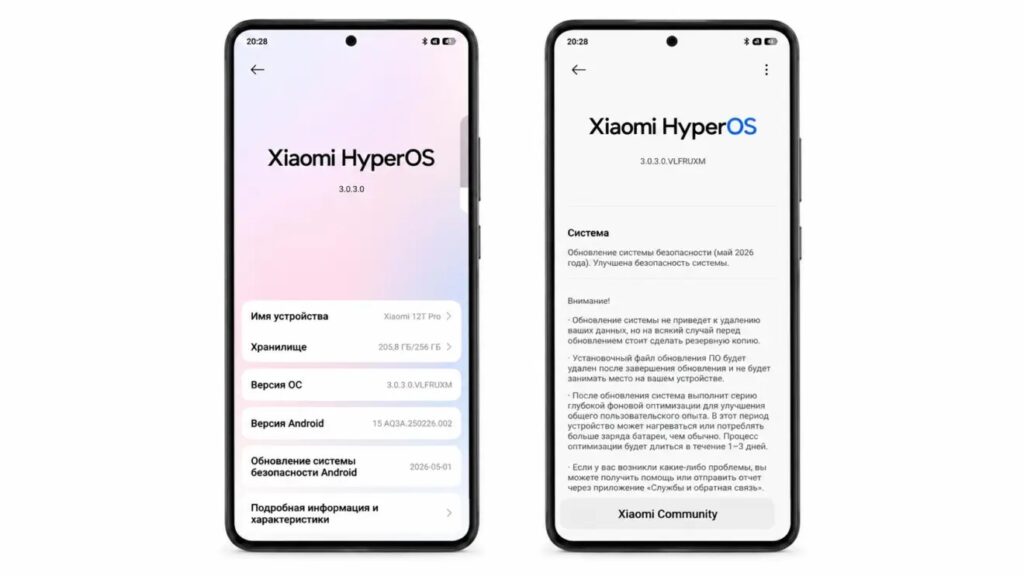
Checking the HyperOS version on a Xiaomi phone
Limitations and caveats
A matching version number does not guarantee that your phone has the bug. The problems may only appear under certain conditions, and Chinese and global firmware builds differ.
Xiaomi says it will release fixes gradually. Timing depends on the model and the app version, so owners should not expect a single large update covering all the listed devices.
What to do now
If your camera, browser and other features are working normally, you do not need to change anything.
If problems appeared after you installed HyperOS 4, you can:
- Check for system updates.
- Check for updates to the affected app.
- Submit a report through Xiaomi’s built-in feedback service.
If you have not updated yet, keep in mind that bugs found in Chinese builds do not necessarily appear in the international versions of these phones.