Apple has released iOS 27.2.1, just two weeks after the previous iOS release. The company describes it only as a bug-fix and security update. Apple has not yet said which specific bugs or vulnerabilities it fixed. The update adds no new features. Apple also released iOS 26.7.3 for iPhone owners who have not moved to iOS 27, and iOS 18.7.12 for older devices. The source author recommends installing the update that matches your current system version rather than waiting for the next major release.
What you need to know
- iOS 27.2.1 arrived about two weeks after the previous release. Apple’s update screen mentions only bug fixes and security updates.
- When the source was published, Apple had not listed the specific fixes on its dedicated support page.
- The update is for iPhone 11 and newer models that support iOS 27.
- Apple also released iOS 26.7.3 and iOS 18.7.12, so users who stay on earlier versions still get the security fixes available for those versions.
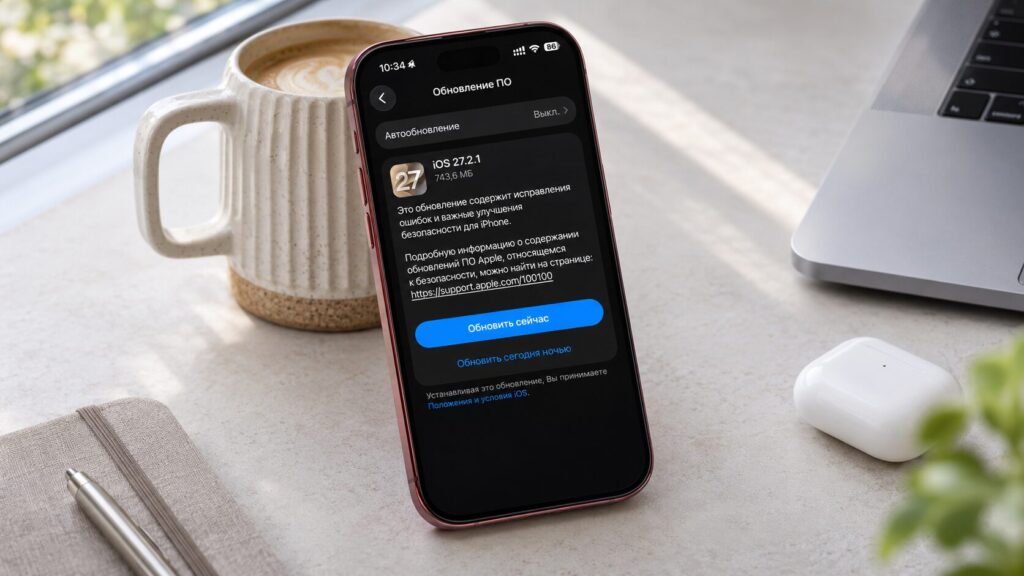
iOS 27.2.1 for iPhone
What Apple says iOS 27.2.1 fixes
The official update screen mentions only bug fixes and security updates. Apple has announced no new features, interface changes or other capabilities for the iPhone. It is a small maintenance release meant to make the existing system more reliable.
Which bugs Apple may have fixed in iOS 27.2.1
The specific fixes are still unknown. When the source was published, Apple had not listed the resolved issues on its dedicated support page. It is therefore too early to say that any particular problem has been solved.
Areas Apple may have addressed (unconfirmed)
The source suggests several areas the update may cover. None of these has been confirmed by Apple:
- Battery life. Users often report higher battery drain after major updates. Optimizing background processes could have been one of the goals.
- App stability. Small system updates often fix bugs that cause some apps to crash or misbehave.
- Wireless connections. Fixes could affect Wi-Fi, Bluetooth and accessory connections. There is no confirmed information about this.
- System security. Apple explicitly mentions security updates but has not said which vulnerabilities were fixed.
Battery life is an open question. The source publication says it previously compared iPhone battery life on iOS 27.2, iOS 27.0.1 and iOS 26.2 and found noticeable differences between them. That makes it reasonable to ask whether battery life changes with this update.
On security, more is known. According to the source, the previous release, iOS 27.2, closed more than 160 vulnerabilities, including issues in WebKit and system components. Apple now reports further security changes but has not yet published a detailed list for iOS 27.2.1.
Who should install the update now
iOS 27.2.1 is for iPhone 11 and newer models that support iOS 27. If your iPhone is already running the previous version of the system, the update should appear in the usual place in Settings.
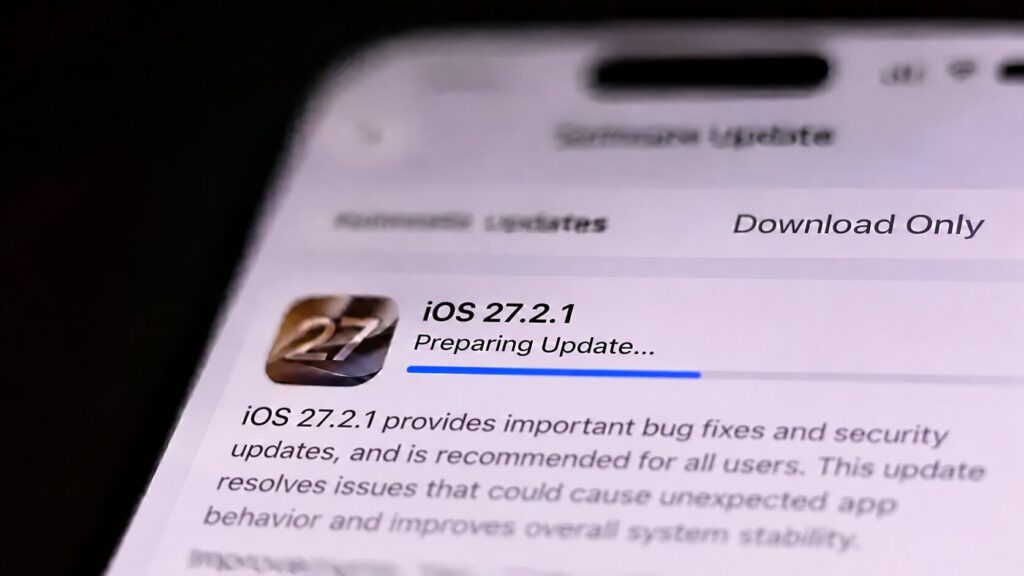
Installing the iOS 27.2.1 update
How to install iOS 27.2.1
- Open Settings on your iPhone.
- Go to General.
- Select Software Update.
- Wait for iOS 27.2.1 to appear.
- Tap Update Now and wait for the installation to finish.
The source author recommends installing iOS 27.2.1 for anyone who has already moved to iOS 27.2. The author’s reasons are that it is a stable release rather than a test build, and that its main purpose is to fix known problems. The author says the update is especially relevant if you have noticed your phone behaving unreliably.
Don’t expect new features. According to the source, iOS 27.2 brought several notable changes, including Siri improvements and changes to how the Photos app works with images. The source reports that Siri gained the ability to remember conversations and that Photos began labeling edits made by AI. iOS 27.2.1 adds nothing comparable. It focuses on fixes, not new functionality.
What to do if you are still on iOS 26
Alongside iOS 27.2.1, Apple released iOS 26.7.3 for users who have not moved to iOS 27. It also released iOS 18.7.12 for older devices that still run the previous generation of the system. This means you do not have to upgrade to iOS 27 to get the security fixes available for your current version.
iOS 27.2.1 and 27.3 icons
If your iPhone offers iOS 26.7.3, the source author recommends installing that version. You can decide about moving to the new operating system later, once more is known about the stability of the latest builds.
The author also sees little reason for iOS 27 users to wait for the next larger release. According to the source, iOS 27.3 is expected in December 2026, which is still several weeks away. New issues could surface in that time, so the author advises against postponing a small security update.
What remains unclear
The main open question is what iOS 27.2.1 actually changes. Until Apple publishes a list of fixes, it is impossible to know which problems the update resolves. More details may become available later.