If you’ve recently been looking for how to install MAX on iPhone, you’ve almost certainly come across a tempting offer. They promise to solve the problem in a minute: just sign in with a ready-made account, and the messenger will appear on your phone. This sounds especially convincing now that Apple has removed MAX from the App Store and the usual installation method simply no longer exists. But behind this help lies a trap, and paying for it will cost more than just your nerves. Here’s what will actually happen to your iPhone if you give in.
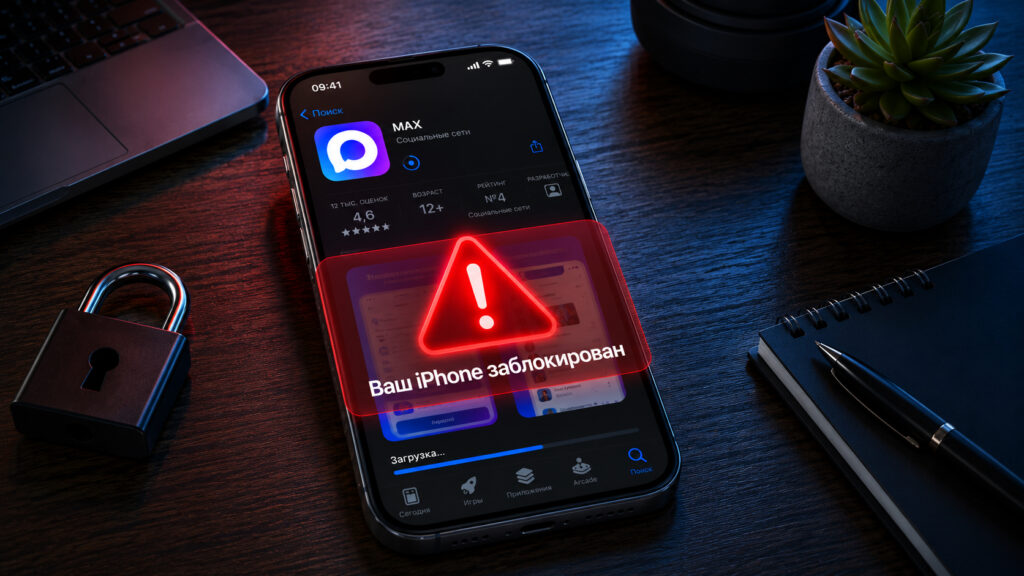
The MAX installation scam can now be encountered very frequently
How Scammers Offer to Install MAX on iPhone
The bait is perfectly timed. Telegram is being slowed down, MAX has been removed from the store, many people have had their notifications stop working after that, and people are frantically searching for how to get everything back. That’s when they’re presented with a “solution”: install MAX or a special build through a third-party site, profile, or certificate. Sometimes instead of MAX, Telegram mods with flashy names like ToxicGram or HoloGram are pushed, promising a built-in VPN, anonymous number, and premium without payment. The name doesn’t change the essence.
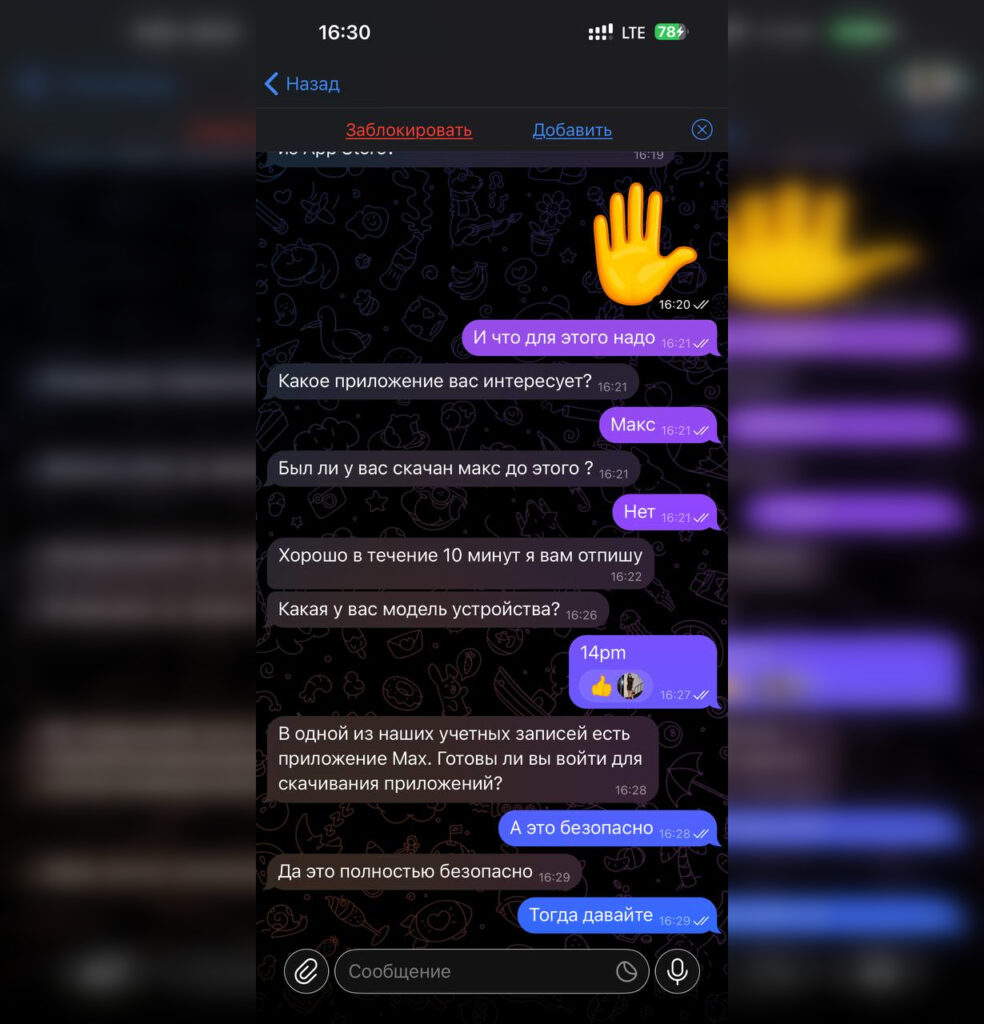
Just sign in to the account and you’ll be happy
Next, the user is directed to a Telegram bot or a private chat. There they’re told that the app isn’t in the store, so it can only be downloaded by connecting to another Apple account. This step is called “iCloud transfer” or “temporary authorization” to make it sound technical and routine. The victim is sent a ready-made login and password and asked to sign out of their own account, then sign into someone else’s right in the iPhone settings.
There are plenty of red flags. No legitimate app can be installed by signing into someone else’s account. And an offer to get something valuable “for free” through someone else’s account almost always means a scam.
How Lost Mode Works on iPhone
This uses the same function that normally protects the owner, only turned against them. As soon as you sign in with someone else’s Apple ID, the device becomes linked to that account through iCloud. Control over Find My passes to the person whose credentials you entered.
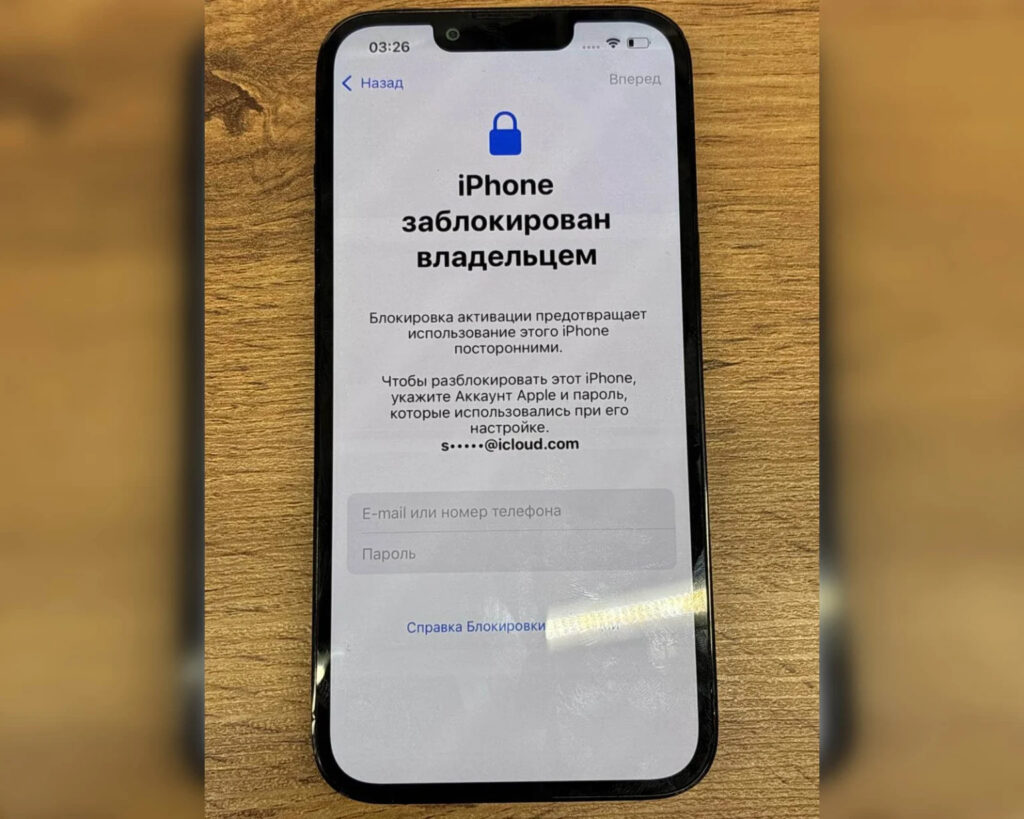
A message like this appears on the screen, and there’s no way around it without the Apple ID
Everything happens in just a couple of clicks. The scammer enables Lost Mode in Find My iPhone from their end, and the screen locks. A message appears with contact details and a ransom demand. At this point, the phone is completely immobilized: no apps, no calls, no access to your own photos. The Activation Lock feature once made stealing iPhones for resale pointless, so criminals shifted to getting victims to voluntarily sign in. Technically, the device is locked using Apple’s legitimate tools, so there’s no “magic button” to remove the lock.
Can You Remove Activation Lock Without Paying the Ransom
Serious money is involved here. Just one such group extracted nearly 3 million rubles from Russians in a single month. The average amount taken was about 11,800 rubles, but actual losses are higher because people often pay in installments. The unlocking price ranges from 10,000 to 60,000 rubles and increases with the device’s value: they’ll ask more for a newer, more expensive iPhone.
There’s no point in paying. Transferring money provides no guarantees, and the person on the other end of the chat is the same one who locked you out. They often disguise themselves as Apple support or some unlocking service, though it’s the same team. You can recover your device through official Apple support, and for that you’ll need a purchase receipt and the original packaging with the serial number. The process isn’t quick: restoring access can sometimes take weeks or even months. At the same time, it’s worth filing a police report for fraud.
How to Install MAX Without the App Store and Someone Else’s Apple ID
There’s one simple rule: never enter someone else’s Apple ID on your device. There is no legitimate reason for a stranger to ask you to sign into their iCloud through settings. They’ll justify it with anything — from installing apps to “checking the device before purchase” or asking to “download important files.”
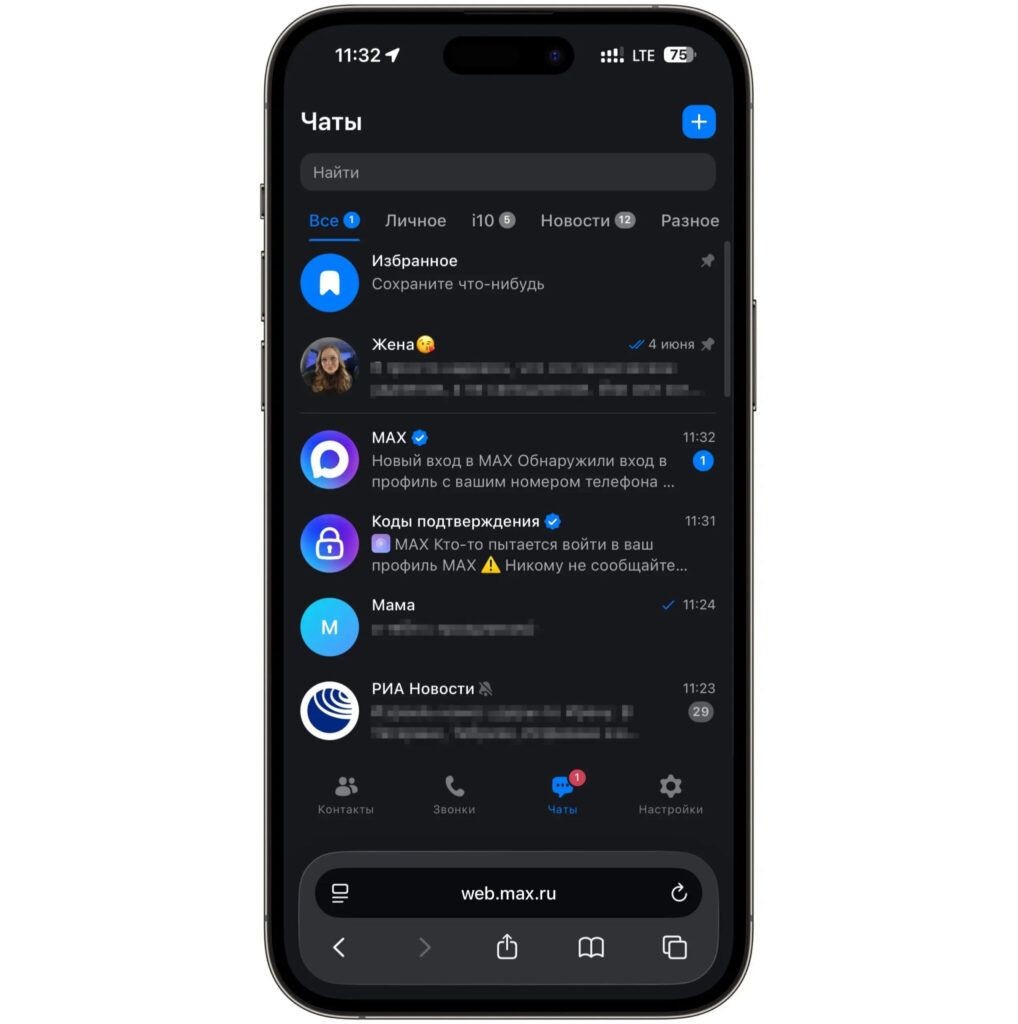
Use the web version of MAX and don’t overthink it
You can use MAX on iPhone without any risk. The app is no longer in the App Store and it’s unlikely to return anytime soon, but the web version works perfectly in a browser. Open web.max.ru in Safari, sign in, and if you wish, add a shortcut to your home screen to launch it like a regular app. No third-party accounts are needed for this.
Your login, password, and two-factor authentication code should only be entered in official Apple windows. Two-factor authentication and a strong password on your own account also protect against the related scheme where an Apple ID is stolen through a fake pop-up window.
This scam is as old as time — they just repaint the sign above it to match the current trending topic. Today it’s MAX, yesterday it was games and banking apps, tomorrow they’ll come up with something else. The protection remains the same: never give your account to anyone, and never enter someone else’s account anywhere.


