This week Apple released iOS 26.5.2, macOS Tahoe 26.5.2, and iPadOS 26.5.2. Since the updates didn’t contain any new features, many people chose not to install them. Why bother if the updates don’t bring anything new? However, shortly after the release, Apple published the update documentation, and it turned out that installing them is actually worthwhile to avoid painful consequences later.
Update now. You’ll thank us later
What Was Released: iOS, iPadOS, and macOS 26.5.2
Apple released updates for iPhone, iPad, and Mac simultaneously on Monday. There are no new features — only security patches. But that’s exactly where their value lies. The updates fix 29 vulnerabilities that could be exploited to hack iPhones, iPads, and MacBooks.
Apple itself states it plainly: the updates contain security fixes for your iPhone. The iPadOS version is nearly identical, and the Mac version lists the same changes in a separate document. Most of the patched vulnerabilities are related to WebKit — the engine that powers the Safari browser and many other apps that open web pages within them.
A Security Update for iPhone That’s Important to Install
A sober assessment is important here. None of the patched vulnerabilities are marked as critical. In practice, this means that attackers apparently don’t know about them yet, and no real attacks exploiting these vulnerabilities have been recorded.

Apple didn’t mark the vulnerabilities as critical but recommends updating
Nevertheless, Apple closes such issues shortly after security researchers discover them — without waiting for someone to exploit them. The logic is simple: it’s better to patch a hole in advance than to deal with the consequences later. So even without alarming headlines about “critical threats,” it makes sense to install the update.
Should You Install iOS 26.5.2?
Since this is purely about security, you won’t get any new features — the interface and functionality will remain the same. But there’s almost no point in postponing the update: it doesn’t change your usual experience while reducing risks.
You should install it right away if you frequently use your browser, open links from emails and messengers, or store important data on your device. If you rarely go online from your device or keep it offline, there’s less urgency, but there’s still no reason to delay.
How to Install iOS 26.5.2, iPadOS 26.5.2, and macOS 26.5.2
The update for iPhone and iPad is installed over the air — no computer needed. The installation process for iPhone and iPad is as follows:
- Open the Settings app on your iPhone or iPad
- Go to the General section
- Select Software Update and install the available update
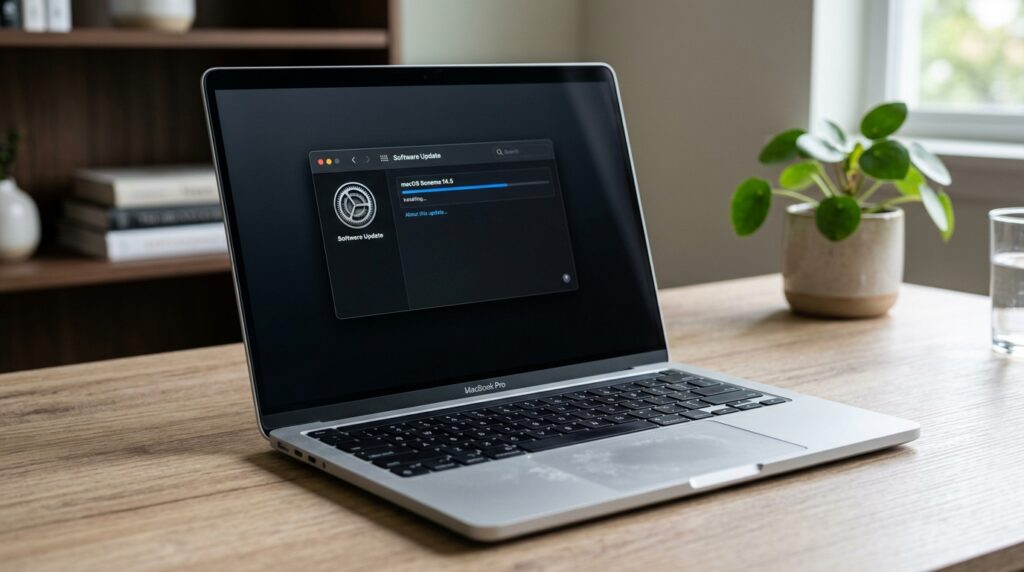
On Mac, the update is installed through the Software Update section
For Mac, the process is slightly different:
- Open the Apple menu in the upper left corner of the screen
- Select About This Mac
- Click Software Update and install the update
Before installing, it’s a good idea to connect your device to a charger and stable Wi-Fi, especially if you’re updating a Mac.
Yes. This is an update with no new features but with 29 security fixes — exactly the kind of case where there’s no reason to delay. There are no critical threats, no need to panic, but there’s also no point in waiting: you lose nothing in your everyday usage while strengthening your device’s protection. Install it at the first convenient opportunity and forget about it.


