You’ve probably noticed: right next to the router, speeds are blazing fast, but as soon as you go to a far room, pages barely load. And the router seems powerful, expensive, with a bunch of antennas. So why doesn’t the Wi-Fi signal pass through walls? I’ll disappoint fans of getting “the most powerful” right away: it’s almost never about power.

Wi-Fi doesn’t work from another room. Why is that?
Why a Powerful Wi-Fi Router Doesn’t Penetrate Walls
Let’s start with the main myth. In Russia and Europe, Wi-Fi router power is limited by law to approximately 100 mW, and manufacturers are not allowed to exceed it. So if your Wi-Fi doesn’t reach a far room, it’s not the weak transmitter’s fault — power is roughly the same across all devices.
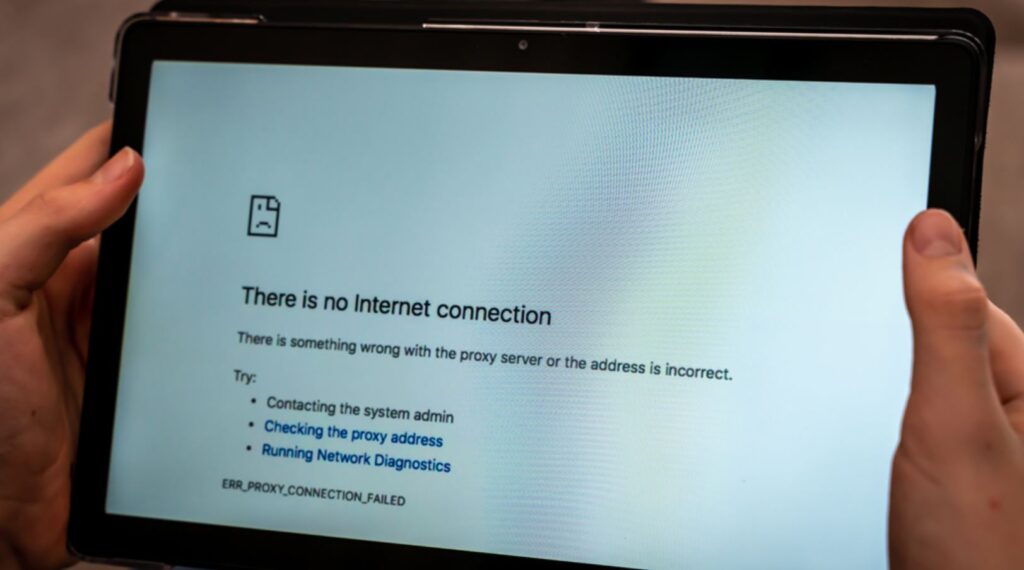
If the Wi-Fi signal doesn’t reach another room, that’s normal
The flashy numbers in ads and imposing antennas are about communication standards, beamforming, and software — not about the ability to penetrate concrete. Roughly speaking, the most expensive router punches through a wall about the same as a budget one. The difference is only in speed in open spaces and smart signal processing, not in range through walls.
Why 5 GHz Wi-Fi Passes Through Walls Worse
Most often, Wi-Fi doesn’t work through walls for those using the 5 GHz band. It’s simple physics: the higher the frequency, the higher the speed, but the worse the signal passes through obstacles. The 5 GHz band (and with Wi-Fi 6E and 7, also 6 GHz) provides high speed near the router but gets bogged down in walls.
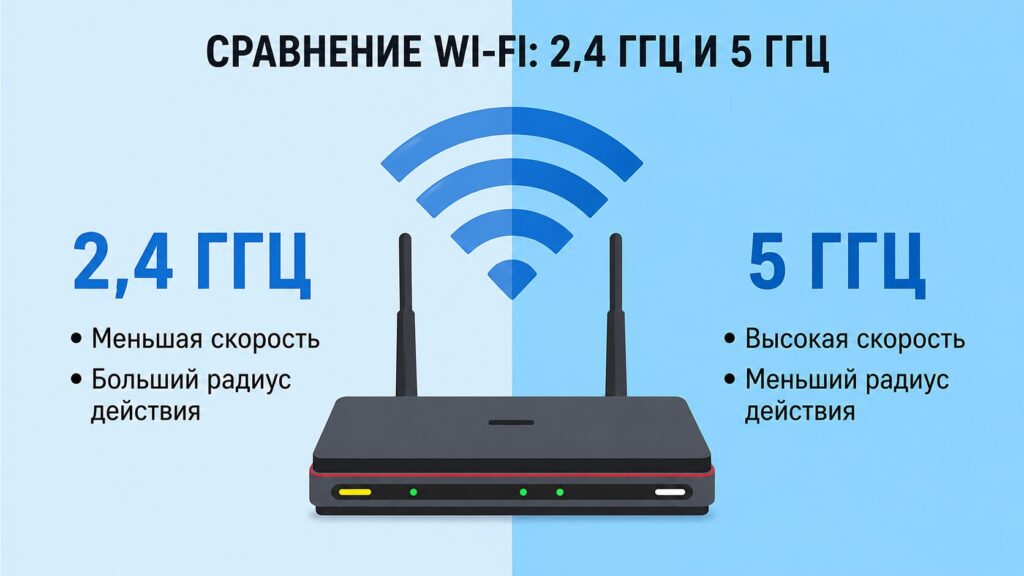
When possible, use the 2.4 GHz frequency — it has longer range
The good old 2.4 GHz band is slower but noticeably longer-range and better at getting around obstacles. For distant rooms, it makes sense to manually connect to 2.4 GHz or separate the bands into different network names so your phone doesn’t jump between them.
Which Walls Block Wi-Fi Signal
Now about the walls themselves, since they determine whether Wi-Fi works poorly through walls or not. Drywall and wood barely affect the signal, brick blocks it moderately, while reinforced concrete with a metal mesh inside acts as a real shield.

Wall types and materials also affect signal quality
Add mirrors, bathroom tiles, metal doors, foil insulation, and large aquariums to that list. If Wi-Fi doesn’t reach another room, estimate how many such obstacles stand between you and the router. And remember: a signal passing through a wall at an angle travels through more material and weakens more than going straight through.
Where to Place Your Router
Where is your router? If it’s in a corner of the apartment, on the floor, behind the TV, or in a closed cabinet, don’t be surprised that Wi-Fi doesn’t reach even one room away. Half of connectivity problems are solved by simple repositioning: place the router closer to the center of the apartment, higher up, in an open spot, and angle the antennas in different directions. Also check if your channel is congested by neighbors — in an apartment building, dozens of networks compete on the same frequency.
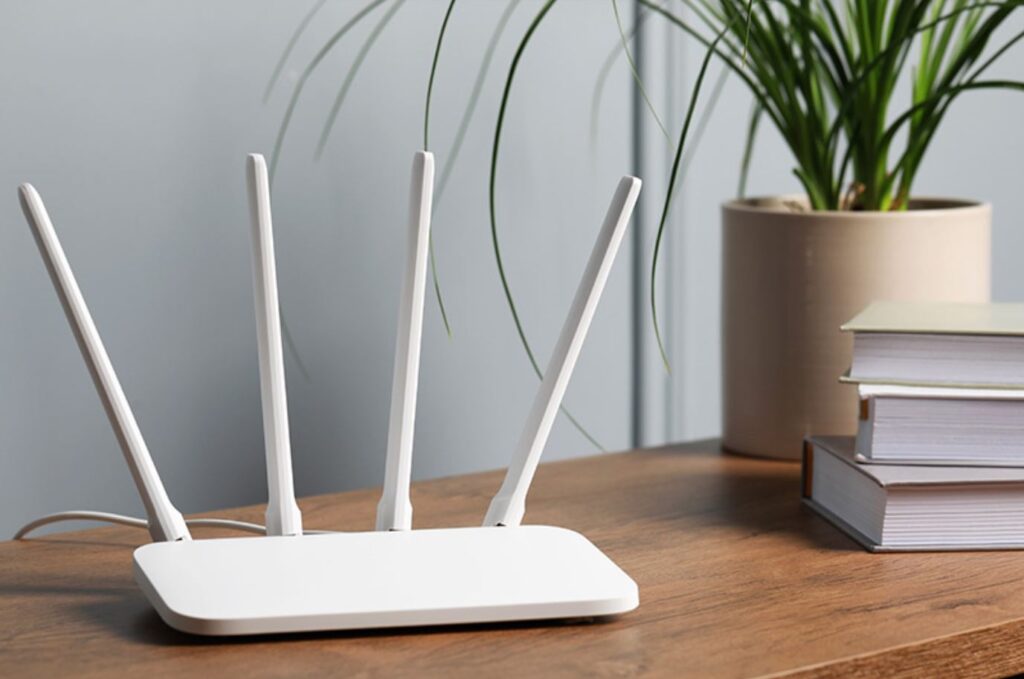
A separate point — where to place the router
Manually changing the channel or enabling auto-selection often helps just as much as buying a new device.
How to Improve Wi-Fi Signal in Your Apartment
If repositioning and changing channels didn’t help, it’s time for hardware solutions. The most reliable option for a concrete apartment or multiple floors is a mesh system: multiple access points create a unified network and relay it like a baton. A repeater or signal booster is simpler and cheaper, but also weaker. You can also run a cable and set up a separate access point.
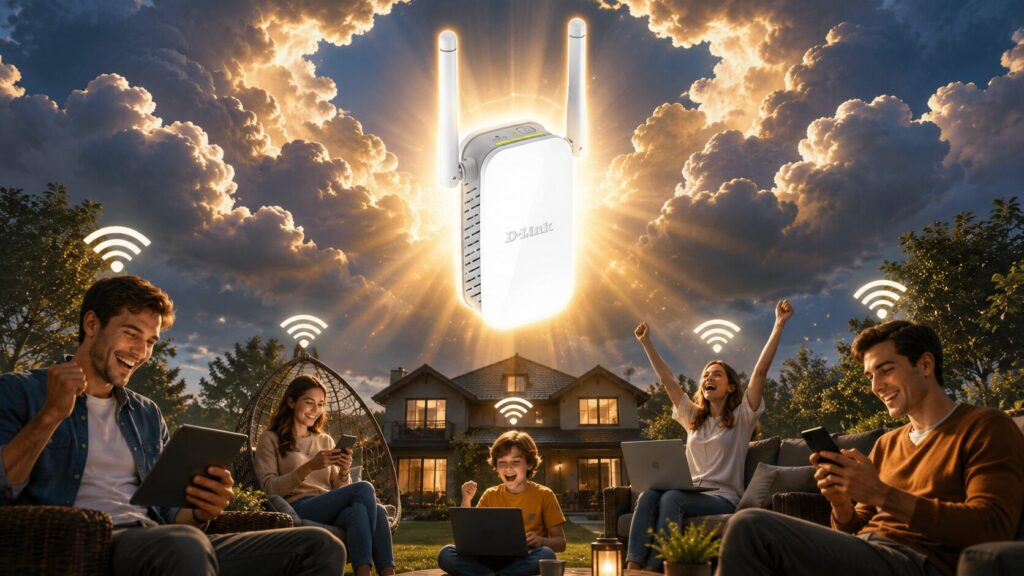
A signal booster — the simplest and coolest solution
Only as a last resort should you replace the router itself with a Wi-Fi 6 or 7 model.
So start with free steps and only then spend money on hardware.