An unused smartphone left in a closet or drawer is not as harmless as it looks. According to consumer-quality experts at Russia’s Roskachestvo, cited in the source article, a phone left idle for months can drain into a deep discharge from which its battery cannot recover, and a degrading lithium-ion cell can swell and, in the worst case, catch fire. The safe approach is to charge the battery to roughly 50–80 percent, power the phone off completely, store it somewhere dry and cool, and check on it every one to two months. Below is what happens to a forgotten phone and how to put one away without consequences.
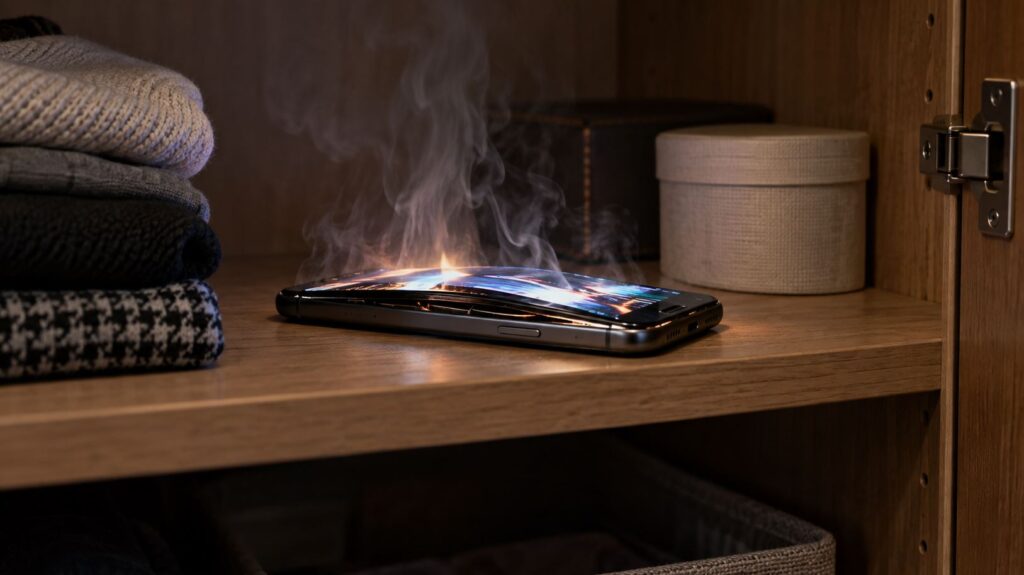
A smartphone catching fire on a closet shelf
What you need to know
- Even a fully powered-off phone slowly self-discharges; if a lithium-ion cell sits at very low voltage for a long time, its electrodes degrade and normal charging usually cannot revive it.
- The source recommends storing a phone with a 50–80 percent charge, switched off, in a dry, cool place, and powering it on every one to two months.
- Roskachestvo warns that a faulty battery can swell and that a smartphone “may even explode”; a deformed, hot, hissing or chemical-smelling phone should not be charged or opened.
- Software support keeps expiring while a phone sits unused, and stored devices should be factory-reset to protect photos, messages and passwords.
Why the battery fails first
Even a smartphone that has been switched off completely keeps losing charge. That is how every lithium-ion battery behaves: it self-discharges over time, and months on a shelf take a toll. The reason is chemical. When the voltage in a cell drops too low, the internal electrodes begin to break down, and a standard charger cannot repair that damage.
The problem is not simply that the phone will be flat when you pick it up. The greater risk, according to the source, is that a battery that reaches a deep discharge and stays there for a long time is almost impossible to bring back to life. Instead of a spare device, you retrieve a brick.
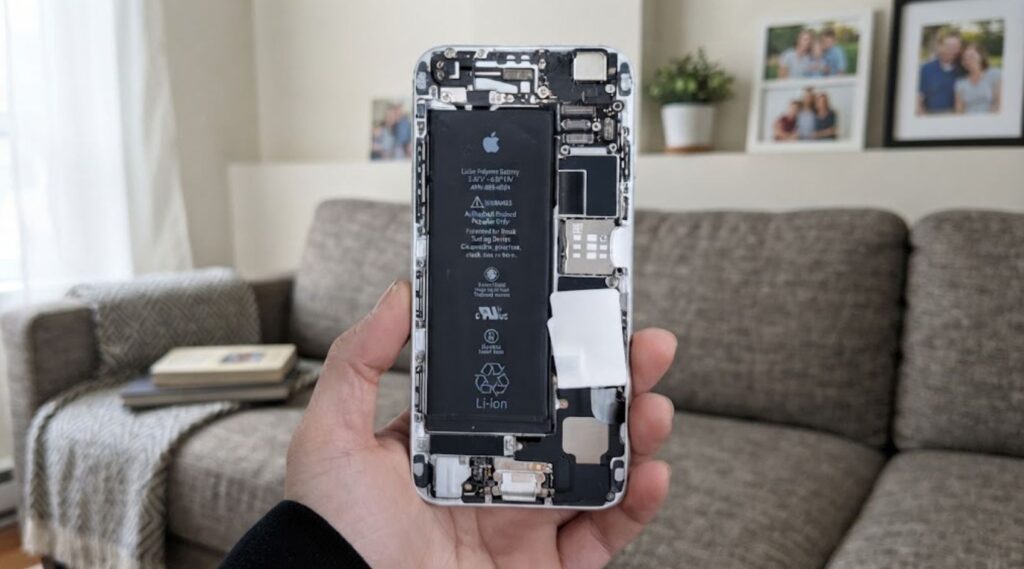
What a smartphone battery looks like inside the device
This leads to a simple rule: never put a phone into storage with an empty battery. The source states that the optimal charge level for a long idle period is between 50 and 80 percent. At that level, the device can sit for many months without noticeable harm.
Swelling and fire risk
Discharge is only half the problem. Over time, chemical reactions inside an ageing battery release gases. The battery casing begins to swell, and the phone is literally pushed apart from the inside. This is dangerous not only for the device itself but also for whatever is stored next to it. Roskachestvo’s warning, published in its guidance on unneeded smartphones, is blunt:
Because of a faulty battery, a smartphone may even explode.
In the worst case, a defective battery does ignite. The source article points to a mass recall of Anker battery packs over fire risk, which the publication had previously covered, noting that several owners had already suffered harm. Lithium batteries are chemistry, the source argues, and they deserve to be treated seriously even when a device is doing nothing but gathering dust.
How to store a smartphone properly
If you genuinely want to keep a phone as a backup, the source recommends preparing it for storage rather than tossing it into a drawer and forgetting about it. The steps are straightforward. First, charge the battery to roughly half so that gradual self-discharge does not push it into a damaging deep discharge.

A smartphone being placed in a box for storage
- Power the device off completely and store it in a dry, cool place.
- An unheated balcony in winter is not an option: sub-zero temperatures harm the battery, as does summer heat.
- Every one to two months, take the phone out and switch it on so the battery does not slide into deep discharge.
- If the battery is removable, it can be stored separately from the body, but on its own this does not stop the cell from ageing.
If the phone remains in occasional use rather than fully stored, the source suggests checking the system settings for a battery-protection option. The source points to the battery-protection feature on Samsung Galaxy devices as an example: it caps the upper charge limit and reduces wear on the cells, and the source recommends enabling it from the first day of ownership.
What else threatens a forgotten phone
The battery is not the only concern. Every model has its own support window: the period during which the manufacturer ships system updates and security patches. That clock keeps running while the phone sits in a closet. Take it out a couple of years later and it may already be without current updates, running outdated apps and carrying unpatched security holes.
An old smartphone that will not turn on
Data deserves separate thought. Old smartphones often still hold photos, message histories and saved passwords, so before long-term storage or handing the device on, the source advises performing a factory reset.
Warning signs: when a phone should be recycled instead
Sometimes a phone can no longer be stored at all and should be disposed of. According to the source, warning signs include a deformed casing, spontaneous heating with no apparent cause, hissing, a sharp chemical smell, or traces of corrosion on the connectors. Such a smartphone should not be charged, taken apart, or — least of all — pressed back into shape by hand if the casing has swollen.
A working device can be traded in or passed on to family or friends; before doing so, check that no important files or linked accounts remain on it. Faulty hardware should go to an electronics take-back point, where lithium batteries can be disposed of safely. The source notes that many cities and large electronics retailers accept old gadgets, so a dedicated hazardous-waste facility is usually not required. What you should not do is throw a smartphone into household rubbish: a damaged battery remains dangerous at the recycling stage too.