iPhone users in Russia who pay in stores over Bluetooth through services such as Sber’s “Vzhukh,” NSPK’s “Volna” or T-Bank’s T-Pay sometimes find that a payment either does not go through at all or, worse, is charged against someone else’s purchase. According to the source author, who says they use this method several times a day, the cause is usually not an app bug but timing: opening the payment screen before the cashier has finished ringing up the items. The fix is to wait until your total appears on the terminal, then start the payment in the banking app and bring the phone to the terminal. This applies only to the Russian market, where Apple Pay is unavailable and banks have built Bluetooth-based alternatives.
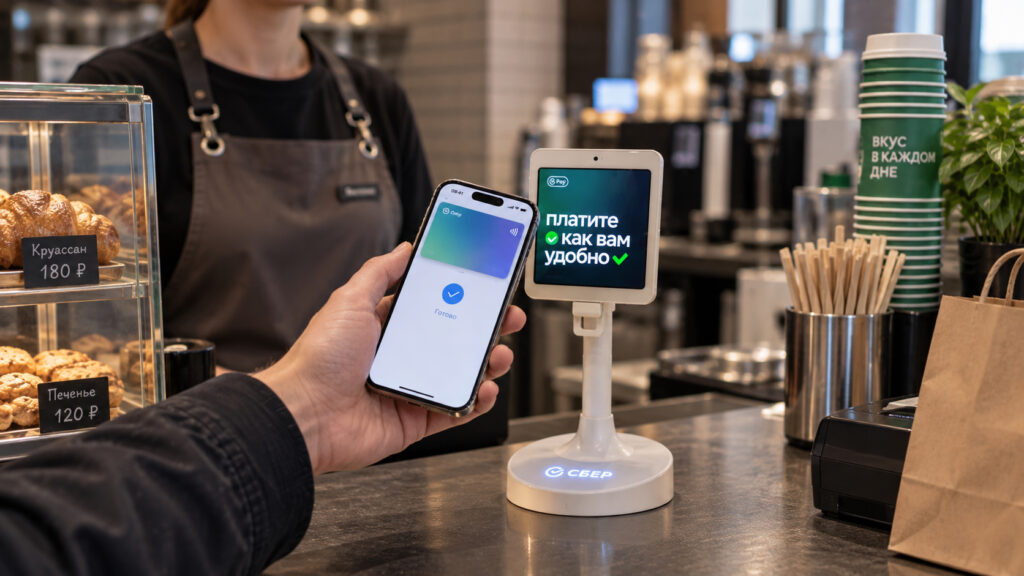
Contactless payment in progress on a Sber terminal
What you need to know
- Russian banks replaced Apple Pay’s NFC tap-to-pay with Bluetooth Low Energy services: Sber’s “Vzhukh” launched first, followed by NSPK’s “Volna” and T-Bank’s T-Pay.
- The services work only on newer biometric terminals without physical buttons; older terminals will not start a Bluetooth payment at all.
- Bluetooth has a longer detection range than NFC, so opening the payment screen early can let the terminal charge you for the customer ahead of you.
- If payments fail even with the right sequence, check that Bluetooth is on and that the banking app has Bluetooth permission in iPhone privacy settings.
Vzhukh, Volna and T-Pay: what they are and where they work
After Apple Pay left Russia, iPhone owners spent roughly two years without tap-to-pay. It has since returned in a different form: instead of NFC, the phone communicates with the checkout terminal over Bluetooth Low Energy, and the amount is charged to a linked card. Sber was first to launch such a service, branded “Vzhukh,” followed by “Volna” from NSPK and T-Pay from T-Bank. According to the source, the underlying technology is essentially the same across all of them.
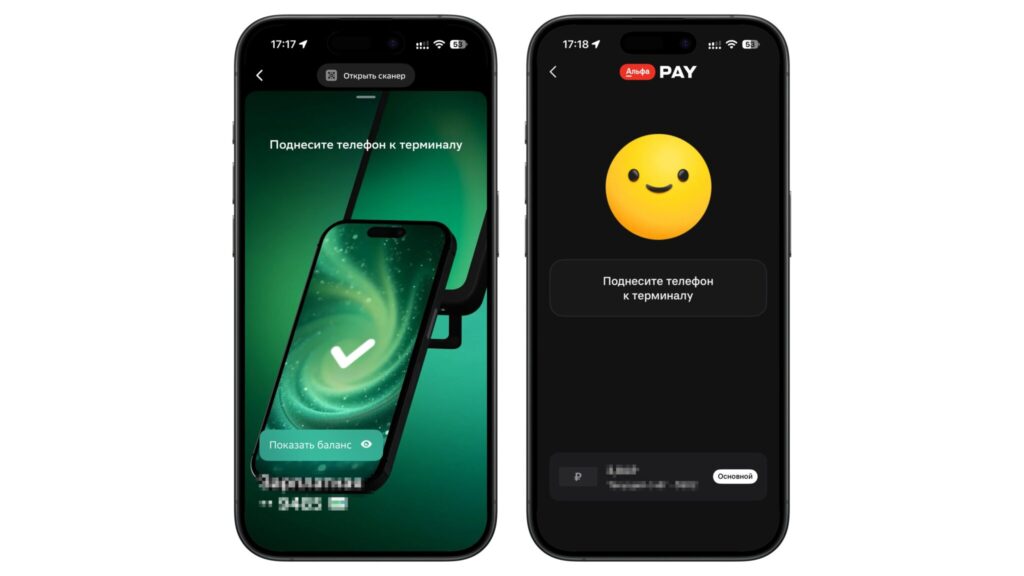
Bluetooth payment in the Sber and Alfa-Bank apps
Most major Russian banks have adopted the approach, including Sber, T-Bank, Alfa-Bank and VTB, so the odds of paying with an iPhone are considerably better than a year earlier. The key limitation is hardware: the source states that Bluetooth payment works only on newer biometric terminals without physical buttons. At an older terminal the payment simply will not start, and a physical card is the fallback. On the plus side, the source says the payment often completes even without an internet connection, as long as the app was already open. The source also cites tens of millions of transactions processed through these services in their first year, though it does not name the origin of that figure.
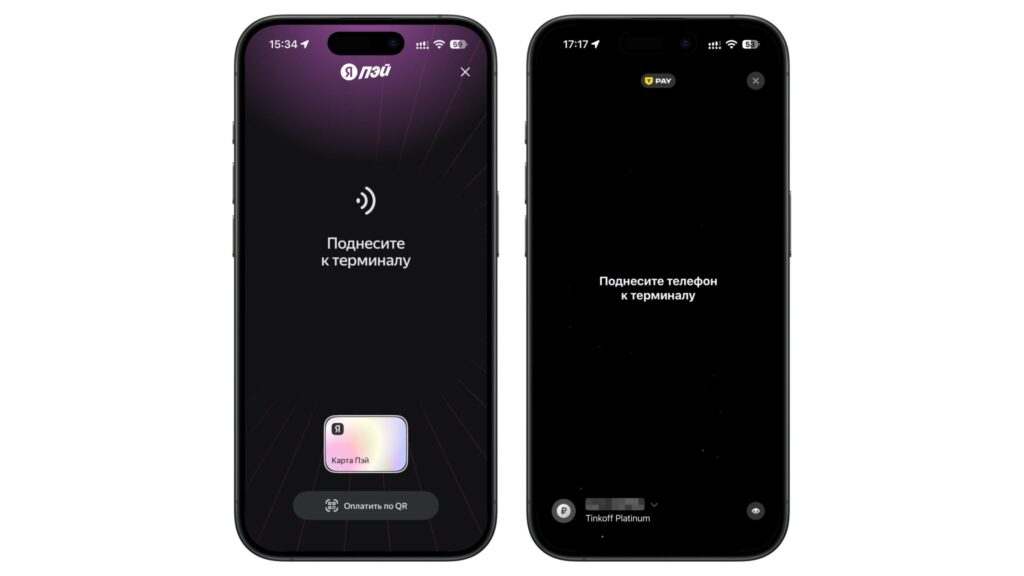
Bluetooth payment in Yandex Pay and the T-Bank app
How a payment can end up on someone else’s bill
The source author describes an incident that changed how carefully they approach the checkout. While standing in line with their spouse, she opened the payment screen in the T-Bank app before reaching the register. The charge went through for the purchase of the customer standing ahead of them. The money was later refunded, according to the author, but the episode illustrates a real quirk of the technology.
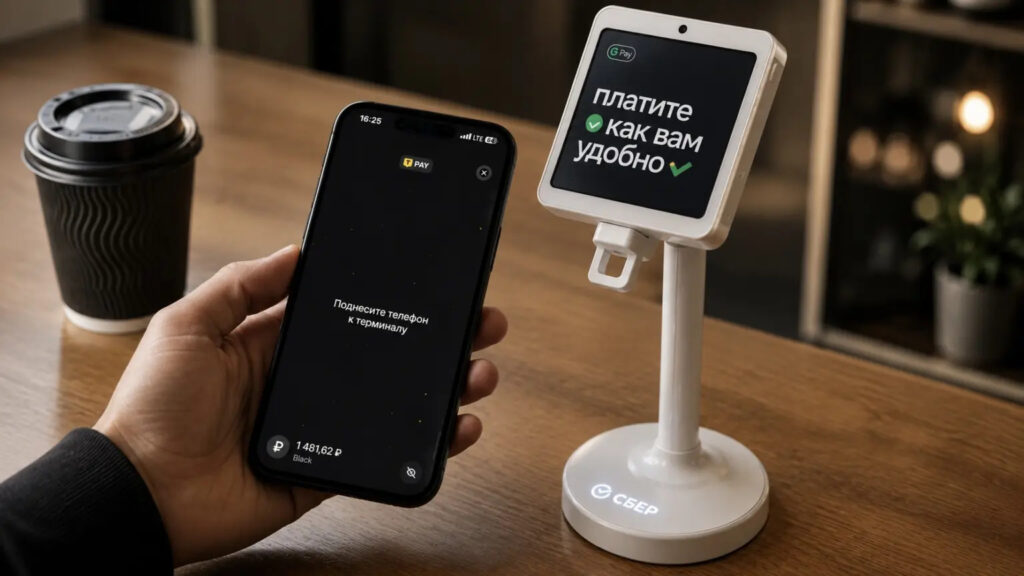
Paying through T-Bank at a distance from the terminal
The explanation lies in the radio technology itself. Vzhukh and compatible services have a longer detection range than NFC did. The terminal can pick up the phone’s signal from some distance, so if the payment screen is already open, the register may settle someone else’s receipt before you even reach it. The practical rule that follows: do not open the payment screen in advance. Wait until it is your turn and your own total is displayed on the terminal.
The sequence that works reliably
According to the source, the most common reason a payment fails to go through at all is the wrong order of actions rather than an app fault. The sequence the author recommends:
- Wait until the cashier has scanned everything and the final total appears on the terminal.
- Only then start the payment in your banking app.
- Hold the iPhone up to the terminal.
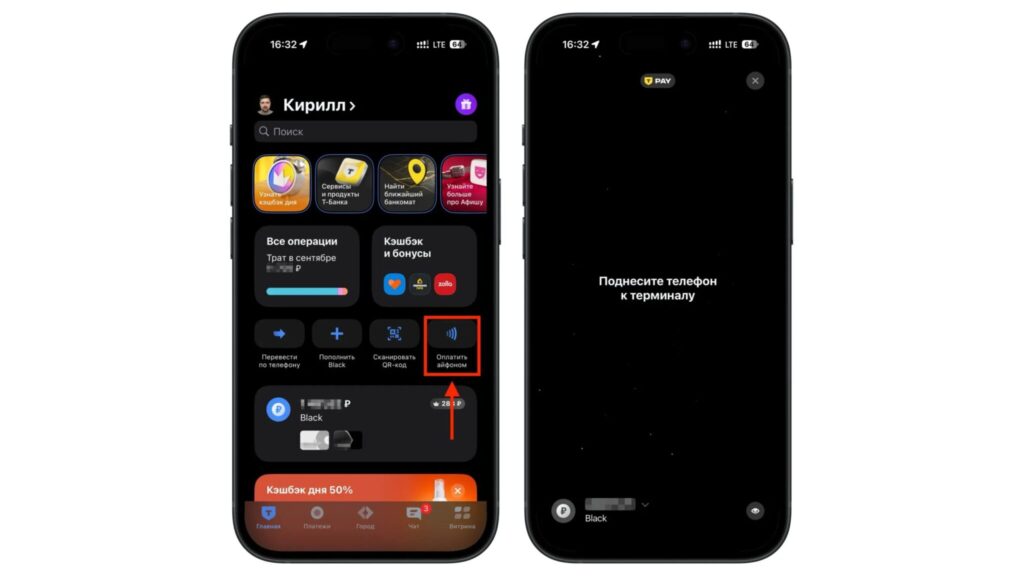
Starting a payment in the T-Bank app on iPhone
- With T-Bank, the payment completes on its own; no manual confirmation is required, per the source.
- With other banks, confirm the purchase on the phone’s screen to finish.
The single point the author stresses most: problems arise when a customer starts the payment too early. If the screen is opened while the cashier is still scanning, the phone either connects to nothing useful or latches onto another transaction. Waiting for the total on the terminal before taking out the phone avoids both outcomes and keeps the line moving.
If it still refuses to work
When the payment fails even with the correct sequence, the source suggests checking the basics. Make sure Bluetooth is turned on, and confirm that the banking app has been granted Bluetooth access. Without that permission the service will not function, and the cause can be hard to track down. On iPhone, this toggle lives in Settings under Privacy & Security, where the banking app’s Bluetooth switch needs to be enabled.
The author’s everyday experience
The source author reports paying by Bluetooth every day, often several times, and says they have almost stopped taking a physical card out of their wallet, keeping it only as a backup. They also note that the method has little noticeable effect on battery life, attributing this to Bluetooth Low Energy’s design, in which data is exchanged in short bursts.
The author acknowledges that this smooth experience depends partly on location: at the stores they visit most often, roughly 90 percent of terminals are the newer type, so payments almost always trigger. They add that they never ordered a payment sticker for their phone because Bluetooth payment covered all their in-store needs. Readers in areas dominated by older terminals will see a different picture, though the author expects that to change as terminals are gradually replaced. The bottom line, in the source’s view: do not rush at the register, wait for your own total, and hold up the phone at the right moment.


