Remember what happened with T-Bank when iOS 27 came out? For some users, the app simply stopped opening, and for several days people were left without normal access to their money. So when people ask me whether it’s worth downloading iOS 27 right after release, I answer honestly: I’m in no rush myself, and I don’t advise you to be either. It’s not that the update is bad. It’s just that the first weeks after release are a lottery I don’t feel like participating in.
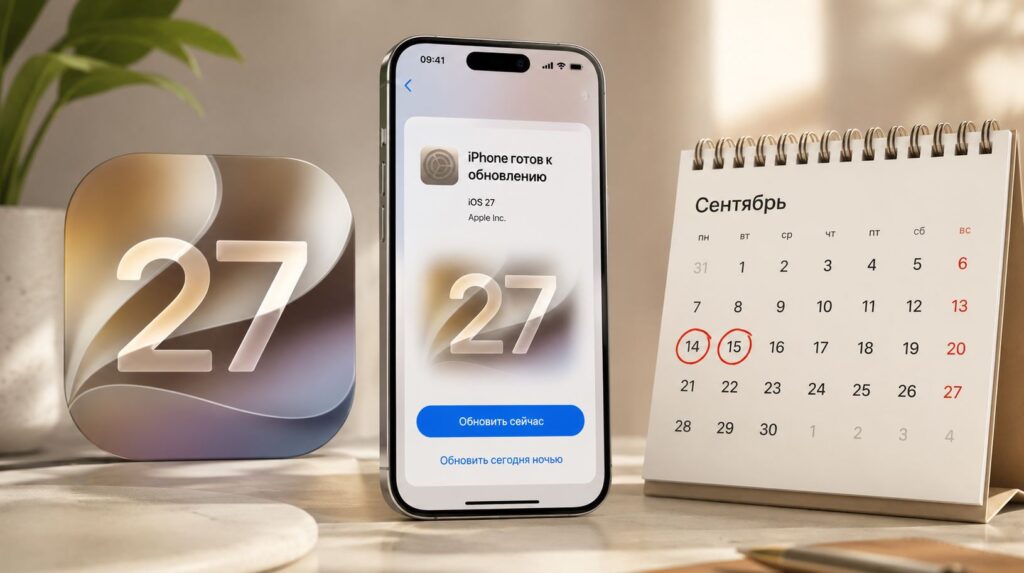
Is it worth updating your iPhone right when iOS 27 comes out?
Is It Worth Downloading iOS 27 Right After Release
Let’s start with the main question everyone’s asking: when will iOS 27 come out. Apple will roll out the final version in the fall, traditionally in the second half of September, a week after the new iPhones. Sounds like a reason to update on day one, but let’s be honest: you can buy a decent model right now.
The release isn’t a final, polished-to-perfection version. Essentially, it’s the same beta testing, only now the test subjects are all of us. Apple gathers millions of users, watches what breaks and where, and patches holes as they go.
So the real answer to whether you should install iOS 27 in the first days is simple: if you’re not dying to try something new just for the sake of newness — it’s better to wait. The main iOS 27 problems surface precisely in the first weeks, and you’ll be the one dealing with them, not Apple.
Does iOS 27 Break Banking Apps
This is the main red flag for me, as people say nowadays. Banking apps on iOS 27 are a fragile thing, and we already have a precedent. After the update came out, T-Bank on iPhone stopped opening for some people, and this wasn’t an isolated complaint — it was a widespread issue. But the fact itself is unpleasant: a fresh system can clash with an app that controls access to your money.
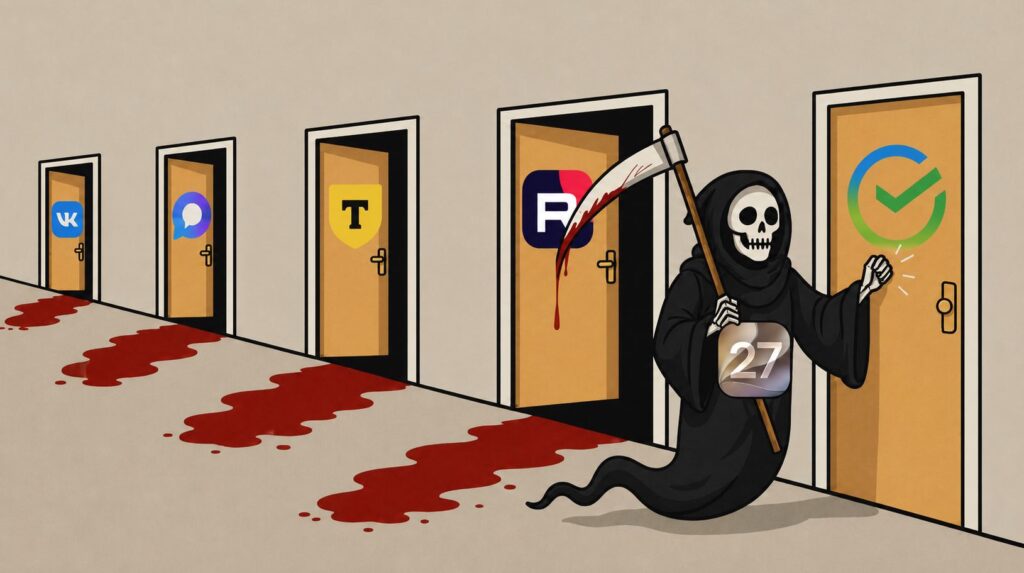
The iOS 27 beta already broke T-Bank once. I don’t want to take the risk
A separate concern is the MAX messenger. If the developer doesn’t manage to release a version for iOS 27 in time — and that does happen — then the old build may start experiencing glitches: from crashes to refusing to launch entirely. And until a new version arrives, you’re stuck with what you have. Given that the national messenger isn’t in the App Store, being left without a working app because of a hasty update is not a great scenario.
Is It Worth Installing iOS 27 on an Older iPhone
If you don’t have the latest flagship but something like an iPhone 12 or 13, there are two pieces of news, and neither favors rushing. First: there are few noticeable changes for older iPhones. All the headline features are tied to newer hardware, and you’ll get roughly the same interface you already had.
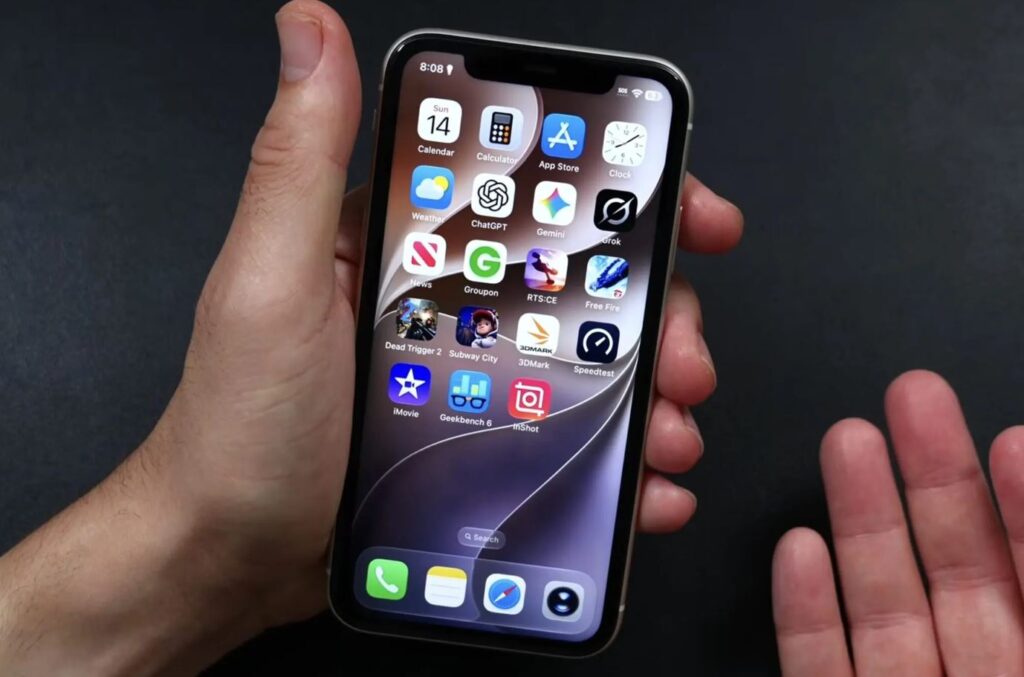
There’s no point downloading iOS 27 on older phones
The second piece of news is worse: battery drain on iOS 27 will speed up in the first days. The system re-indexes data, processes the entire library — and the battery melts before your eyes. So why trade a predictable situation for a lottery where you’ll almost certainly lose in battery life and get practically nothing in return?
Why Your iPhone Gets Hot After an Update
Every fall it’s the same story: people install the new system and grab their heads — the phone is hot, the battery is draining fast. Let me reassure you right away: the fact that your iPhone gets hot after an update in the first couple of days is normal, not a malfunction.
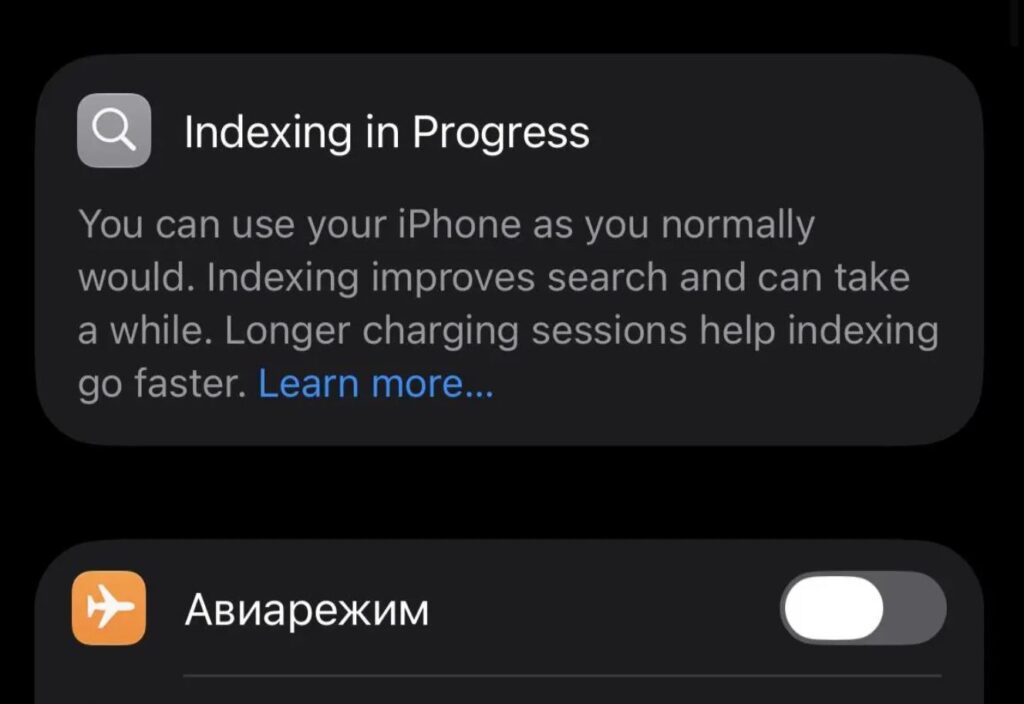
Apple finally bothered to add an indicator for post-update indexing
It’s the usual routine. After installation, the phone is busy with background tasks: rebuilding the Spotlight search index, re-analyzing the entire Photos library, re-syncing data with iCloud. All of this loads the processor, hence the heat and battery drain. Understanding what this re-indexing in iOS 27 is and how to speed it up is key.
Usually everything settles down within two or three days and the phone returns to normal. But a couple of days with a hot case and depleted battery are guaranteed. Not exactly pleasant, and if someone doesn’t know it’s temporary, panic ensues over nothing.
When Is the Best Time to Download iOS 27
Let’s sum it up. Since the iOS 27 release is essentially mass testing, the logic is simple: let others test it for us first. I wait until Apple releases a couple of fixes and the first wave of bugs subsides. There’s no universal recipe for updating your iPhone, but my real-world experience suggests the following:

Don’t rush the update — it will save your nerves
- iOS 27.1 release — definitely skip it. This build is still catching up on things that weren’t finished by release.
- iOS 27.2 — that’s already fine. By this point, the worst bugs are usually cleaned up, banks and messengers catch up on compatibility, and battery life returns to normal.
- Sometimes it’s better to wait for iOS xx.2.1: the safest type of bug-fix build, usually released in early January.
By that time, sensible iOS 27 reviews appear that show the real picture rather than first-day emotions.
So my honest answer to the question of when to update to iOS 27: closer to the end of the year, on version 27.2. You won’t miss anything critical during those couple of months, but you’ll save yourself a lot of nerves. And you can always try the new stuff later — once millions of others have already tested it for you.


