Buying an Apple tablet has long ceased to be a simple matter. Four lineups, overlapping specs, accessories sold separately — it’s easy to get confused. But Apple does have a clear vision of which iPad suits whom. And if you break it down, the choice turns out to be not as difficult as it seems in the store. The company itself describes its lineup in literally a couple of words per model!

Apple explained how to properly choose an iPad
Which iPad to Buy in 2026 for Everyday Tasks
Apple builds the advertising for the current iPad 11th generation around words like “lovable” and “magical,” meaning an affordable tablet “for what you do every day.” It sounds vague, but in reality it’s about streaming on the couch, video calls, homework in Pages, and occasional Apple Pencil sketches. The base now comes with 128 GB, and with active use, that will run out faster than you think. If you can, go straight for 256 GB or keep cloud storage ready.
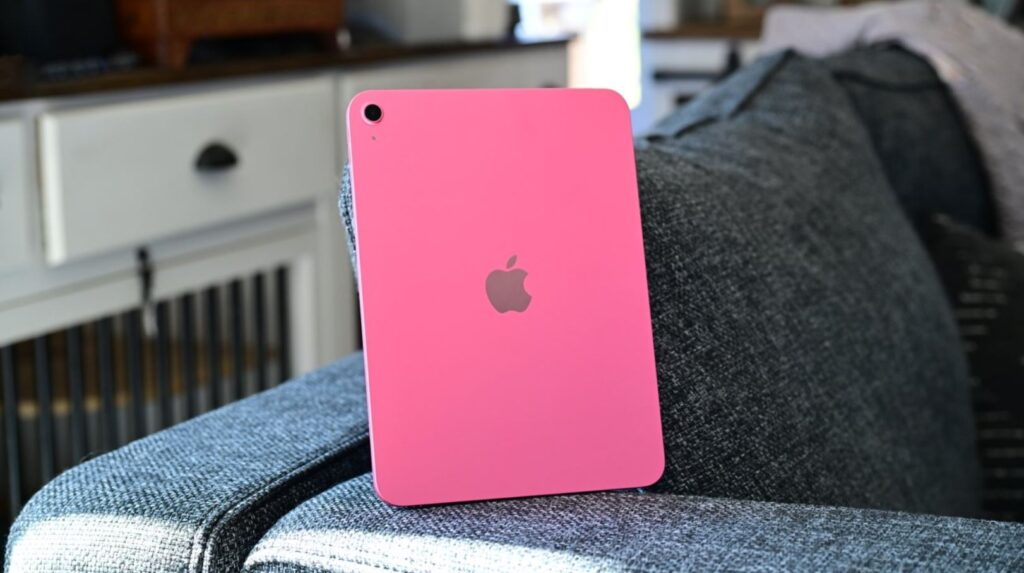
The base model turned out to be the most versatile — for basic needs
There’s no Apple Intelligence here, and honestly, some might consider that a plus. Inside is an A16 processor, an 11-inch screen, Apple Pencil support, and Magic Keyboard Folio compatibility. If you’re wondering which iPad is best for home and school without overspending, this is the sweet spot in terms of price-to-performance ratio. The base model will still receive fresh iPadOS 27 features. The main trap of the base tablet, though, is storage.
iPad Air — A Tablet for Work and Study Without Overpaying
For the iPad Air, Apple uses words like “powerhouse” and hints that this is a tablet for a more serious user. It’s the first model in the lineup with a choice of size — 11 or 13 inches — and with Apple Intelligence support. Inside is the M4 chip, which easily handles tasks like Final Cut and Lightroom.
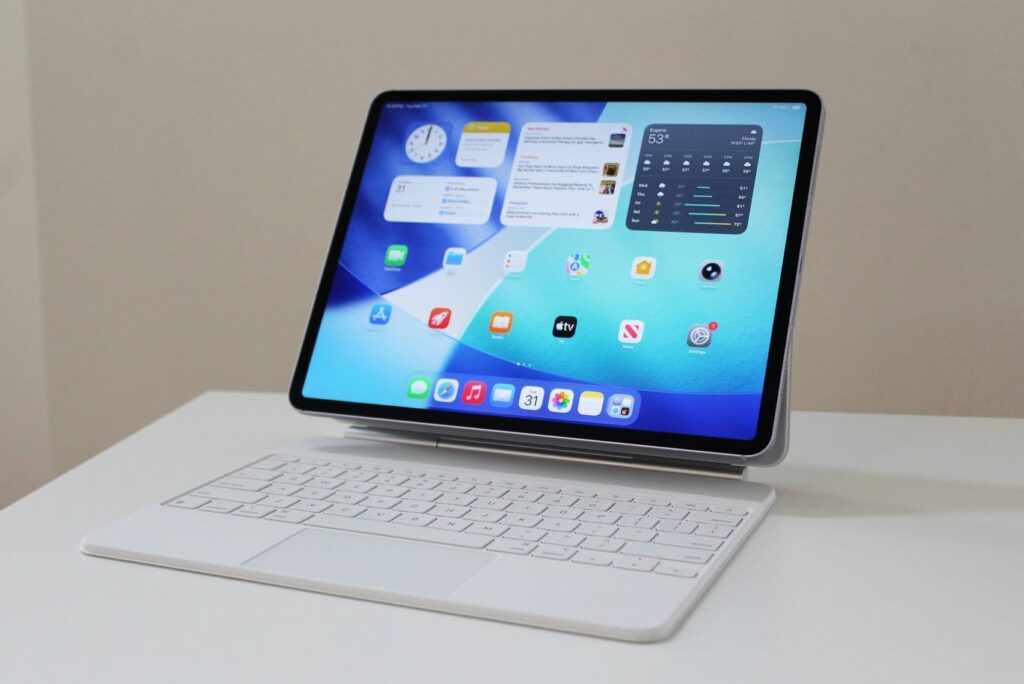
According to Apple, the Air is ideal for work and study. Hard to argue
An interesting point about weight: the 13-inch Air weighs about 617 grams, which is noticeably heavier than the 13-inch Pro at approximately 582 grams. However, with the iPad Air you save around $450 compared to the entry-level Pro. If you’re thinking about which iPad to choose for video editing, graphics, or studying but without the flagship price tag, this is the most honest middle ground.
There’s little point in delaying the purchase either. And yes, the Magic Keyboard and Apple Pencil Pro still cost extra.
iPad Pro — Which Tablet to Buy as a Professional
The most serious and most expensive iPad — the closest thing to a Mac in tablet form. Apple emphasizes the body thickness, and for good reason: just 5.1 mm. Then come words like “fast” and “advanced,” support for external displays up to 6K, and transfer speeds up to 40 Gbps.
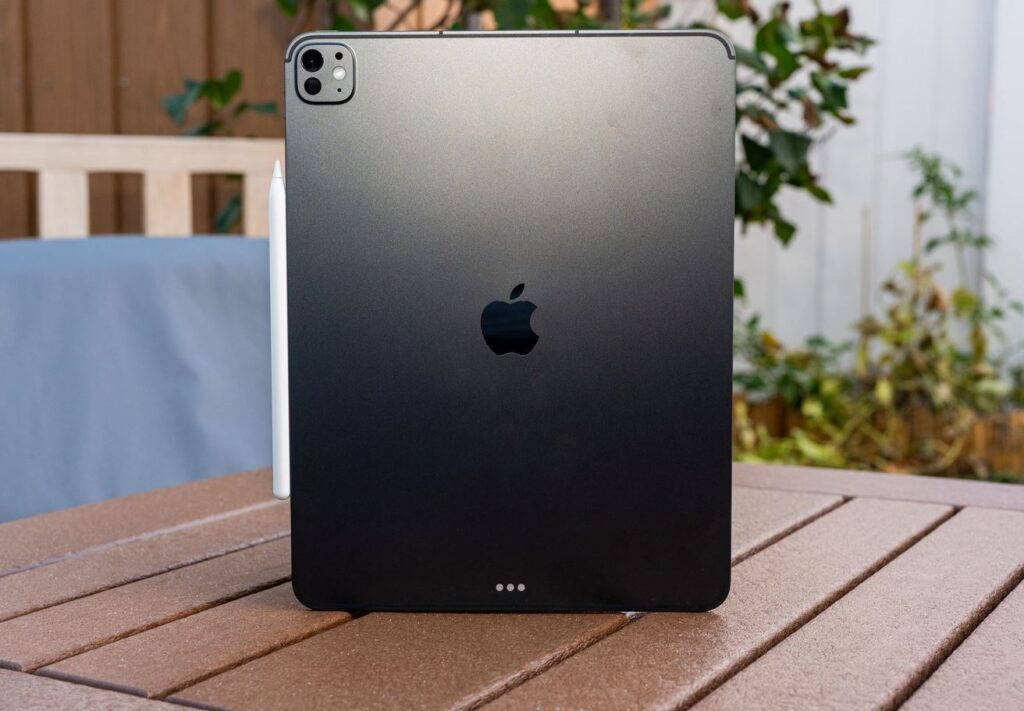
If anything can replace a MacBook, it’s the iPad Pro
Inside is the M5 processor with plenty of headroom for multi-layer 8K ProRes. And here’s a simple test: if specs like these don’t make your eyes light up, chances are even the iPad Air would be overkill for you. And if you’re still asking yourself whether you need an iPad Pro, the answer is probably no.
iPad mini — Which Apple Tablet to Take on the Go
Apple’s own advertising for the iPad mini is one long boast about how the device fits in a coat pocket yet runs the same apps as its bigger siblings. A17 Pro chip, 8.3-inch screen, Apple Intelligence support.
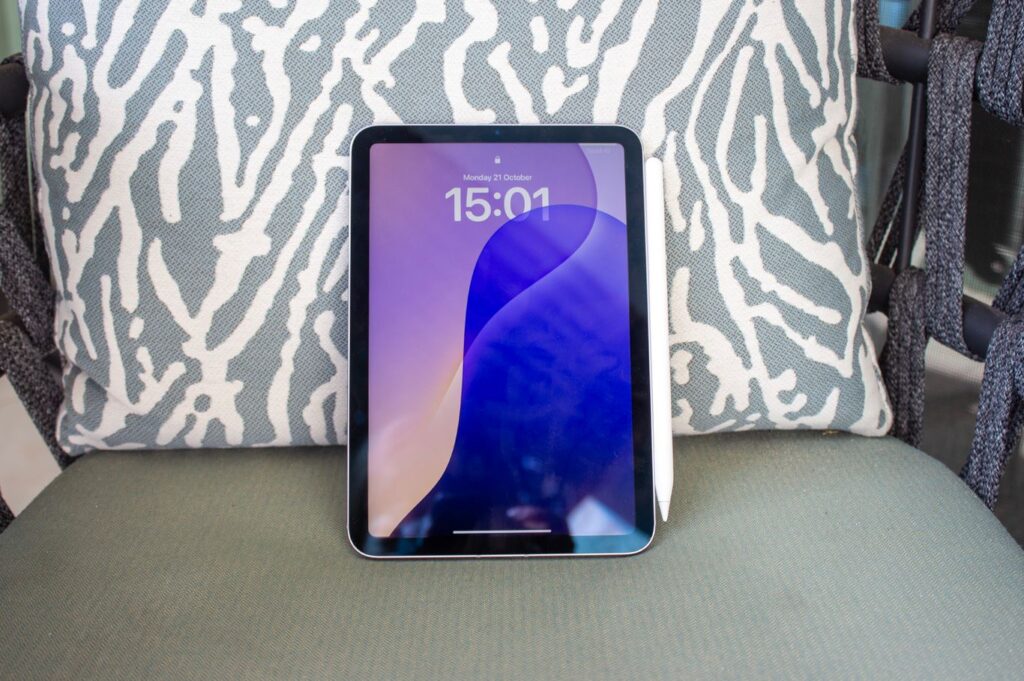
iPad mini — a compact gadget bigger than an iPhone but smaller than the base iPad
Doctors take it on rounds, pilots mount it in the cockpit, and on the subway it’s comfortable to read with one hand. But let’s be honest: despite the image of a “small work tool,” the mini is closer to a content consumption device than a work device. Notes and PDF edits — sure. But Apple somehow never shows spreadsheets with it.
Which iPad to Choose in 2026
A disclaimer that’s more important than all the specs: there are people who run entire companies from an iPad mini, and there are those who returned an iPad Pro without ever figuring out what to do with it. With Apple tablets, the gap between “expectations vs. reality” is enormous — more than with any other device. Nevertheless, choose the model that appeals to you the most. Apple’s advice is purely a recommendation, and the final word is always yours!
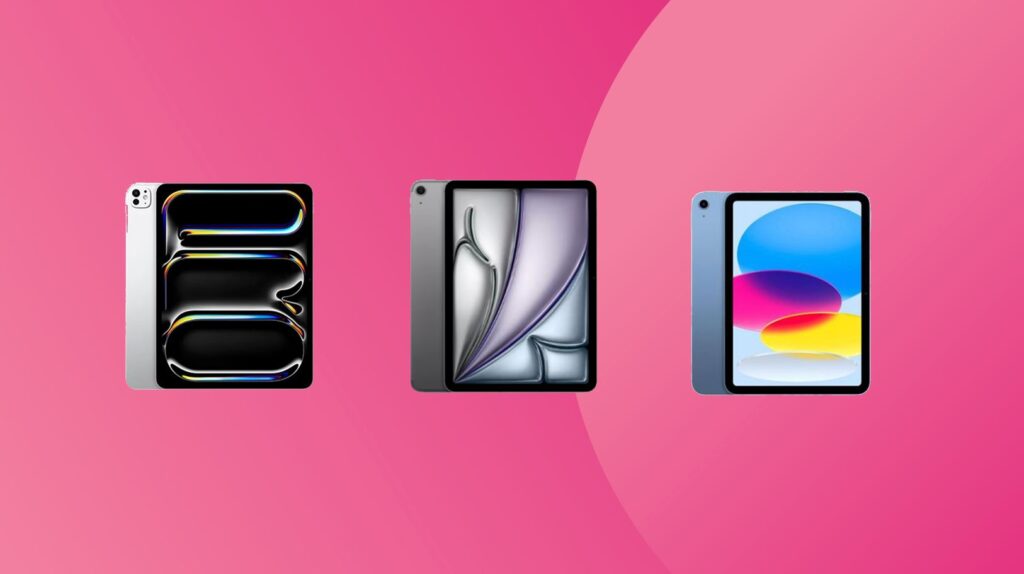
Choose the iPad that you like the most!


