MAX messenger for Android can be installed in several ways, and many people have a reasonable question: does it matter where you download it from? Spoiler: the build itself is the same everywhere, but the delivery and updates differ. If you already have another messenger on your phone, don’t worry — MAX and Telegram coexist peacefully on one device. Let’s go through all the sources in order so you can understand where to download MAX on Android without any hassle.
Figuring out where to best download MAX on Android and whether there’s a difference
Where Can You Officially Download MAX on Android
There are several official sources where to download MAX on your phone, and all of them are safe. You can download MAX on Android through four verified channels:
- From Google Play, if your smartphone has Google services;
- From RuStore, a Russian app store without regional restrictions;
- APK file — directly from the official website max.ru.
The official version of MAX is developed by VK, so the developer listed in the app card is always VK. Don’t download the messenger from suspicious websites, forums, or torrents: scammers often disguise fakes with built-in viruses as MAX. If you have doubts about the source, check in advance how to tell the real MAX from a fake one.
How the Google Play Version of MAX Differs
Downloading MAX from Google Play is the easiest option if your device has Google services. But there’s a catch: the store is based on the account’s region. If the search is empty or shows a “not available in your country” message, you likely need a Russian Google account — the messenger is only distributed for Russia and some CIS countries.
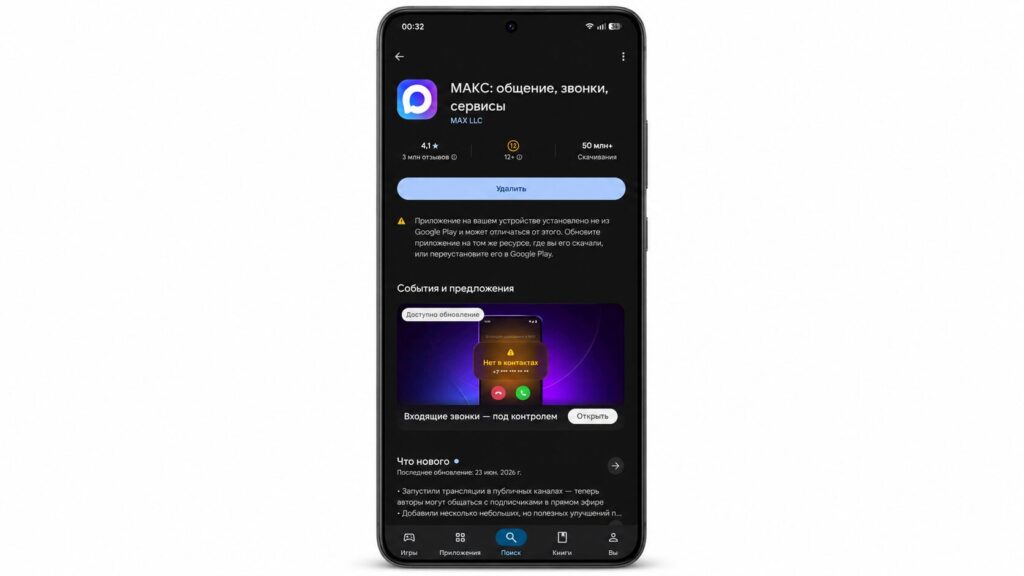
The most familiar way is to download MAX from Google Play
On the plus side, the ecosystem is familiar, and MAX is tightly integrated with Russian services — you can even use it to book a doctor’s appointment through Gosuslugi.
MAX from RuStore: Is It Worth Downloading
Downloading MAX from RuStore is worth it for those who don’t have Google services — for example, on some Chinese and newer Russian devices. The Russian app store is pre-installed on many smartphones, and it has no regional restrictions, so MAX without Google services installs without any hassle.
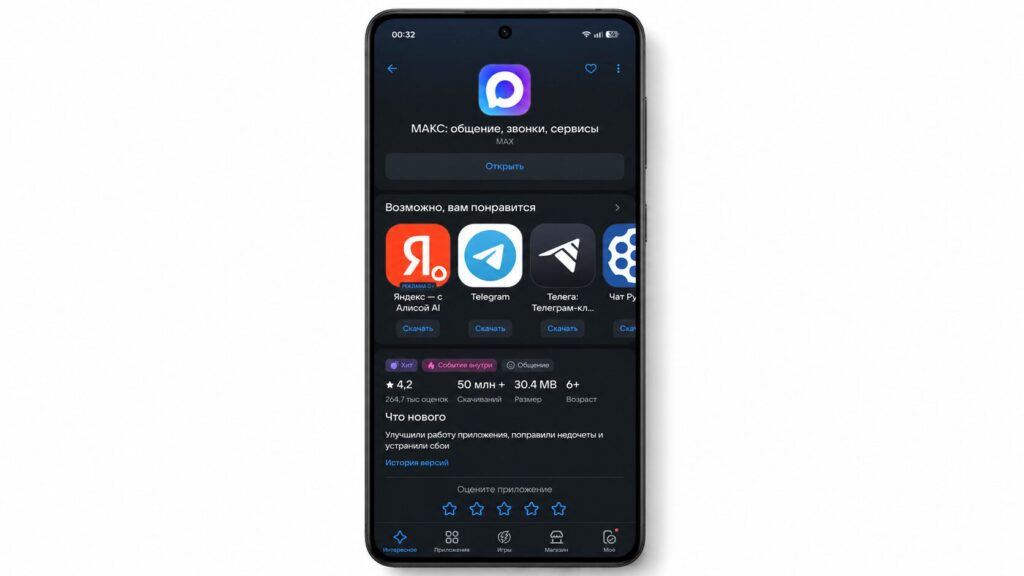
If RuStore is your go-to app store, it’s easier to download MAX from there
The installation is slightly different: when downloading, RuStore will ask for confirmation — press “Install.” After that, use it as usual — you can even create polls in chats.
Installing MAX via APK from the Official Website
Downloading the MAX APK directly from the website makes sense in two cases: there’s no app store on the device, or you want to get a beta build before everyone else. Installation takes a couple of minutes — it’s just slightly more complex than other methods.
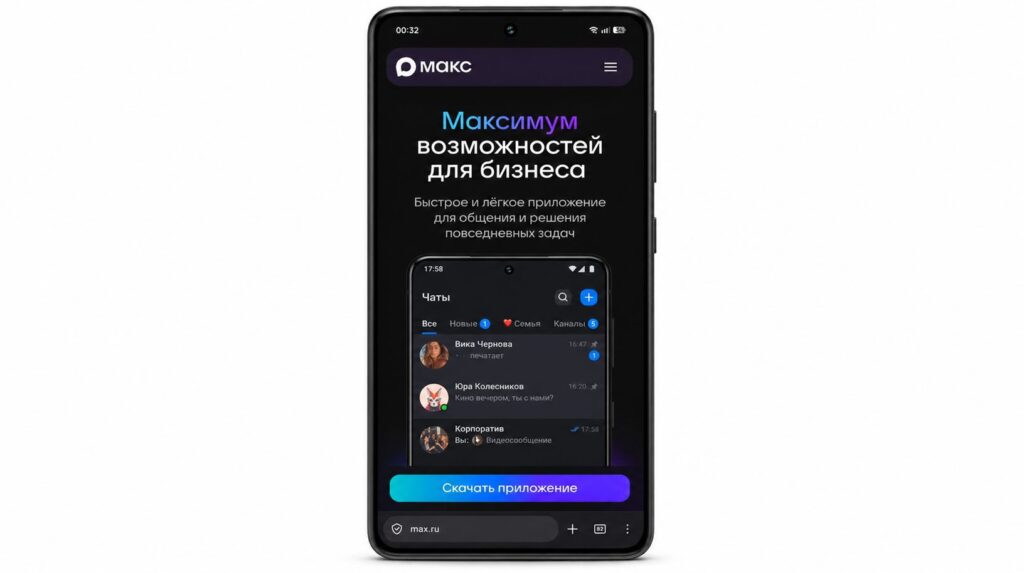
Downloading MAX from the website is slightly more complex since you need to allow installation from unknown sources
- Open max.ru and select the Android version;
- Download the APK file to your smartphone;
- Allow installation from unknown sources in settings;
- Launch the file and wait for the installation to complete.
The downside of this method is security: APK files can easily be confused with fakes, so only download from the official max.ru — not from third-party sites — otherwise you risk infecting your phone with a virus.
Where Is the Best Place to Download MAX on Android
The build from all official sources is the same — the difference is in updates. In RuStore, the latest version typically appears earlier than on other platforms, so you can update MAX to a new release among the first. On Google Play, MAX updates arrive a bit later, but the store only downloads the changed portion of the app rather than the entire package, which saves data.
Essentially, there are two most practical ways to download MAX. The choice is yours
With APK, it’s the most hassle: you’ll have to update manually each time by downloading a new file, and the installation APK then stays in memory taking up space. In short, choose like this:
- If you have Google services and saving data matters, go with Google Play;
- If you don’t have GMS or want the freshest versions, go with RuStore;
- Keep APK as a backup method when no other app stores are available.
The only catch: if you downloaded MAX from RuStore, updates may also overlap with updates from Google Play. But otherwise, use it without worry.
Where did you download MAX from, and have you ever encountered it not showing up in Google Play?


