Every June, the same thing happens. Apple shows off a new system, and the main question immediately comes up: when can we install it. This time, the company introduced iOS 27 with a huge number of new features, and the release date became clear during the presentation itself. I’ll lay everything out in order so you know exactly what to expect this summer and fall.

Understanding the release schedule for different versions of iOS 27
Is It Worth Installing the First iOS 27 Developer Beta
Apple showed iOS 27 at WWDC 2026, which took place on June 8. That same day, the company released the first developer beta. So technically, the new system is already running on thousands of iPhones around the world right now.
This build is made for those who write apps. They need to test their programs in advance and prepare updates for the fall. Previously, access required a paid account at $99 per year, but the rules are more relaxed now.
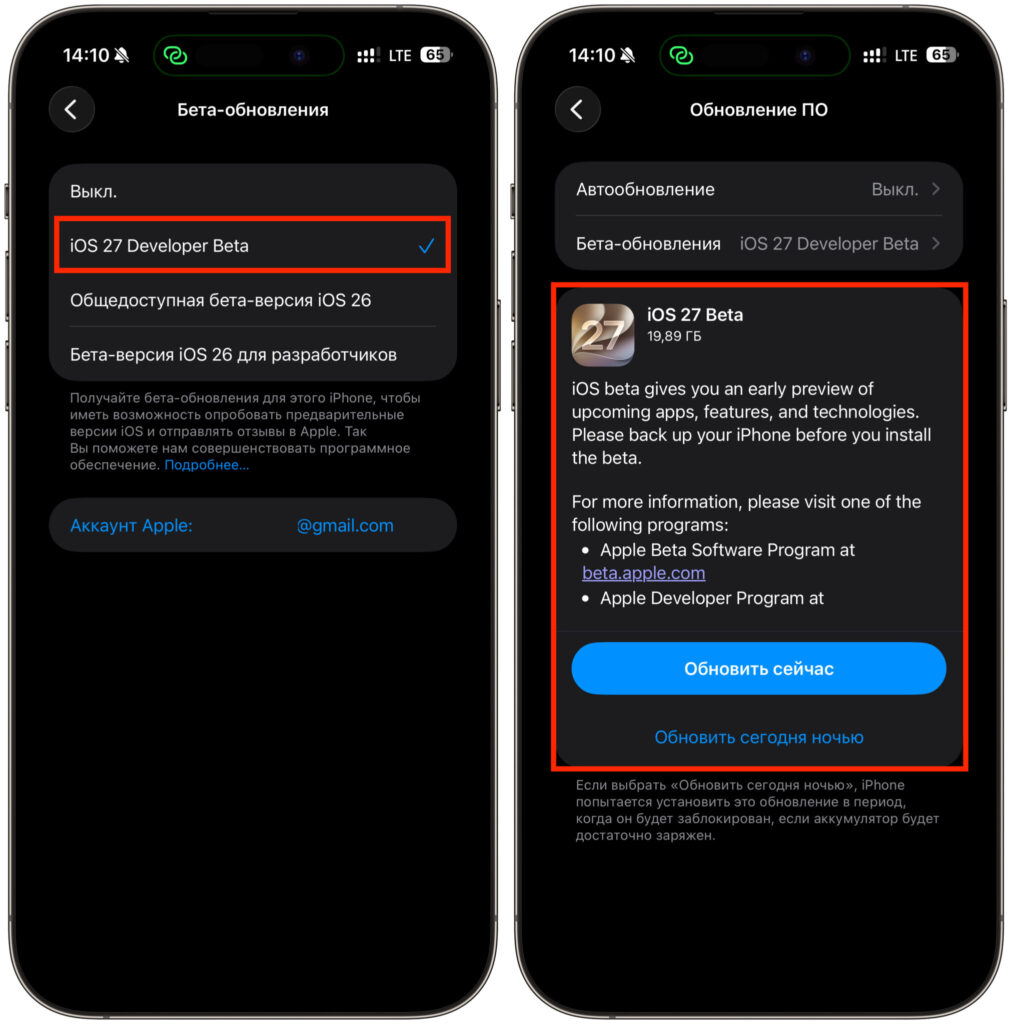
The developer beta is already available for installation
It sounds tempting, but I wouldn’t recommend installing it on your main iPhone. The first developer build is always raw and unstable. The battery drains quickly, some apps crash, and some features simply don’t work. If you really want to try the system right now, use a spare phone, not the one you use every day.
When Will the iOS 27 Public Beta Be Released
If you don’t want to deal with raw builds, there’s a calmer option. In July, Apple will open the public beta for everyone. The company hasn’t announced an exact date yet, but based on past years, it’s usually mid-month.
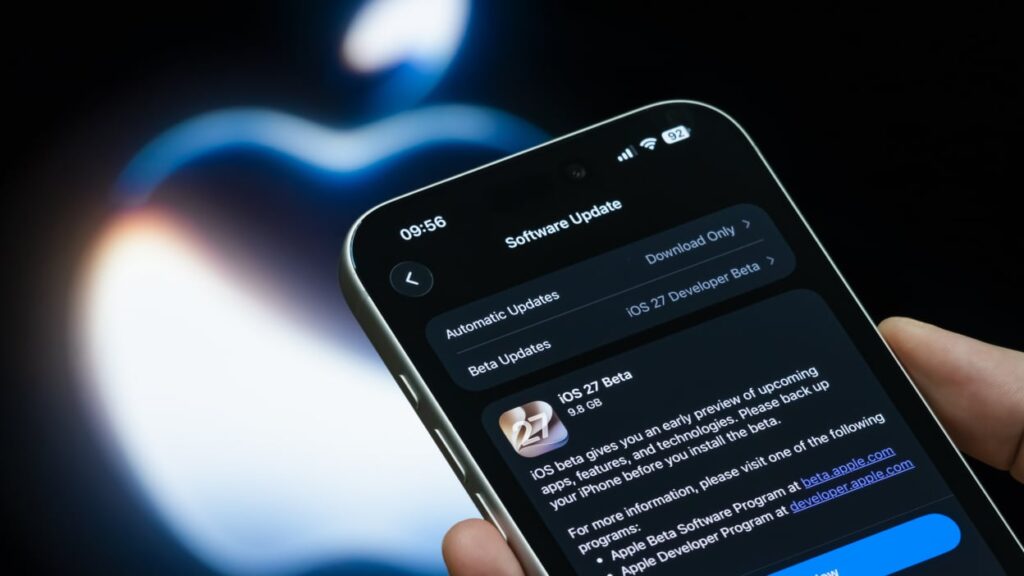
We expect the iOS 27 public beta no earlier than July
The public version differs from the developer build in stability. By July, Apple manages to release a couple of updates and fix major bugs. The system still won’t be perfectly smooth, but using it daily is already realistic.
The main reason to install the beta is the new features. You can join the program completely free through the beta.apple.com website with your Apple ID.
The advice is the same as before. Keep the beta on a secondary device, and before installing, make sure to create a backup. Rolling back to a stable version without losing data will be very difficult later.
iOS 27 Final Version Release Date
And here’s the main date. The stable iOS 27 for everyone will be released in September. Apple has maintained this schedule with remarkable consistency for many years in a row. The release will almost certainly happen in the second week of the month, approximately around September 15.
The date isn’t chosen randomly. In the fall, Apple holds its September presentation and shows off new iPhone models. This year, it’s the iPhone 18 lineup. The new smartphones will come with iOS 27 out of the box, and a few days later, the update will arrive for owners of previous devices.
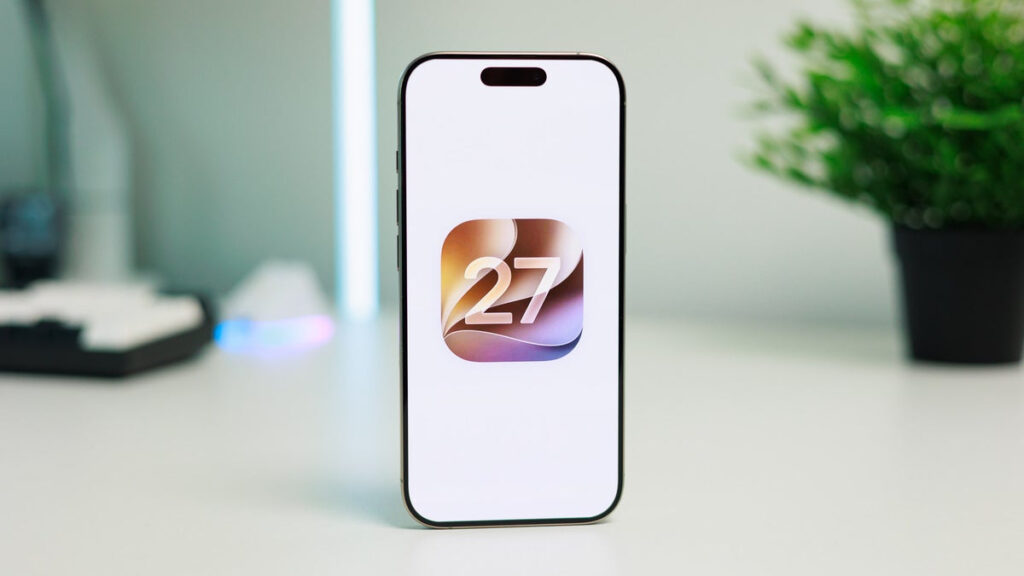
The final version awaits us in September
The final version is the build you can safely install on your main phone. By September, the system goes through several months of testing. Most bugs are cleaned up, apps are adapted, and features work as intended.
Keep one thing in mind. Not all features will arrive on release day. Some of them Apple fine-tunes after launch. For example, separate volume levels for alarms and calls will be available right away, but some new Siri features may only arrive with 27.1 and 27.2. This has happened before.
Which iPhones Support iOS 27
Good news: the list of supported devices wasn’t cut this year. All iPhones that run iOS 26 will also get iOS 27. These are models starting from iPhone 11 and newer. The older iPhone XR, XS, and XS Max won’t receive the update — they lost support earlier.
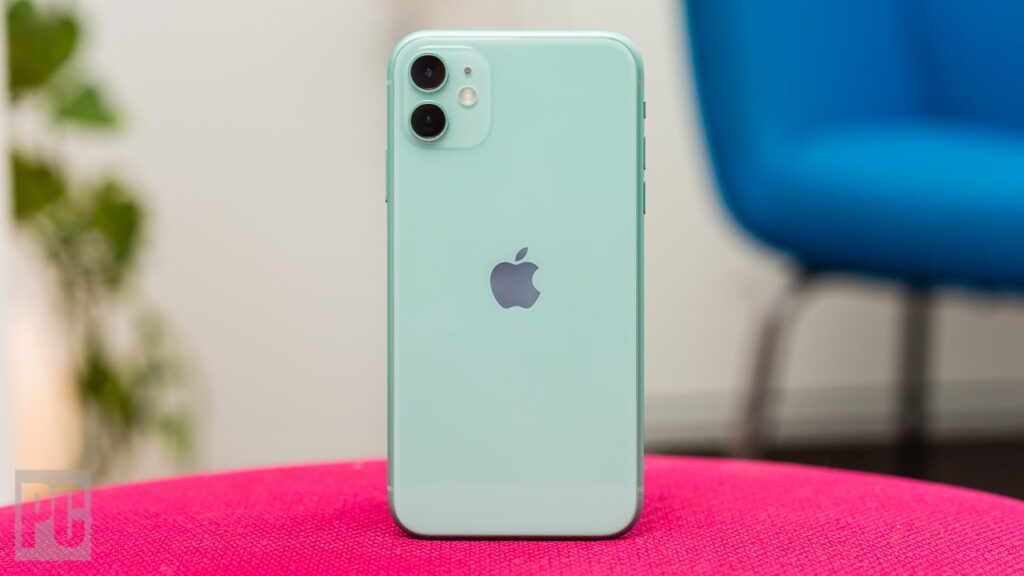
Even if you have an old iPhone 11, you can still update it to the new iOS
But there’s an important caveat regarding artificial intelligence. The system itself will install even on an older device, but full Siri AI and advanced Apple Intelligence features require newer hardware. You need an iPhone 15 Pro or newer for them.
In short, here’s the picture. Right now, the developer beta is available, but you shouldn’t touch it on your daily phone. In July, the public beta will appear for the curious. And in September, the final version will be released for everyone. My advice is simple: if you’re not a developer and aren’t ready to deal with bugs, just wait until September and update stress-free.