Apple unveiled iPadOS 27, and most of what’s new revolves around smart Siri and Apple Intelligence, exactly the same as on iPhone. But a couple of features make particular sense on a tablet: searching through handwritten notes and Visual Intelligence with Apple Pencil. The main catch is that not all iPads will get the most interesting features. You can install iPadOS 27 right now, but before doing so, it’s worth understanding exactly what you’ll get on your tablet.
Breaking down what’s new in iPadOS 27
How the New Siri Works on iPad in iPadOS 27
On iPad, the updated Siri can do exactly the same things as on iPhone. Siri gets access to personal data, searches the internet for answers, performs actions within apps, and answers questions about what’s currently on screen. This is an assistant that understands context, not one that simply sets timers on command.
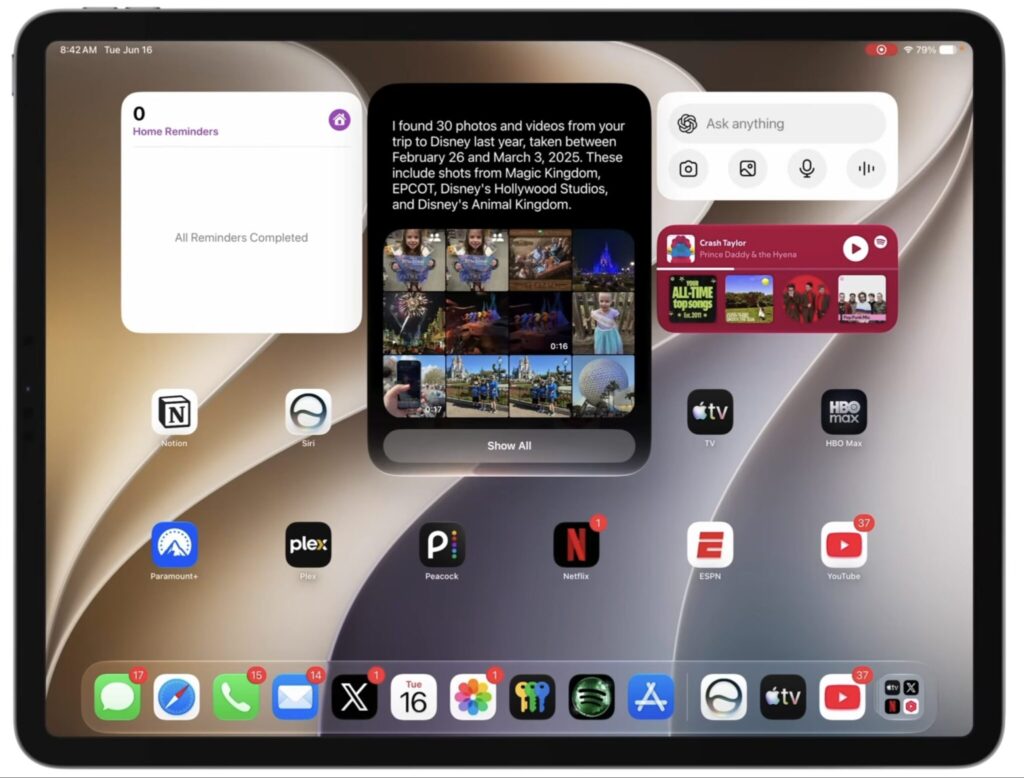
The updated Siri on iPad works with personal data and screen content. For example, it can find photos
For those who write by hand, there’s a separate benefit. Siri indexes handwritten notes, and you can search through them just as easily as regular text: a note made with Apple Pencil is found in seconds. Siri performs actions with notes the same way, regardless of whether they were typed on a keyboard or written by hand.
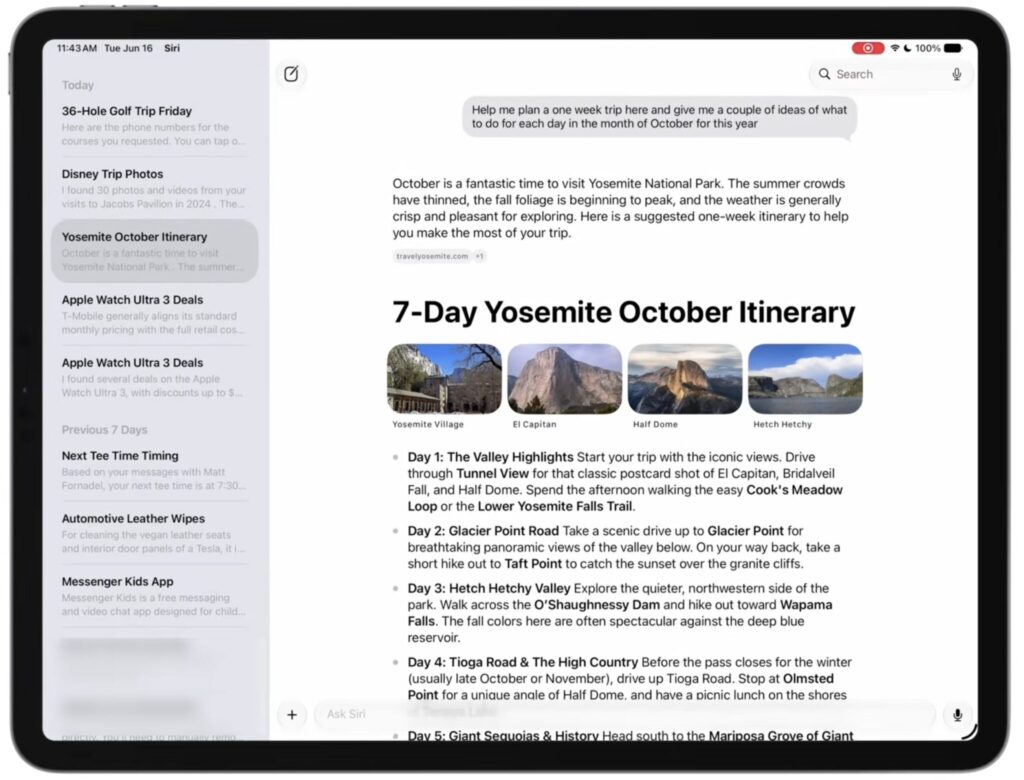
Siri also gets a dedicated app
The assistant also works with text: it can summarize, rewrite, check grammar, suggest phrasing, or compose a new passage from scratch. The Write with Siri feature (text assistance across the entire system) is available in any app, not just Apple’s own applications.
New Apple Pencil Features in iPadOS 27
Visual Intelligence (object recognition in images) previously worked only on iPhone, and in iPadOS 27 it’s been brought to the tablet as well. Take a screenshot and circle an object with your finger or Apple Pencil for the system to tell you more about it.
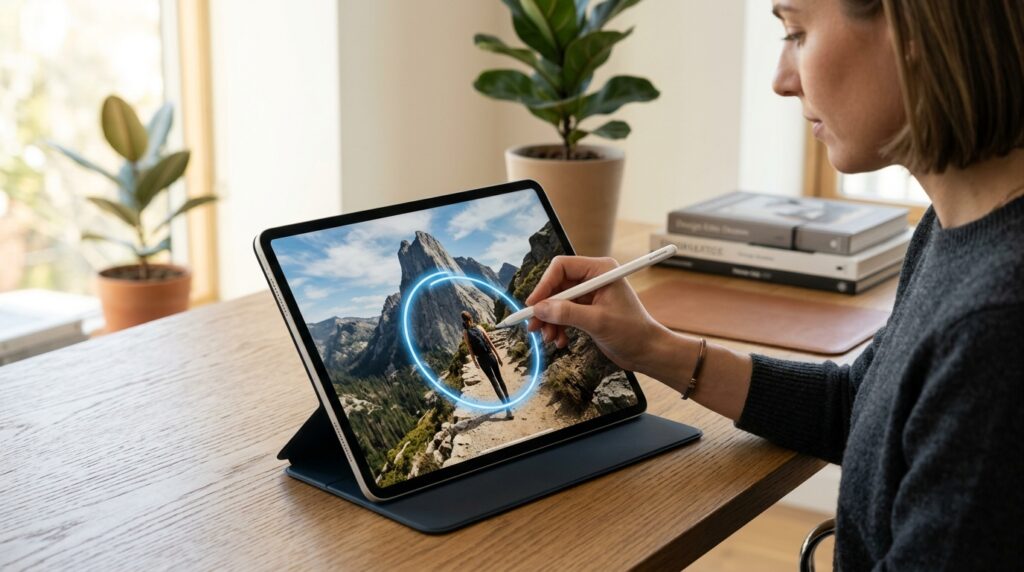
Visual Intelligence lets you circle an object on a screenshot using Apple Pencil
The set of capabilities is the same as on iPhone: the system can identify the nutritional value of food, recognize plants and animals, and find similar products. On the tablet’s large screen and with a stylus, this is noticeably more convenient than trying to aim your finger at the small iPhone display.
Image Generation on iPad: New AI Features
iPadOS 27 introduces a dedicated Image Playground app that generates images in any style, including photorealistic. It also powers the Image Wand feature in Notes and sticker generation, which the system creates directly from your photos.
It works simply: you sketch a rough draft in Notes, and Image Wand transforms it into a picture. It’s convenient when you need a visual illustration right now but don’t have time to draw by hand. The quality of the result depends on how clearly you explained your idea to the system, so sometimes you’ll need to refine the sketch and try again.
How Much Faster Does iPad Work After the Update

Window sizes can be adjusted much more flexibly than in iPadOS 26
Like iOS 27, iPadOS 27 has become more responsive thanks to optimizations. Apps open faster, file browsing and transfers are quicker, AirDrop has sped up, and multitasking on iPad has become noticeably smoother.
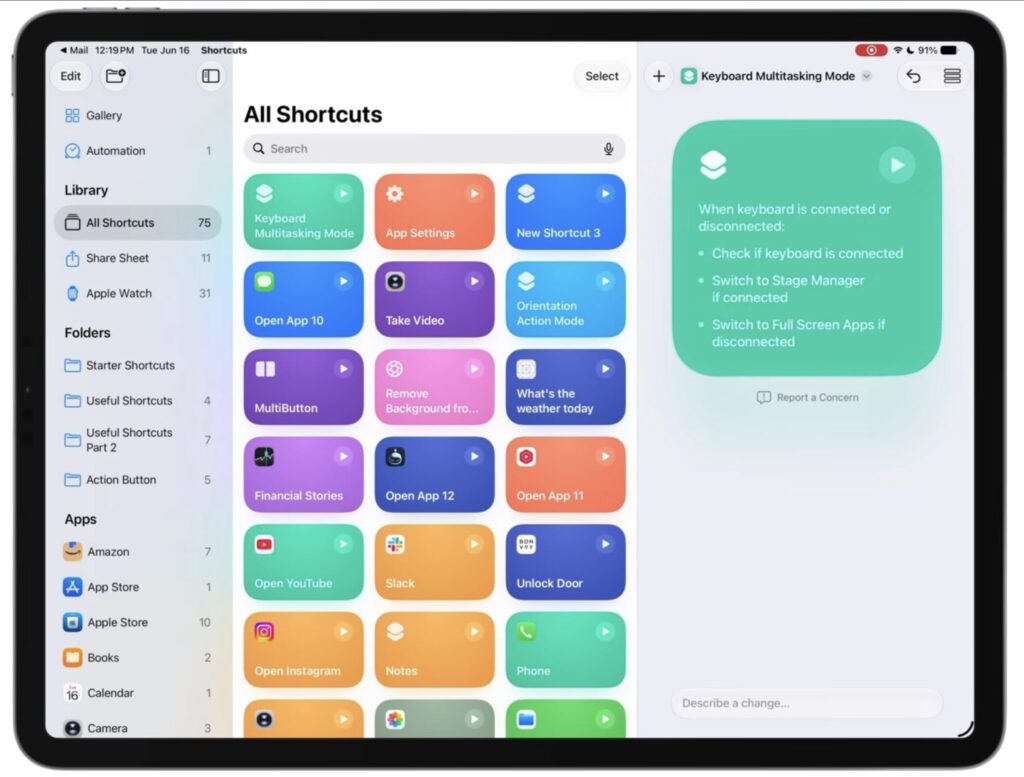
In the Shortcuts app, you can create shortcuts using a simple text description
Smart automations have also been improved. The Shortcuts app creates scenarios on its own using AI: just describe the task in a couple of phrases. For example, with a single sentence you can set different window behaviors for when the iPad has a keyboard attached versus when it doesn’t, and within a minute you’ll have a ready-to-use working scenario.
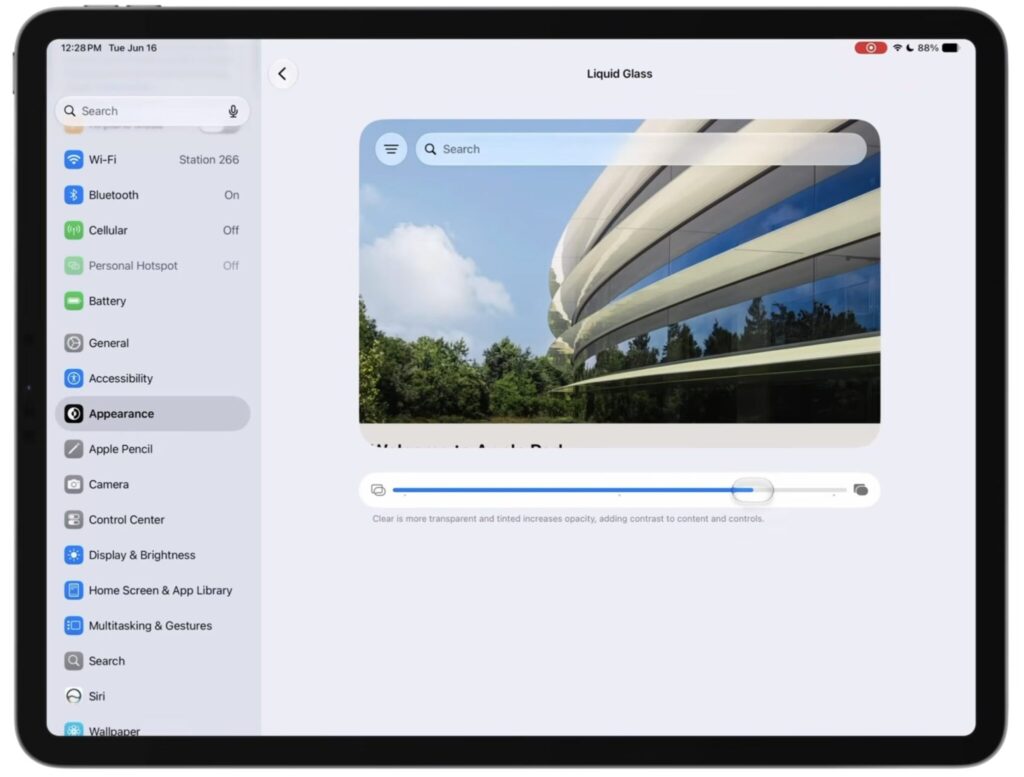
Liquid Glass can now be flexibly customized
Safari wasn’t forgotten either. The browser can automatically group tabs and even generates its own extensions using AI. A transparency slider for the Liquid Glass interface has been added along with improved readability, and iPhone apps running on iPad can now be freely resized instead of being stuck with a stretched full-screen image.
Which iPads Will Get iPadOS 27
Here’s the key point for those deciding whether to update. Siri AI requires an M-series chip or iPad mini with A17 Pro. Older models won’t get these features.


