The internet is full of dangers, and there are truly scary websites that are best left unvisited. All of these are scam links, and with their help, criminals will try to steal your money and other data. But what if you’ve already opened the link? Your finger tapped before your brain thought — a familiar story, right? Let me break down what actually happens after clicking and what to do right now.
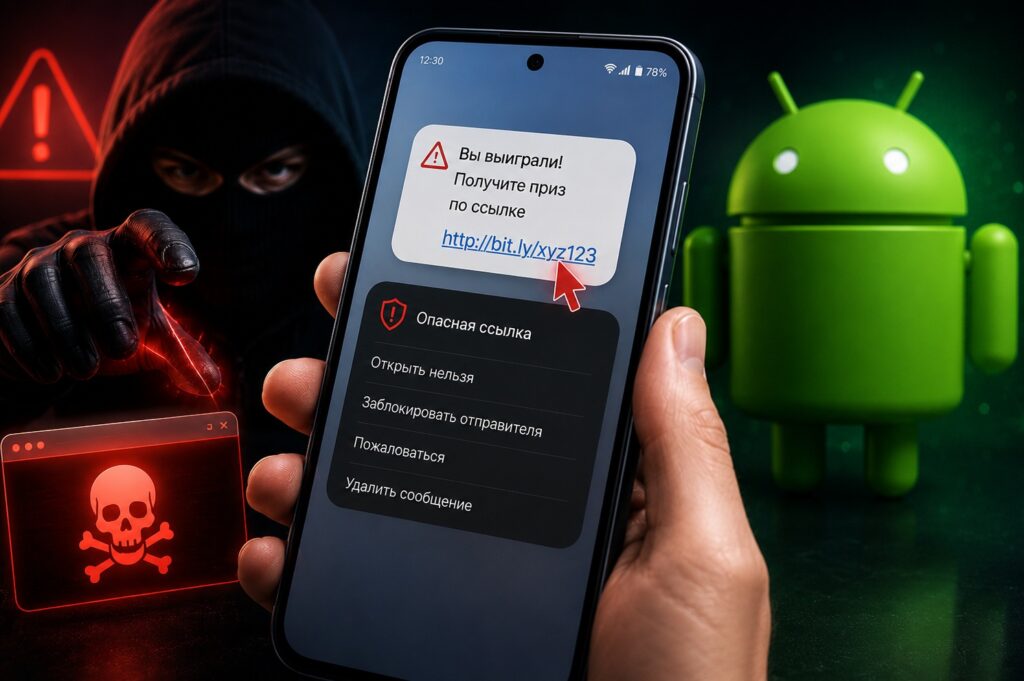
What to do if you’ve already clicked?
What Happens If You Click a Scam Link
It depends on the type of link that was sent. Scam links fall into several categories with different consequences:
- Phishing site (a copy of a bank, government services, or marketplace). The click itself is safe. The danger only arises if you entered your login, password, or card details. As long as you haven’t entered anything — nothing has happened.
- Site with a virus (attempts to download a malicious file upon visiting). On Android, this doesn’t happen automatically: the system will ask for permission to download and install. If you didn’t download or install anything, the threat has passed.
- Payment link (leads to a fake payment page). Clicking is safe; entering card details is not.
- Exploit link (requires an unpatched vulnerability in the browser). Relevant for outdated Android versions without security updates.
Important rule: if you simply opened the link and closed the page, in most cases nothing critical has happened.
Clicked a Scam Link — What to Do
Act in order. Without panic, but quickly. The specific plan depends on what stage of the scam you’ve reached.
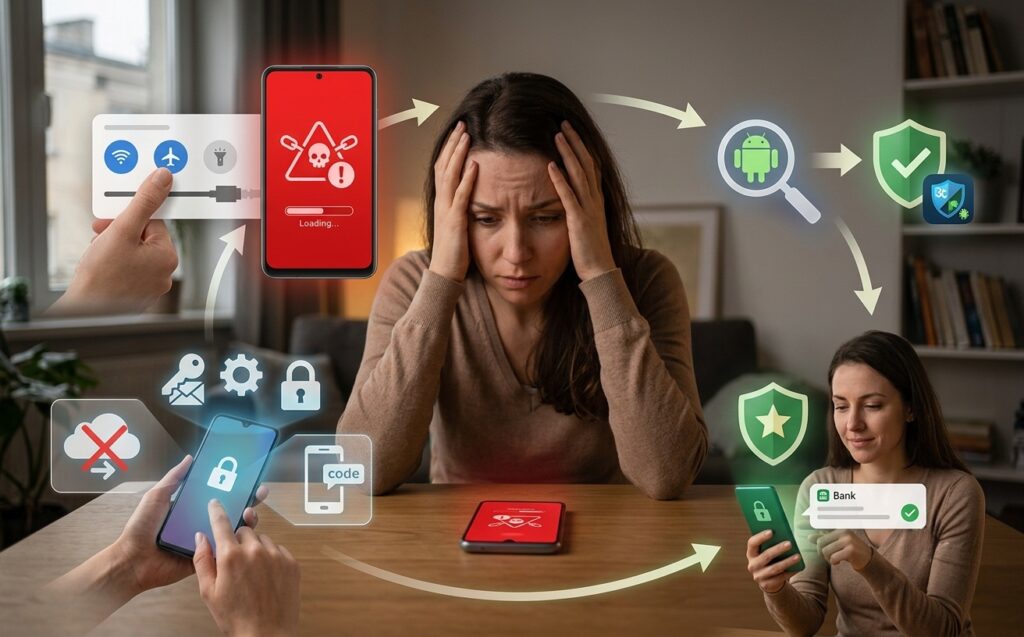
Here’s a specific action plan
If you didn’t enter anything or download anything:
- Close the browser tab.
- Clear your browser cache: “Browser Settings — Privacy — Clear Data.”
- Check the list of recently installed apps — make sure nothing unfamiliar appeared.
If you entered a login and password:
- Immediately change your password on the real service (go through the official website manually, not via the link).
- Enable two-factor authentication if it’s not already on.
- Check active sessions and terminate all unfamiliar ones.
If you entered bank card details:
- Call your bank’s hotline right now.
- Ask them to block the card or set a restriction on online transactions.
- Request a card reissue.
If you downloaded and installed a file:
- Delete the installed app immediately.
- Run a scan through Play Protect: “Google Play — Profile — Play Protect — Scan.”
- Change passwords for banking apps from a different device.
Can Your Phone Get Infected by Clicking a Link
Hacking Android by simply opening a link is rare in 2026 for updated devices. Android’s permission system does not allow a website to automatically install anything without user confirmation.
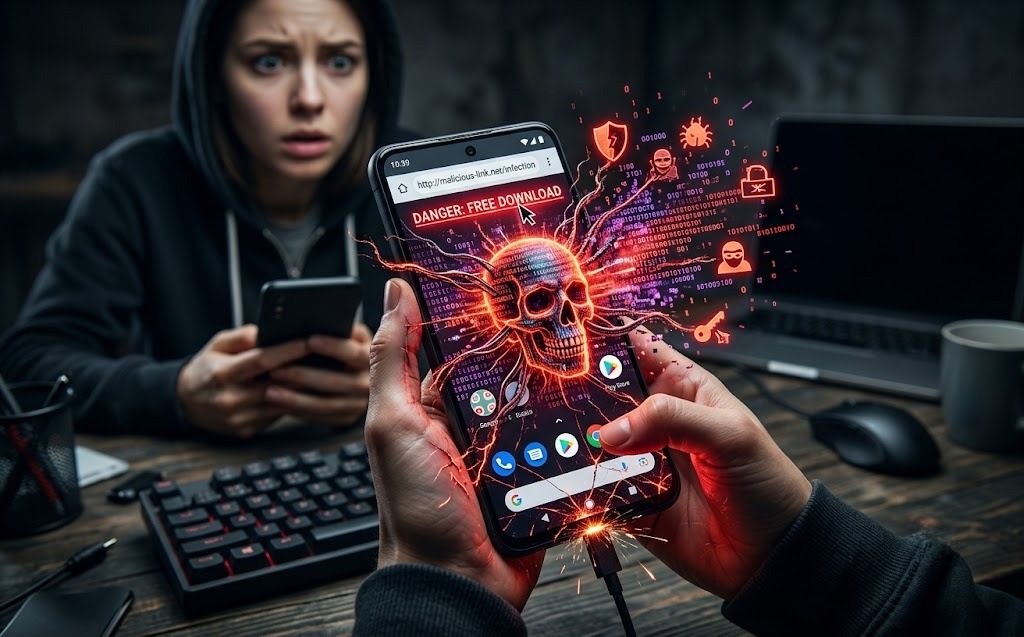
Here are specific ways infection can happen
Real infection scenarios through a link:
- You downloaded an APK file and gave permission to install from unknown sources — that’s a real threat;
- Your browser is outdated and contains an unpatched vulnerability — update your browser and system regularly;
- Your phone has root access — the permission system is significantly weaker.
If your phone is updated, your browser is current, and there’s no root — scammers sent you a link and you opened it without taking further action: the risk is minimal. But if online scammers have stolen your account (for example, in a messenger), you need to take specific measures.
How Scammers Deceive People in Messengers
Scammers in messengers use similar schemes — only the shell changes.
This is also straightforward
The most common schemes in messengers:
- “Your account will be blocked”: pressure through panic, a link to a phishing site disguised as customer support;
- “You won a prize”: the link leads to a page asking you to enter card details to “claim your winnings”;
- “I’m your friend, help me with money”: a hacked friend’s account, a request to transfer money or click a link;
- “Exclusive product” or “sale”: a marketplace clone designed to steal card data;
- Dangerous bots: a bot offers to “check your account security” and collects your data.
Universal rule: official services never ask you to enter full card details or an SMS code through a messenger. If you receive such a message — it’s scammers, regardless of how convincing the sender looks.


