MAX has become a mandatory app in Russia — it comes pre-installed on smartphones, and Gosuslugi (government services), banks, and schools operate through it. Against this backdrop, the question of what happens if you delete MAX sounds particularly pressing. It seems like a simple action — tap, delete, forget. In reality, it’s a bit more complicated. Let me break down what actually happens, step by step.
Would you dare to delete MAX from your phone?
What Happens to Your Account When You Delete MAX
The first thing to understand: deleting MAX from your phone and deleting your account are two different actions. When you delete the app through the standard Android menu, the app itself disappears from the device, but your MAX account on the servers remains unchanged.
If you delete MAX on Android simply by long-pressing the icon and tapping “Delete” — this is a standard local removal. Your account is not affected at all. For complete account deletion, a separate procedure within the app itself is required, and that’s an entirely different story with different consequences.
What Happens to Your Chats After Deleting MAX
MAX conversations are stored on VK’s servers, not locally on your phone. This means that if you delete the messenger and reinstall it after a few days or even months — all your MAX chats will be restored when you log into the same account. Text messages, call history, contact list — everything stays in place.
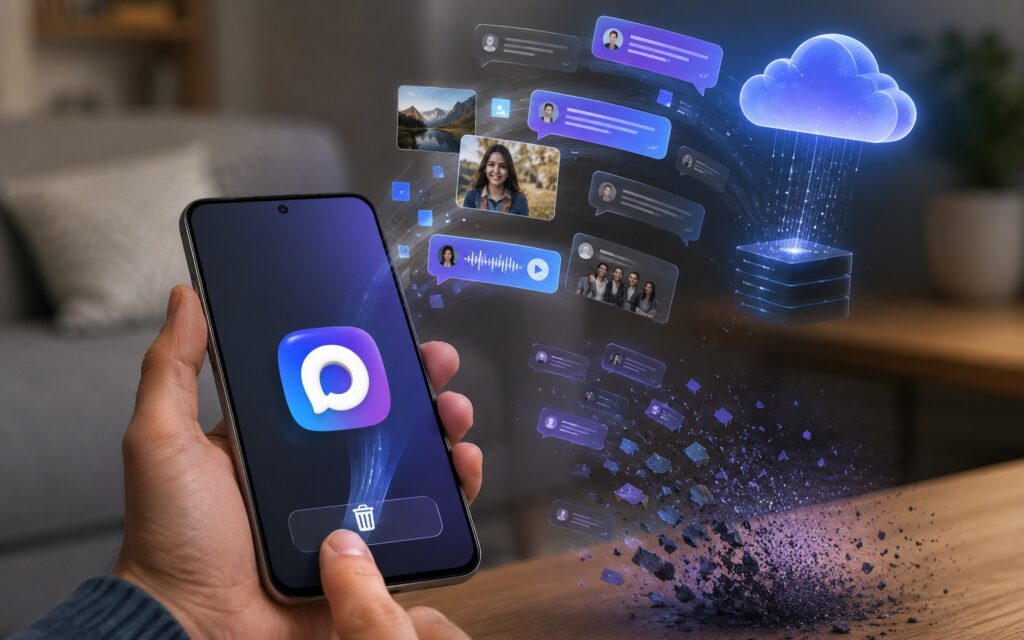
Your conversations will be safely stored on VK’s servers
There’s a nuance regarding media files. Some photos and videos may be cached locally for quick access — when you delete the app, this local cache is erased. At the same time, files on the servers remain accessible, but if you’re wondering whether you can recover a message in MAX after manually deleting it from a conversation — the answer is different: manually deleted messages cannot be recovered in any way, it’s irreversible. The difference is fundamental: deleting the app is reversible, deleting a specific message within a chat is not.
Notifications and Verification Codes After Deleting MAX
This is where things get most important for the majority of users. The MAX messenger in 2026 is not just a way to chat with friends. Through it, you receive notifications from Gosuslugi, verification codes from banks, and important alerts from schools and clinics.
If you delete the app, all these notifications will simply stop reaching you until MAX is reinstalled. It’s not a catastrophe, but it can create real inconveniences: a missed code for logging into your personal account, an unreceived reminder about a doctor’s appointment, an unnoticed message from your child’s teacher.
You can say goodbye to verification codes
It’s worth honestly asking yourself: what happens if you don’t use MAX in 2026 at all — without reinstalling it. For an active user of digital government services, the answer is simple: inconveniences will arise, and not one-time ones, but constant. The more tightly your life is tied to digital services, the more you’ll feel the absence of the app.
Can You Restore MAX After Deleting It
Yes, and it’s done without any complications. You can install MAX again through Google Play, RuStore, or an APK file from the official website — all three methods work equally reliably.
To restore MAX after deletion:
- Download the app from any of the official sources.
- Open it and tap “Log In.”
- Enter the same phone number you used before.
- Confirm the SMS code.
- Wait for synchronization (conversations and contacts will load automatically).
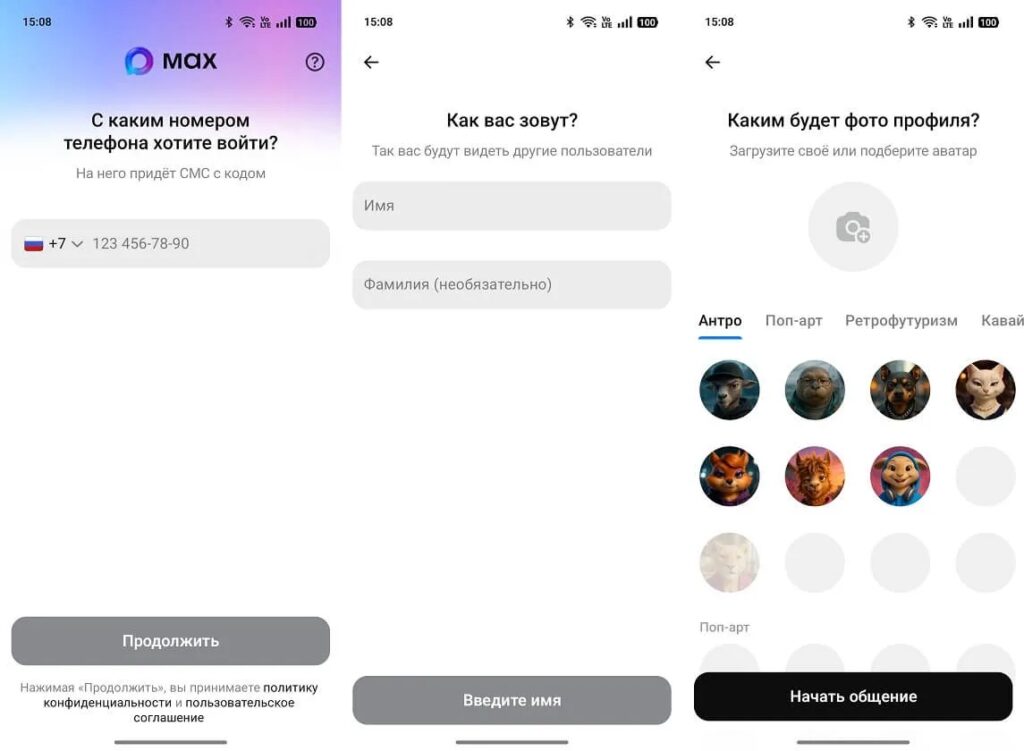
Simply reinstall the app and log into your account
The entire process takes just a few minutes. MAX on your phone is fully restored to the state it was in before deletion, with the possible exception of lost local media cache mentioned above.
Is It Worth Deleting MAX in 2026
The honest answer depends on how deeply you’re integrated into digital government services. If you actively use Gosuslugi, receive bank notifications through MAX, and your children’s school communicates through it — deletion will create real inconveniences, even temporary ones.
If you barely use the app and simply want to free up space or get rid of an extra icon — you can delete MAX on Android without serious consequences, considering that you can easily restore it at any time.

Decide for yourself whether you need MAX
An alternative to complete deletion is not removing the app but limiting its operation. Disable excessive notifications in settings, restrict access to the microphone and camera if they’re not being used. This solves the problem of annoying notifications without depriving yourself of access to important services when needed. Completely deleting your MAX account is an entirely different, far more serious procedure with irreversible consequences, and that’s a topic for a separate discussion.


