On an Apple Watch Series 10, watchOS 27 does not appear to hurt speed or battery life. That is the finding of the author of the original Russian-language review, who installed it on his own watch. The bigger problems are elsewhere. He found the redesigned app menu laggy and unhelpful, and the familiar app switcher is gone until watchOS 27.2. His recommendation is to wait for that update rather than install watchOS 27 now. The author says he had previously planned to skip watchOS 27 and only updated because his job required him to test it.
What you need to know
- According to the author, his Series 10 runs watchOS 27 about as quickly as it ran watchOS 26, and battery life is unchanged.
- Pressing the Digital Crown now opens a screen with a few large icons that Apple designed to adapt to your habits. On the author’s watch, the icons stayed static, the screen often lagged, and he found no way to reorder them without enabling Siri AI.
- The double-press app switcher gesture now triggers Live Rewind, a feature limited to Apple Watch Series 12 and Ultra 4. The switcher is set to return in watchOS 27.2. It is already in the second beta with a new gesture, which could still change before release.
- The author notes that you cannot roll back from watchOS 27 to an earlier version on your own.
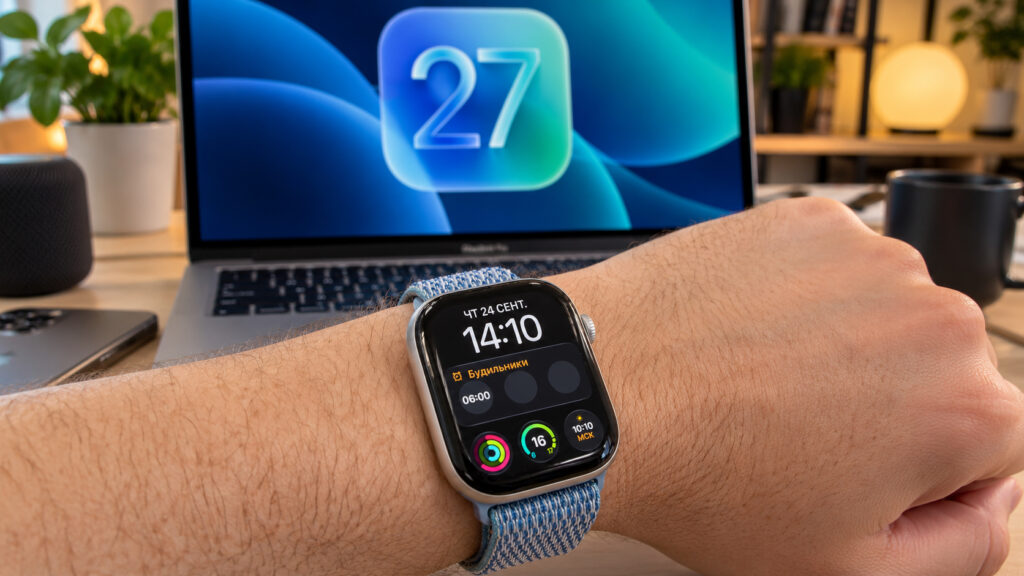
Apple Watch Series 10 running watchOS 27
Performance and battery life: no change
Many people worry that a major update will slow down their device. The author reports that this did not happen on his Series 10. Apps open as quickly as before, animations do not stutter, and notifications arrive without delay. The one exception is the new app menu, covered below.
The watch did not get faster either. The author points out that the Series 10 already ran smoothly on watchOS 26, so a noticeable speed boost was never likely. In his view, the S10 chip handles the new system with ease. He saw no visible difference in Weather, workouts, or timers.
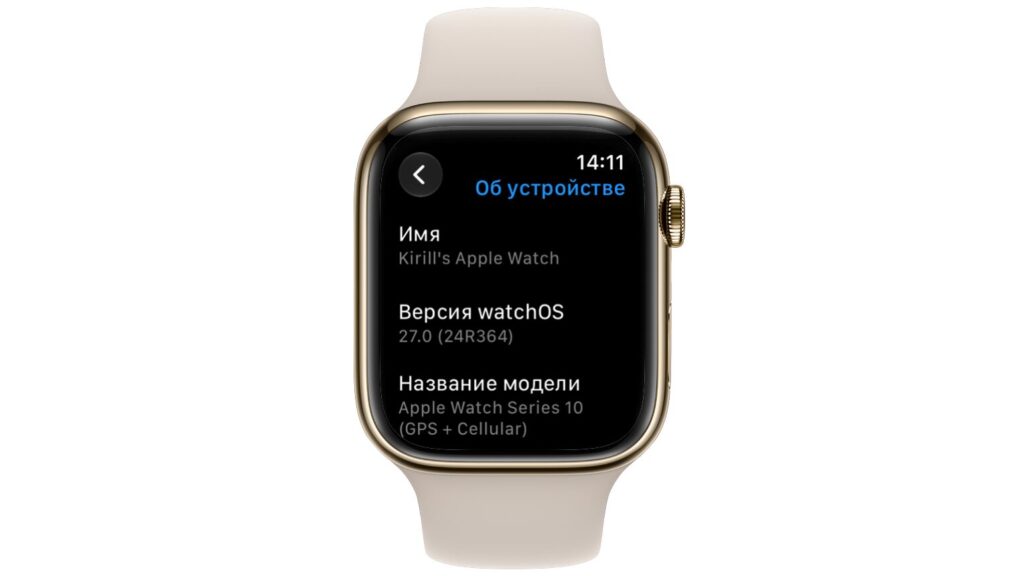
The watchOS version on the author’s watch
Battery life follows the same pattern. The author says runtime has not changed, and the watch reaches the evening with the same charge left as before the update. He noticed no sudden overnight or post-workout drops. He adds that battery drain can be faster for the first day or two after a major update while the system reorganizes its data. If that happens to you, he suggests not to panic.
The new app menu: static, not adaptive
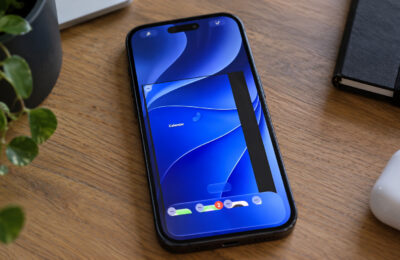
The most visible change is the new app menu, which replaces the traditional icon grid. Pressing the Digital Crown now opens a screen with several large icons. Apple intends these to be selected based on your habits.
The author says this has not worked for him. Since the update, the menu has never suggested the app he needed at that moment. The icons stay in the same fixed positions and never change. He also found no way to change their order, at least not without enabling Siri AI.
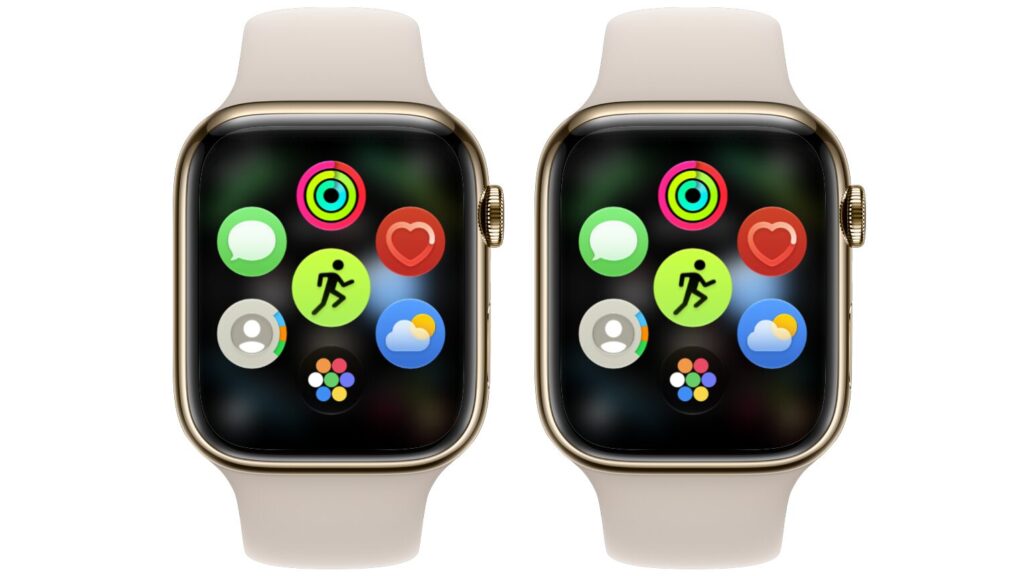
The same app menu after two launches
The author sees little reason to enable Siri AI on his watch. According to him, the assistant does not understand Russian. He also argues that voice is the only practical way to use it on an Apple Watch, because typing requests on such a small screen is impractical. As a result, the smart menu became a fixed set of a few apps that he cannot even rearrange.
Lag when opening the menu
The author describes a more serious issue. Opening the app menu is glitchy: about every other time it lags, and the screen stutters as it appears. He says this is especially noticeable because the rest of the system runs smoothly. The stutter makes him want to go straight back to the watch face.
The app switcher is gone, but it is coming back
The author misses the app switcher even more. Before watchOS 27, double-pressing the Digital Crown opened a list of recent apps. You could jump between them in a second or swipe away a frozen app. In watchOS 27, that gesture now triggers Live Rewind, a feature that will only be available on Apple Watch Series 12 and Ultra 4. Series 10 owners lost the gesture and received nothing in its place.
The author reports that Apple has responded to complaints and the switcher will return in watchOS 27.2. It is already in the second beta, but it uses a new gesture:
- While inside an app, press and hold near the bottom edge of the screen.
- Scroll through recent apps with the Digital Crown.
- Swipe left on an app to close it.
The final release is expected in October, according to the source. The gesture could still change before then.
The Siri watch face is the highlight
The new feature the author liked most is the modular Siri watch face. It shows the most relevant widget from the Smart Stack and gives quick access to the assistant.
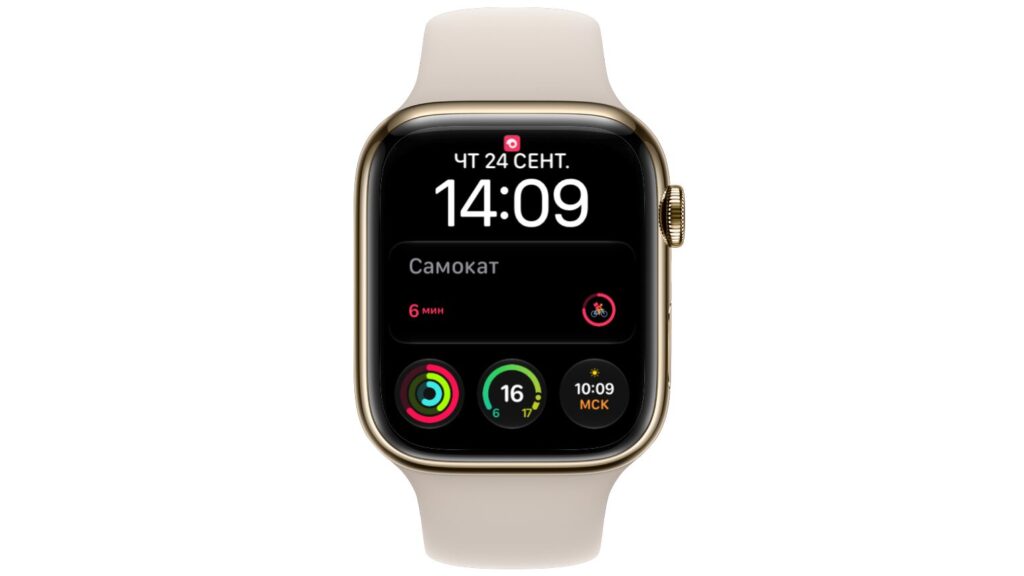
Siri watch face with an updating central section
On the author’s watch, the face works without Siri AI. He installed it on his Series 10 without enabling the new assistant, and it functions normally. It has large time digits, a neat widget at the top, and compact complications at the bottom. You can adjust the digit height, font, and color.
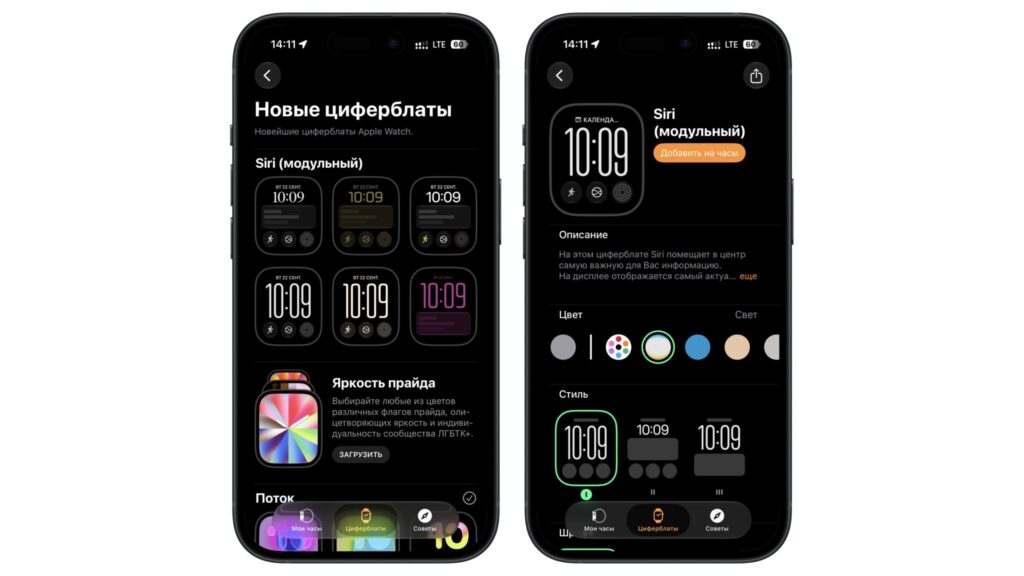
Customizing the Siri watch face
The author thinks the face looks better on Apple Watch Ultra. There, extra elements run along the edge of the screen and frame the bezel, which makes the design look richer. On the Series 10, the face is simpler and plainer without that framing. He says this is not a flaw, but the difference is obvious.
Should you update your Apple Watch now?
The author’s short answer is no. He installed watchOS 27 only for work. In his experience, speed and battery life stayed the same, while the main interface change made the watch harder to use.
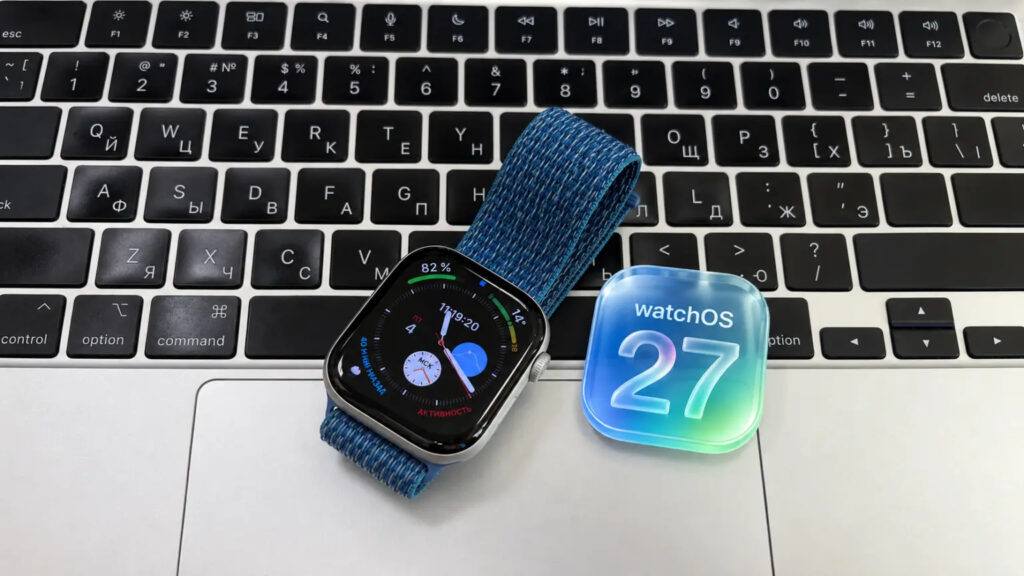
watchOS 27 logo next to Apple Watch Series 10
Without Siri AI, the author says you get the new watch face and a few minor refinements. In return, you get a menu that does not adapt to you, lag when opening it, and no app switcher until watchOS 27.2. For a Russian-speaking user who cannot use Siri AI in their language, he considers this a poor trade-off.
His advice is to wait for watchOS 27.2. By then, Apple is expected to bring back the app switcher. The author hopes it will also fix the menu’s lag and glitches, but that part is only his hope. Because you cannot roll back from watchOS 27 on your own, he suggests waiting if small annoyances like these would bother you.
The author contrasts this with his iPhone experience. He says iOS 27 runs very well on his iPhone 17, with no slowdowns or odd glitches, and hopes Apple will bring watchOS 27 to the same level.