There’s not that much new in watchOS 27
This fall, watchOS 27 for Apple Watch will become available to everyone. The update turned out to be not the most feature-packed, but the main new feature is significant: a smart Siri that previously only worked on iPhone. Below, we’ll break down what will actually be useful in everyday life and what you can safely skip.
What the New Siri Can Do on Apple Watch
The main thing in watchOS 27 is the smart Siri right on your wrist. Some Siri functions from iPhone will also come to the watch: the voice assistant will learn to work with your personal data, search for answers on the internet, and perform actions within apps.
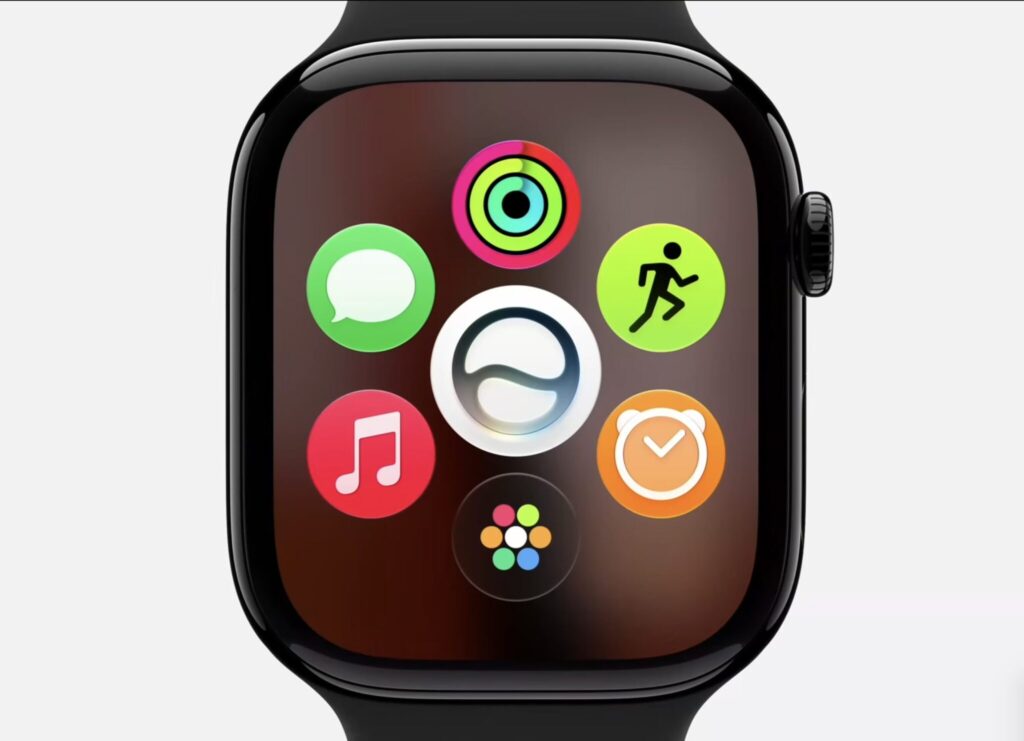
Siri now has a separate icon on the home screen
There are two caveats here. First, in the first version of watchOS 27, these features aren’t available yet — Apple promises to finish the smart Siri later this year. Second, it doesn’t all work on its own: the watch needs an iPhone with Apple Intelligence support (that’s what Apple calls its set of AI features). In practice, this means you’ll need an iPhone 15 Pro or newer — it won’t work on older models.
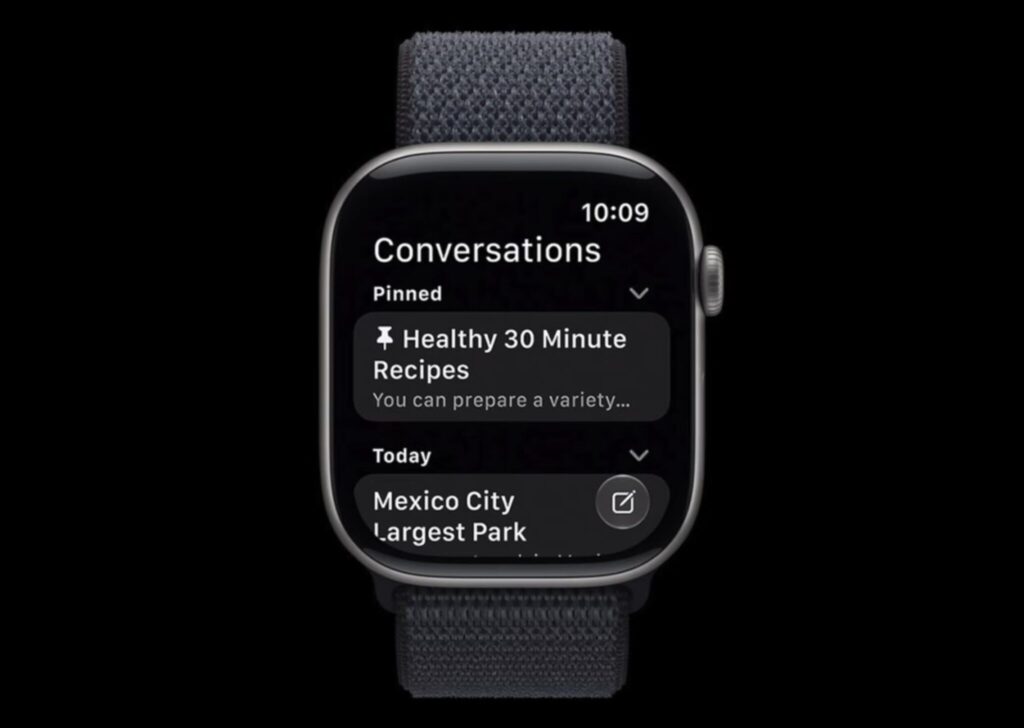
And the ability to save conversations
Apple is also preparing a separate Siri app on the watch so you can go back to previous conversations with the assistant. And it’s not the only new app. If you have an old iPhone or don’t use Apple Intelligence at all, this part of watchOS 27 will pass you by.
New App Grid in watchOS 27: How It Works
When you turn the side wheel (Digital Crown), a new dynamic app grid now opens. Siri is in the center, and next to it are the apps you open most often or launched recently. There’s also a button to go to the full list.
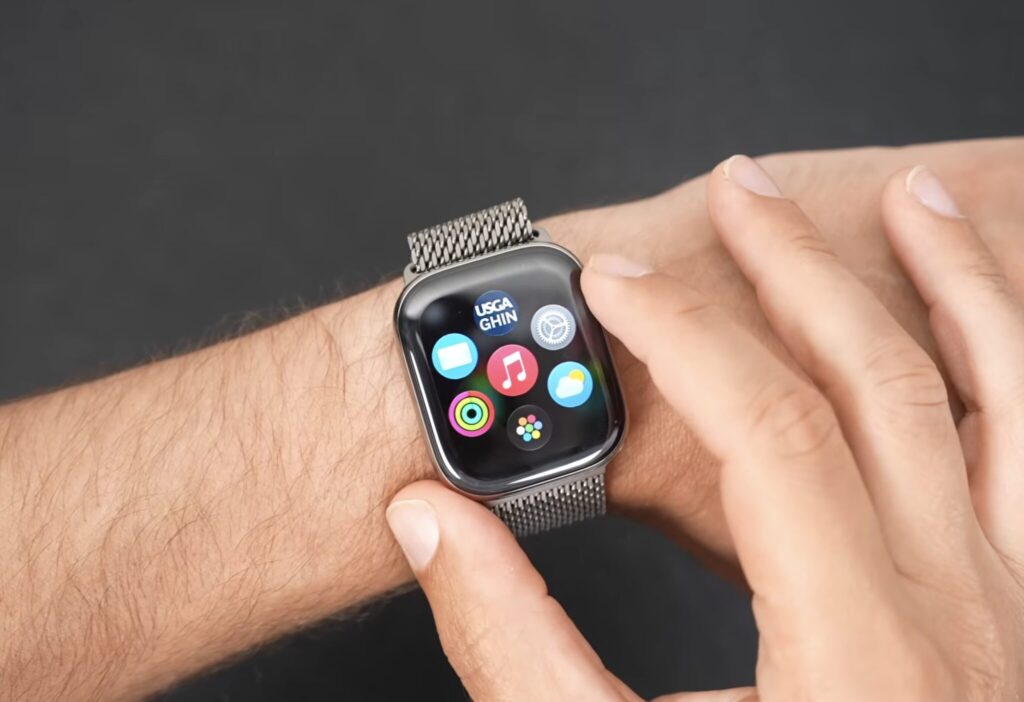
The app grid can periodically rearrange itself to suit your needs
The interface appearance has also been refined: Liquid Glass has improved contrast and elements are more readable. On the small watch screen, this is more useful than it seems — text and icons are easier to see on the go.
New Workout Features in watchOS 27
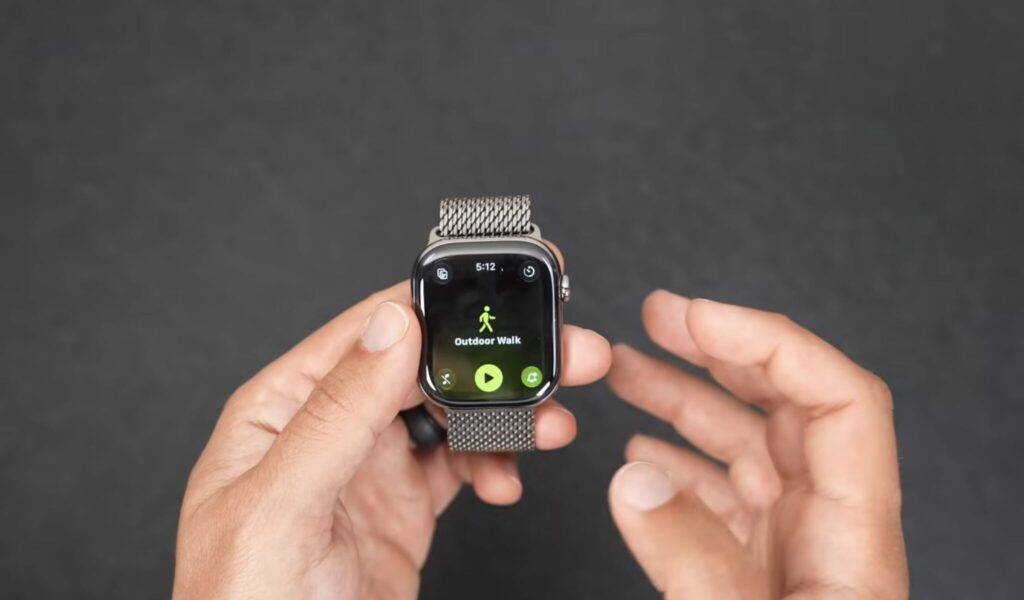
Workouts have been upgraded too
Here watchOS 27 adds several practical things for those who work out with their watch:
- Workout Buddy now works without iPhone — the voice workout assistant no longer requires your phone to be nearby
- new running metrics have appeared — the watch tracks how your distance, pace, and run duration are growing
- cycle tracking has learned to recognize signs of menopause and perimenopause and send notifications
- treadmill readings have become more accurate
This isn’t a revolution, but for those who run or work out on a treadmill, the changes are noticeable and welcome.
New Control Gestures on Apple Watch
In watchOS 27, a new gesture for widgets has appeared: a single tap of the index finger and thumb lets you select a widget in Smart Stack (the stack of widgets that scrolls on the watch face). Previously, you had to reach for the screen to do this.
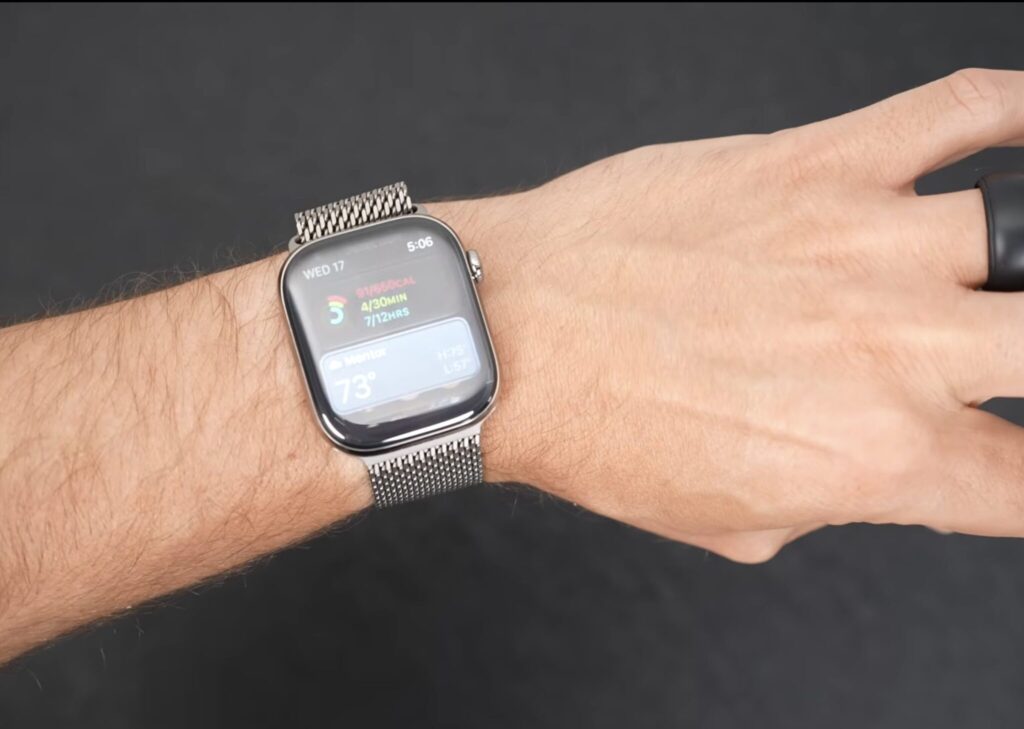
A new scrolling gesture has appeared in the system. You need to bring your index finger and thumb together
Widget suggestions have also been updated: the watch can suggest finding your parked car, opening Siri, showing pinned messages, transit cards, noise notifications, or birthday reminders.
A few more useful little things:
- during an incoming call, the watch can display relevant information, such as a flight booking number if you’re calling an airline
- cards and passes from Wallet on iPhone now also work on Apple Watch
- a unified Find My app has appeared for finding devices, items, and people with precise navigation to iPhone, AirPods Pro 3, or AirTag 2
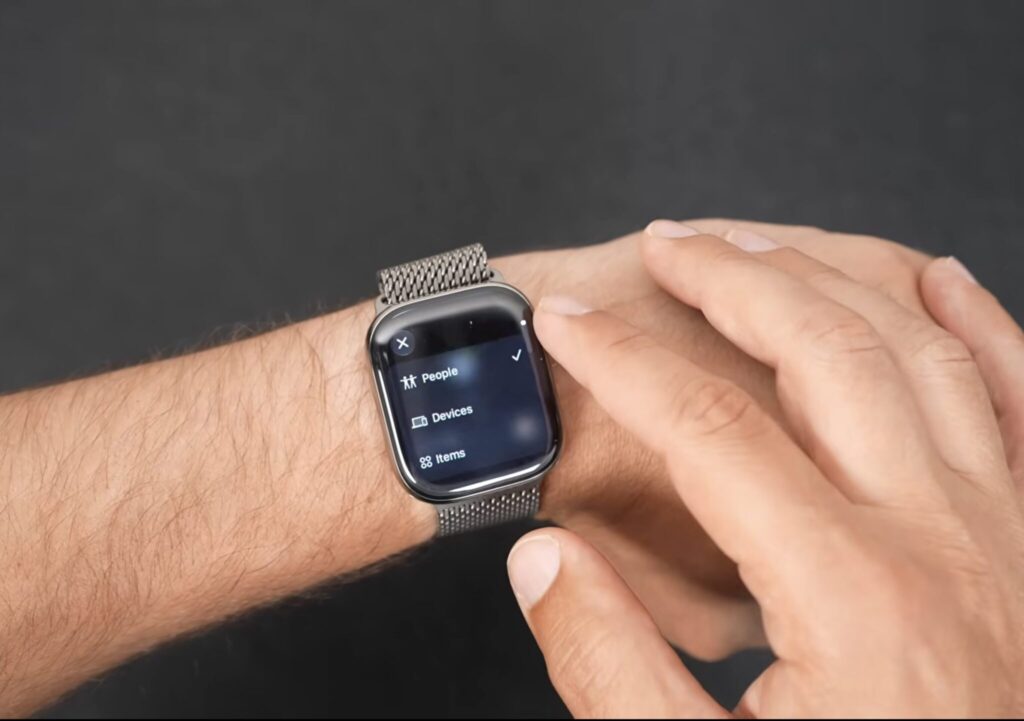
Search for everything is now concentrated in one app
Which Apple Watch Models Will Get watchOS 27
Apple has also worked on battery life. To extend autonomy, the system disables rarely used features by default: gestures, workout start reminders, and Siri activation by raising your wrist. If you need any of these, everything can easily be turned back on in settings.


