Apple released iOS 26.4.2 two weeks after the scandalous iOS 26.4.1. Back then, as you may recall, some users experienced their iPhones getting bricked during the update. The new version was supposed to fix that, and also patch an unpleasant notification vulnerability. I installed the update on my iPhone 16 Plus and spent several days with it. Here’s what changed after the iOS update and whether it’s worth upgrading.
The update is no different from iOS 26.4.1, except for patched security holes
What’s New in iOS 26.4.2
There are no new features here — this is purely a service update. Apple traditionally wrote in the description about “bug fixes and security updates,” but behind that wording lies something specific.
The update closes a serious vulnerability
The main change is the patching of vulnerability CVE-2026-28950 in the Notification Services component. The essence of the problem: push notifications that you deleted actually remained in the iPhone’s system logs. Even if you completely deleted a messenger, the texts of incoming messages were still stored on the device. It was precisely thanks to this bug that the FBI was able to extract deleted Signal messages from a suspect’s iPhone.
iOS 26.4.2 doesn’t just close this hole for the future. The update retroactively deletes all copies of notifications that shouldn’t have remained on the device. So if you use messengers for private conversations, this update is definitely not one to skip.
Additionally, Apple presumably fixed the installer bug that caused iPhones to freeze when updating to iOS 26.4.1.
iOS 26.4.2 Performance on iPhone 16 Plus
This is straightforward: nothing has changed. And that’s a good thing. The smartphone works exactly the same as on the previous system version. Apps open at the same speed, the interface doesn’t stutter, and animations are smooth. I didn’t notice any regressions.
I understand that it would be silly to expect a performance boost from a minor update. But after the bricking story with iOS 26.4.1, many people worry that an update might break something. I’m happy to reassure you: on my iPhone 16 Plus, everything works stably. No freezes, reboots, or other issues.
Battery Life After Updating to iOS 26.4.2
Battery is the first thing you pay attention to after every update. After several days of use, I can say: battery life hasn’t changed. My usage scenario remained the same — messengers, browser, social media, a bit of video. And the result is the same: by evening I put my iPhone on the charger with roughly 30–40% battery remaining.
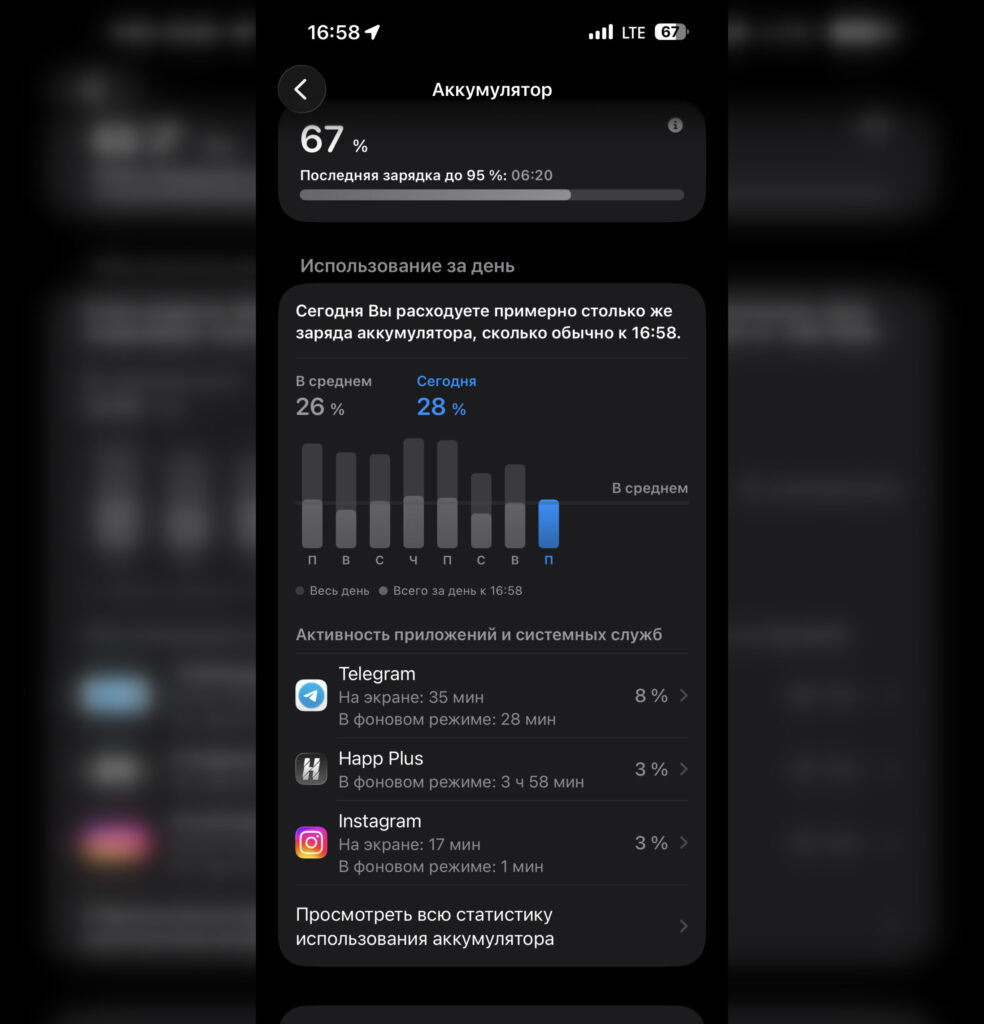
Battery life remains within the same range
I didn’t notice any abnormal battery drain after the update. The battery lasts exactly as long as it did on iOS 26.4.1. For a minor update, this is an expected result — Apple didn’t touch anything that could affect power consumption.
Do Banking Apps and RuTube Work on iOS 26.4.2
I know that for many people this is the main question. The answer: everything works without issues. Banking apps that were removed from the App Store long ago continue to function without any glitches. They launch, process payments, and show balances. The update didn’t break anything.
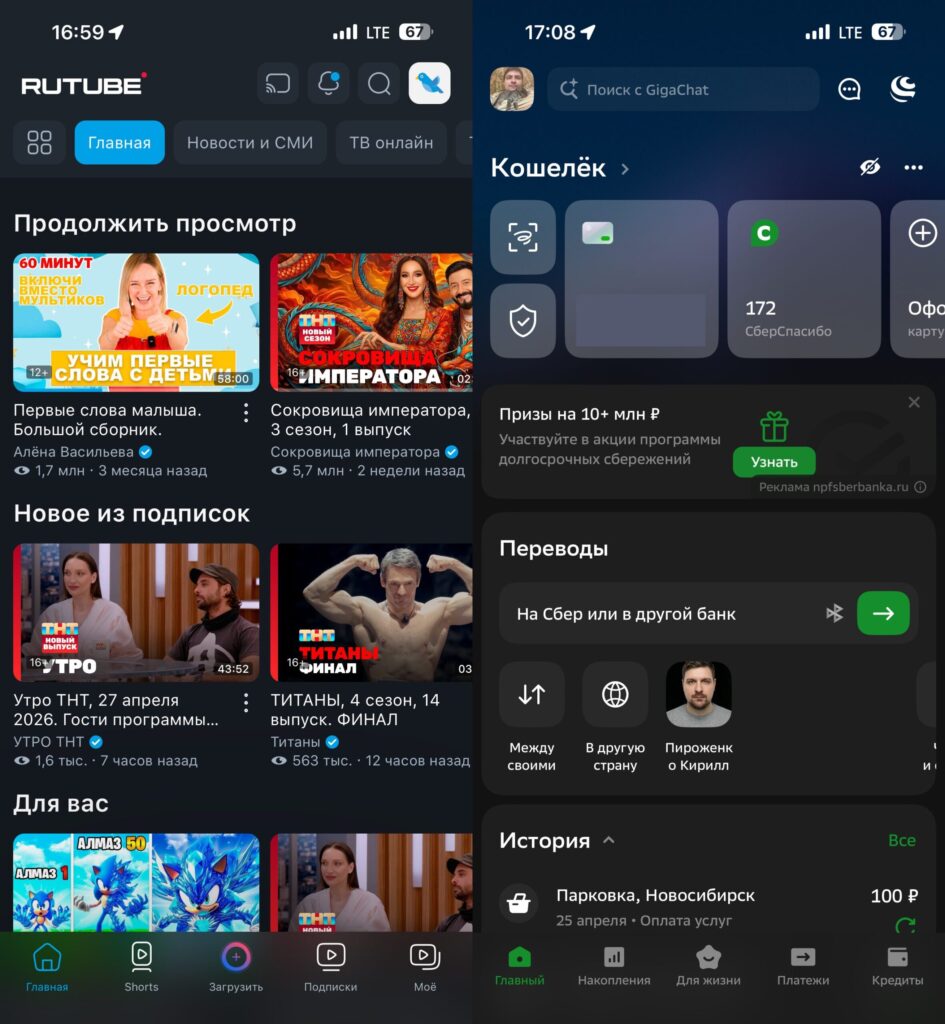
Removed apps continue to work properly
RuTube also works properly. Videos play, search functions, no errors. If the app was installed on the iPhone before its removal from the store, it will continue to work after updating to iOS 26.4.2.
This is a consistent pattern: minor iOS updates don’t block apps installed outside of the App Store. This was the case on iOS 26.4, on iOS 26.4.1, and now on iOS 26.4.2.
Should You Install iOS 26.4.2
Definitely yes. The update closes a serious notification vulnerability, fixes bugs from the previous version, and doesn’t worsen either speed or battery life. There’s no reason to delay installation.
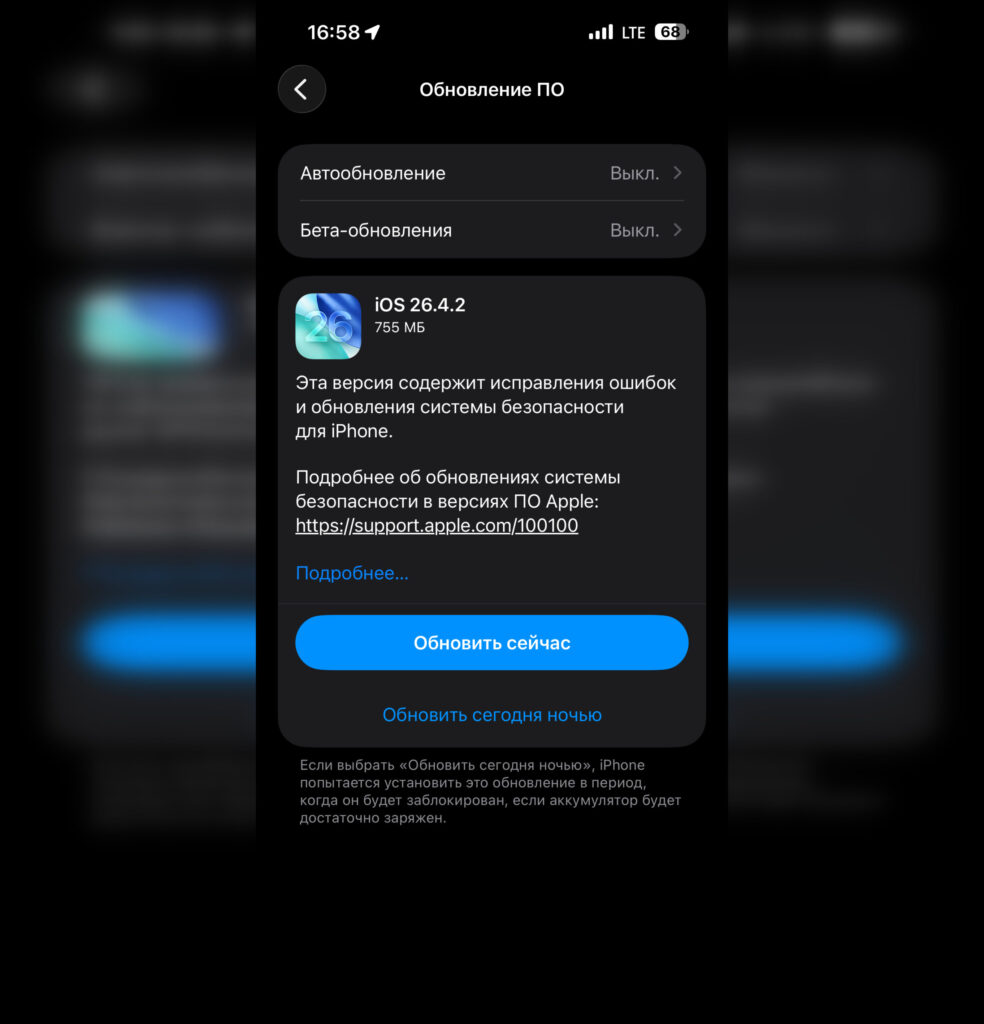
You can safely update, just make sure to deal with the Telega issue first
But there’s one important caveat. Before updating, make sure to check whether you have the Telega app on your iPhone — an unofficial Telegram client. It was the cause of mass bricking of smartphones during the update to iOS 26.4.1. Online you can find an experiment: out of three iPhones that were updated simultaneously, only the one with Telega installed froze. The other two updated without issues.
Apple has already blocked Telega as a malicious app and removed it from the App Store. But if it’s still installed on your iPhone, delete it before updating. This applies to iOS 26.4.2 as well — better safe than sorry.
Otherwise, feel free to update. Make a backup, make sure your iPhone is charged to at least 50%, connect to Wi-Fi — and go ahead. The update is small, installs quickly, and brings considerable benefits.


