Android updates involve not only major OS updates and security patches, but also regular releases of new versions of Google services. A month ago, the June update was released, and now the July Google system updates have arrived. They add a denser Play Store interface on large screens, labeling of AI-generated images, and work account transfer to watches. Some changes are intended for developers, and announced features may not appear immediately. The published list includes Google Play services 26.26 dated July 6, 2026, and Google Play Store 52.3 dated July 13, 2026. Let’s break down which items a regular user will notice and who will actually benefit from them.
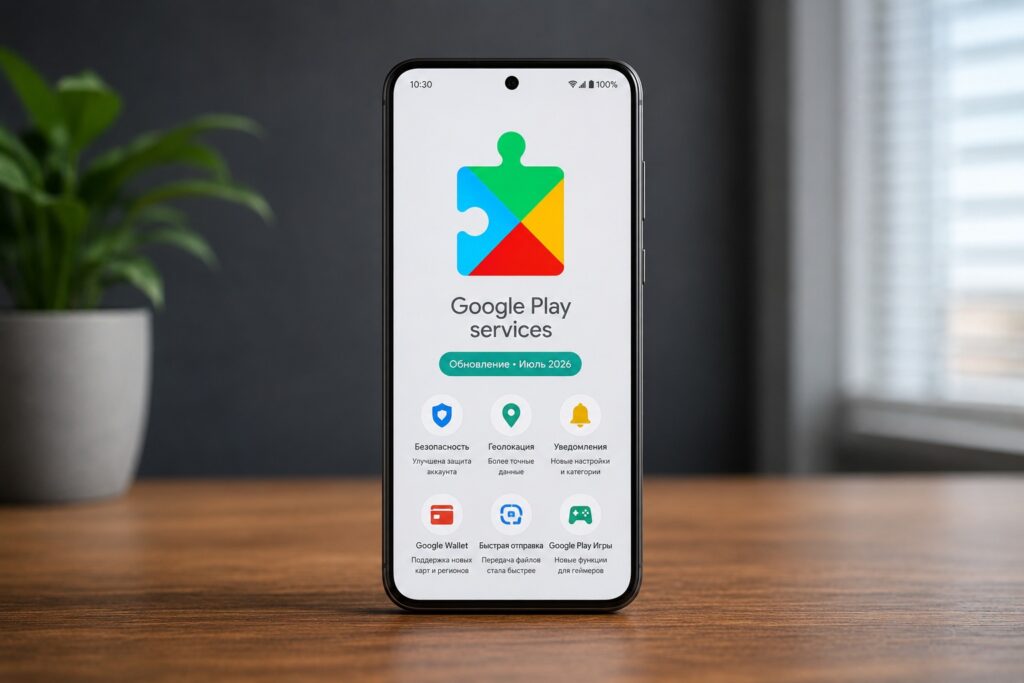
Breaking down the Google services update
Improved Google Play Performance on Large Screens
Google Play Store 52.3 will change the content layout on devices with large displays. Google promises a denser layout, allowing more information to fit on the screen.
The practical effect depends on the specific device and the implementation of the new interface. It is not yet known exactly which Play Store pages will change, so it’s impossible to evaluate the convenience in advance.
AI Label on Images in Google Play
Users in the European Union will be able to identify AI-generated images by an AI label. This will help distinguish generated content without having to verify its origin yourself.
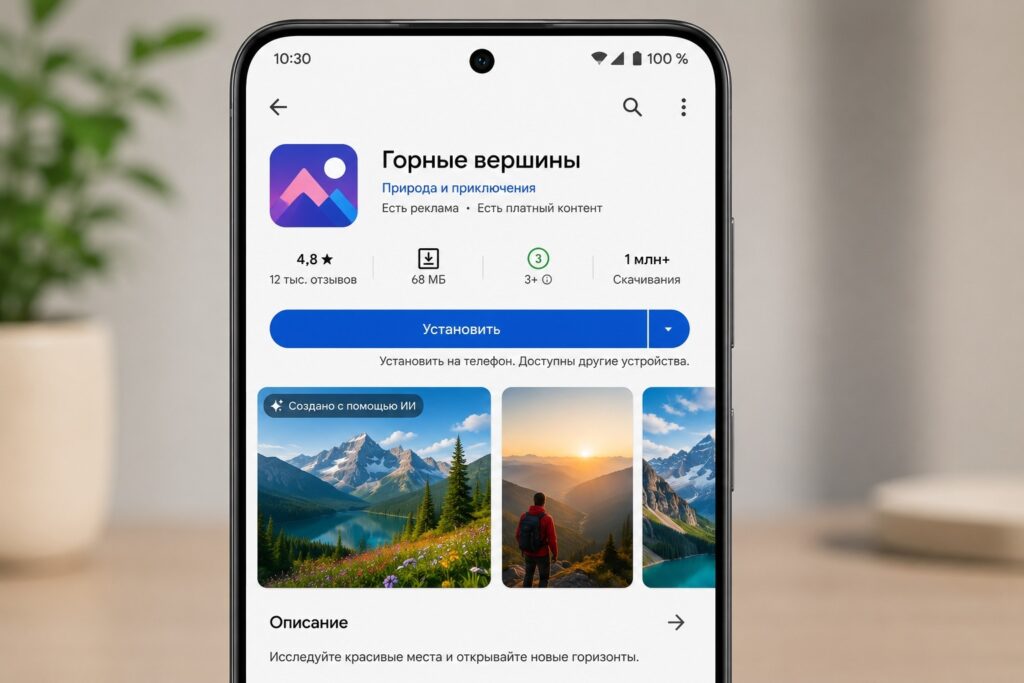
Now you can immediately understand what an app is about
The feature has two limitations. It is announced for the EU, and some formats and older images may not support such labeling. Therefore, the absence of a label does not necessarily mean the image was created by a human. The update does not guarantee complete image verification. It is an additional hint, not a universal way to determine the origin of any content.
Work Profile on Android Smartwatches
Google Play services 26.26 will allow transferring a work profile account from a smartphone to a watch. From the July list, this is the most notable change for Wear OS. The update is primarily useful for those who use a corporate profile.
Google is also adding tools to improve the reliability of work profile setup. This item is aimed at developers, but the result should be more stable preparation of corporate accounts on compatible devices. At the same time, migrating the Wear OS details page to a different internal architecture is unlikely to be noticeable to watch owners. No new design or additional user features are listed in the changelog.
Google One Purchase Update
Apps will feature an updated built-in Google One storefront. It should make Google One purchases faster and more convenient, although the source does not reveal exactly how the payment process will change.
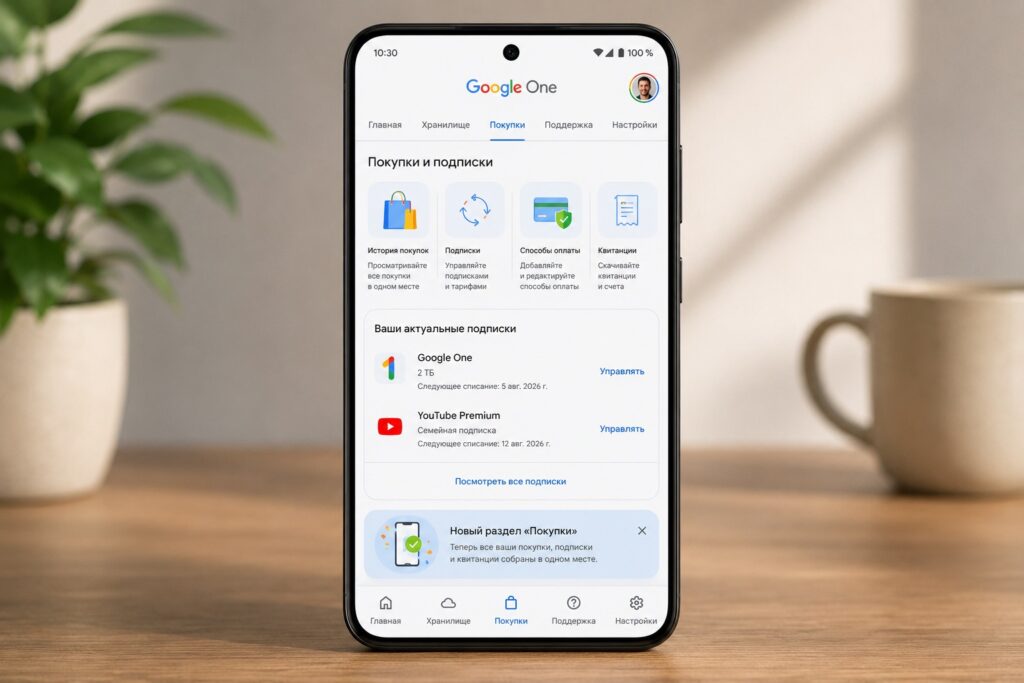
Making purchases has become more convenient
On computers, you will also be able to manage Google location sharing settings and check compatibility of supported device types. The remaining July changes are related to internal tools for maps and utility functions of apps on smartphones, TVs, watches, computers, and in cars.
You shouldn’t expect a new menu or feature after a single update. Google warns that rollout may take months, so the presence of an item in the changelog does not mean its immediate availability for everyone.
How to Install the July Google System Update
For Pixel, the following path to Google system services is available:
- Open your device settings.
- Tap your name at the top of the screen.
- Go to the tab with all services.
- Open the privacy and security section.
- Select system services.
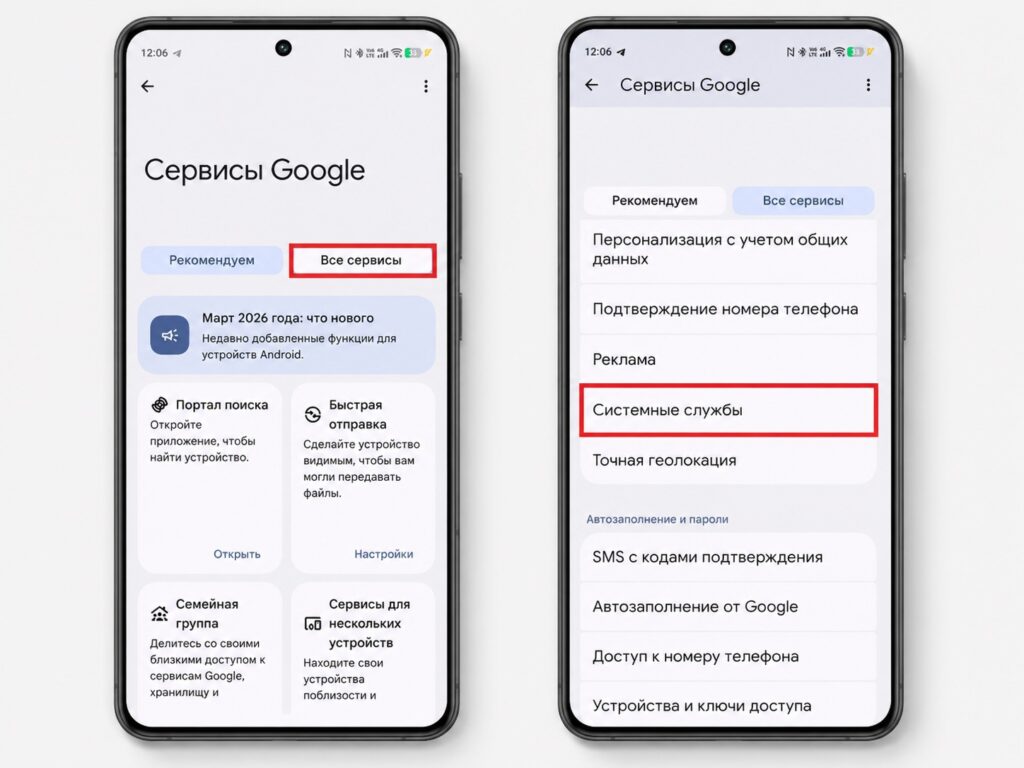
Google services are updated through settings
You can check the Google Play system update version in the phone information section by opening the Android version entry. Individual components, including the Play Store and Google Play services, are updated independently of each other.
You should update as usual, but not everyone will notice a significant effect. Owners of devices with large screens will benefit from the updated Play Store, corporate users will appreciate the work account transfer to watches, and for everyone else, the July package will mainly bring background improvements to Google services.


