While we all wonder about the future of various apps on Google Play, the standard Android store is getting major updates. Today, an update to version 52.1 was released, and the main thing about it isn’t new buttons, but under-the-hood improvements. The store promises to open faster and use memory more efficiently when installing apps, and not just on smartphones. Additionally, labels have appeared on AI-generated images, and there’s more convenient viewing of gaming videos.
The summer Google Play update for Android has been released
Summer Google Play Update
The update arrived as part of a system service and bumped the store version to 52.1. The main focus is on stability, proper handling of AI content, and improvements for gamers. This isn’t an interface redesign, but a set of technical refinements that users notice not visually, but through the feeling of speed.
According to Google, the infrastructure changes affect multiple platforms at once: smartphones, tablets, Wear OS watches, Android TV and Google TV televisions, as well as Android Auto and Android Automotive car systems. Besides speed improvements, these refinements should help devices use memory more efficiently during app installation — this is especially useful on budget models and affordable TV boxes where RAM is limited.
Why Google Labels AI-Generated Images
The second notable part of the update concerns the honesty of app listings. Google will label AI-generated images right in the app description. This is done so you understand that the actual interface of the program may look different from the pretty picture.
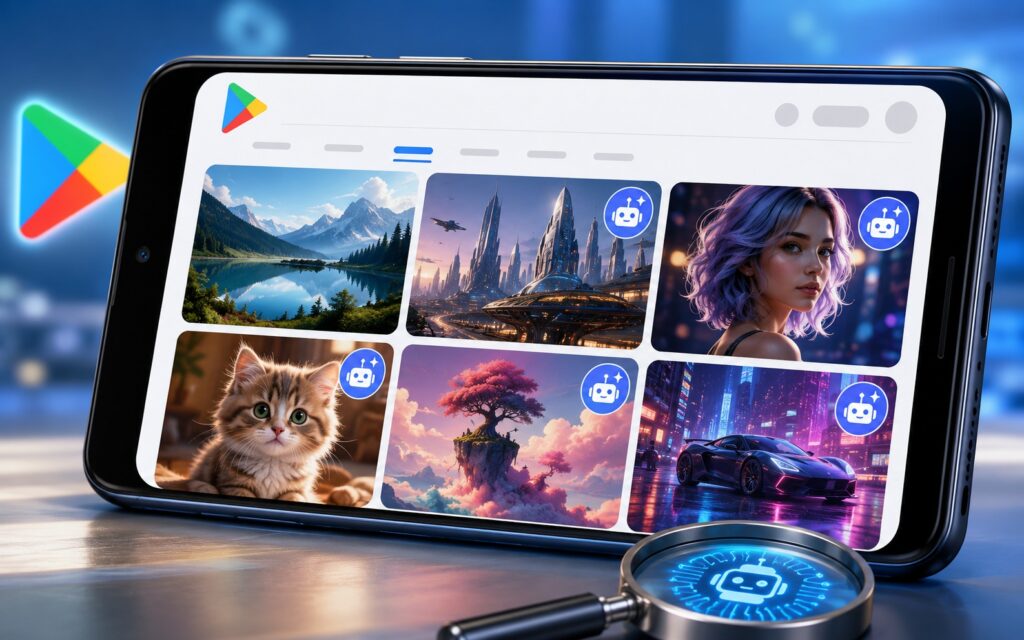
Google now labels AI-generated images
The logic here is simple: a developer can decorate their app page with AI-generated images that have nothing to do with what you’ll see after installation. Labeling AI content reduces the risk of disappointment and works on the same principle as YouTube’s recent labels for Shorts made using artificial intelligence. For regular users, this is a small but useful safeguard against embellished screenshots.
What’s New in Google Play
For gamers, the update adds the ability to watch gaming videos from creators and developers right during gameplay — in full-screen mode or in a small window on top of the game (picture-in-picture mode). In theory, this is convenient when you want to quickly check a walkthrough or guide without leaving the game itself.
It’s worth being honest about the limitations here: Google didn’t specify whether this works for all games or only for those that support sign-in through Play Games. So it’s unclear how widely available the feature is in practice. Earlier, at the I/O conference, Google also promised to let developers embed an AI assistant with tips, statistics, leaderboards, and social features into games, but that’s a separate story and more of a plan than a ready feature for now.
How to Update Google Play on Android
The update is already rolling out, and it usually arrives automatically in the background. But if you want to get the improvements faster, here’s how:
- Open Google Play.
- Tap on your profile photo in the upper right corner.
- Go to “Settings,” then “About.”
- Tap “Update Play Store.”
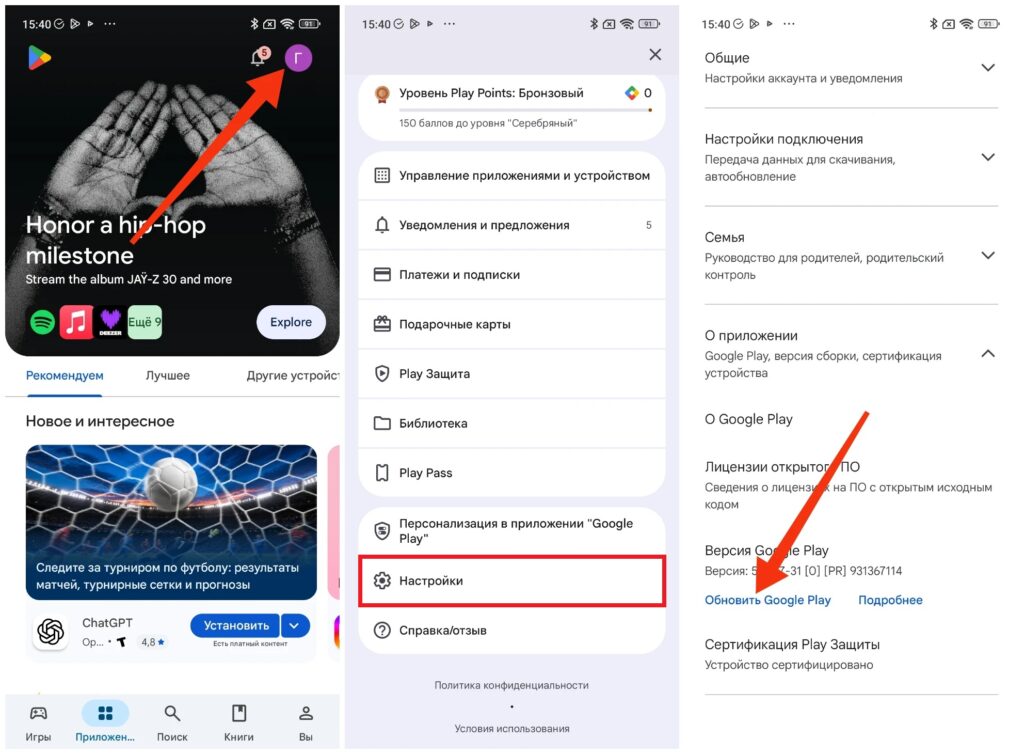
You can update the app manually
Menu item names may vary slightly across different firmware versions, but the logic is the same everywhere. If the update button is inactive, it means you already have the latest version.


