Smartphone makers increasingly list three brightness figures for one display: typical, maximum and peak. The largest number is the one that ends up in the advertising, but it has almost nothing to do with how readable the screen is in sunlight. If you want to compare phones for outdoor use, the figure that matters is the maximum brightness reached with auto-brightness enabled; the peak value applies only to small, brief highlights in HDR video, and the typical value is simply the manual ceiling with auto-brightness switched off. Some spec sheets list only two of the three, and without knowing what each one describes, comparisons between models are meaningless.
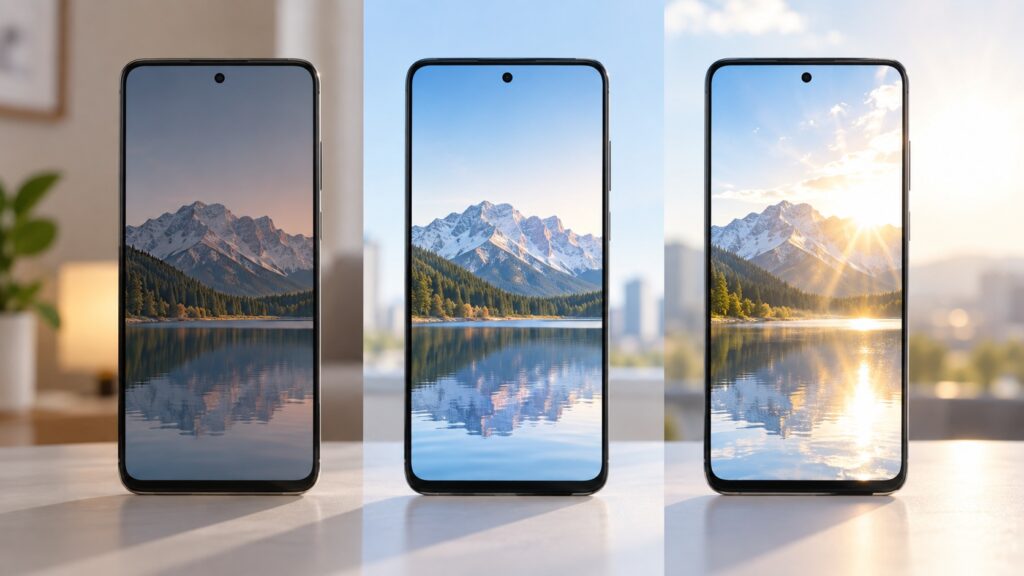
Typical, maximum and peak screen brightness
What you need to know
- Typical brightness is the manual slider limit with auto-brightness off; even on the brightest flagships it is usually around 500 nits.
- Maximum brightness is what the screen reaches under auto-brightness in very bright light, and it is the most useful figure for sunlight readability; 1000 nits was once excellent, and screens above 1500 nits now exist.
- Peak brightness applies only to HDR highlights, typically on a small area (around 10% of the screen) for a short time; some models claim up to 7000 nits, but you will never see it in the interface, games or a browser.
- Real-world output can fall below the spec sheet: heat, low battery and heavy processor load reduce brightness, and panels within one batch can differ by 10-20%.
Typical brightness: the manual ceiling without auto-brightness
Typical brightness (often labelled “typ” in spec sheets) is what you get if you disable automatic brightness and push the slider all the way up by hand. No light sensor and no sun are involved; it is simply the limit the manufacturer allows you to set manually.
That limit is deliberately kept modest. A 1000-nit screen is painful to look at in a dark room, and battery drain rises noticeably at high brightness, so even the brightest flagships typically quote around 500 nits. There is a complication with “high brightness mode” (HBM): some brands include it in the typical figure and others do not, and the spec table does not always make clear which approach was used.
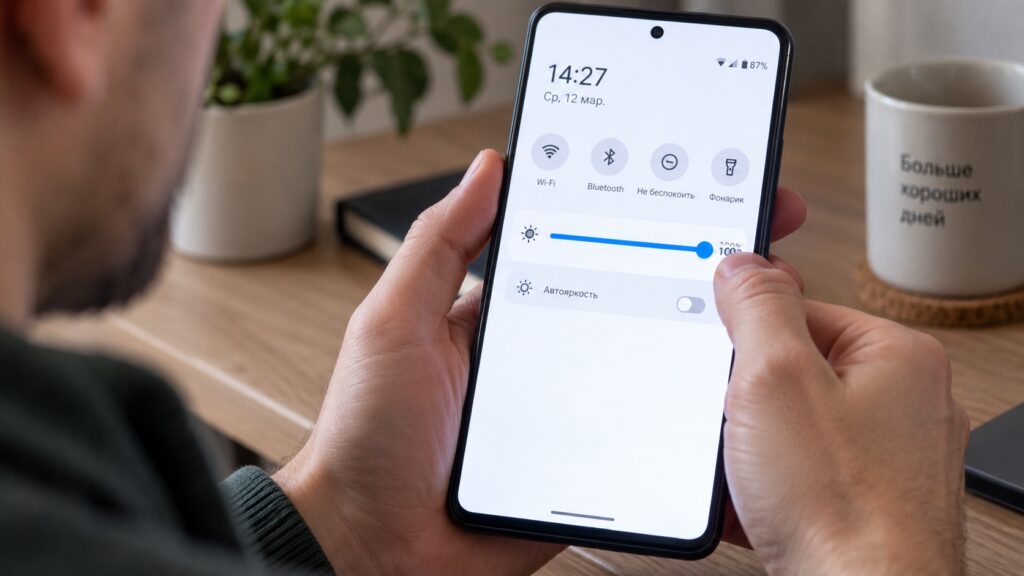
A user turning a smartphone’s typical brightness up to the maximum
The key point: if you use auto-brightness, as almost everyone does, the typical figure has no bearing on your experience. The system decides for itself how hard to drive the screen, and the manual ceiling does not apply.

Maximum brightness: the figure that governs sunlight readability
Maximum brightness (“max”) is what the screen delivers with auto-brightness on when the light sensor detects very bright light. Reviewers reproduce this by pointing a powerful flashlight directly at the sensor; in everyday life, the sun does the same job.
Of the three parameters, this is the most useful one for a phone. High brightness matters chiefly so you can read a map or a message outdoors at midday, and the maximum value shows how far the screen can ramp up under exactly those conditions. This is where manufacturers compete in earnest: a few years ago 1000 nits was considered an excellent result, while screens exceeding 1500 nits are now available.
Peak brightness: visible only in HDR video
Peak brightness applies to HDR content, meaning video with an extended brightness range (not to be confused with ordinary HD). In such footage, individual very bright parts of the frame, such as the sun or a glowing lamp, can shine noticeably brighter than the maximum value. The upper limit of that brightness is the peak.
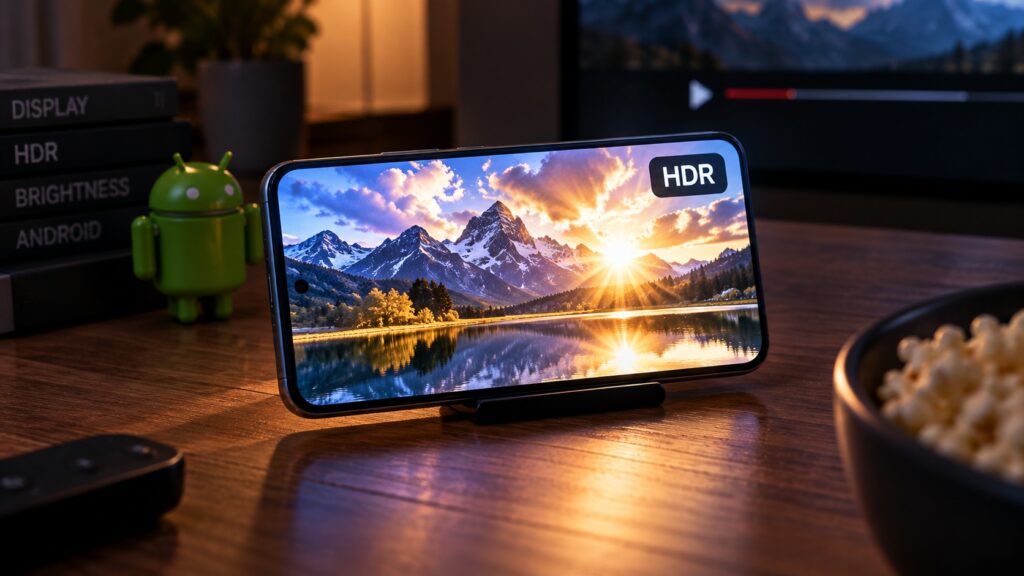
Peak brightness during HDR playback
Driving the whole screen at peak brightness is technically possible, but it would cause overheating and accelerated panel burn-in; the source publication notes that one of its own journalists, Herman Vologzhanin, experienced exactly this kind of burn-in on a Redmi Note 10 Pro. Running the entire panel at peak also risks damaging the electronics that power the display. For that reason the display driver permits peak output only on a small area (for example, around 10% of the screen) and only briefly. That is enough for glints and flashes in a film, but you will never see peak brightness in the interface, in games or in a browser.

Yet the peak figure produces the most impressive numbers: some models claim up to 7000 nits. It is no surprise that this is the value printed in large type in advertising, even though for a smartphone it is the least significant of the three.
Nits on paper versus brightness to the eye
Even a correctly read spec sheet does not guarantee that your particular unit will deliver exactly that figure. Brightness drops when the phone heats up, when the battery is low and when the processor is under heavy load. There is also unit-to-unit variation: panels within a single batch can differ by ten to twenty percent, especially with IPS and inexpensive AMOLED displays. Flagship screens are calibrated more carefully, so the spread there is smaller.
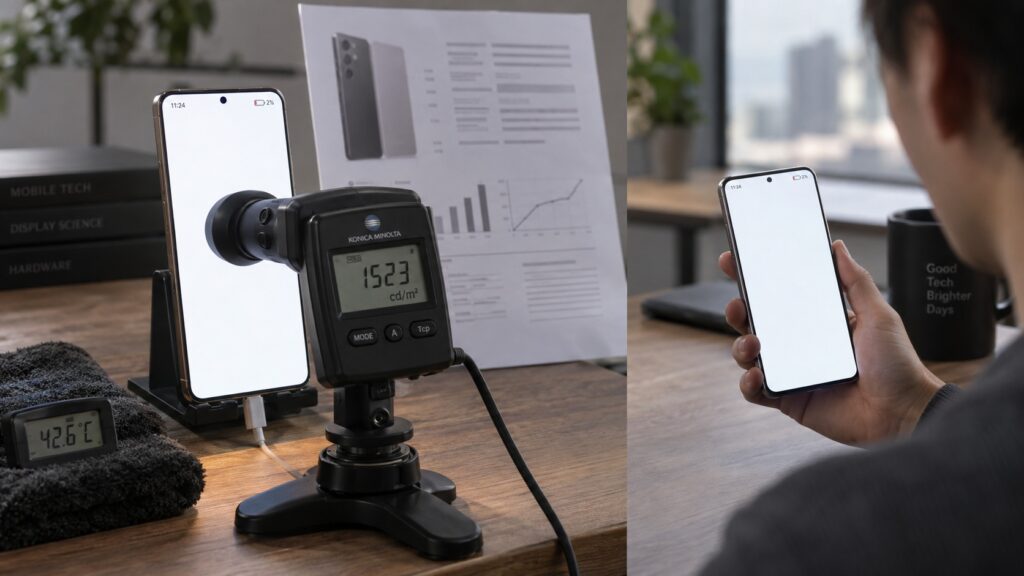
A user checking a smartphone’s claimed screen brightness
The second trap is perception. A 2000-nit screen emits twice as much light and consumes twice as much energy as a 1000-nit screen, but it does not look twice as bright to the eye. Human vision perceives brightness non-linearly (described by the Weber-Fechner law), so the difference between 1500 and 2000 nits is far more modest in practice than it appears in a table.
How to check your own phone’s brightness figures
Finding out what is claimed for your model, and which of the three values the manufacturer has disclosed, takes only a few minutes:
- Identify the exact model: open Settings and go to the “About phone” section (Samsung and Xiaomi both use a variant of this name), then note the model name and number.
- Go to the manufacturer’s official website and find the page for that model, usually under a “Specifications” or “Specs” tab.
- Open the “Screen” or “Display” block and look for the brightness entries; there will be one, two or three values in nits.
- Decode the labels: “typical”, “typ” or “HBM” means the manual maximum; “max” or “with auto-brightness” means the sunlight figure; “peak” applies only to HDR.
- If a single number is given with no explanation, treat it as the peak value and do not expect that brightness outdoors.
- Cross-check the number in a retailer’s or marketplace listing against the manufacturer’s site; sellers often copy the largest value without any label.
- If the manufacturer discloses only the peak figure, look for a review with measurements; real maximum brightness is measured there by illuminating the light sensor.
The picture is different for a tablet, a television or a Google TV set-top box: HDR films are watched on them constantly, and peak brightness genuinely determines picture quality. For a smartphone, once you have compared maximum brightness, only one reliable check remains: pick up the device and take it out into the sun.


