Since April 2026, dozens of Russian services have stopped allowing users with VPN enabled — from Gosuslugi (Government Services) to marketplaces. For a long time, the companies themselves made no comments, and users were left guessing why they were seeing access restriction messages instead of the usual screen. Finally, the Ministry of Digital Development explained why apps don’t work with VPN.
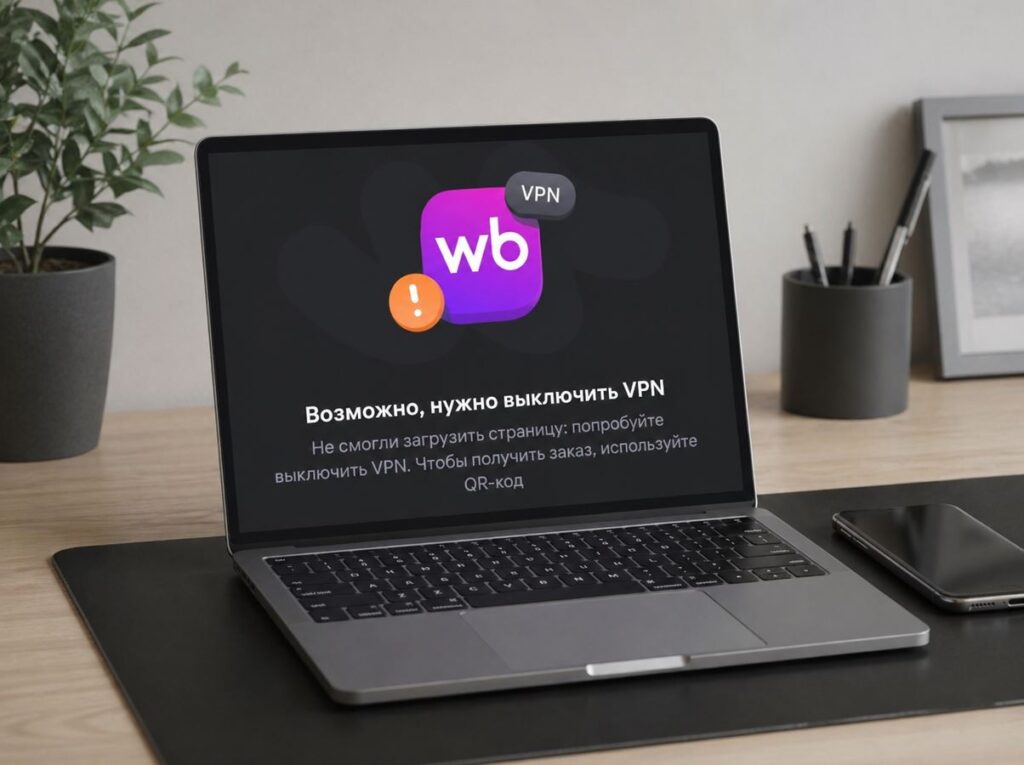
The Ministry of Digital Development explained why Russian apps don’t work with VPN
Why Russian Apps Block VPN
In a press release, the ministry explained the restrictions as a security concern. According to the Ministry of Digital Development, most VPNs do not protect personal data and are often used by attackers to intercept traffic. This is especially relevant for government services that store citizens’ personal data.
Most VPNs do not ensure the protection of confidentiality and personal data, and they are often used by attackers to intercept traffic and information, — the ministry stated.
It sounds logical, but the real reason is different. According to Kommersant, the Ministry of Digital Development has been tasked with reducing VPN usage among Russians, and for this purpose, the ministry has developed a package of pressure measures on businesses. If a company allows access to its apps with VPN enabled, it faces:
- exclusion from “white lists”;
- removal of apps from the list of mandatory pre-installed applications on devices;
- loss of IT accreditation, which provides tax benefits, IT mortgage programs, and other advantages.
For major platforms, losing accreditation is a blow to business. That’s why Sber, Yandex, VK, Wildberries, Ozon, Avito, and about a dozen and a half other services received instructions to restrict VPN access by April 15, 2026 — and they complied.
Do Ozon and Wildberries Work with VPN
As it turned out, the VPN block only applies to apps — the web versions of marketplaces work with VPN without issues, which you can verify yourself. At the same time, Yandex Market works only when accessed via PC. As a last resort, you can try pressing the menu button in your browser and requesting the full desktop version of the site.
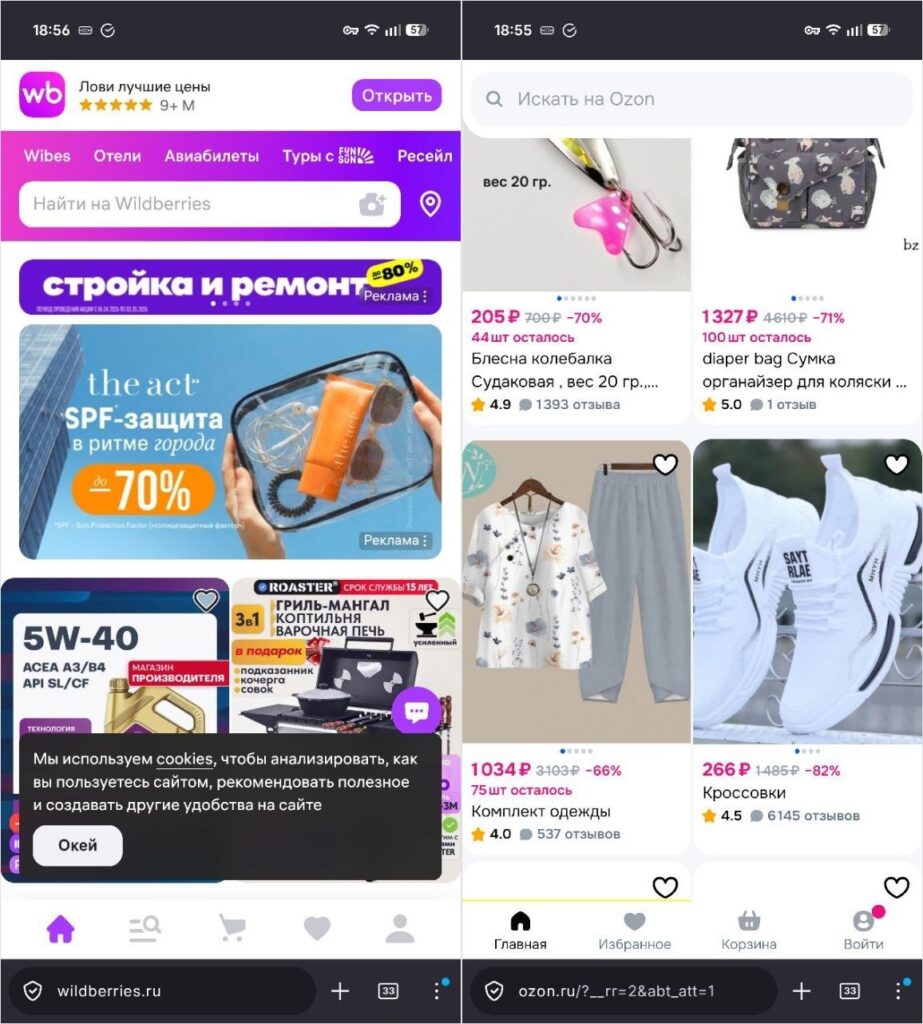
Ozon and WB work through the browser even with VPN
So if the Ozon or Wildberries app won’t open with VPN enabled, simply go to the website through your browser. The catalog will open, the cart and orders will be accessible, and payment will go through. The only difference is convenience: the app interface is optimized for smartphones, while the browser version is not. It might not be very convenient.
Why is this the case? Apparently, because web versions are technically harder to block based on VPN detection without the risk of affecting regular users. How long this will last is an open question, but as of April 2026, this workaround works, though not for all companies.
What to Do If an App Doesn’t Work with VPN
If the web version doesn’t suit you and you specifically need the app, the options are limited. The simplest solution is to disable VPN on Android while using the service.
Sometimes changing the connection type helps. If Gosuslugi doesn’t work with VPN on mobile data — try Wi-Fi or vice versa. Some checks are tied to the IP address, and switching networks can change the result. However, there is no complete solution to the problem. It’s a compromise between convenience and access. And judging by the Ministry of Digital Development’s rhetoric, the situation will only get stricter: the list of apps blocking VPN will continue to grow.


