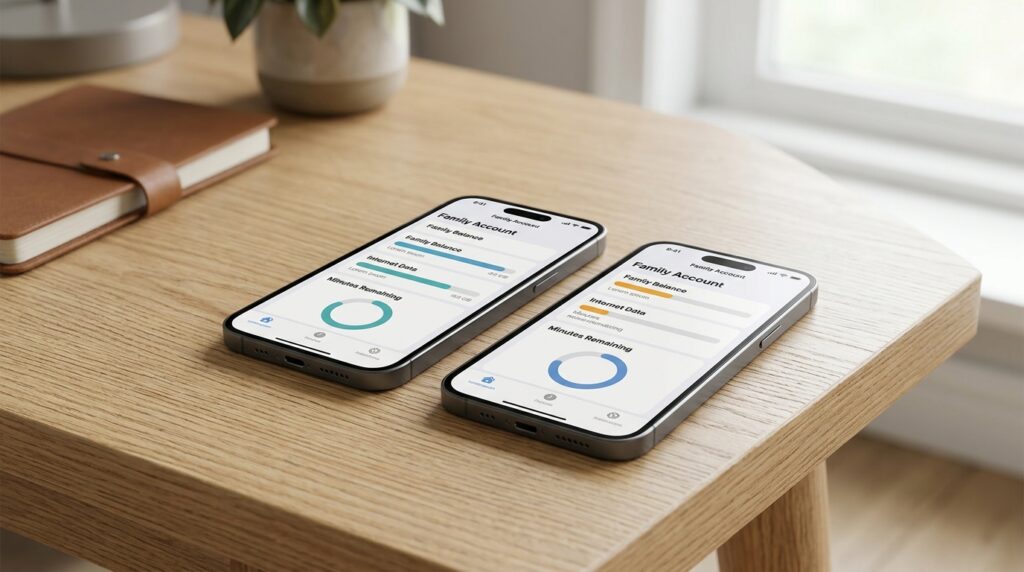
You can check your Beeline balance on your phone in several ways — and not all of them require an internet connection. We break down each option: with exact commands, nuances for prepaid and postpaid plans, and the ability to monitor someone else’s number.

Checking your Beeline balance is just as easy as with other carriers
Check Beeline Balance Without Internet
The quickest method that works without internet and on any phone. You need to dial a short code in the Phone app, press “Call” — and the information will appear right on the screen.
The commands differ depending on the type of plan:
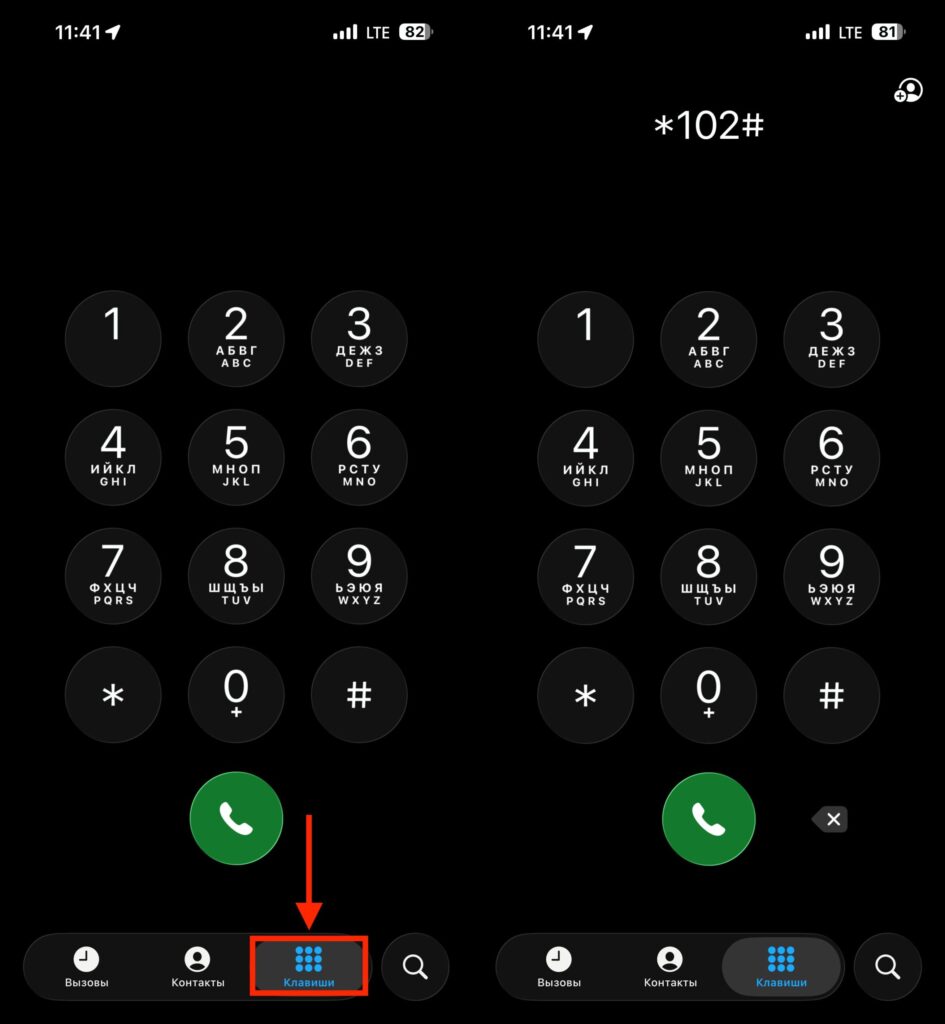
Open the Phone app and enter the required command
- Prepaid plan (top up first, then use): dial *102# and press “Call.”
- Postpaid plan (use first, then pay): dial *110*321# and press “Call.”
Your account balance will appear at the bottom of the screen. After a couple of minutes, you’ll receive an SMS with your plan name and remaining messages, data, and minutes. If you specifically want the data in SMS format, dial *122# and press “Call.” You’ll receive a message with your balance and information about your last five charges.
Important note: by sending USSD requests, the subscriber automatically agrees to receive advertising from Beeline and its partners. To opt out of mailings, write to the support chat on the website or in the app, or call 067432.
Beeline Mobile App on iOS and Android
In the Beeline app, the balance is visible right on the main screen after logging in. You can sign in using your phone number, password, or biometrics — Face ID, Touch ID, or fingerprint on Android. The service is free.
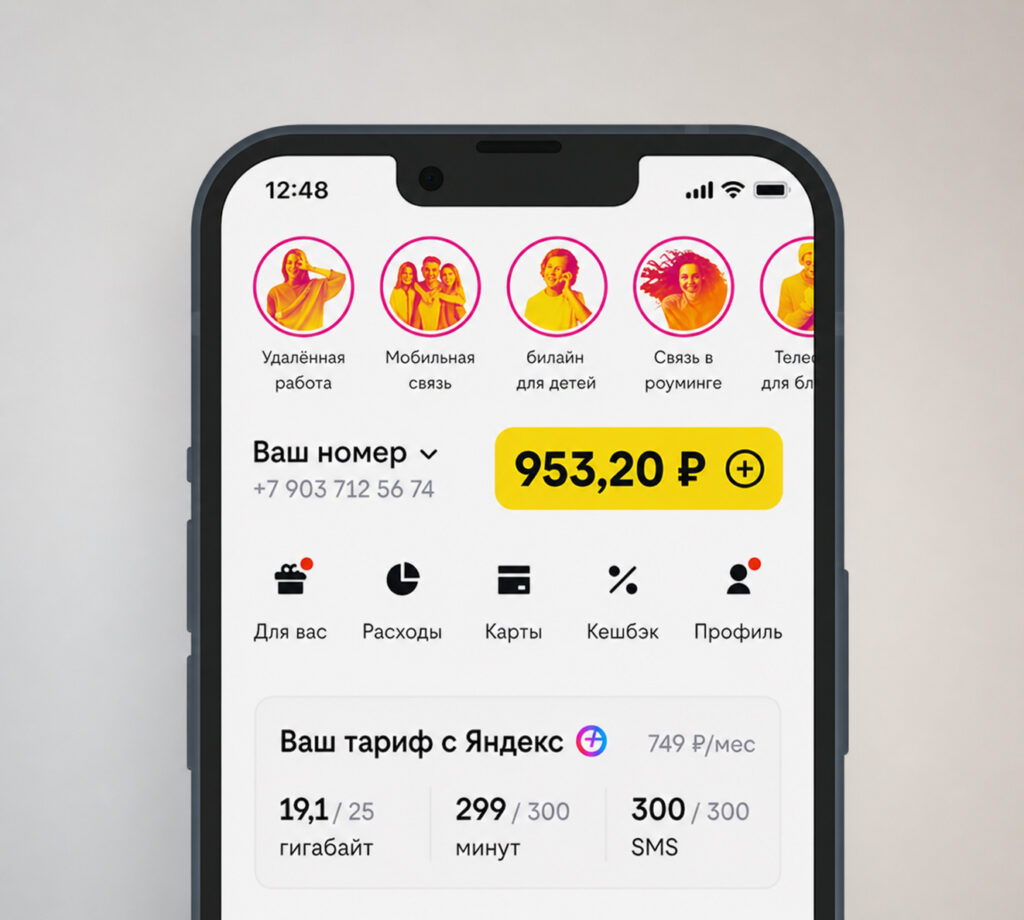
The app will have all the necessary information
The main screen displays the account balance in rubles, as well as the remaining package of minutes and data. For detailed usage breakdown, tap the screen next to the plan name, then tap the “Expenses” button — select the desired period and wait for it to update.
This is the most convenient option for those who want to see the full picture: not just the money on the account, but also how many gigabytes, minutes, and messages are left until the end of the period.
Beeline Personal Account: Balance, Expenses, and Usage Details
The personal account is available to every Beeline subscriber after registration. This method is suitable when you don’t have your phone handy — for example, when you’re at a computer.
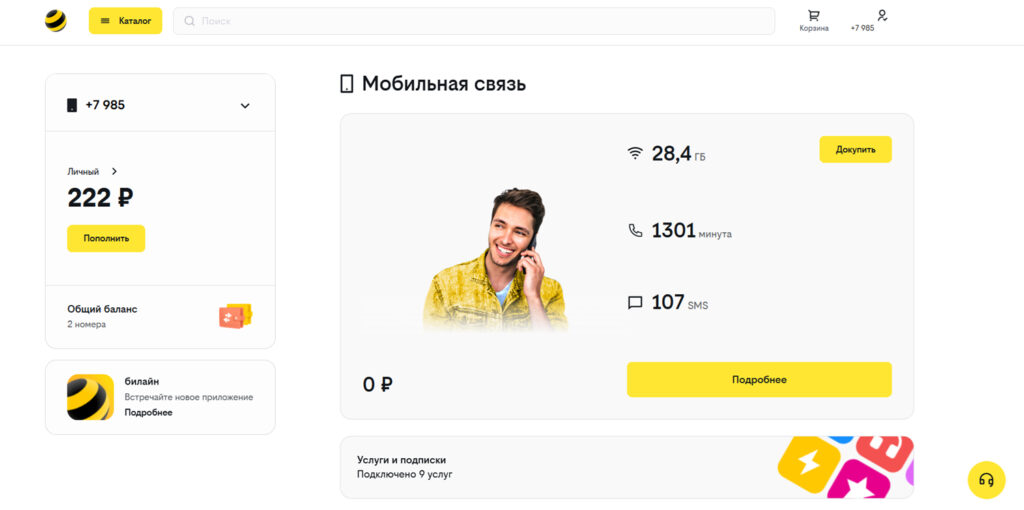
Some may find it easier to do this via computer. Image: topnomer.ru
- Open the official Beeline website and click “Log In” in the upper right corner.
- Enter your phone number and confirm your login with an SMS code or password.
- The main page of the account will display your account balance in rubles and the remaining SMS and minutes packages.
If you need a detailed charge history, the “Usage Details” button is at the bottom of the page. The service is free.
Beeline Balance by Calling the Hotline
This method is for those who find it easier to call than to deal with commands and apps. The call is free.
- Call 0611 or 0697.
- Listen to the automated assistant and say the word “Balance.”
- Select the number you want to get information about.
- The robot will announce how much money is left on the account.
It’s also worth mentioning the SIM menu — it’s available on most phones in the “Tools” or “Services” folder. Open the menu and tap “My Balance”: the account balance will appear on the screen. This method requires neither internet nor a phone call.
Balance of Another Beeline Subscriber
You can check someone else’s account through the free “Family Balance” service. It’s useful for monitoring a child’s balance or that of an elderly relative.
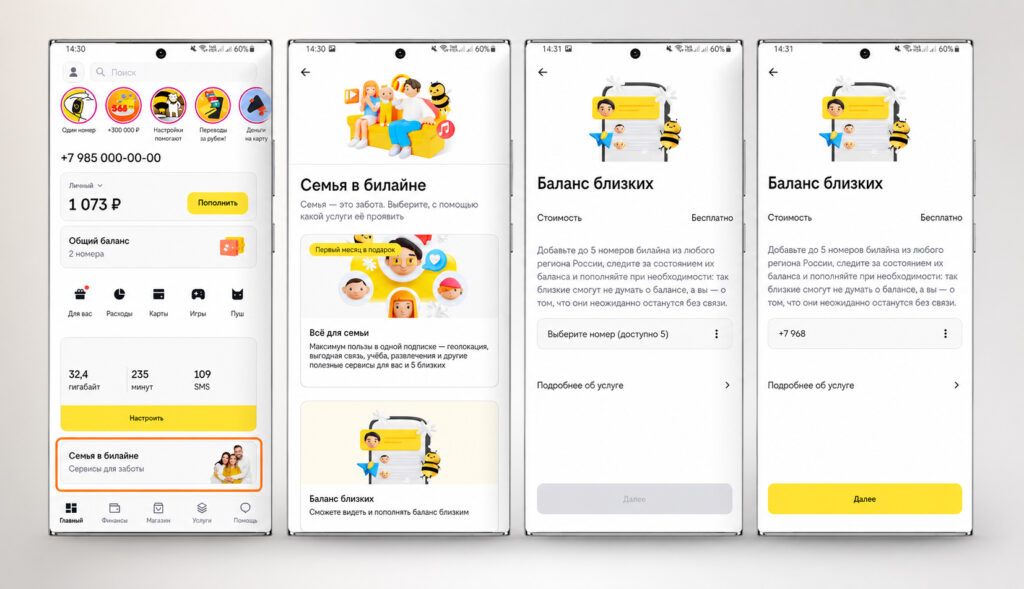
Activate this feature and you’ll be able to monitor another subscriber’s balance. Image: topnomer.ru
To activate, you need to add another Beeline subscriber’s number to the family group through the app or personal account. Then send a request: dial *131*5, then the subscriber’s number without the leading eight, the hash symbol, and press “Call”.
Important limitation: the other subscriber must give consent to being tracked. If they decline, you won’t receive the information. The service only works on plans that allow adding additional numbers.
Remaining Minutes, SMS, and Data on a Beeline Plan
To find out how much is left — not just money, but also minutes, messages, and gigabytes — you can use several methods:
- In the Beeline mobile app — on the main screen after logging in.
- In the personal account on the website — in the same place where the balance is displayed.
- By calling 0697 — the robot will announce the remaining balances.
- Via USSD command: *102# for prepaid plans, *110*06# for postpaid plans.
After sending the USSD command, you’ll receive an SMS with a breakdown of all packages.
Checking Beeline Balance Through VTB and Alfa-Bank
A non-obvious but working method: in the VTB and Alfa-Bank apps, you can view the balance of a linked Beeline number. The information is available in the “Payments” section.
In VTB, the balance is visible right on the section screen. In Alfa-Bank, you need to go to “Payments,” then “Mobile Communications” and enter your number.
Two Beeline Balances: Personal and for Payments