Apple showed off iOS 27 at WWDC, and along with the update, a new icon will appear on your iPhone’s home screen that wasn’t there before. It’s a standalone Siri app. At first glance it seems like a small thing, but behind it lies a major change in how the voice assistant works on iPhone. Moreover, you can install iOS 27 on your iPhone right now and try the new feature yourself, provided your smartphone supports it. But the new icon won’t appear for everyone.
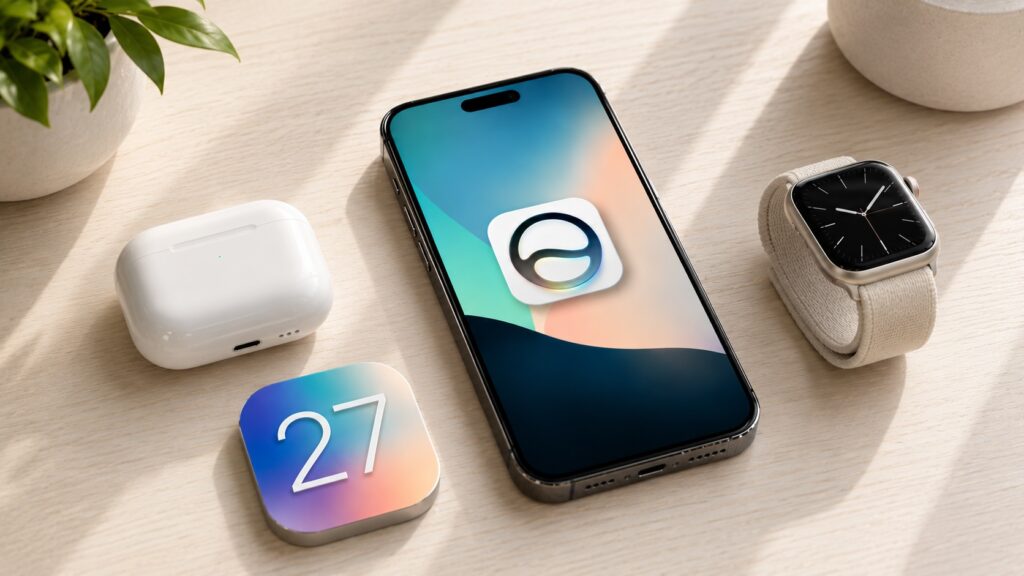
For the first time in many years, a new app will only be available to select smartphones
What the New Siri App Looks Like in iOS 27
Before iOS 27, Siri lived inside the system. You could summon the assistant with a button, voice, or gesture, but there was no separate icon on the home screen. Now there is. This is the first time Apple has placed Siri on the iPhone as a standalone app, rather than as a feature hidden somewhere deep in settings.
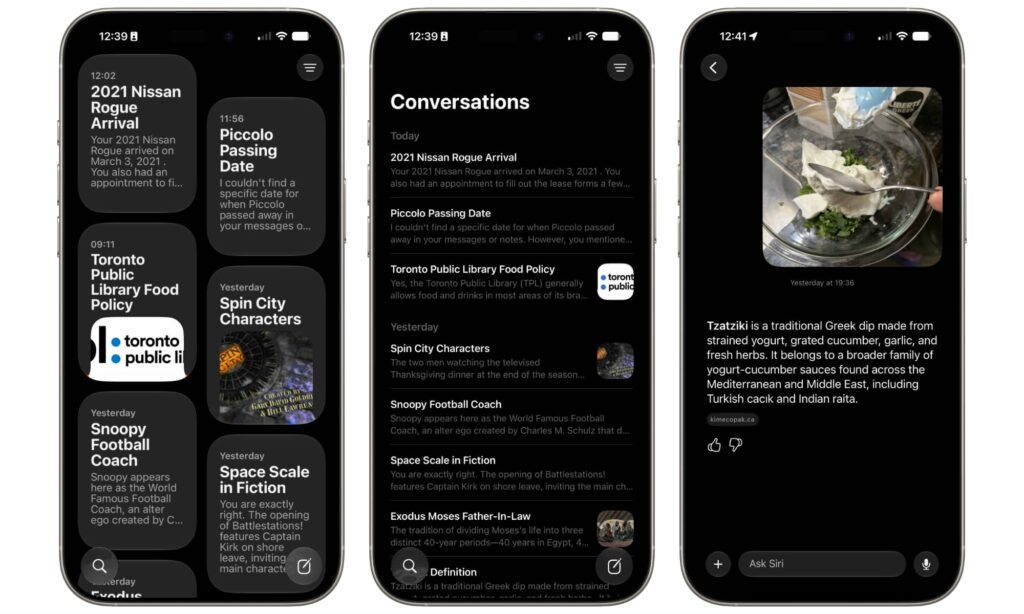
All Siri requests are saved in the app, and you can return to any conversation and continue at any time
The app is coming not just to iPhone. Along with the fall updates, Siri will get its own icon on Mac in macOS 27, on iPad in iPadOS 27, on Apple Watch in watchOS 27, and even on Vision Pro in visionOS 27. The assistant is becoming a cross-platform service that looks and works the same across all your devices.
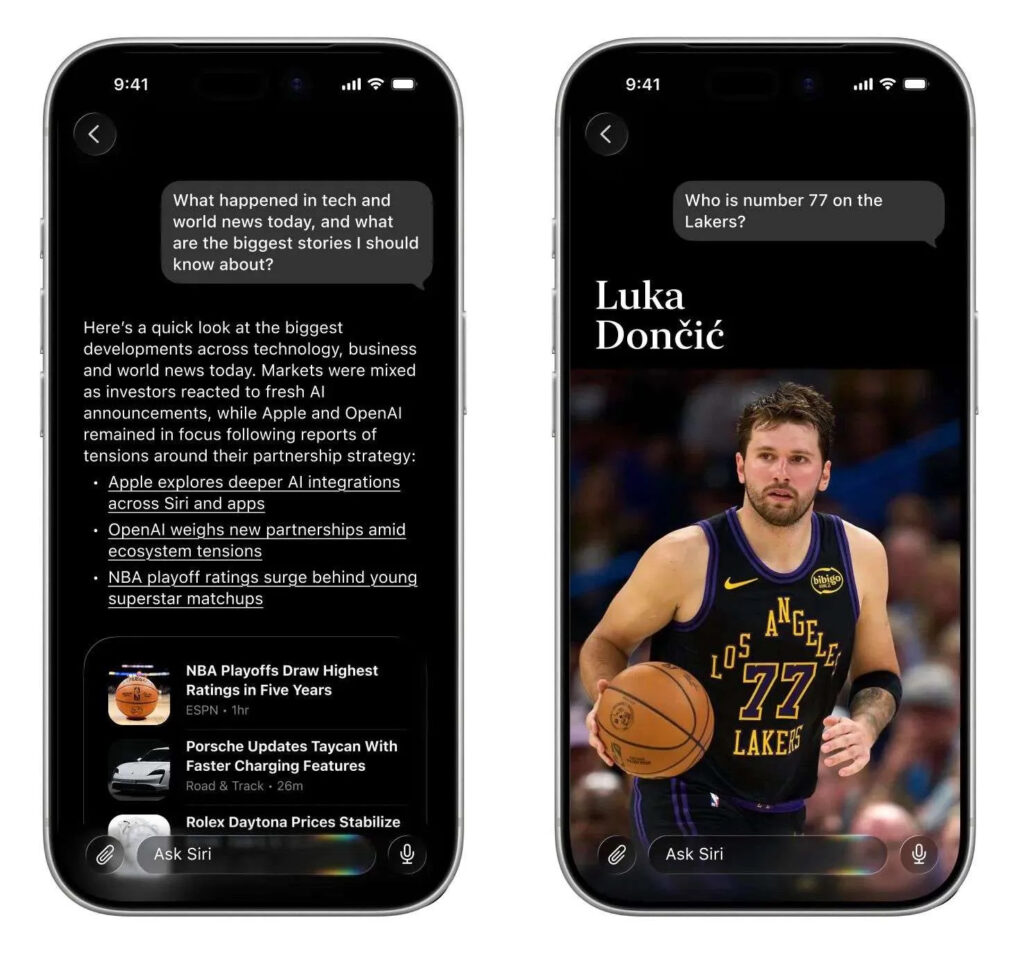
Essentially, we’re looking at a typical chatbot
The main thing here isn’t the icon itself, but what it opens. Inside, you’ll find a chat-style interface: a feed of past conversations with Siri that you can return to at any time. Start a conversation, get distracted, come back later and pick up right where you left off. Everything syncs via iCloud, so a conversation started on iPhone can easily be continued on Mac or iPad.
New Siri AI Features in iOS 27
The app is tied to the updated Siri with Apple Intelligence support. This is no longer the assistant that got confused by simple commands and sent you to Safari search. The new Siri works more like a full-fledged AI assistant.
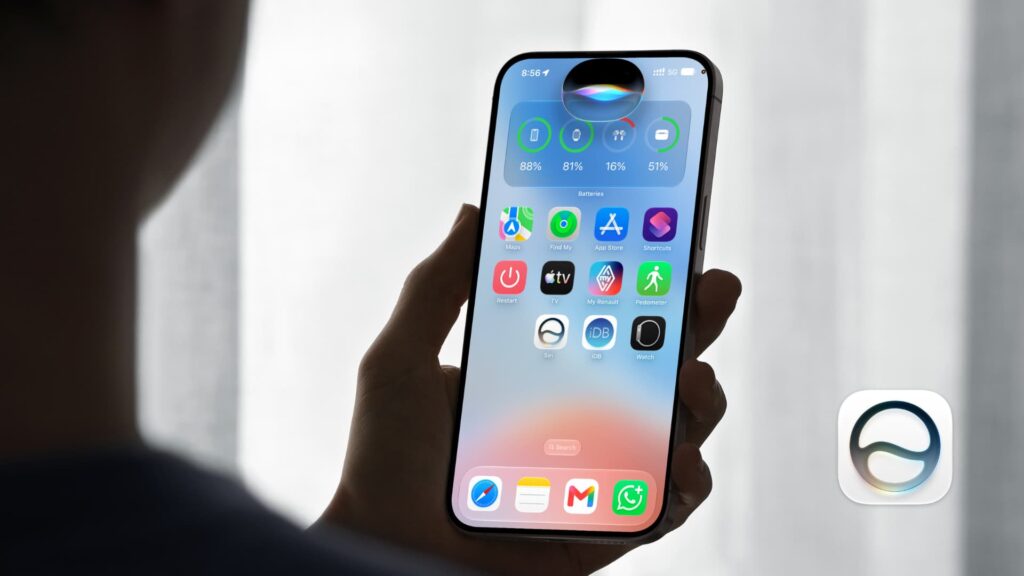
Siri has indeed become smarter, but doesn’t quite reach the level of modern AI
It knows a wide range of general facts about the world, so you can ask it regular questions just as you would with any chatbot. But what’s more interesting is that Siri now has access to personal context and can draw on your messages, emails, photos, and other data to answer your specific question. Ask what time you should leave for a meeting that was discussed in a conversation, and the assistant will compile an answer from your own data.
Siri can also see what’s on your screen. It recognizes the content and answers questions about it. Open an article or a long email, ask what it’s about, and get a brief summary without any extra steps. You can upload photos and documents to the app for analysis: drop in a screenshot of a table, ask it to explain the numbers, and the assistant will break them down for you.
Which iPhones Will Get the New Siri App
This is where the unpleasant part begins. The new Siri app won’t appear on all iPhones. It only works on devices that support Apple Intelligence, which means iPhone 15 Pro and newer.
Full list of iPhones that will get the Siri app:
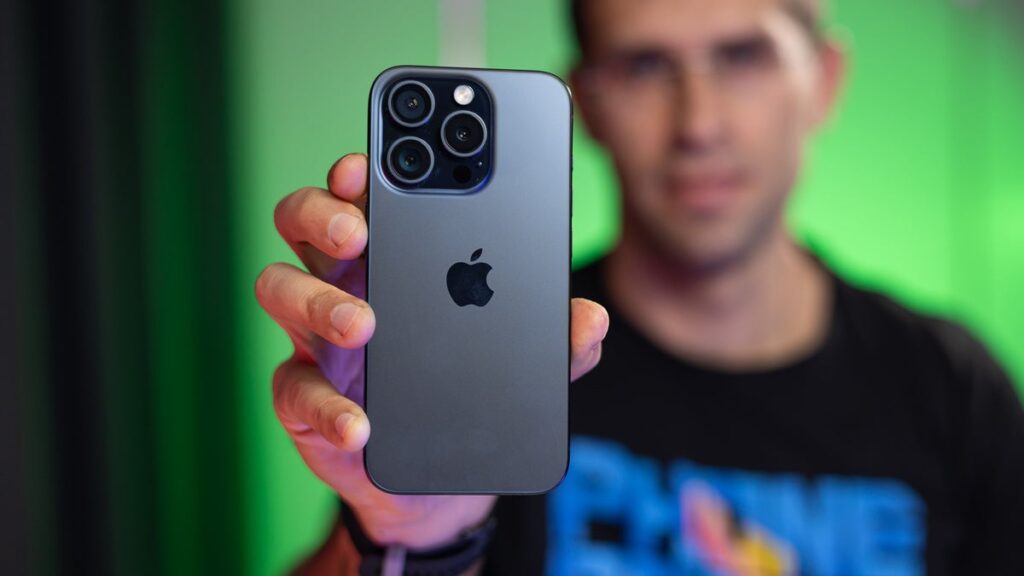
iPhone 15 Pro is the oldest device you can have to get the new Siri
- iPhone 15 Pro
- iPhone 15 Pro Max
- iPhone 16e
- iPhone 16
- iPhone 16 Plus
- iPhone 16 Pro
- iPhone 16 Pro Max
- iPhone 17
- iPhone 17e
- iPhone Air
- iPhone 17 Pro
- iPhone 17 Pro Max
If you have a regular iPhone 15 or 15 Plus, without the Pro designation, you won’t see the app, even though the smartphone is still relatively new. The reason is hardware. Apple Intelligence requires a more powerful chip and more RAM, and the base models from 2023 didn’t meet that threshold. Incidentally, even some newer iPhones have limitations for the same reason: 8 GB of RAM is to blame. Along with iOS 27, owners of older base models will get some of the new features, but without the new Siri and its icon on the home screen.
What Built-in Apps Have Appeared in Recent iOS Versions
The new Siri fits into Apple’s habit in recent years. The company regularly adds ready-made default apps to iPhones alongside major updates. In iOS 18.2 in December 2024, Image Playground appeared for image generation. In last year’s iOS 26, two apps arrived on iPhones at once: Preview for working with PDFs and images and Games as a unified center for everything gaming-related.
Siri continues this trend but stands apart. Previous apps addressed specific tasks, while here Apple is putting its AI assistant front and center and making it the entry point to all Apple Intelligence capabilities. Is it worth the update? If you have an iPhone 15 Pro or newer, the new Siri could be one of the main reasons to install iOS 27 this fall. If your iPhone is older, you won’t get the icon, and that’s one more reason to think about upgrading when the time comes.