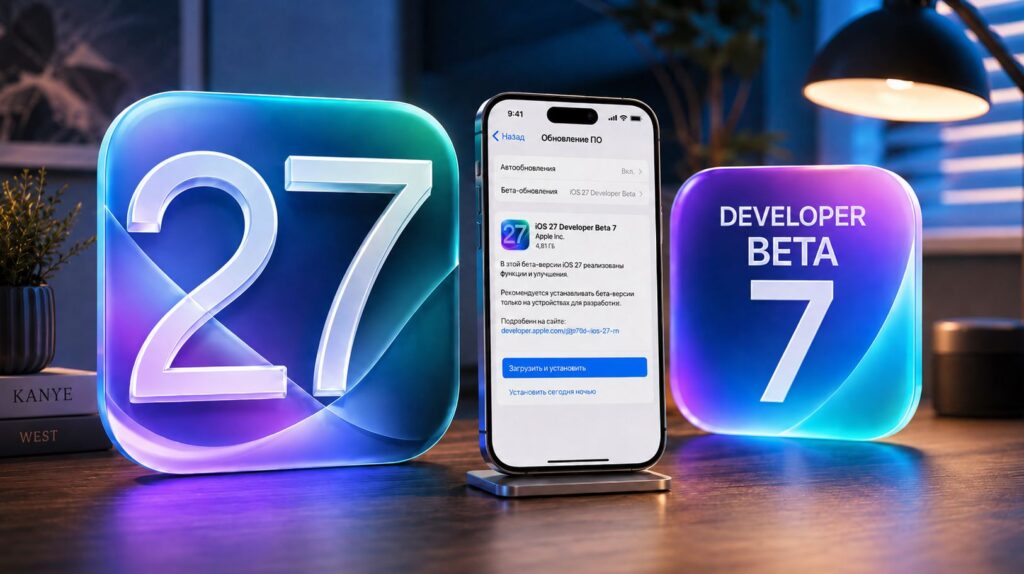
Apple released iOS 27 beta 7 to developers on August 24, 2026, continuing a weekly build cadence as the company polishes the operating system ahead of its expected September launch. This build focuses almost entirely on optimization and bug fixes rather than new features, according to the release notes. The seventh beta arrives roughly two weeks before the anticipated public release, making it likely one of the final pre-release builds before the release candidate.
What you need to know
- iOS 27 beta 7 is available only to registered developers and focuses on bug fixes and optimization ahead of a September public release.
- Key fixes include corrected portrait mode blur, removal of a false moisture-detection warning, and restored lock-screen alarm dismissal.
- Code references to six unannounced Apple devices (identifiers V62 through V69) were previously found in the iOS 27 beta 5 build, though marketing names remain unconfirmed.
- The source author advises against installing the beta on a primary device, citing potential battery drain and minor interface glitches common to pre-release software.
iOS 27 beta 7 has been released. What’s new?
How to install iOS 27 beta 7
The seventh beta of iOS 27 and iPadOS 27 is available only to registered developers. A free developer account can be created through Apple’s developer website. Once enrolled, the update can be installed directly from the device:
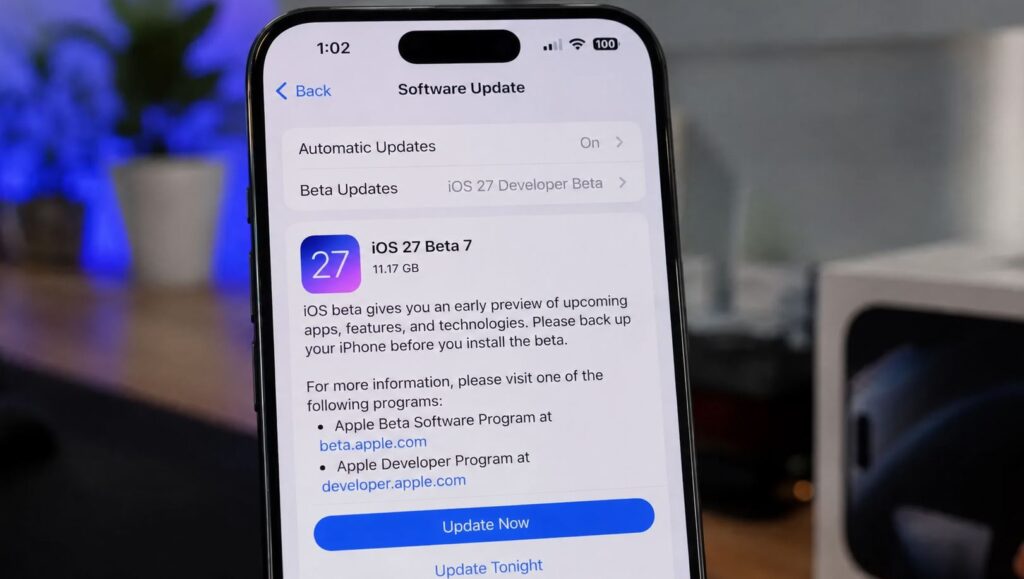
There’s no rush to install it yet
- Open Settings.
- Go to General.
- Select Software Update and wait for the build to appear.
During installation, it is advisable to keep the device on a charger, connected to stable Wi-Fi, and undisturbed until the process completes. Extra caution is warranted with pre-release software.
What changed in beta 7
As is typical at this stage of the beta cycle, Apple is not introducing major new features. The release notes emphasize optimization and bug fixes. The source notes that the full list of changes is still being reviewed, but the following changes and fixes have been identified across recent builds leading up to beta 7:
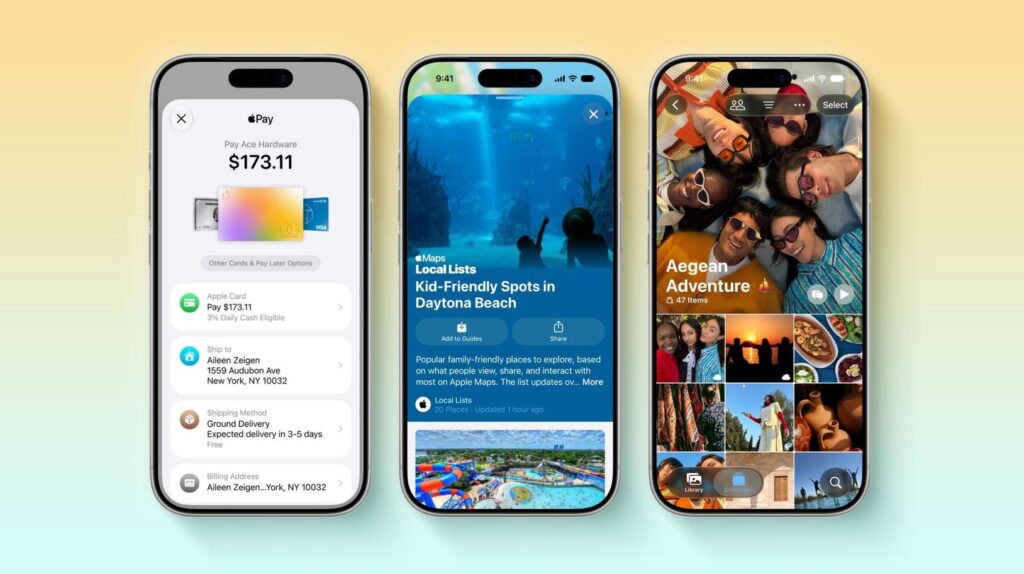
Almost no new features — all changes are bug fixes
- Improved dictation: A new local model offers more accurate speech recognition, better handling of contact names, and improved punctuation. It can be enabled in keyboard settings.
- PlayStation Access controller support: The accessibility gamepad now works with iPhone and iPad, with the ability to create and save custom control profiles.
- Health app updates: Heart rate zones and power zones for cycling workouts have been added, along with new reproductive health metrics. Apps can now be granted access to either the full health history or only recent data.
- Home app with Apple Intelligence: Security camera footage is processed on-device, and users can ask the system to describe or find specific moments in video. This requires an iCloud+ subscription of 2 TB or higher.
- Lock-screen alarm dismissal restored: Alarms can once again be turned off directly from the lock screen without unlocking the device.
- False moisture warning removed: A spurious liquid-detection alert that appeared when nothing was connected to the port has been fixed.
- Portrait mode fix: Background blur in portrait mode no longer renders incorrectly.
- Stability improvements: Rare freezes and spontaneous reboots while the device was idle have been addressed.
- Lock-screen security: Siri and Search no longer open on a locked device if the user has disabled those features on the lock screen.
- Critical alerts fix: Critical notifications no longer enable themselves automatically for every app that requests notification access.
- Messages fixes: Stickers from unknown senders, GIF and image sizing, and HDR screenshot distortion have been corrected.
- AirPlay and CarPlay: AirPlay now works again with home theater systems that require a PIN or password, and steering-wheel track-skip buttons function properly in CarPlay once more.
Given the weekly build cadence, the source expects beta 7 to continue the same trajectory: no notable new features, but a more stable and faster system ahead of the September release.
Six unannounced devices found in iOS 27 code
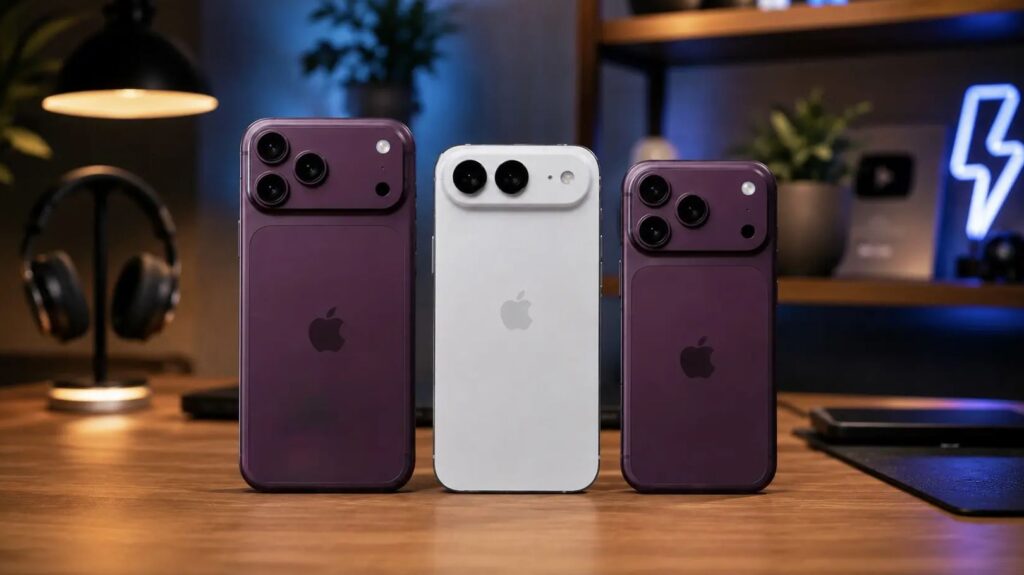
Previous beta versions contained references to new iPhones
According to the source, enthusiasts discovered references to six future Apple devices in the fifth beta build. The identifiers were found in system files related to battery drivers and the Battery Intelligence feature. The code names and their speculated marketing names are:
- iPhone Air 2 (code V62)
- iPhone 18 Pro (code V63)
- iPhone 18 Pro Max (code V64)
- iPhone 18 (code V67)
- iPhone Ultra / foldable iPhone Fold (code V68)
- iPhone 18e (code V69)
Important caveat: The beta code itself contains only identifiers like V62 or V63 — no marketing names. The product names listed above are based on previous leaks and reporting attributed to Bloomberg’s Mark Gurman, making them informed speculation rather than confirmed facts. The source notes that while individual device references have appeared in past betas, all six appearing together in a single build is new and may suggest a complete product roadmap for the lineup.
Should you install the beta?
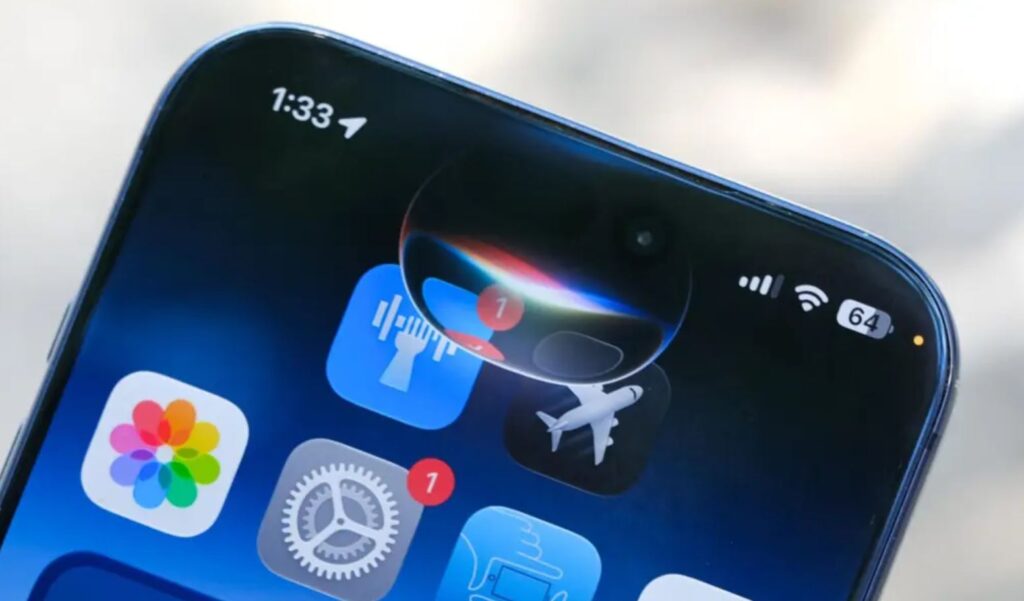
Fewer new features remain — expect them in future iOS versions
The source author advises against installing beta 7 on a primary device. While specific complaints about this build are still scarce (it was just released), previous betas in the cycle have reportedly caused accelerated battery drain, occasional app crashes, and minor interface glitches.
However, for developers or anyone with a spare device, beta 7 is described as a reasonable option: it is the freshest build, closest to the final version, and useful for testing app compatibility.
Expected release timeline
According to the source, iOS 27 is expected to launch publicly in September alongside the new iPhone lineup. The iPhone 18 Pro announcement is anticipated around September 9, with sales beginning around September 18. The public release of iOS 27 traditionally rolls out in the same timeframe. Beta 7 is therefore described as likely one of the last builds before the release candidate.
For most users, the source author recommends waiting for the final public release of iOS 27, noting the wait is now only a matter of weeks.


