Free apps without ads or in-app purchases — they’re rare, but they exist. We’ve collected 4 more Android apps that don’t ask for money yet do their job better than many paid alternatives. Below, we break down who each one is really useful for and what it can do in practice.
A fresh selection of free apps
Blip: A File Transfer App
Blip is a file transfer app that in many scenarios is more convenient than the built-in Quick Share. Blip is free for personal use and works on Android, iOS, Windows, Mac, and Linux — you just need to install the app on both devices.
Through the Blip app, you can transfer photos, videos, documents, ZIP archives, and even entire folders without breaking their structure. But the main advantage is transfer speed. According to the Android Authority editorial team’s experience, when sending 12 GB of files, the speed reached approximately 1.5 Gbps.
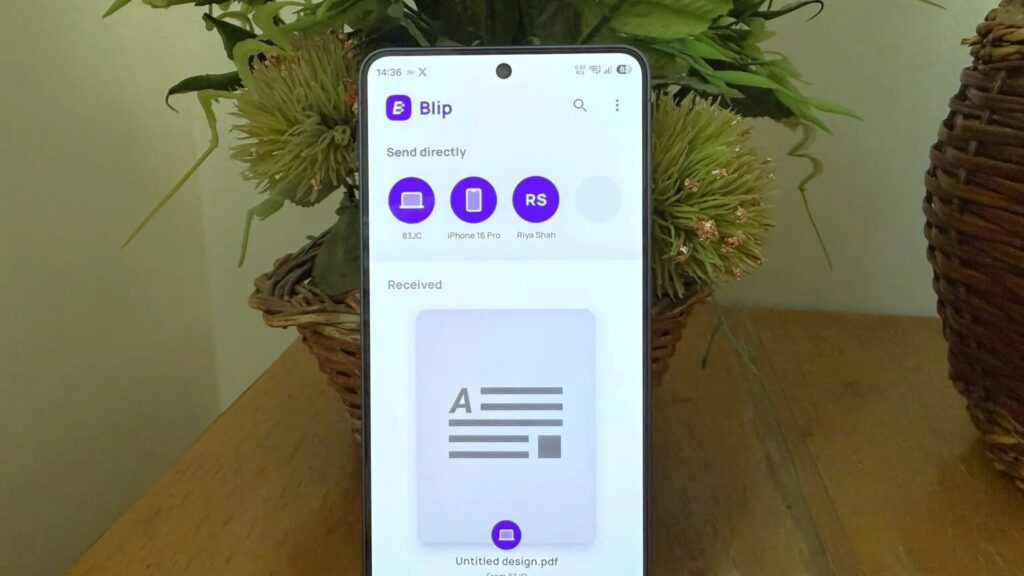
An excellent solution for exchanging files between smartphones. Image: androidauthority.com
It’s also convenient that when transferring between your own devices, you don’t need to open the app on the receiving side — just select the desired gadget. Plus, Blip works even if the devices aren’t on the same network: in that case, the file goes through mobile data. It’s slower than Wi-Fi, but it helps when you need to send something to a device many kilometers away.
Image Toolbox: A Powerful Photo Editor on Android
Image Toolbox is a free, open-source photo editor that doesn’t try to compete with Snapseed or Picsart. Its goal is to make routine image operations less painful.
The Image Toolbox app handles familiar tasks like cropping, resizing, and filters, but it doesn’t stop there. It features background removal, photo metadata editing, format conversion, and AI-powered image upscaling. You can stitch photos together, add watermarks, and create GIFs.
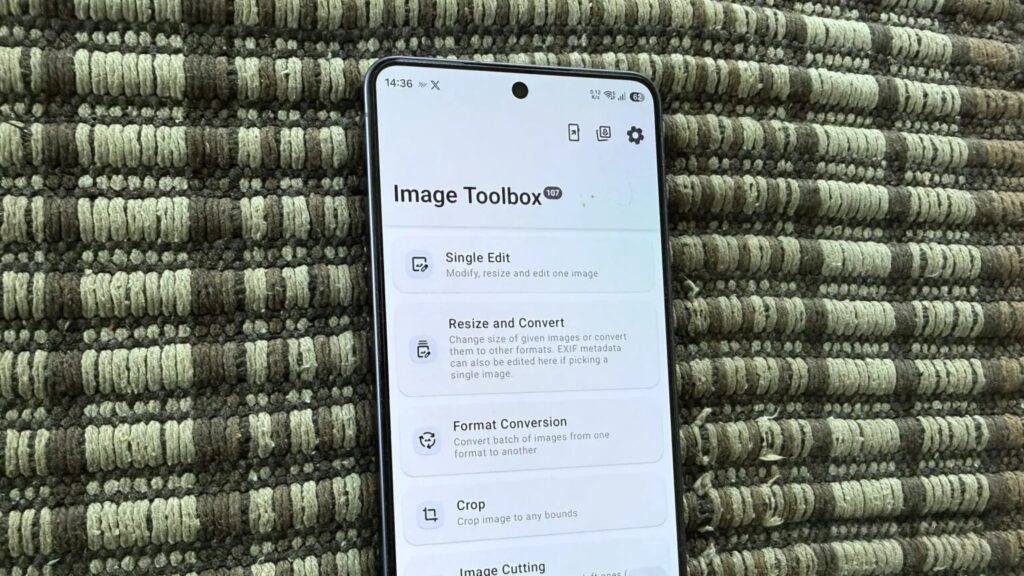
A powerful photo editor with lots of perks. Image: androidauthority.com
The main highlight is batch processing of hundreds of images at once. Usually, you’d need a computer for that, but here you can apply identical edits or convert dozens of files all at once right from your smartphone. Despite the wealth of features, the interface doesn’t look cluttered and is designed in the Material You style with flexible theme and appearance customization.
Bluetooth Remote: A Remote Control App on Your Phone
Bluetooth Remote turns your smartphone into a full-fledged remote control for your TV. The app connects to any Android TV via Bluetooth and provides a numeric keypad, navigation arrows, and playback controls. After installation, just tap the Bluetooth icon and select your TV from the list.
The most interesting feature is the virtual trackpad mode: a mouse pointer appears on the TV screen, making it convenient to tap through menus. Next to it, there’s a keyboard icon for entering passwords and search queries from your phone.
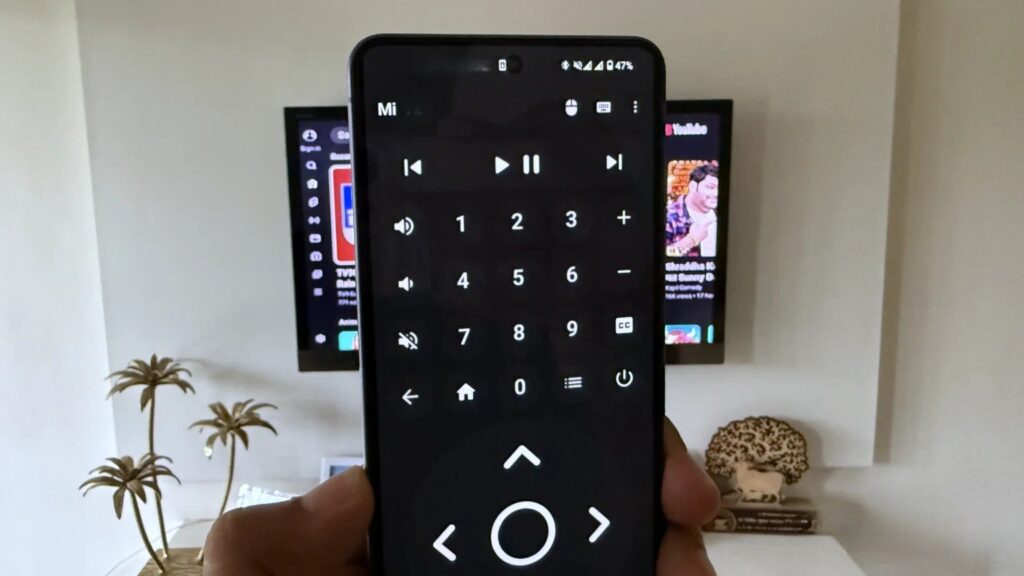
A convenient remote control in your smartphone. Image: androidauthority.com
Yes, the official Google TV app can do almost the same thing, but it requires the phone and TV to be on the same Wi-Fi network. If you use a VPN or want to stay on mobile data, that becomes a problem — and Bluetooth Remote solves it because it works directly via Bluetooth.
FUTO Keyboard: A Free Keyboard for Android
FUTO Keyboard is a privacy-focused keyboard that works completely offline. Unlike Gboard, Microsoft SwiftKey, or Samsung’s keyboard, it doesn’t collect any data — not even for diagnostics.
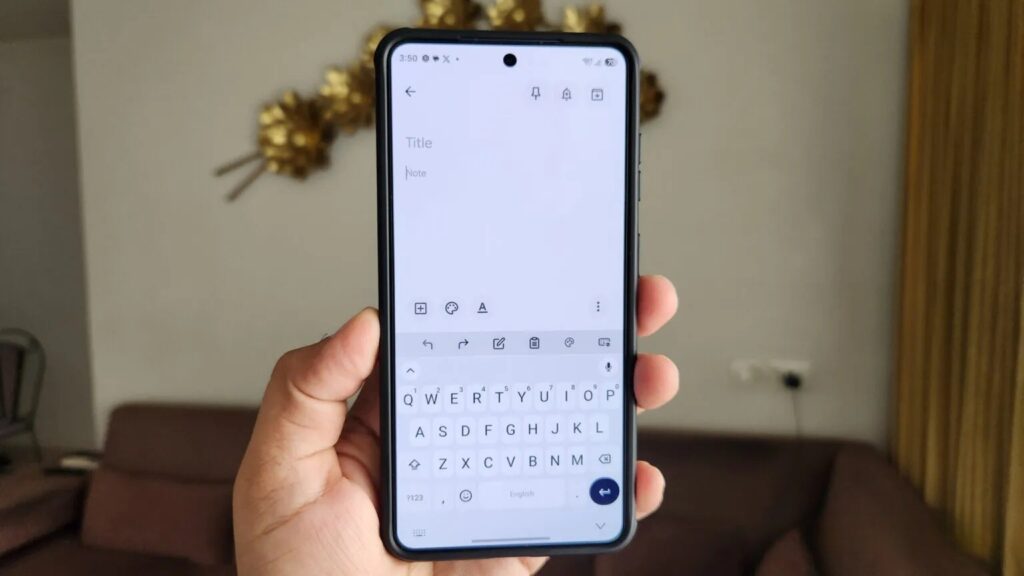
A keyboard that doesn’t collect data. Image: androidauthority.com
This is the main argument in its favor: if it’s important to you that your typed text doesn’t go to someone else’s servers, an offline keyboard seems like a logical choice. However, it’s worth understanding the limitation of this approach — without cloud features, suggestions and autocorrect may be weaker than Gboard, which many people are used to.


