When a Telegram contact shows “last seen recently” instead of an exact time, it means they were active within roughly the past 2–3 days. It does not necessarily mean they just left the app and are ignoring you. According to Telegram’s own rules, “recently” covers anything from one second to 2–3 days ago. The status usually appears because the person has chosen to hide their exact last-seen time from you. Telegram uses several of these approximate statuses, and each has defined time limits.
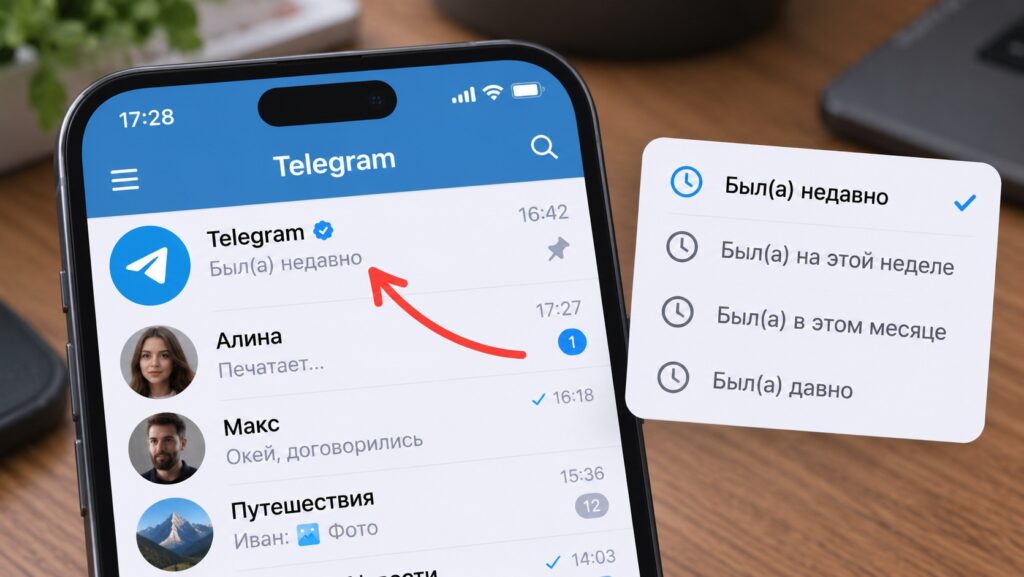
The “last seen recently” status in Telegram
What you need to know
- Per Telegram’s FAQ, “last seen recently” covers anything from one second to 2–3 days ago.
- The other approximate statuses are “within a week” (about 2–3 to 7 days), “within a month” (about 6–7 days to a month) and “a long time ago” (more than a month).
- Hiding your last-seen time works both ways: you also lose sight of the exact last-seen time of those you hide it from, unless you have Telegram Premium.
- Even with the setting hidden, you can appear online for about 30 seconds after sending a message, reading a private message or starting to type.
Why Telegram shows “recently” instead of an exact time
An exact last-seen time is visible only if the person has allowed you to see it. In Telegram’s privacy settings, users can choose who sees this information: everybody, only their contacts, or nobody. If you are not in the permitted group, you see an approximate status instead.
As a result, “last seen recently” almost always means not that someone has only just gone offline, but that they have chosen to hide their exact time.

“Within a week,” “within a month” and “a long time ago”
Besides “recently,” Telegram uses three other approximate statuses, with these approximate ranges:
- Within a week: the person was last active between about 2–3 and 7 days ago.
- Within a month: between about 6–7 days and a month ago.
- A long time ago: more than a month ago.
The “long time ago” status has one more feature: people a user has blocked always see it. So if an acquaintance who posted in a shared group chat yesterday suddenly appears to you as “last seen a long time ago,” you have most likely been blocked. It is a strong hint rather than definitive proof.
How to hide your own last-seen time
If you do not want everyone to see when you were last on Telegram, follow these steps:
- Open Telegram and go to Settings.
- Select the privacy section.
- Open the last-seen time setting.
- Choose “Nobody” or “My Contacts.”
- If needed, add exceptions: people who should always see your time, or people who should never see it.
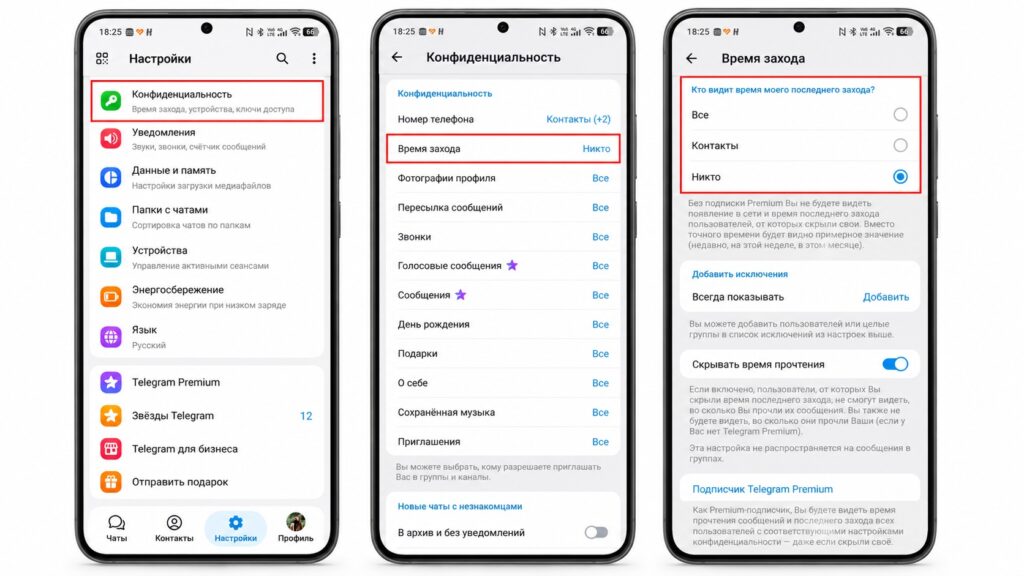
Configuring last-seen visibility in Telegram

After this, people outside your chosen group will see an approximate status instead of your exact time. Menu names may differ slightly depending on the app version.
The trade-off: hide yours, lose theirs
Telegram applies a reciprocity rule. If you hide your last-seen time from someone, you will not see their exact time either, even if they have not hidden it. You will see an approximate status for them instead.
The only way around this rule is a Telegram Premium subscription: Premium subscribers can see other people’s exact last-seen time even when they have hidden their own.
When others can still see you online
Even with your last-seen time hidden, Telegram will sometimes show you as online, for about 30 seconds, if you:

- send the person a message in a private chat or in a group you both belong to;
- read their message in a private chat;
- start typing in a chat with them or in a shared group.
In other words, hiding your last-seen time does not make you completely invisible while you are actively chatting.
“Recently” means up to about three days
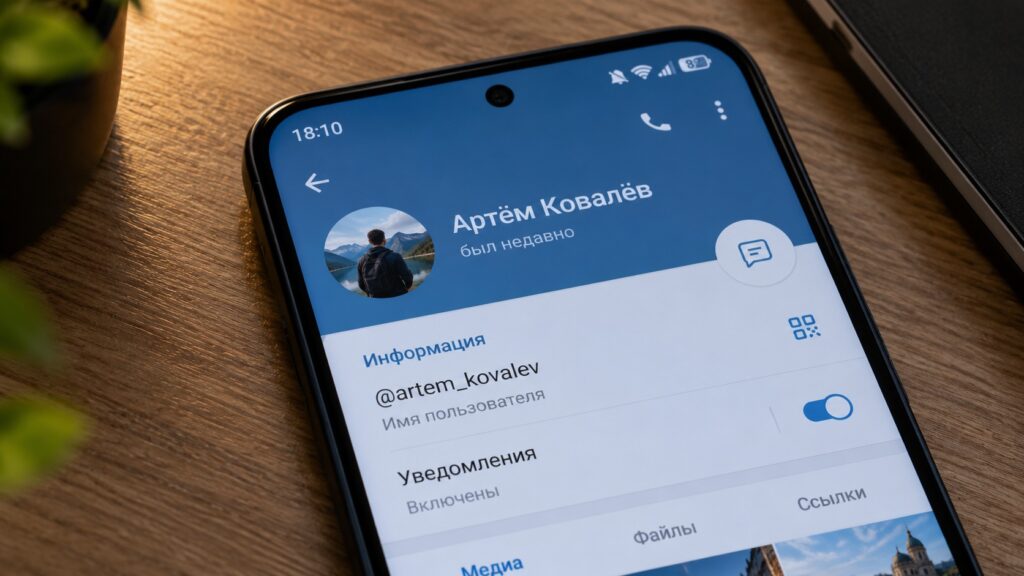
A Telegram user shown as “last seen recently”
According to Telegram’s FAQ, the “last seen recently” status covers anything from one second to 2–3 days. The person may have closed the app a minute ago or may not have opened it since the day before yesterday, and the status alone will not tell you which.
So “recently” should not be read as “online but ignoring me.” It only means the person was active within the past couple of days and prefers not to share an exact time. If you get no reply for more than about three days, their status will change to “within a week,” and at that point it may be reasonable to send a follow-up.