Millions of users in Russia use Telegram daily. They chat with friends, hold work discussions, grow channels, accept client requests, and send important documents. The free version is enough for basic tasks, but some messenger features only become available after subscribing to Telegram Premium.
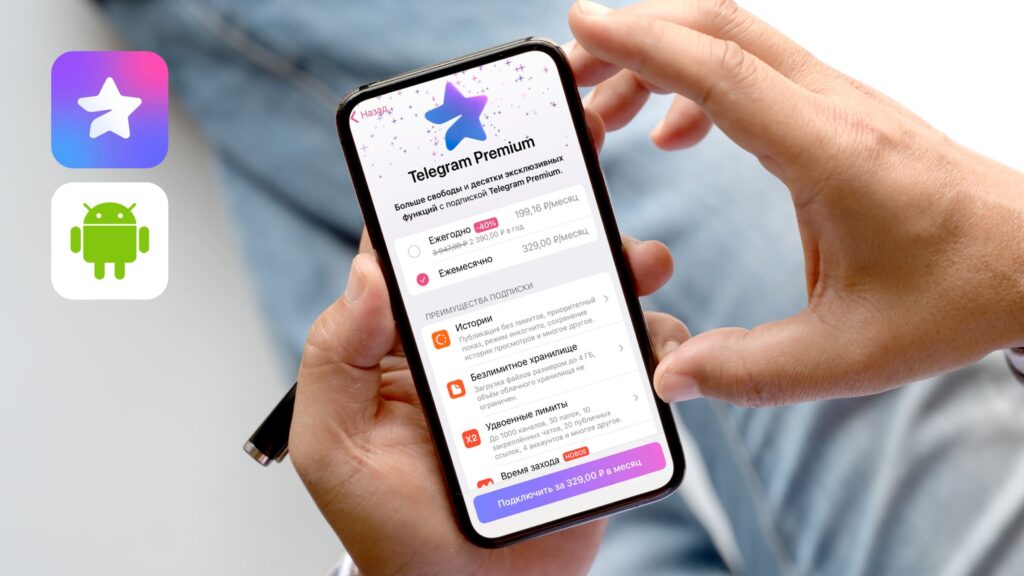
Telegram gets significantly better with a premium subscription
Since April 2026, renewing the subscription from Russia has become more difficult. Russian bank cards are about to be disconnected from payments through @PremiumBot, and the familiar Google Play method for Android users has long been unavailable. In this article, Tatyana Guseva, head of the company Easy Payments, explains which Telegram Premium payment options are currently available and which method is most convenient for regular use.
What Telegram Premium Offers
Telegram Premium is designed for users who find the messenger’s standard features insufficient. The subscription allows more freedom when working with chats, files, channels, and voice messages.
After subscribing to Premium, the user gets:
- a limit of up to 1,000 channels and groups instead of 500;
- up to 30 folders for sorting conversations instead of 10;
- the ability to pin up to 10 chats instead of 5;
- file transfers up to 4 GB instead of 2 GB;
- voice message-to-text transcription;
- expanded sticker packs, reactions, and animated avatars.
Premium also disables built-in ads. For personal messaging, this is simply added comfort, while for those who run channels, communicate with clients, or sort through dozens of work conversations daily, the subscription helps navigate chats faster and stay more focused.
Why Paying for Premium on Android Has Become Harder
Previously, Android owners could also use Google Play, but Google disabled direct linking of Russian bank cards in 2022. So this option was only available to those who switched their Play Market to a foreign region.
After April 2026, these methods stopped working for most users in Russia.
Users face similar restrictions not only in Telegram. Problems may arise when paying for Apple services, YouTube Premium, ChatGPT, Claude, Spotify, Netflix, Zoom, foreign apps, and other online services.
Resellers, Codes, and Telegram Stars
One option is to pay for Telegram Premium through third-party services. They typically offer gift codes, subscription activation on behalf of the user, or top-ups via Telegram Stars.
Stars are Telegram's internal currency used for digital purchases within the messenger.
Usually the process looks simple. The user transfers money in rubles, and the seller sends a code, activates Premium on their end, or offers another way to top up within Telegram. However, this approach has several drawbacks:
- the cost may be higher than the official price because the seller factors in exchange rates, commissions, and payment risks;
- when purchasing Telegram Stars, the final amount depends on conversion and the specific platform’s rules;
- there’s a risk of receiving an already-used code or dealing with a seller who doesn’t fulfill the order.
A reseller can help if you need Premium urgently and don’t have a foreign card. But for regular renewals, it’s an inconvenient scenario: before each payment, you have to search for a platform again, read reviews, compare terms, and account for commissions.
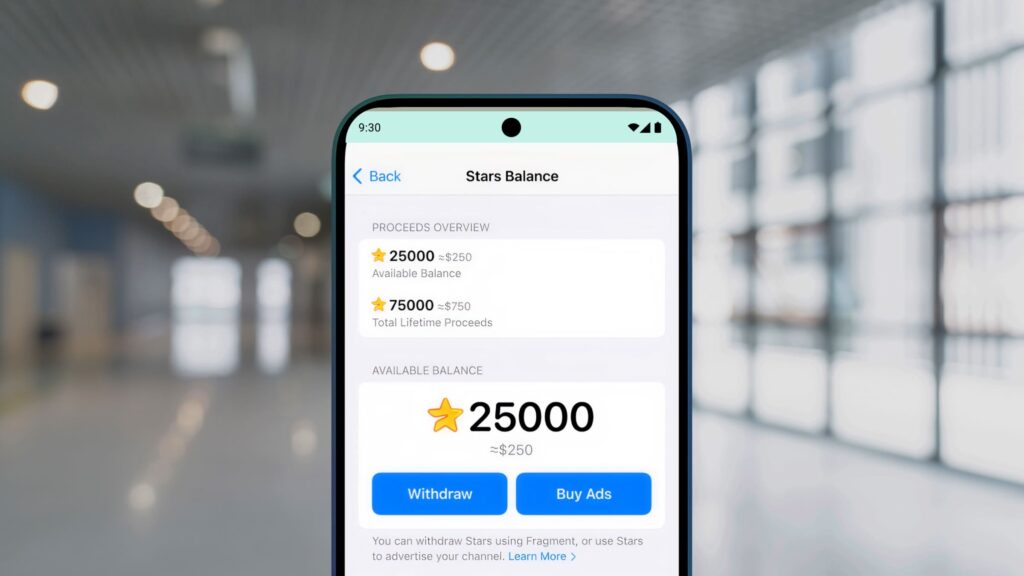
Stars are Telegram’s internal currency
Paying for Telegram Premium with a Foreign Card
For ongoing payments, it’s more convenient to use your own foreign bank card. A Visa or Mastercard issued outside Russia allows you to pay for Telegram Premium directly through @PremiumBot. Sometimes such a card also works for Google Play, but only with correct region and payment profile settings.
What a foreign card provides:
- Payment without intermediaries. The user enters the card details themselves, confirms the transaction, and manages the subscription in their account. No need to buy gift codes, search for Telegram Stars, or transfer money to a third-party service.
- A clearer total. With direct payment, the price shown by Telegram or Google Play is displayed. The bank may charge a commission depending on the account currency and service terms, but there’s no separate seller markup in this scenario.
- One tool for multiple tasks. A foreign card can be used to pay not only for Telegram Premium but also for Google One, YouTube Premium, ChatGPT, Claude, Netflix, Spotify, Zoom, apps on Google Play, Apple ID top-ups, iCloud, purchases in foreign online stores, hotels, and airline tickets.
You can also renew the subscription independently, without waiting for manual activation and without searching for a new seller before each payment. For regular international payments, this is more convenient than one-time solutions through resellers.
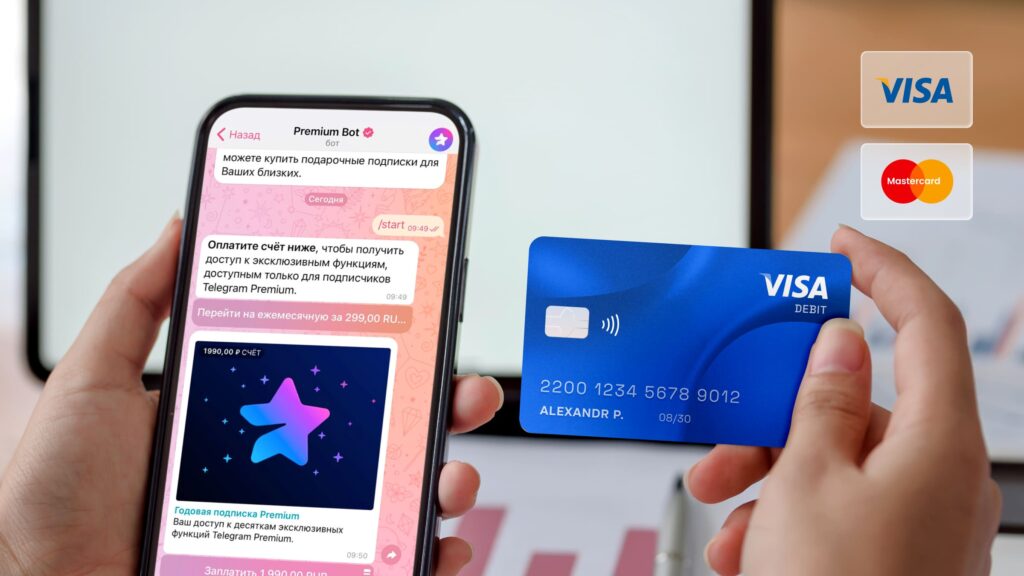
Getting a foreign bank card in Russia is easier than it seems
How to Get a Foreign Bank Card Remotely
To get a foreign card, you don’t always need to travel to another country in person. Easy Payments helps obtain an international VISA or MasterCard remotely: selecting a bank, preparing documents, and arranging delivery of the payment instrument.
The process usually consists of several steps.
- Selecting a bank and plan. A specialist clarifies what the card is needed for: paying for subscriptions, traveling abroad, cash withdrawals, storing funds, or regular international payments. After that, the client is offered a suitable option.
- Preparing documents. Requirements depend on the bank and chosen product. In some cases, a domestic or international passport is sufficient; in others, a power of attorney may be needed.
- Card issuance. The processing time depends on the bank and plan. On average, the process takes from 5 days.
- Receiving the card. After issuance, the card can be received in a convenient way, including delivery to another country.
A foreign card is useful beyond just Telegram Premium. It can be used:
- for booking hotels, renting cars, and making purchases abroad;
- for cash withdrawals at foreign ATMs;
- for storing money in foreign currency;
- for international transfers;
- for paying for subscriptions, online services, airline tickets, and reservations.
How to Pay for Telegram Premium on Android via @PremiumBot
One of the simplest ways to pay for Telegram Premium on Android is to use the official bot @PremiumBot. In this case, the payment goes through within Telegram, and setting up Google Play is not required. Here’s how:
- Open Telegram on Android and find @PremiumBot through search. You can also go to the purchase


