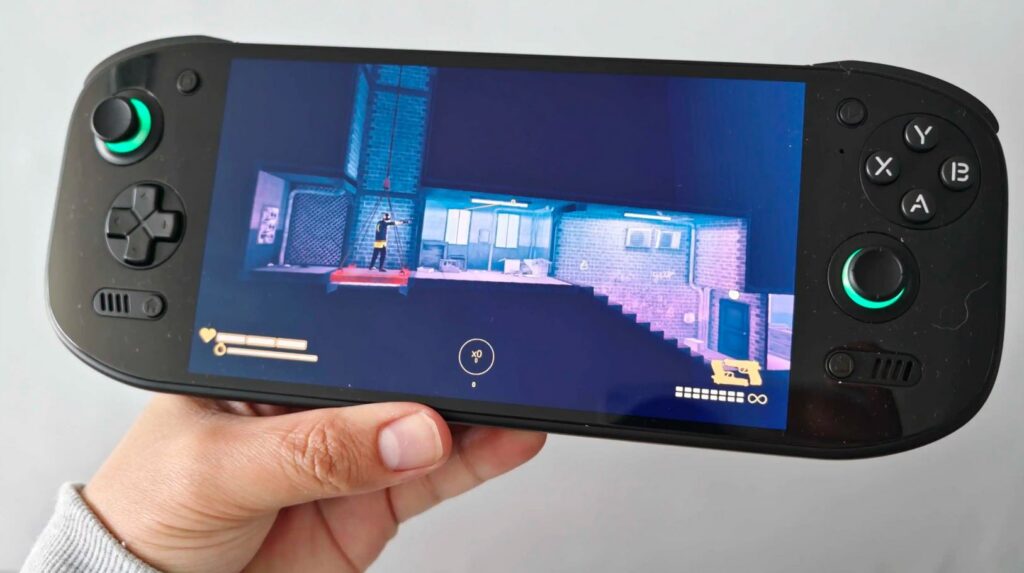
Steam on Android is not just a chat with gaming friends. Through the mobile app, you can track sales, confirm trades, manage your library, and even launch PC games on your smartphone or TV. Summer is the perfect time to sort out the settings, and now let’s figure out how Steam works on Android in 2026.
Here’s what you need to know about Steam on Android
Steam on Android — What It Is and Why You Need It
Steam is the largest digital distribution platform for computer games from Valve. The mobile Steam app on your phone doesn’t replace the full desktop client, but it covers several important tasks when you don’t have a computer handy:
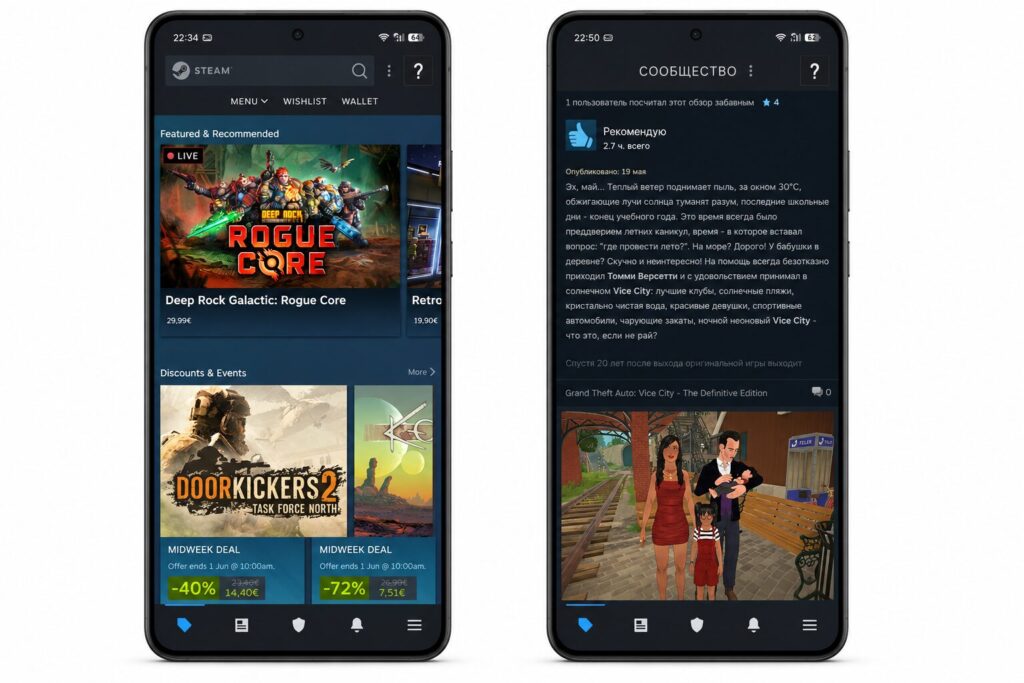
In Steam, you can chat or read game news
- Chat with friends in text and voice channels.
- Track discounts and buy games right from your phone.
- Confirm trades and marketplace sales via Steam Guard.
- Browse player profiles, groups, and news.
- Manage your game library and remotely start downloads on your PC.
The app is available on Google Play and works on Android 8.0 and above, and will run on virtually any Android device, including tablets.
How to Download Steam on Android in Russia in 2026
The Steam app is still available on Google Play, but in some cases there may be difficulties — for example, if the device doesn’t have Google services or access to the store is restricted. In such situations, manually installing the APK file helps. How to install Steam via APK:
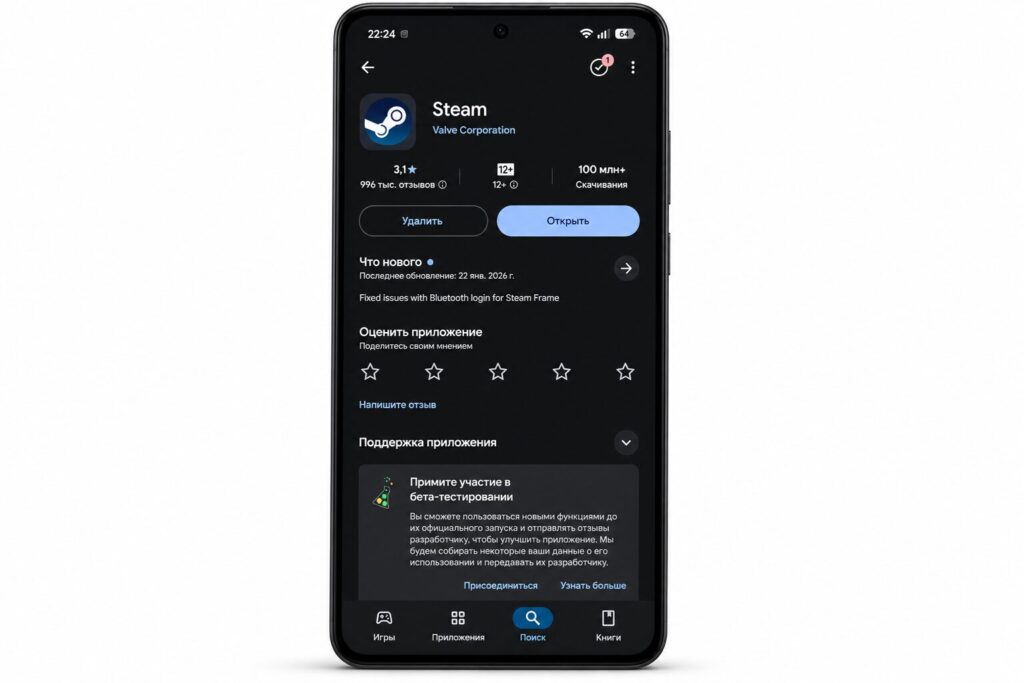
Steam is available even in the Russian Google Play
- Open your phone settings and allow installation from unknown sources for the browser you’ll use to download the file.
- Download the APK file of the latest Steam version from a trusted source — for example, from APK Pure.
- Open the downloaded file and confirm the installation.
- Log in to your Steam account.
The app fully supports the Russian language.
Setting Up Steam Guard and Account Security
Steam Guard is Steam’s two-factor authentication for your account. It provides additional account protection: each time you log in from a new device, the system requests a one-time code generated in the mobile app. Without Steam Guard on your phone, you won’t be able to confirm item trades and marketplace sales. For active Steam marketplace users, this is an essential feature.
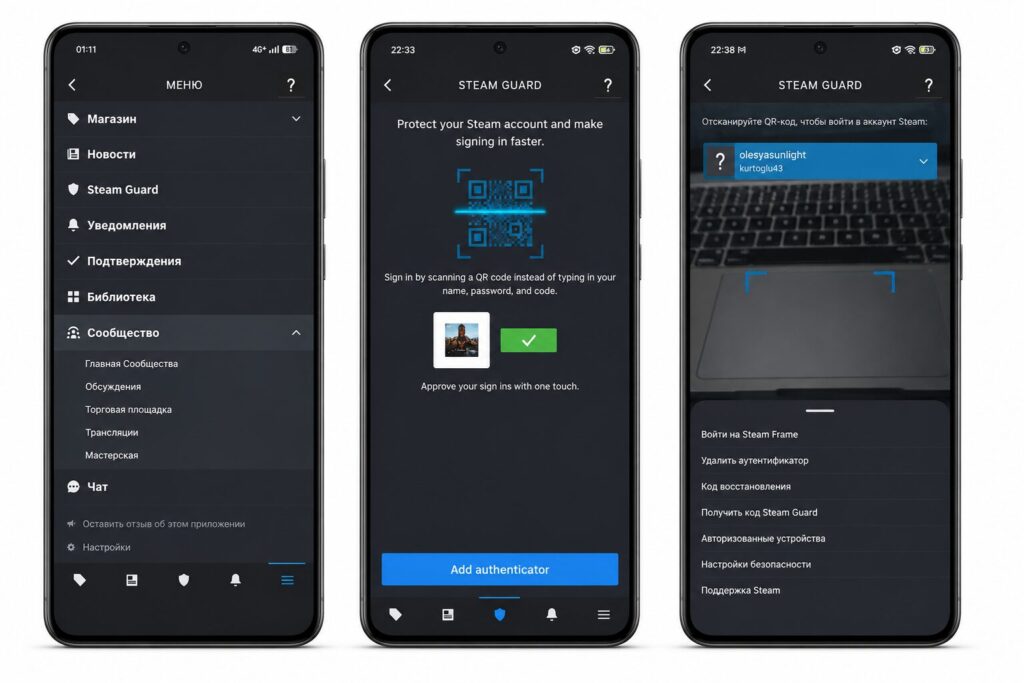
Enable Steam Guard right after registration
How to enable Steam Guard on Android:
- Open the Steam app and go to the menu (the icon with three lines).
- Select “Steam Guard.”
- Tap “Add Authenticator.”
- Link your phone number and confirm it via SMS.
- Write down the recovery code — you’ll need it if you lose access to your phone.
After activation, the app will generate one-time codes every 30 seconds. Store the recovery code separately from your phone — without it, regaining access to your account will be difficult and time-consuming.
Steam Link on Android TV: PC Games on Your Smartphone and TV
Steam Link is a separate free app from Valve that lets you stream games from your computer to an Android device. It works on smartphones, tablets, and TVs running Android TV or Google TV.
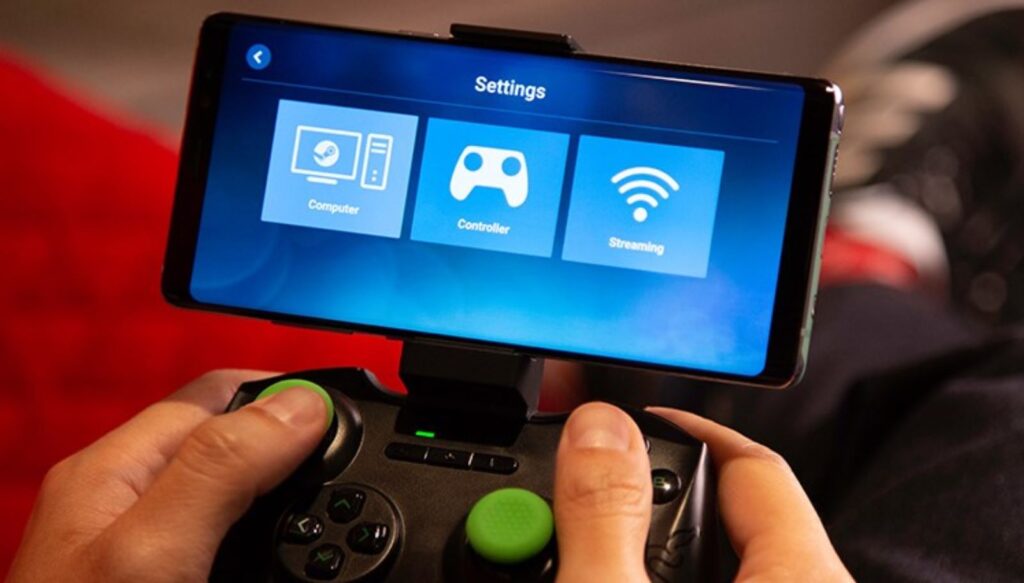
Steam Link is great for gaming on a big screen
The concept is simple: the game runs and is processed on your PC, while the video and audio are transmitted over the network to your phone or TV. You control it via the touchscreen, a connected gamepad, or a keyboard and mouse. What you need for Steam Link to work:
- A PC with Steam installed and a game running.
- Both devices on the same local network (preferably via 5 GHz Wi-Fi or a wired connection).
- The Steam Link app on your Android device or TV.
In practice, Steam Link is perfect for turn-based strategies, RPGs, and adventure games. For shooters and fast-paced online games, quality depends on the speed and stability of your home network — with weak Wi-Fi, you’ll notice delays. On Android TV, it’s especially convenient: connect a gamepad to your TV and play your Steam library from the couch without buying a separate console.
How to Play Steam Games on Android Without a PC
The Steam app on Android doesn’t run games directly — it’s not an emulator or a gaming platform. But there are several ways to play games from your Steam library on your phone without a running computer.
Cloud gaming is the main option. Services like GeForce Now let you run games from your Steam library on remote servers, and only the video is streamed to your phone. You need a stable internet connection and a subscription to the service. Additionally, some Steam games have separate mobile versions on Google Play — for example, Stardew Valley, Dead Cells, Slay the Spire. But it’s not the same purchase: the mobile version needs to be bought separately.
Can You Install Android on Steam Deck
Steam Deck is Valve’s portable gaming console that runs SteamOS (a Linux-based system) by default. The question of installing Android on Steam Deck comes up regularly, but you should be realistic here. Technically, installing Android on Steam Deck is possible — the device is built on a standard AMD x86 processor, and enthusiasts have ported various Android builds to it. However, this is an unofficial method that comes with a number of limitations: