The MAX app already has a lot of interesting features. For example, you can verify your identity through Digital ID and receive confirmation codes from banks. But the basic feature found in any messenger (text status) in MAX still raises questions. Let’s break down what statuses in MAX actually mean and what actually works.
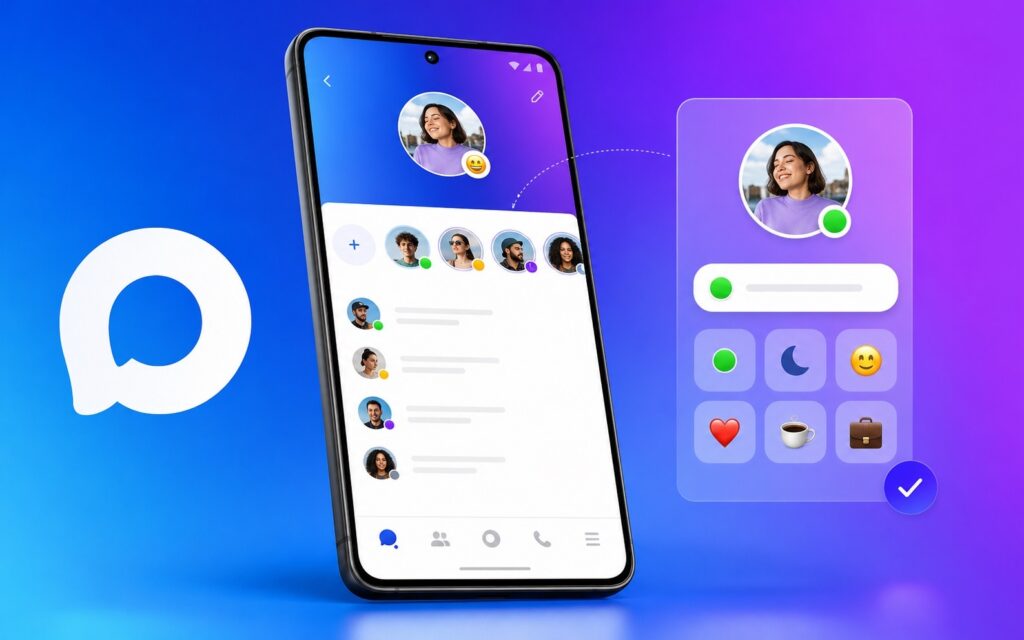
Trying to find statuses in MAX
What Is a Status in MAX For
In messengers, a status is a short message in your profile that your contacts can see. “At work,” “Do not disturb,” “On vacation” — classic examples from WhatsApp. It’s a simple way to let your contacts know about your availability without extra explanations.
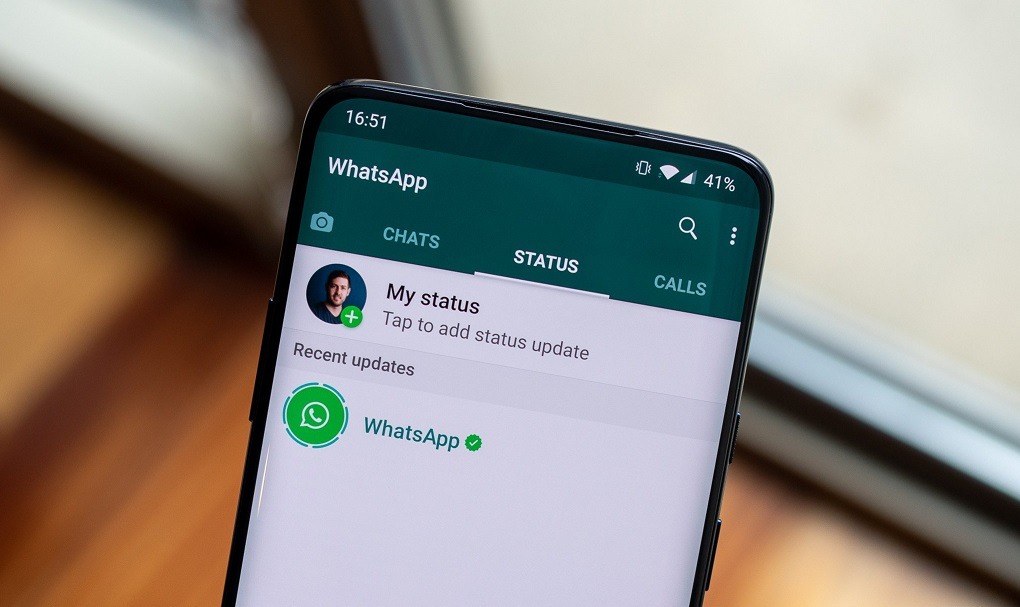
Statuses exist in almost all messengers, but not in MAX. Image: androidcentral.com
MAX’s functionality in this area is still limited. Users look for the option to set a status in MAX and often can’t find the familiar field. This isn’t a bug or a hidden setting. The app simply doesn’t offer text statuses in the form everyone is used to.
Can You Set a Status in MAX
The direct answer: a text status in the traditional sense — no. Creating a status in MAX like in WhatsApp or Telegram is currently technically impossible. The developers are considering this feature, but there’s no official confirmation of a timeline.
What’s available instead of a status:
- “About me” field in your profile — a short text that all contacts can see when viewing your profile. This is similar to a status but works differently: it’s a permanent caption, not a temporary availability message;
- Online status — information about the last time you were active.
To change the “About me” caption:
- Open the MAX app and go to “Settings.”
- Tap the edit icon next to your name.
- Find the “About me” field and enter the desired text.
- Save the changes.
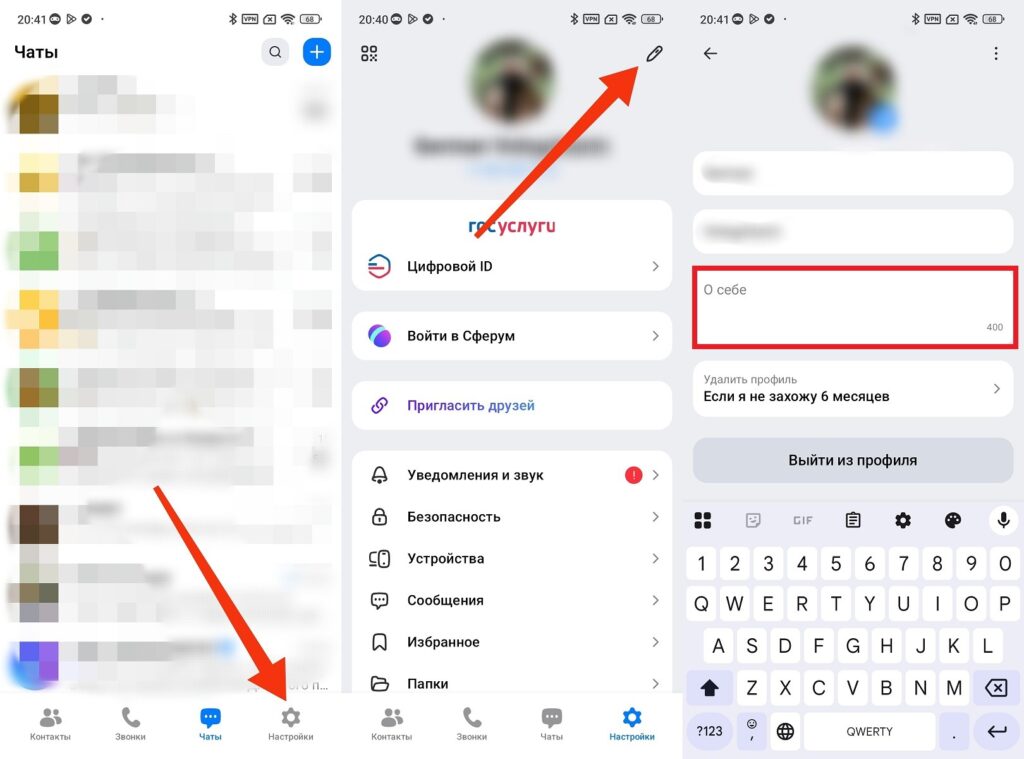
MAX allows you to change your About Me information
Online Statuses in MAX
A separate topic is online statuses in MAX. These aren’t text statuses but information about a user’s activity: when they last opened the messenger. This is the information often referred to as a “status” in the context of MAX.
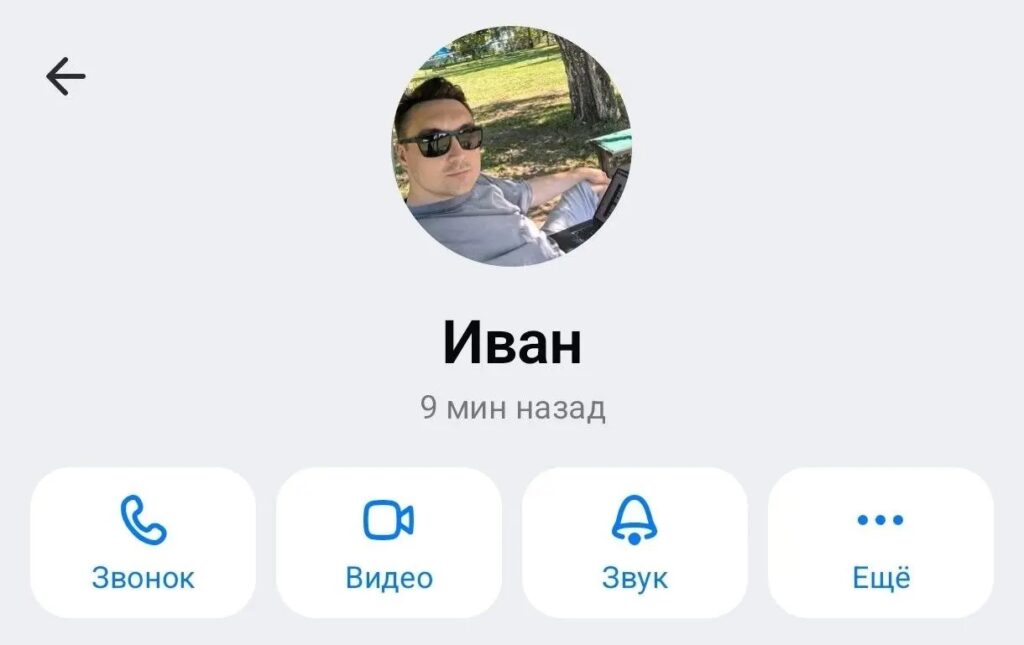
This is what the last seen status looks like in MAX
Time statuses in MAX look like this:
- “Online” — the person has MAX open right now;
- Exact time — for example, “last seen at 14:32” — visible to contacts depending on privacy settings;
- “Last seen recently” and “Last seen a long time ago” — vague statuses for those who aren’t in your contacts or who have hidden their exact time.
You can manage the visibility of your online status in MAX through privacy settings: choose who can see your last seen time — everyone or only contacts.
When Will Statuses Be Available in MAX
Will MAX add statuses — a question the developers don’t have an official answer to yet. It’s known that the feature is being considered as a potential update, but there are no specific timelines. Statuses in MAX may arrive as part of a major update: a big MAX update in 2026 has already been announced with a number of new features.
For now, statuses in MAX remain in the “wishlist” category. The messenger is young and developing rapidly: over the past year, voice message and video circle transcription, folders, and channels for all users have been added. Text statuses would logically fit into this list.