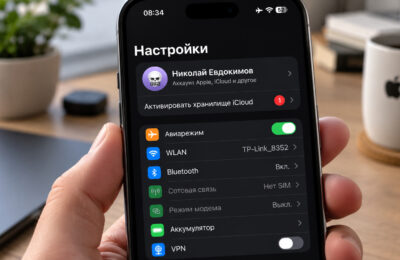
If you sell an Android phone without performing a factory reset, the buyer receives it in exactly the state you last used it: with your apps, logged-in sessions, photos, and files intact. Pulling the SIM card and manually deleting a few apps does not change that, because most of the data stays on the device, and regaining access to the Google account through Settings unlocks the rest. The reverse mistake is just as common: resetting the phone without first removing your Google account leaves the buyer staring at a lock screen that only you can clear. Below is what goes wrong in both cases, and a checklist for handing over a phone cleanly.
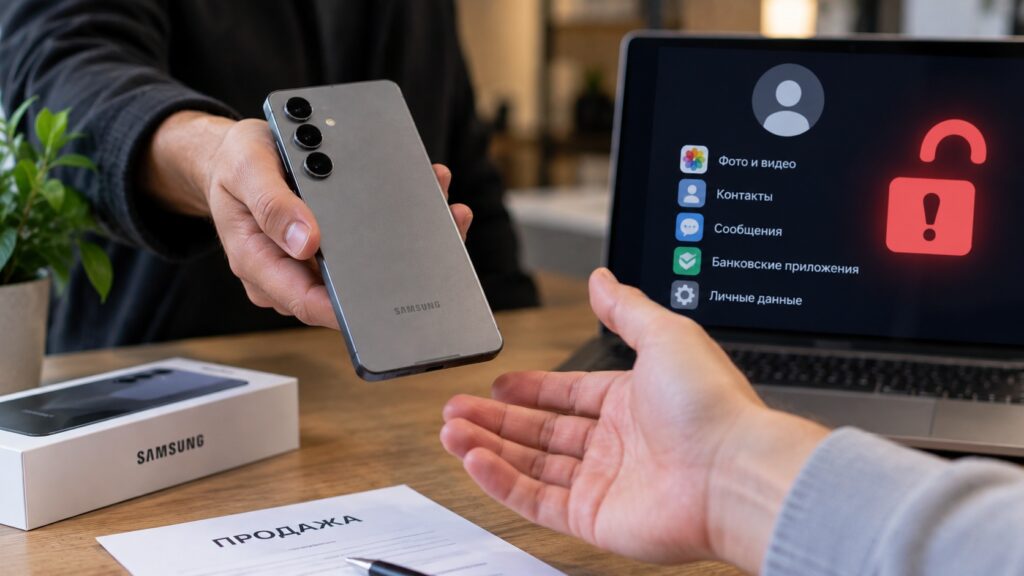
Selling an Android smartphone without a factory reset
What you need to know
- A factory reset is the only built-in way to erase everything from an Android phone; removing the SIM and deleting a few apps leaves most data in place.
- Resetting without first removing your Google account triggers Google’s factory reset protection, and the buyer cannot use the phone until you enter your password or remove the device from your account.
- The source advises waiting 24 hours after changing your Google account password before resetting, and says Google requires at least 70% battery plus a Wi-Fi or mobile connection.
- Only data synced to the Google account (contacts, calendar, settings, backups) can be restored later; apps and their internal data are gone for good.
Skipping the reset hands the buyer your digital life
A factory reset is the only standard method for wiping a phone completely. Without it, the device leaves with every app, active session, and file still on board. Even if the SIM card is removed and some apps are deleted by hand, the bulk of the data remains, and restoring access to the Google account through Settings opens up everything else.
Here is what the source describes happening if the phone had no screen lock, or if the buyer learned the unlock code from the seller “just to check it works”:
- Gallery and Google Photos open immediately, including any photos of ID documents, bank cards, or passports stored there.
- Messaging apps stay signed in. The buyer can read conversations, see contacts, and send messages in your name until you end the session from another device.
- Gmail is open, and through it the passwords for most other services can be reset. The source calls this the single most dangerous point: one open mailbox creates a chain of access.
- Banking apps usually require a separate code or fingerprint at login, but a short numeric code is easier to guess or observe than a password. If the app is set to open without a code, access is direct.
- Government-services apps and any other service with a saved session behave the same way: if the app opens without an extra confirmation step, the buyer sees your documents and applications.
A separate risk is a SIM card left inside the phone. Verification codes arrive on that number, which means even protected apps can be reinstalled and logged into again. The SIM should come out before the handover, not “later, once we sort it out by phone.”
Resetting without signing out of Google locks the buyer out
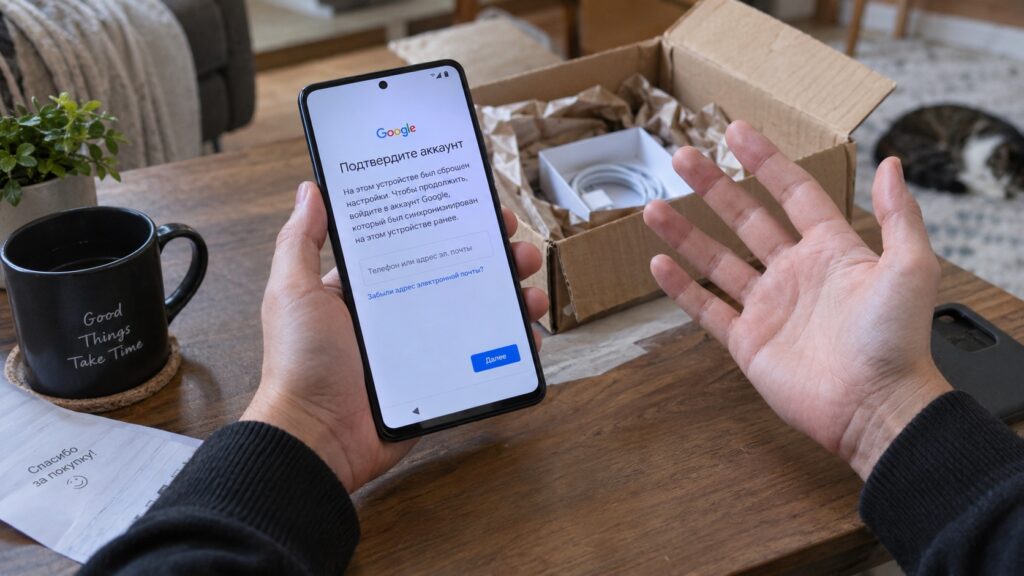
The opposite scenario is no less common, the source notes. The seller performs the reset, the phone dutifully erases everything, the buyer switches it on and hits a login screen: the system demands the username and password of the Google account that was on the device before the reset. This is factory reset protection. The source says Google’s help documentation describes it as a security measure that prevents a stranger from using a wiped phone.
Account sign-in problems on a second-hand smartphone
For a thief, this is exactly right: a stolen handset stays a brick after a reset. For a legitimate buyer from a classifieds marketplace, it is also a brick until the former owner enters the password or removes the device from their account. The source states there is only one proper way to disable the protection: remove the Google account from the phone before resetting it.

There is a less obvious trap as well. If you recently changed your Google account password, the source says you need to wait 24 hours before resetting. Otherwise the phone may demand the old credentials after the reset, and you will end up troubleshooting together with the buyer. And if you do not remember the account password at all, the phone cannot be reset by standard means without it; you must first recover access on a computer or another device.
What survives a reset and what is lost for good
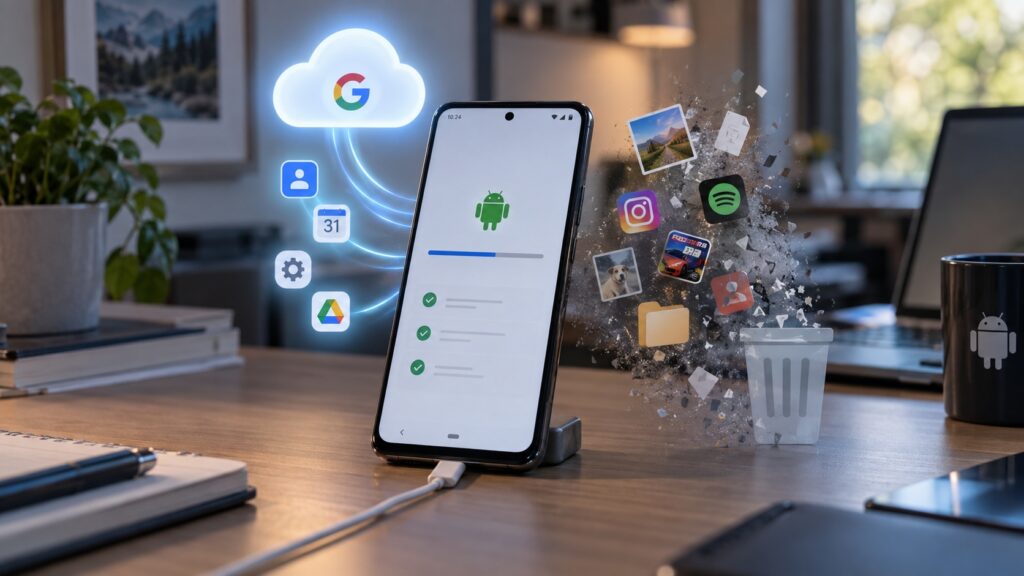
A reset does not distinguish between important and unimportant: all data on the phone is erased. On a new device you can recover only what was synced to your Google account, such as contacts, calendar, settings, and backups. Apps and their internal data are deleted, and according to the source, Google explicitly warns that they cannot be restored from the phone afterward.
Which data is lost and which is kept during a factory reset
That is why, before resetting, you should check that backup to your Google account is switched on and wait for the backup to finish updating. The whole procedure can take about an hour. The source says Google requires a battery level of at least 70% and a Wi-Fi or mobile connection: without internet you cannot sign back into the account after the reset to confirm the protection did not trigger. If you cannot find the “Accounts” item in Settings, look up instructions for your specific model on the manufacturer’s site, since the Samsung, Xiaomi, and other Android skins differ.
Checklist: preparing an Android phone for sale
Here is the step-by-step order the source recommends:
- Open Settings, go to Accounts, and note exactly which Google account is in use on the phone.
- Make sure you remember its password by signing into that account from a computer or another device. If the password was changed recently, wait a full day.
- Confirm you know the screen-lock PIN, pattern, or password; without it, the reset cannot be started from Settings.
- Check that the data backup in your Google account is current. Separately save anything the backup does not cover: files in internal storage and messenger chats, if you need to carry them over.
- Remove the Google account from the phone via the same Accounts section. This disables factory reset protection.
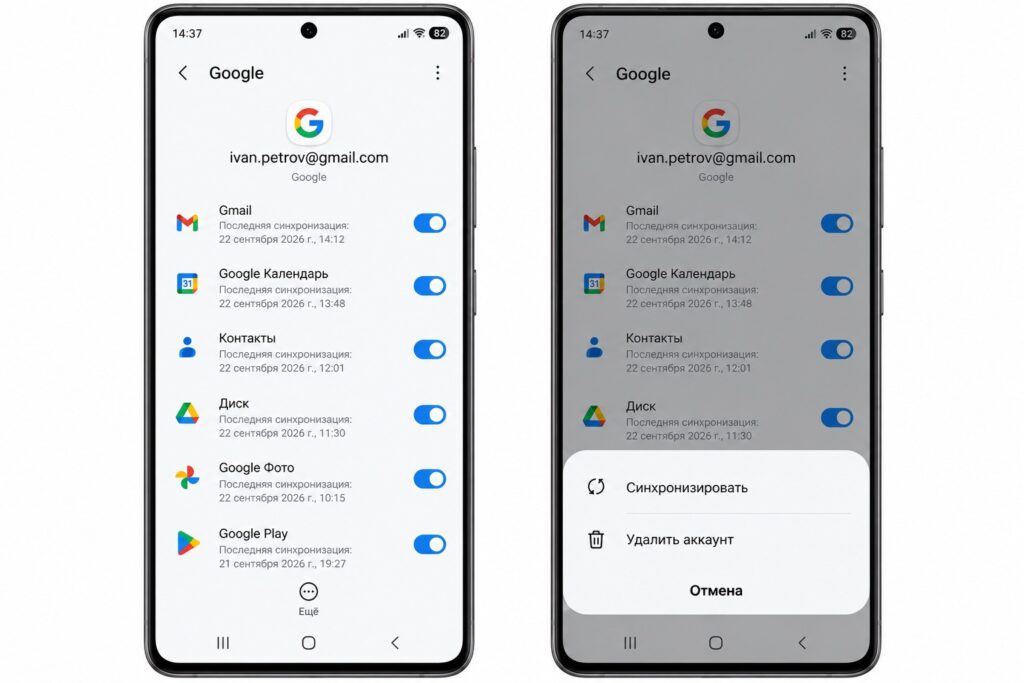
Removing the Google account before a reset
- Take out the SIM card and the memory card.
- Charge the phone to at least 70%, connect to Wi-Fi, and start the reset from the Settings app. If Settings will not open, use the hardware-button reset (power and volume keys) following the manufacturer’s instructions.
- After the reboot, proceed to the first setup screen and confirm the phone is not asking for the old account. Only then hand it over to the buyer.
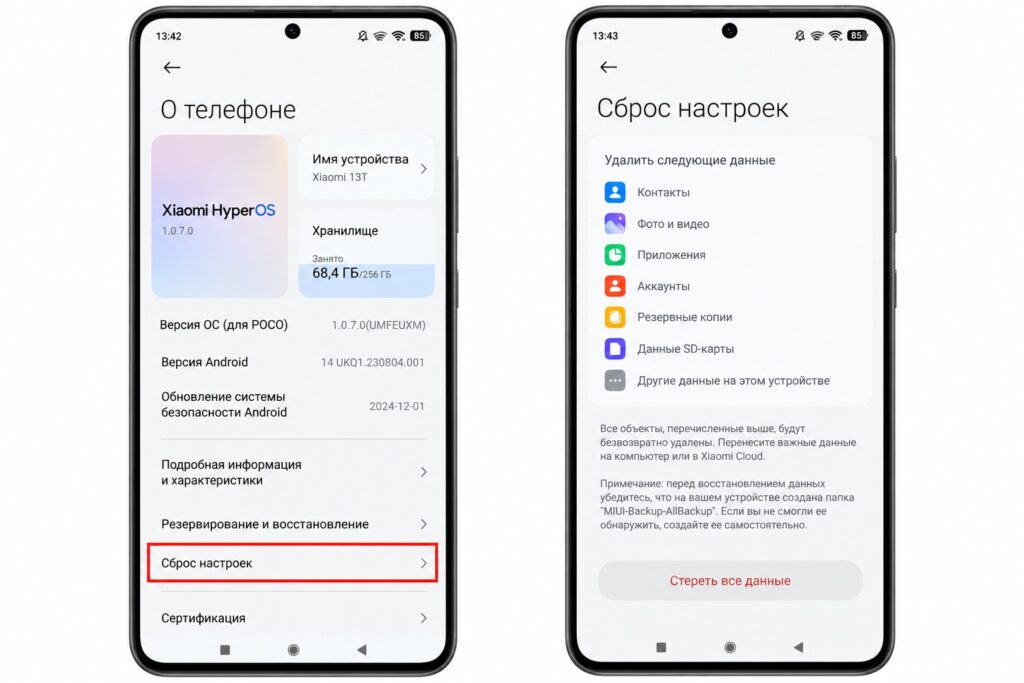
Factory resetting an Android phone
That final check takes two minutes, but as the source author puts it, it saves hours of back-and-forth with the buyer and a possible refund. A phone that boots to the language-selection screen and asks for nothing is the only honest state in which to sell it.