After the release of the One UI 8.5 update, Samsung has begun withdrawing support for its proprietary messaging app. In July, the Samsung Messages app will completely stop working, and all Galaxy owners will need to switch to Google Messages. If you haven’t transferred your old conversations yet, it’s best to do it right now — otherwise you risk losing some of your messages. Let’s break down what exactly is happening, who this affects, and how to transfer SMS without losing anything.
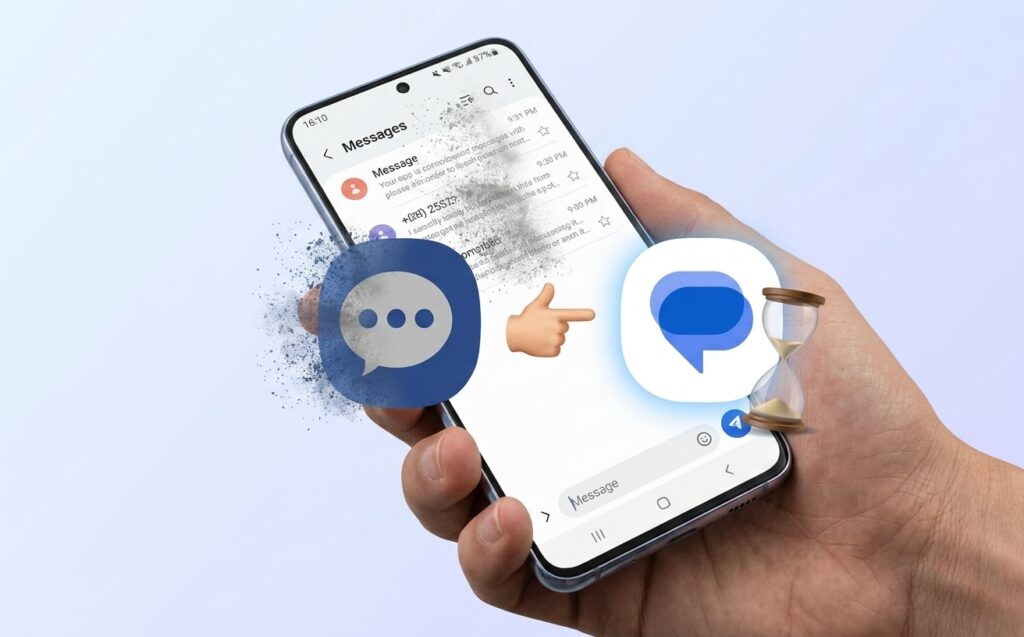
Samsung threatens to delete your messages
Why Samsung Messages Is Being Removed
Samsung began gradually weaning users off its own messenger two years ago. Galaxy Z Fold 6 and Galaxy Z Flip 6 in the US were already released with Google Messages preinstalled instead of Samsung’s proprietary app.
A few months later, the company started pushing owners of older Galaxy devices to make the switch, and in April of this year, it issued an official shutdown announcement. According to Samsung, the app will stop working in July, and you can check the exact date right inside Samsung Messages.
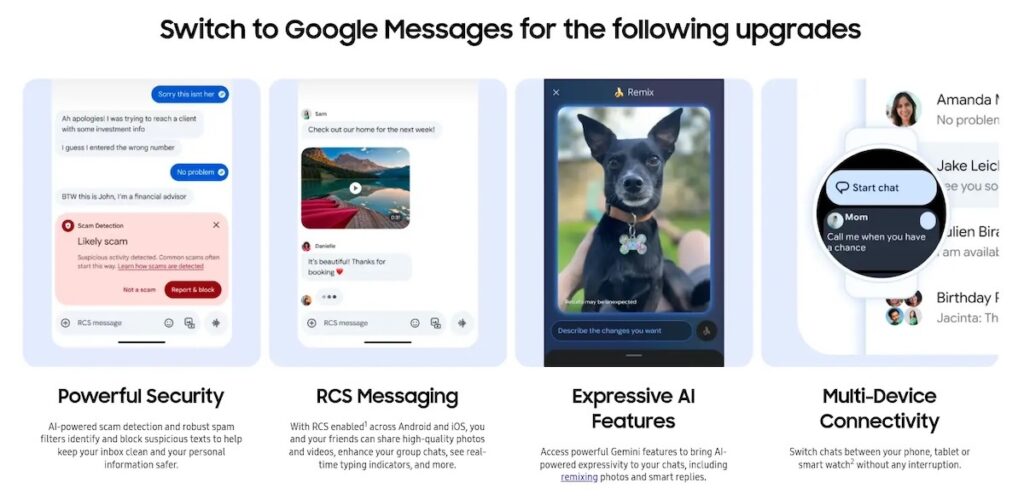
Samsung itself suggested switching to Google Messages. Image: Samsung
The company explains the reason as a desire to make messaging on Android uniform: better protection against spam and scammers, RCS support for convenient photo and video sharing, Gemini AI assistant features, and more stable connectivity with watches and tablets. RCS is a modern replacement for regular SMS that works over the internet and allows you to send high-quality media files, see read receipts, and typing indicators.
Who Is Affected by the Samsung Messages Shutdown
This concerns owners of Samsung Galaxy smartphones and tablets who still use the proprietary SMS app. If you have a new Galaxy, you’ve most likely been using Google Messages for a while already, and you don’t need to change anything. The main risk is losing old conversations if you simply ignore the transition.
The messages themselves won’t disappear instantly, but after the app shuts down, you won’t be able to manage them through Samsung Messages anymore, so it’s better to transfer them in advance.
How to Transfer Messages from Samsung Messages to Google Messages
If you have a Samsung phone, you may have already received a notification with transition instructions. If not, you can transfer your conversations manually in a few steps. First, check where your messages are stored — on the phone itself or in Samsung Cloud. If they’re in the cloud and you want to transfer them to Google Messages, restore them to the device:
- Open “Settings,” then “Accounts and backup.”
- In the Samsung Cloud section, select “Restore data.”
- Select the backup that contains your messages.
- Check “Messages” and tap “Restore.”
After that (or right away if messages are already on the phone), open or download Google Messages. You’ll be prompted to make it the default SMS app — tap the set as default button and choose Google Messages.
How to Transfer SMS from Samsung Messages on Older Android Versions
On smartphones with older system versions, a couple of additional steps are needed. On Android 12 and Android 13, the Google Messages icon won’t automatically move to the bottom panel on the home screen — you’ll have to do it manually:
- Press and hold the Samsung Messages icon in the bottom panel and select “Remove.”
- Press and hold the Google Messages icon, select “Add to Home screen.”
- Drag the icon to the bottom panel.
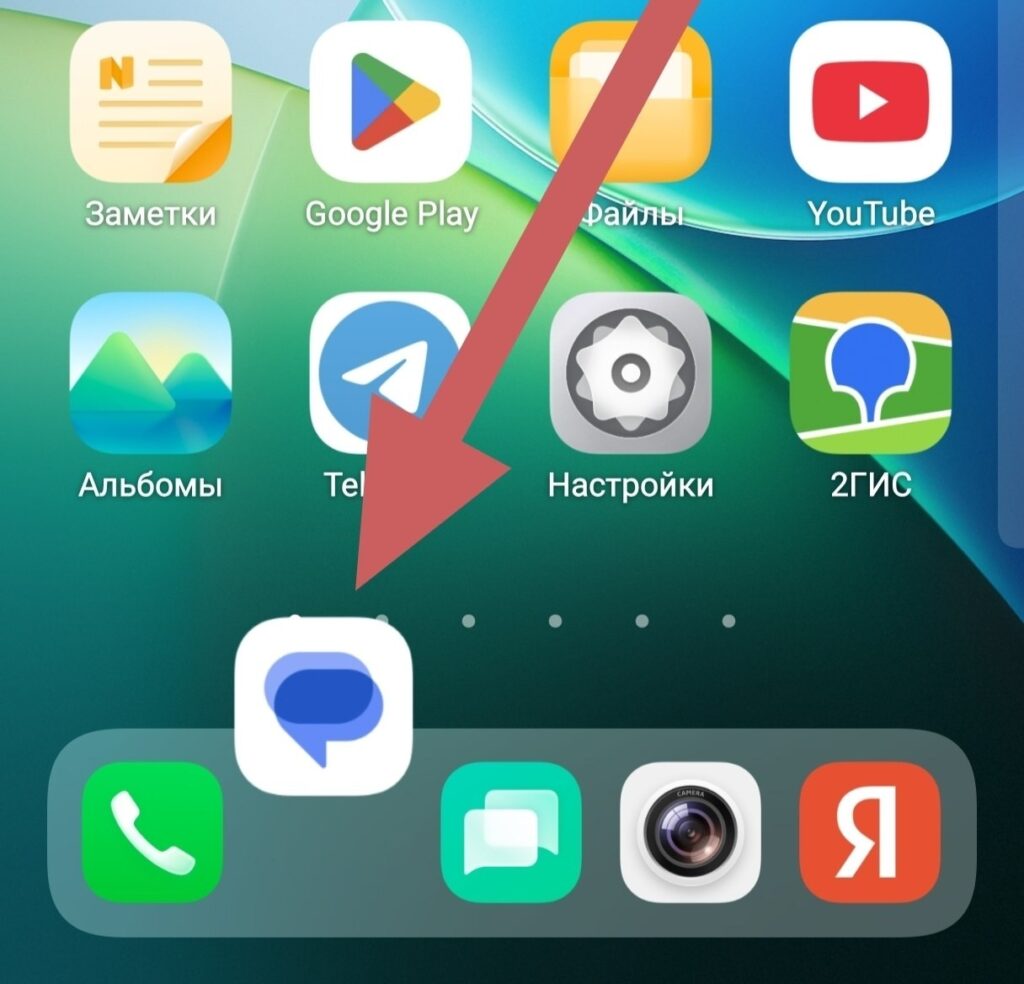
You can replace the app manually
Before permanently deleting Samsung Messages, make sure that all your conversations have already been transferred to Google Messages. This is the most important point: there’s no need to rush with the deletion.
What to Do If SMS Messages Disappeared
If some messages disappeared after changing the default app, don’t panic. Google support recommends restarting your phone after you’ve set Google Messages as the default app.
If messages still haven’t appeared, update Google Messages itself and the “Carrier Services” app in Google Play — this is a system component responsible for the correct operation of SMS and RCS. After updating, conversations usually load in.


