Samsung continues to prepare the Galaxy S26 for a stable firmware release and has released One UI 9.0 Beta 4. This is already the fourth test build, and it’s once again about fixes rather than flashy new features. The main thing is that the update closes annoying bugs from previous betas and brings a fresh security patch.
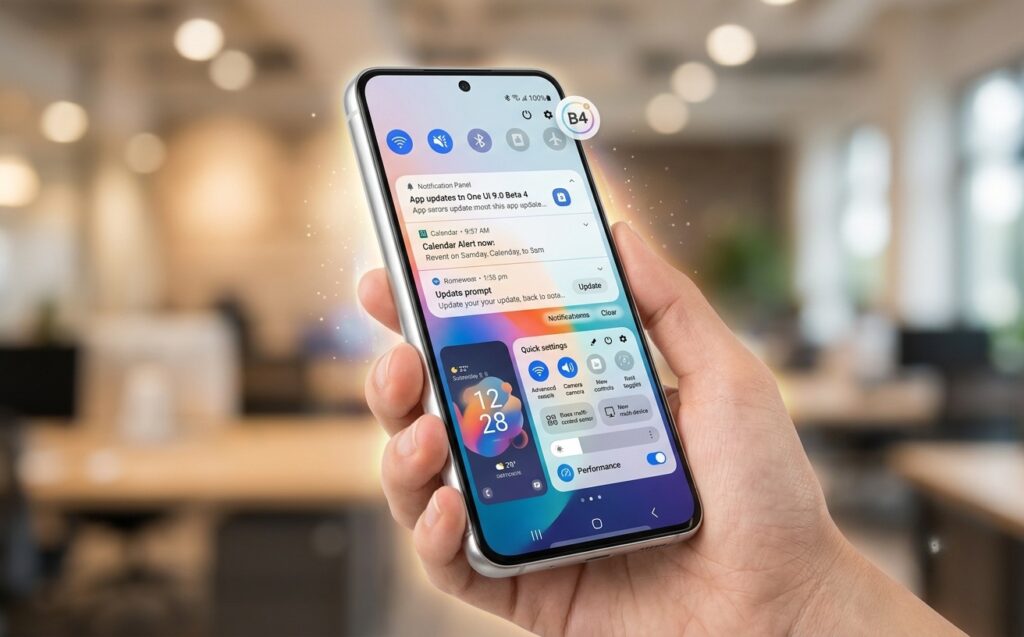
Samsung has released the fourth beta version of One UI 9.0
Who Got One UI 9.0 Beta 4
The update arrived with a delay of almost a month after the previous build. Beta 4 started in India and then quickly expanded to other regions: the United Kingdom, Poland, Germany, and Korea have already received the build, and only the US is still waiting for its turn.
For Russia, this is more of indirect news: Samsung’s beta program works by region, and Russian versions of the Galaxy S26 are not directly mentioned in the list. If you have a device tied to one of these regions, you may already have a chance to get the update.
What’s New in One UI 9.0 Beta 4
This is a bug-fix build, not one with new features. Judging by the changelog, Samsung has tackled small but noticeable issues in daily use:
- Fixed an issue where the clock on the lock screen looked incorrect when rotating the screen;
- Fixed the behavior of private screen mode when toggling it on and off through the notification panel or settings;
- Fixed the disappearing navigation bar in some games;
- Improved smoothness when opening and closing the notification shade;
- Fixed cut-off timer digits in live notifications;
- Fixed the Bluetooth volume command in the Modes app when connecting to a car.
I’d like to separately note the car-related item: the Bluetooth volume scenario previously worked incorrectly when connecting to a car through the Modes app. For those who set up automatic scenarios on the road, this is a meaningful small fix.
How to Install One UI 9.0 Beta 4 on Galaxy S26
The build can be identified by the firmware version ending in ZZG4, and the download size is about 1.25 GB. In addition to fixes, the update brings the July 2026 security patch, meaning it closes known vulnerabilities and makes the device a bit more secure.
If your Galaxy S26 is already participating in the One UI 9.0 beta program through the Samsung Members app, the update will arrive through the standard process. The steps are simple:
- Open “Settings.”
- Go to the “Software update” section.
- Tap “Download and install.”
- After the package downloads, tap “Install now.”
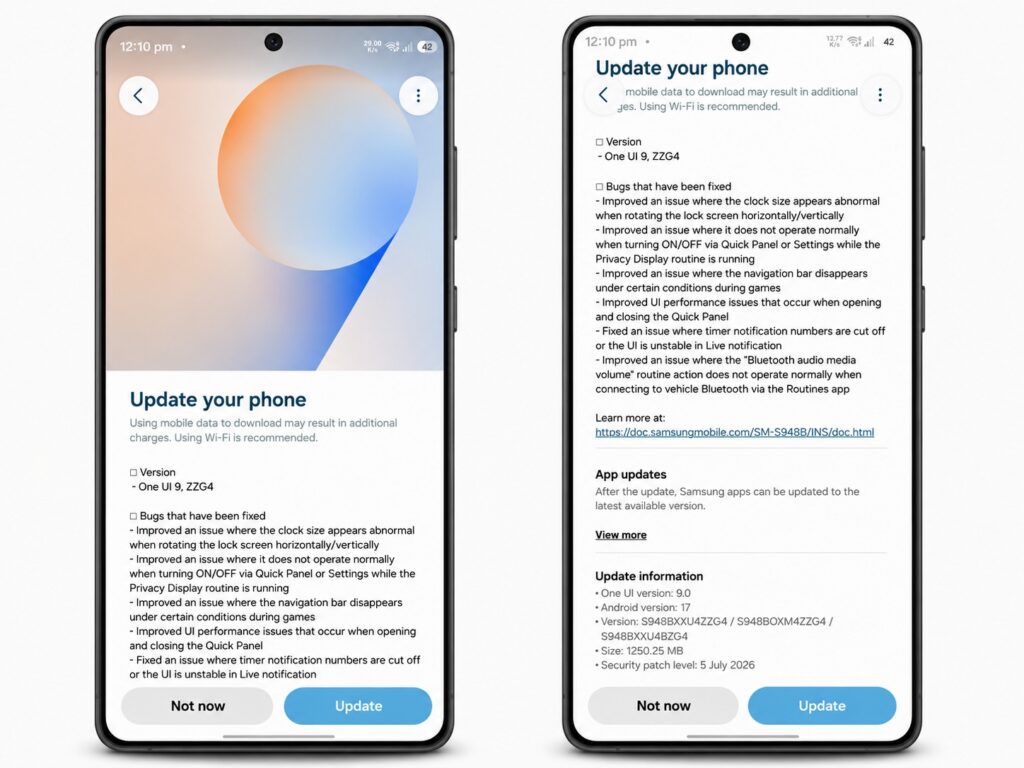
The update is downloaded through settings
It’s important to understand: this is a test version, not the final one. It’s worth installing for those who are willing to put up with possible rough edges for the sake of early fixes. If the S26 is your only work phone, it’s wiser to wait for the stable firmware.
When Will the Stable One UI 9.0 Be Released
Before the stable version release, Samsung will likely put out a few more betas. The stable One UI 9.0 will debut later this month on the new foldable Galaxy Z Fold 8 and Galaxy Z Flip 8, and a few weeks later the update will start rolling out to older Galaxy models as well.
For Galaxy S26 owners, this means the stable firmware is not far off, but it won’t come in the first wave — priority is given to the new foldable devices.


