Samsung has started distributing the stable version of One UI 9, its new interface based on Android 17. The rollout began on September 16 with the Galaxy S26, S26+ and S26 Ultra, and the company says other models that took part in the beta program will follow gradually, without firm dates. Before release, the software went through a five-month beta that started in May and ran through seven builds. Below is who is in line for the update, how to install it when it appears, and why owners of the Galaxy S23 should pay particular attention.
What you need to know
- The stable One UI 9 (Android 17) rollout began on September 16 with the Galaxy S26, S26+ and S26 Ultra.
- The Galaxy Z Fold 8, Z Fold 8 Ultra and Z Flip 8 already ship with One UI 9 and do not need to wait.
- Next in line are the Galaxy S25, S24 and S23, the Z Flip 7/6 and Z Fold 7/6, and the Galaxy A57, A56, A55, A37, A36, A35 and A25, with no exact dates announced.
- For the Galaxy S23 series, One UI 9 is the last major Android version update; only patches will follow.
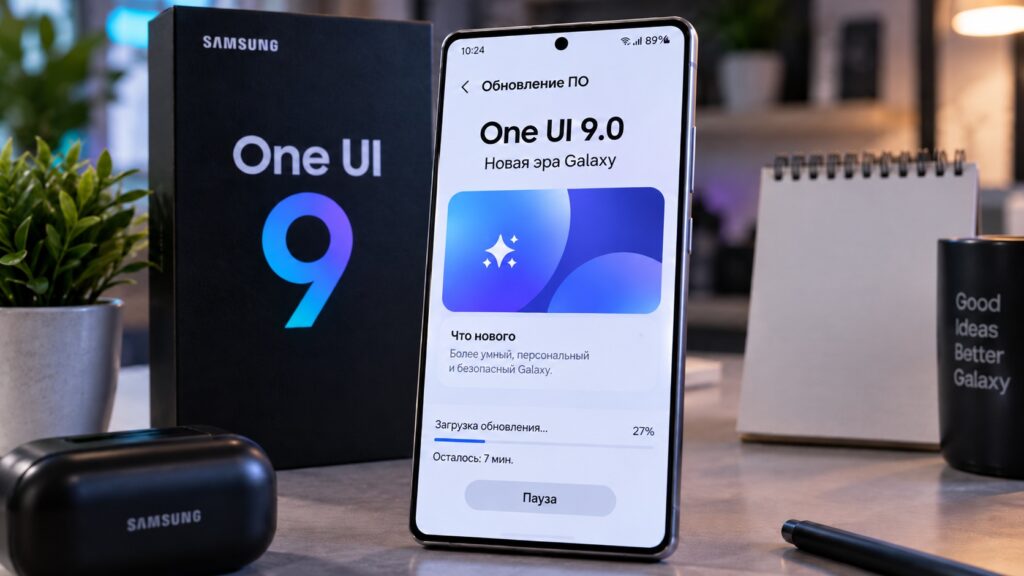
The One UI 9.0 update on a Galaxy smartphone
Galaxy S26 flagships get the update first
The rollout opened on September 16 with Samsung’s current flagship lineup. If you own one of these phones, a download notification may arrive in the coming days:
- Galaxy S26;
- Galaxy S26+;
- Galaxy S26 Ultra.
The foldable Galaxy Z Fold 8, Z Fold 8 Ultra and Z Flip 8 are not part of this queue: they already run One UI 9 out of the box, so their owners have nothing to wait for.
One caveat: Samsung traditionally releases firmware in waves by region, so not every S26 owner will see the update on day one.
Which Samsung phones are next in line for One UI 9
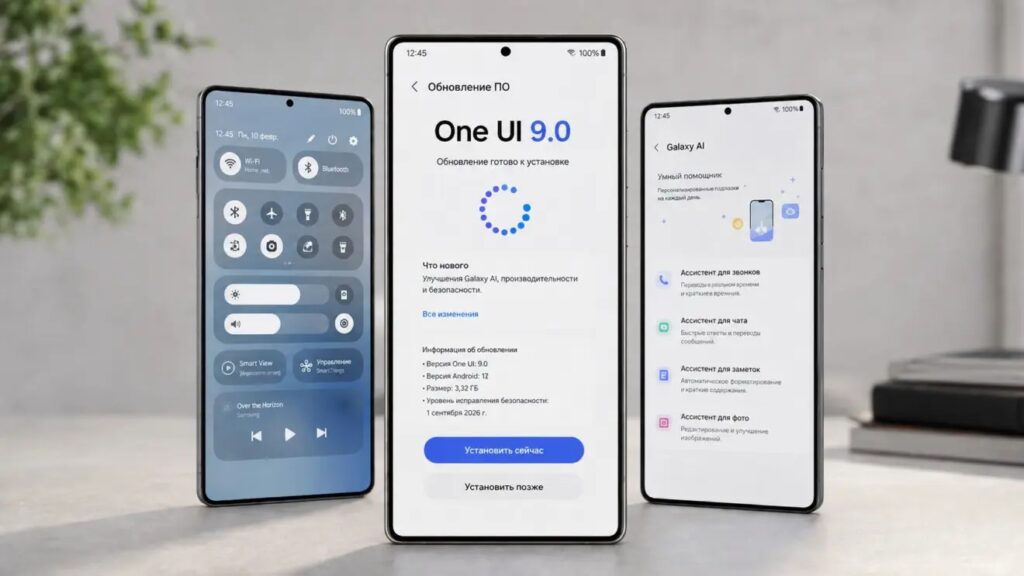
The update for other Samsung smartphones

Samsung says the next devices to receive One UI 9 are the models that participated in the beta program. There are no exact dates for them, only a promise to add them gradually:
- Previous flagships: Galaxy S25, S24 and S23;
- Foldables: Galaxy Z Flip 7, Z Flip 6, Z Fold 7 and Z Fold 6;
- Mid-range and budget models: Galaxy A57, A56, A55, A37, A36, A35 and A25.
The Galaxy S23 reaches its final major update
There is an important detail for Galaxy S23 owners: One UI 9 will be the last major update for this lineup. The 2023 phones will not receive newer Android versions after this, so it makes sense to install the firmware as soon as it becomes available — from that point on, only patches will follow.
How to install One UI 9 on a Samsung phone
The firmware is delivered the standard way, over the air (OTA), so there is no need to download files manually or look for the update on third-party sites. Once One UI 9.0 is available for your phone, you can install it directly from the settings:
- Connect the device to Wi-Fi and check the battery level. Ideally the battery should be at least 50% charged, or keep the phone plugged in.
- Open Settings and go to the Software update section.
- Select Download and install; the phone will check for a new system version.
- If One UI 9.0 is already available for your device, download the update and confirm the installation. The phone will then restart automatically.
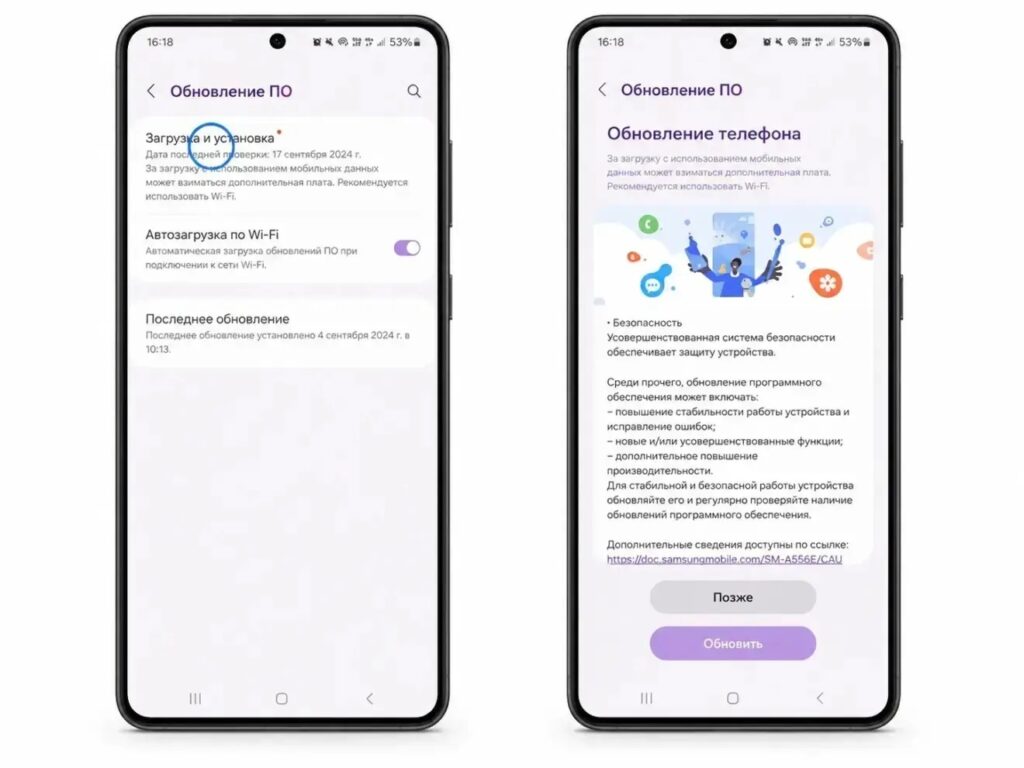
Installing the update through the phone’s settings
What to do if the update has not appeared yet
If your phone is not yet offering the update, there is no reason for concern. Samsung distributes firmware in stages, so timing can vary depending on the device model and region. Installing unofficial builds just to get One UI 9.0 early is not advisable — it is safer to wait for the official update from the manufacturer.