For a long time, CarPlay was closed territory for voice assistants. If you wanted to ask AI something while driving, you had to pull out your phone or ask Siri, which doesn’t always handle non-trivial questions well. With the release of iOS 26.4, everything changed. Apple added a new category of apps for CarPlay: voice conversational applications. And the first to walk through that door were ChatGPT and Perplexity.
Perplexity can now be used in CarPlay
What You Need to Use Perplexity in CarPlay
Before moving on to setup, make sure you have everything you need:
- iPhone with iOS 26.4 or later.
- Perplexity app, updated to the latest version from the App Store (available in the Russian App Store)
- A car or head unit with CarPlay support (wired or wireless)
- Perplexity Pro subscription ($20 per month) — without it, voice mode will quickly hit its limit
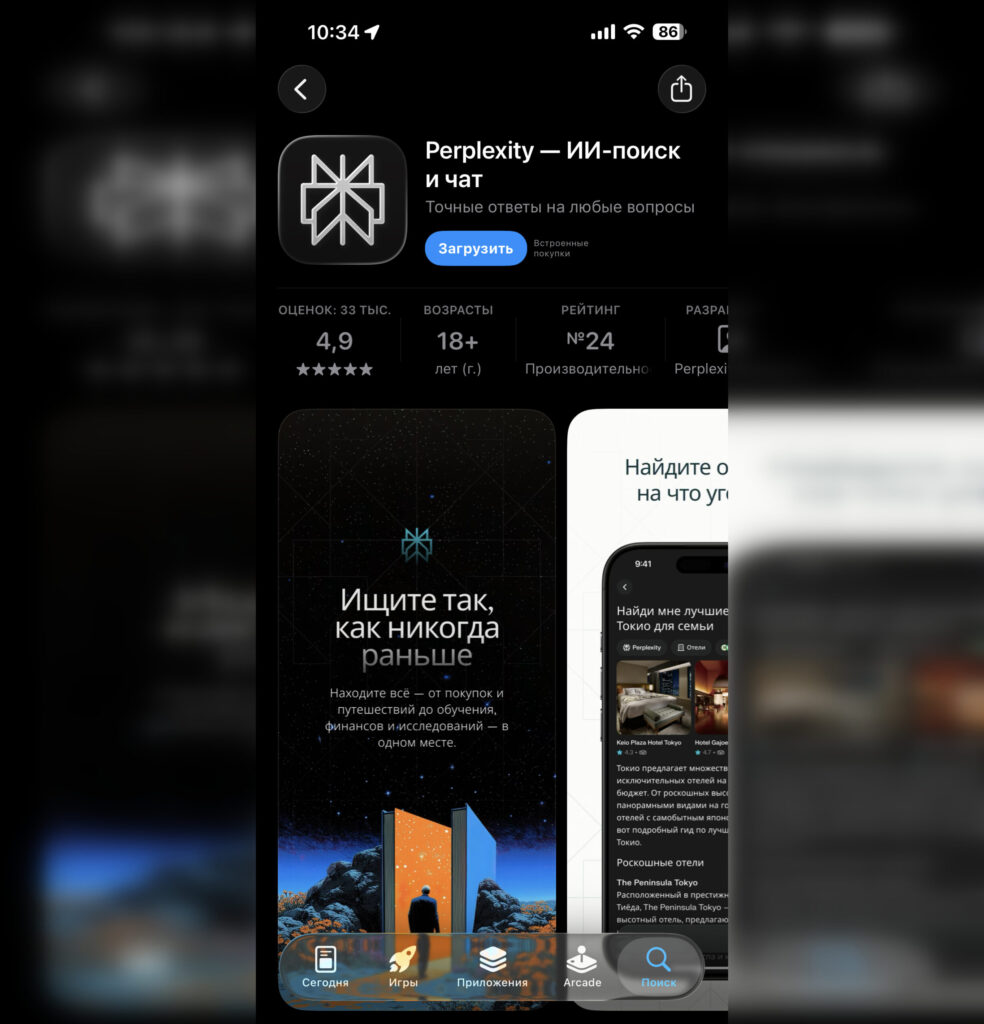
The app can easily be downloaded from the Russian App Store
The last point is key. Unlike ChatGPT, which offers basic voice access for free, Perplexity requires a Pro subscription for full voice mode functionality. Without it, the app will quickly inform you that the voice mode limit has been reached. The subscription costs $20 per month or $200 per year.
Setting Up Perplexity for CarPlay
The connection takes a couple of minutes:
- Update your iPhone to iOS 26.4 or later via Settings — General — Software Update
- Open the App Store and update the Perplexity app to the latest version
- Connect your iPhone to your car via USB cable or Bluetooth/Wi-Fi (for wireless CarPlay)
- On the head unit screen, find the Perplexity icon among the CarPlay apps and tap on it
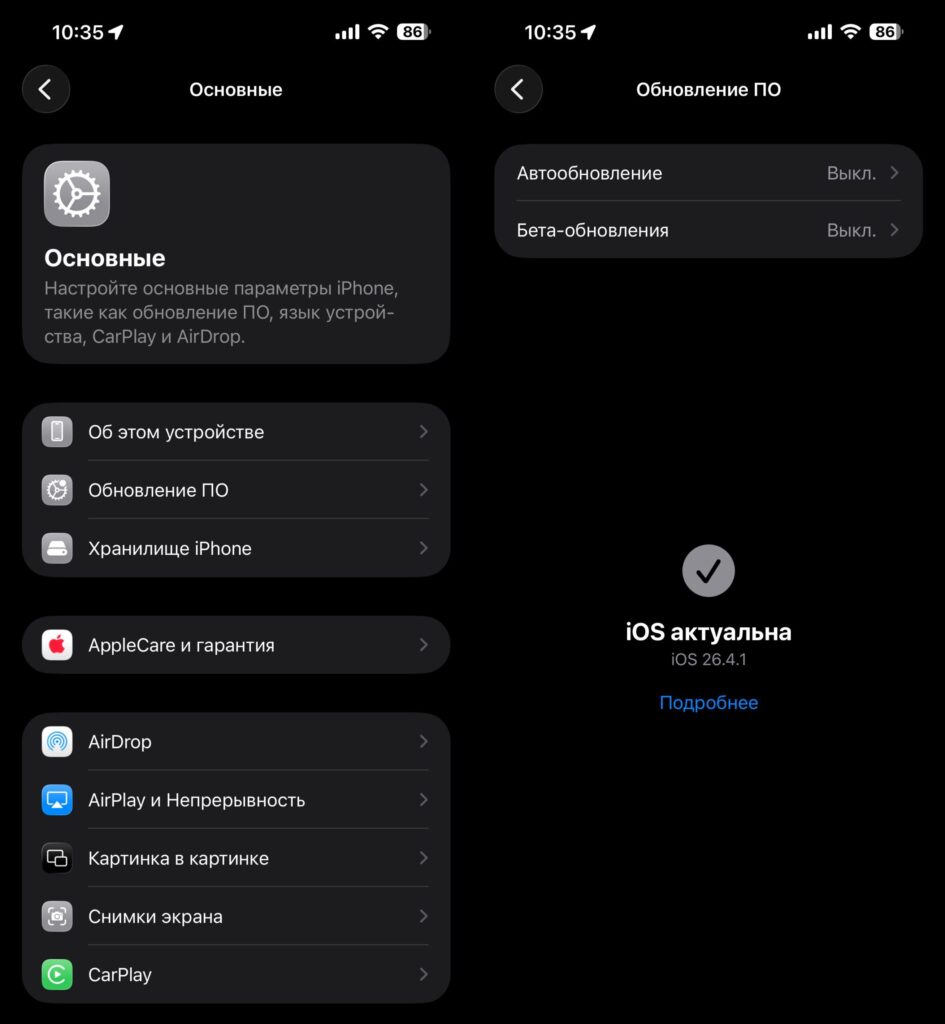
iOS 26.4.1 will also work
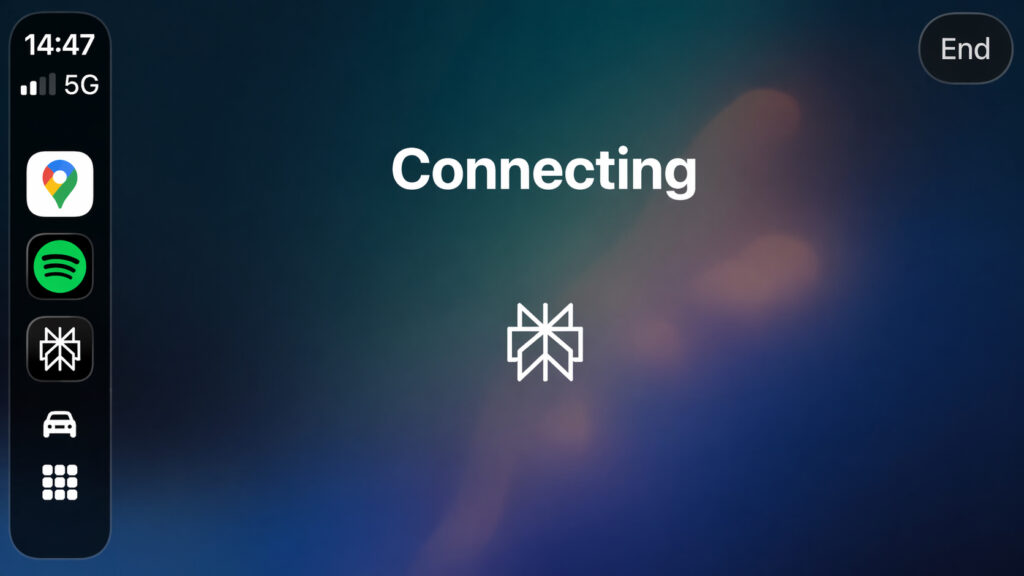
Perplexity will connect to the server and be ready to chat with you
If the icon doesn’t appear, go to Settings — General — CarPlay on your iPhone. Select your car and check that Perplexity is added to the list of apps. If needed, add it manually.
How Perplexity Works in CarPlay
Apple has set strict requirements for AI apps in CarPlay. It’s all about safety behind the wheel. Here’s what that means in practice:
- The app launches immediately in voice mode — no text interfaces
- No text responses or images are displayed on the head unit screen
- Interaction is voice-only: you ask, Perplexity answers aloud
- The app cannot control iPhone or car functions
- Perplexity doesn’t have a “wake phrase” — you need to manually open the app on the CarPlay screen
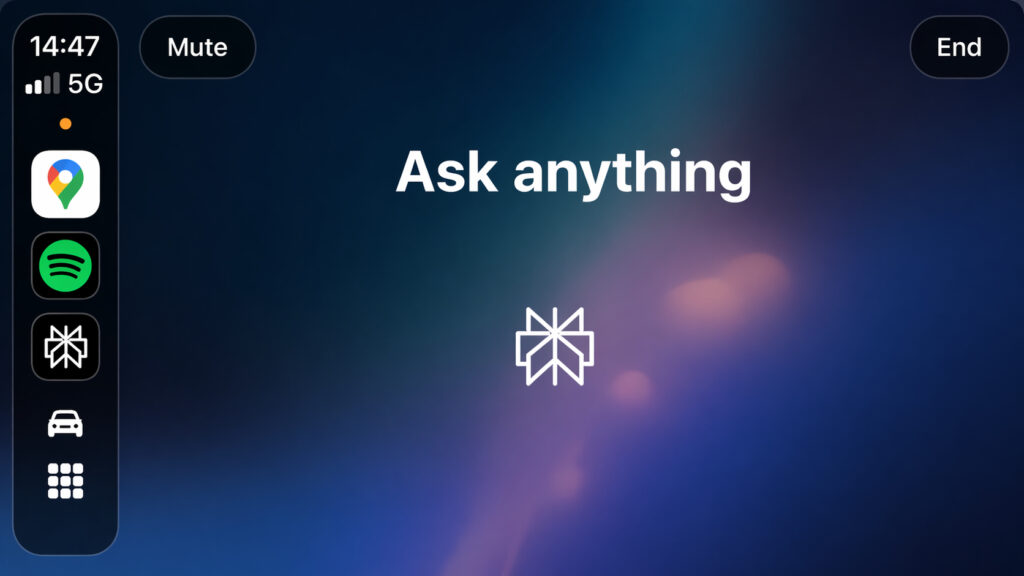
When this message appears, you can speak
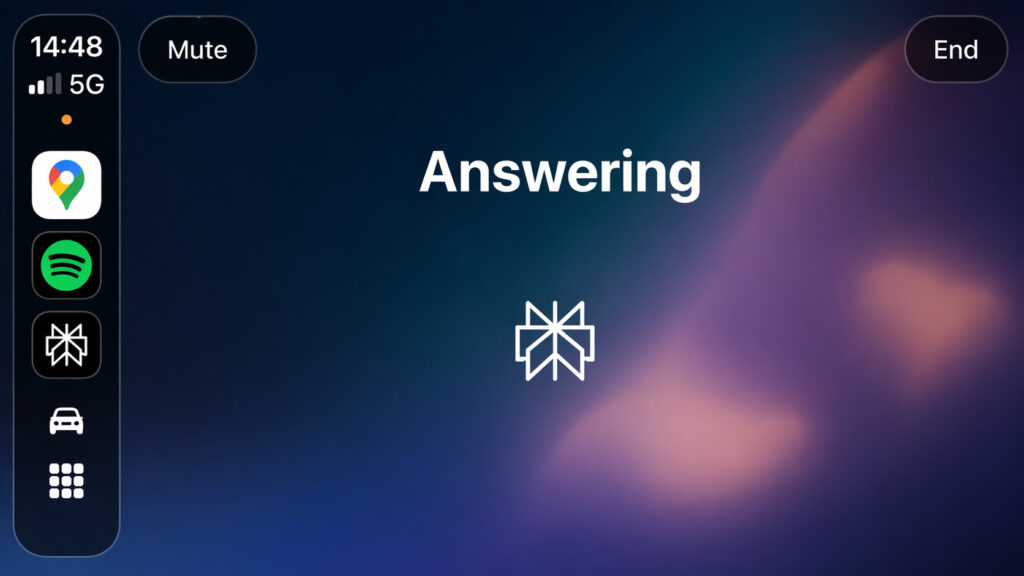
Answers will also be spoken aloud
Essentially, you get a voice search engine with access to up-to-date information from the internet. Ask questions on the go: what’s the nearest restaurant, what’s new in the world, what’s the weather at your destination. Perplexity searches for answers in real time and reads them aloud.
What You Can Ask Perplexity While Driving
Here are examples of how the app is genuinely useful in the car:
- Latest news and events: “What happened today in the world of technology?”
- Practical questions: “What documents are needed for a vehicle inspection?”
- Planning: “What will the weather be like in Sochi this weekend?”
- General knowledge: “What’s the difference between 95 and 98 octane gasoline?”
- Work-related questions: “Briefly explain what unit economics is”
The main advantage of Perplexity over regular Siri: answers are based on up-to-date data from the internet, not a pre-built knowledge base. It’s a full-fledged AI search engine, not just a voice assistant.
Perplexity vs. ChatGPT in CarPlay
Both apps work on the same principle: voice only, no text, no images on screen. But there are differences:
| Parameter | Perplexity | ChatGPT |
|---|---|---|
| Free access | Minimal, limit runs out quickly | Basic voice access without subscription |
| Subscription | Pro — $20/month | Plus — $20/month |
| Strength | Real-time search, links to sources | In-depth dialogues, idea generation |
| Data freshness | Always up-to-date (internet search) | Depends on mode and search availability |
If you specifically need to search for up-to-date information on the road, Perplexity will be more useful. For longer conversations and reasoning, ChatGPT is a better fit.
Limitations of Perplexity in CarPlay
Don’t expect Perplexity in CarPlay to offer the same experience as the app on your phone. Apple limits AI apps in CarPlay to three template screens, and they won’t display the usual rich content.


